










n8n
- Self-hosted
- Fair-code licence
- No per-step fees
- JavaScript and Python steps
Automation that scales with you, not against you. We run n8n on our own server, so scaling is free and every run is visible, to people and to our agents.
- £0extra per automation
- Self-hostedon our server
- 6services it belongs to
- 8tools it connects to
Why we build our automations in n8n
No charge per step
Self-hosted n8n doesn't count tasks or runs. A long workflow costs the same to run as a short one.
You can see what failed
Open any run, see each step, and send failures to someone on the Pacing team instead of letting them vanish.
API keys stay in n8n
The team can build and fix automations without holding the raw keys, and we keep them organised by tool and client.
AI helps us build it
Coding tools work well with n8n. We still review and test before anything goes live.
Clone for clients
Proven processes copy cleanly onto client work we host, or we can set up an automation server for you.
Your data on your server
Runs on a server we control in Germany, not through a third party's automation cloud.
n8n is how we turn “someone would have to copy that” into a run we can open, replay and fix. It sits on our own Hetzner server in Germany. Forms are one job. The interesting work is what happens after the form, and the jobs that never touch a form at all.
Enterprise stacks too
It is not only our own self-hosted CRM. It also works beside the systems a business already pays for. We use it with HubSpot as the glue for jobs that cross tools: keeping records tidy, telling Google Ads which leads turned into real business (part of our tracking work), and checking records for problems on a schedule.
Point being: you do not rip out your CRM to use n8n. You keep it, and n8n sits next to it when the work crosses tools.
Lead in, deal out
When someone gets in touch, n8n is the spine between the site, ads, the sheet and our self-hosted CRM:
| Step | What happens |
|---|---|
| 1. Lead arrives | Site form or Meta instant form hits n8n |
| 2. Clean and log | Dedupe on email, skip doubles, log to a sheet |
| 3. CRM write | Create or match the person, open a deal, keep message, page, campaign and Google click ID |
| 4. Alert | Chat, SMS and email to Ben and Cam |
| 5. Chase | Meta leads in office hours: call within 10 minutes; if untouched, re-alert every 10 minutes |
| 6. Status does the admin | Booked or qualified moves the deal; three missed calls can trigger a nurture email through Notifuse |
This is the set-up behind Pacing CRM, the CRM and automation we built and run for ourselves.
What else it runs
| Job | What n8n does | Wired to |
|---|---|---|
| Paid feedback loop | Send qualified outcomes back as offline conversions (emails hashed first) | Google Ads |
| CRM hygiene | Scheduled sweeps for bounced and dropped addresses | HubSpot |
| Enterprise CRM glue | Cross-tool jobs HubSpot will not finish alone | HubSpot |
| Commerce log | Start a run on every new order | Shopify + Sheets |
| Publish cleanup | Purge CDN cache after a site publish | Webflow → Cloudflare |
| List growth | Add newsletter sign-ups and kick follow-ups | Notifuse |
| Human in the loop | Email or chat when a person has to act | Resend, Google Workspace |
How we build and hand it on
We used to do a slice of this in Zapier. It all runs in n8n now.
AI coding tools help us draft flows. A person still reviews and tests before anything goes live. Proven processes clone onto client work we host (clients do not edit the flows; that matches n8n’s licence), or we set up and host an automation server for you.
Client CRM workspaces can sit on the same self-hosted CRM install with their own API key, so their contacts never sit in our pipeline.
When it is not the answer
A handful of simple jobs and nobody to look after a server: Zapier can still be the right size. A job that starts and ends inside HubSpot or Salesforce: use that CRM’s own workflows. Use n8n when the job crosses tools, needs branches or code, or has to stay on a server you control.
Book a free advice call if you want a straight answer on which fits.
Which automation tool fits you?
n8n isn't the answer for every job. Pick what you need to automate and we'll tell you what we'd use.
Lots of multi-step flows
| What matters |  n8nOur pick | Per-task toolsZapier and the like |
|---|---|---|
| What you pay for | A server, however many workflows run | Each task that runs, so long flows cost more |
| Branches and loops | As many as you need | Paths, filters and delays, with the plan setting the limits |
| Custom code | JavaScript or Python in any step | Code steps, with limits that depend on the plan |
| Connecting apps | Hundreds of built-in integrations, plus an HTTP step that calls any API | Thousands of ready-made app connections |
| Where the data goes | Through your own server | Through their cloud |
| Who looks after it | You, or us | They do |
Our pick: n8n. Branches, retries and code are all there, and a long workflow costs no more to run than a short one.
A few simple jobs
| What matters | n8n | ZapierOur pick |
|---|---|---|
| Getting started | A server to set up, or n8n's own cloud plan | Sign up and connect your apps in minutes |
| Who can build it | Someone happy working with data and APIs | Most people, after a short tutorial |
| Ready-made apps | Hundreds, plus an HTTP step for the rest | Thousands |
| What you pay for | A server and someone to look after it | A free plan for small, simple jobs, then a plan priced by tasks |
| Who looks after it | You, or us | They do |
Our pick: Zapier, if you've got a handful of simple jobs and nobody to look after a server. It's quicker to start, and we still set it up that way when it's the right size.
Jobs inside your CRM
| What matters | n8n |  HubSpotits own workflowsOur pick |
|---|---|---|
| Best for | Jobs that cross several tools | Jobs that stay inside HubSpot |
| Setup | Connect each tool once, with its API key or login | Already connected to your contacts and deals |
| Seeing everything | Every flow, for every tool, in one place | Each tool's automations live inside that tool |
| What you pay for | A server | Part of HubSpot's paid plans |
Our pick: Your CRM's own workflows, if the job starts and ends inside HubSpot. Moving a deal or sending a HubSpot email doesn't need another tool. Use n8n when the job crosses tools.
Other tools' facts are from their own pricing and help pages, October 2026. Prices change, so we've kept their numbers out. If you'd rather not host n8n, its own cloud charges per workflow execution, not per step.
What we connect it to
Automations only help when the records they move are right: the right contact, the right source, the right stage.
 Twenty CRMFinds or creates the person, then adds the opportunity and related records.
 Google SheetsLogs enquiries, orders and other events we need a second copy of.
 NotifuseAdds newsletter sign-ups to the list and triggers follow-up emails.
 ResendEmails the team when something needs a person.
 Google WorkspacePosts alerts in our team chat.
 Google AdsCan send qualified leads back as offline conversions, with emails hashed first.
- HubSpotChecks a client's HubSpot on a schedule for bounced and dropped emails.
 ShopifyStarts a workflow for every new order.
Show 4 more
It's one part of the setup.
If another part is broken, this one wastes money.
What's a customer worth?
- 1
- 2
- 3
- 4
Where we've used n8n
- Client work
Aqualona
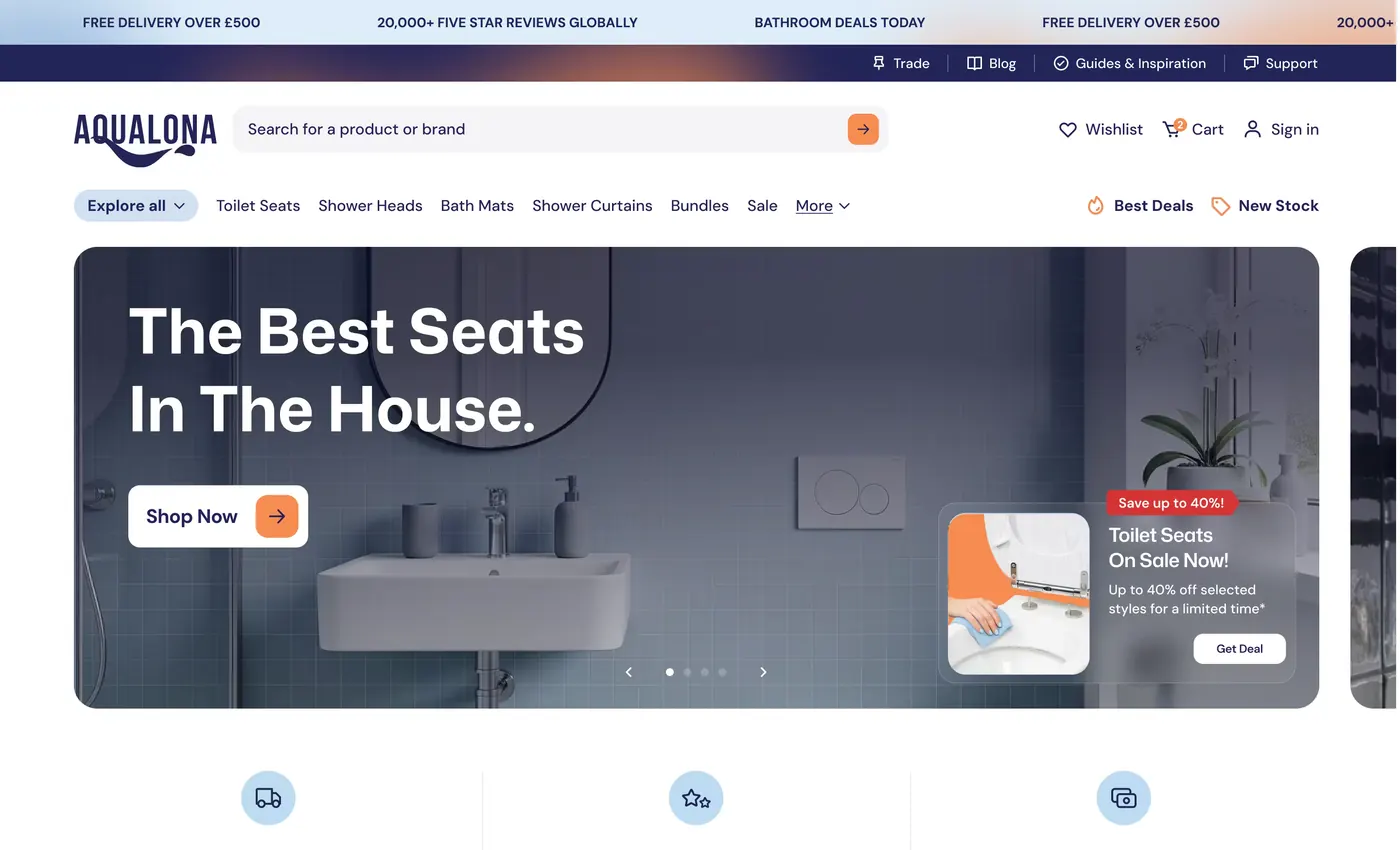
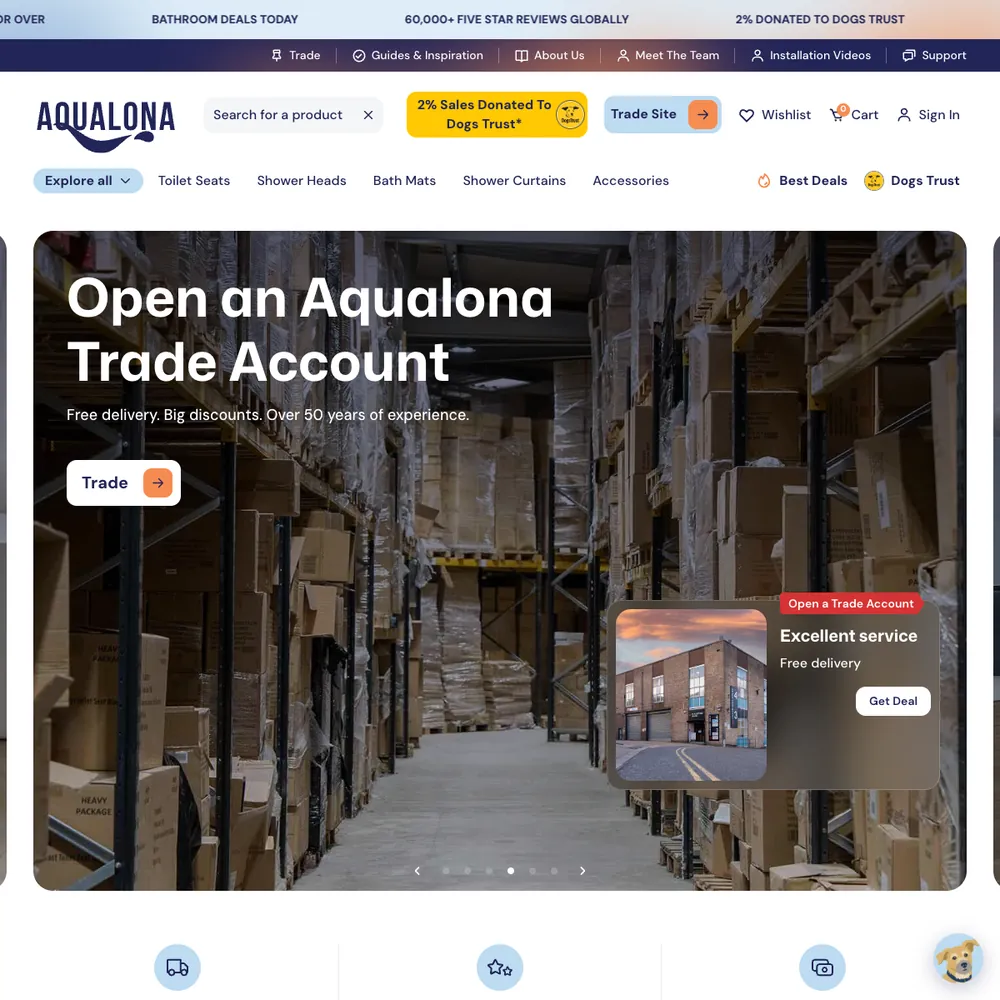
A headless Webflow and Shopify store that went from a handful of orders to 1000s tracked in its first months, each matched to the visit that started it
Read the story - Built by us
Pacing TechStack
Our in-house scanner lists the tools and tracking a website runs. A quick scan takes about 5 seconds.
See the build


- Built by us
Pacing CRM
Our own CRM: a form fill becomes a person, a deal and an instant alert.
See the build +2
- Built by us
Pacing Phone Line
We built our own phone line, and it tells us which ad made the phone ring. Callers choose a person, our AI assistant or a text with our website. Every call lands in our CRM, with the recording, the transcript and the ad behind it where there is one.
See the build

 +1
- Built by us
This website
How we rebuilt pacing.agency in Astro, with Keystatic as the editor and one Cloudflare Worker, in three weeks.
See the build
 +4


Services that use it
We don't sell it on its own. Each of these services uses it alongside the rest of your setup.
- Place in the loop: CRMCRM Management & EmailWe set up your CRM and your emails so every enquiry is saved with where it came from and followed up, and you can see which ones turn into customers.Related tools: HubSpot, Klaviyo, Twenty CRM, NotifuseHow it fits
- Place in the loop: AdsPaid MarketingGoogle, Meta and LinkedIn ads, run end to end and judged on the customers they bring in, not the clicks.Related tools: Google Ads, Meta, LinkedIn, Google Tag Manager (GTM)How it fits
- Place in the loop: TrackingTech & TrackingTracking that ties every visit and lead back to where it came from, and follows it into your CRM, set up so your data and your customers' data stay safe.Related tools: Google Analytics 4 (GA4), Stape, Looker Studio, Google Tag Manager (GTM)How it fits
- Place in the loop: WebsiteWebsite Design & DevelopmentWebsites that look the part, turn visitors into enquiries, and that your team can update without a developer.Related tools: Webflow, AI website stack, Shopify, FigmaHow it fits
- Custom BuildsWe build the one tool your current software can't give you, and connect it to your website, tracking and CRM. You get the working tool, the connections and a plain write-up of how it runs.How it fits
- Funnel ManagementDon't let leads fall through the gaps. We build the whole funnel, from the ad to the follow-up, then keep improving it.Related tools: Webflow, Google Tag Manager (GTM), Stape, CloudflareHow it fits







What n8n is
n8n is a workflow automation tool. You build flows on a canvas from triggers, app steps and code, then run them on n8n's own cloud or on your own server. It's written in TypeScript and the code is on GitHub.
A note on the licence: n8n is fair-code, not open source. Under its Sustainable Use License you can self-host it for free for your own business. n8n's licence FAQ says you can "build automations for your clients on your instance, as long as your clients do not have the possibility to create or edit them", and that consulting and automation services are explicitly permitted. What you can't do is host n8n as a service so clients build their own workflows. Some features, like single sign-on and Git version control, need a paid licence. We're not lawyers, so check the FAQ for your own setup.
Questions about n8n
Straight answers on how we work, what it costs and what to expect. If yours isn't here, just ask.
Still have questions?
Talk to usHow do you measure the return on an automation, whether it's n8n or Zapier?
Weigh what the automation replaces against what it costs to run. We don't have hours-saved or payback figures for ours, because we haven't measured them.
What we can see is in n8n's run history: how often a workflow ran, which runs failed, and what record it left in the CRM.
Can n8n handle complex multi-step marketing workflows, and how does it compare with Zapier?
Yes. We build multi-step workflows in n8n that branch on conditions, loop over lists, wait, run a bit of code and call any service with an API. Zapier can do multi-step work too, with paths, filters and delays, but it bills by task, so long workflows that run often get expensive. On an n8n server we run ourselves, you pay for the server, not the number of steps.
Here's one of ours: a form comes in on this site, the workflow checks it's valid and not a duplicate, a row goes into a sheet, a person, an opportunity and a form record are created in the CRM, the team gets alerts by chat and text, and a failure raises an alert too.
What happens when an automation breaks or fails?
Someone gets told. We set an error alert on our n8n workflows, so a failure reaches someone on the Pacing team. The usual causes are an expired login, a service changing its API, or data arriving in an unexpected format.
We fix the cause, then re-run the failed items.
How does n8n pricing work, and how does it compare with Zapier?
Zapier bills by how many tasks you run each month, in plan tiers. n8n's own cloud plans bill by workflow executions. We go a third way: we run n8n ourselves on a small server, so we pay for the server and the time to keep it updated, not for each task.
For current prices, check Zapier's and n8n's pricing pages.
What are the most useful automations for a marketing agency?
The ones that move a lead along without anyone copying it. These are the ones we rely on, built in n8n:
- Form fill to CRM person, opportunity and team alert
- Real leads sent back to Google Ads as offline conversions
- Alerts when a workflow or a form fails
- A cache clear after a Webflow publish, where a site needs it
Zapier can do some of these too.
How do you set up and manage n8n automations for clients?
We start with the manual process and the record it should end up with. Then we build the smallest workflow that does that, test it, and we set an error alert on our workflows so a failure reaches someone on the Pacing team.
- Write down the manual process and what it should produce
- Build one small workflow, named for its job
- Test it with a test submission before it goes live
- Check the runs after launch
We host n8n ourselves and run the workflows for you; we don't hand over the editor. It's part of our ongoing management service.
What marketing tools can n8n connect, and how does that compare with Zapier?
n8n has hundreds of built-in connections, including Google Sheets, Gmail, Google Chat, HubSpot and Google Ads, plus webhooks and an HTTP step for anything else with an API. Zapier lists thousands of apps, so for a small, niche app it might have a ready-made connection that n8n doesn't.
We've connected Webflow forms, sheets, the CRM, email, team chat and ad platforms.
How can n8n (or Zapier) take manual tasks out of marketing workflows?
By moving a record from one tool to the next so nobody has to copy it. These are the kinds of automation we've built in n8n:
- A form fill creates a person and a deal in the CRM and alerts the team
- Form data is added to a Google Sheet
- Real leads are sent back to Google Ads as offline conversions
- On Webflow sites that need it, a workflow clears the CDN cache after a publish
Zapier does the same kind of job. We build in n8n, which we host ourselves, so there's no per-step charge.
Can a self-hosted CRM like Twenty replace paid CRM seats?
For a small team, yes. We run Twenty, an open-source CRM, on our own server with no per-user licence. It holds people, companies, opportunities and tasks, syncs with Gmail and Calendar, and takes in forms through n8n.
Our own team is small, and that's the setup we can speak for. A large sales team already working in HubSpot or Salesforce is better served staying there.
Can you send automation alerts into our Slack?
Yes, it's possible. n8n has a Slack step, so an alert can post into a channel: a new enquiry, a failed workflow, a form that didn't reach the CRM.
Our own alerts go to Google Chat, by text and by email, so Slack isn't something we run ourselves.
Show 1 more questions
What is n8n?
n8n is a workflow automation tool. You connect apps on a canvas, add triggers, steps and a bit of code where needed, then run the flow on a server you control or on n8n's cloud.
We run it ourselves. That means no charge per step, API keys stay inside it so the team can work without holding them, and the Pacing team can open any run to see what failed. Forms and leads are one use; we also use it for ad conversions, cache clears, client automations and more.
Start with your numbers.
We'll tell you which tools you need and which connections are missing.















Bring your numbers.
We'll tell you if the spend makes sense.
- A 15-minute callYour goals, your challenges, and whether we're the right fit.
- A 1-hour discovery callWe dig into your numbers. Worth a hundred emails.
- A concrete planAds, a custom build or both, as a one-off project or ongoing.