
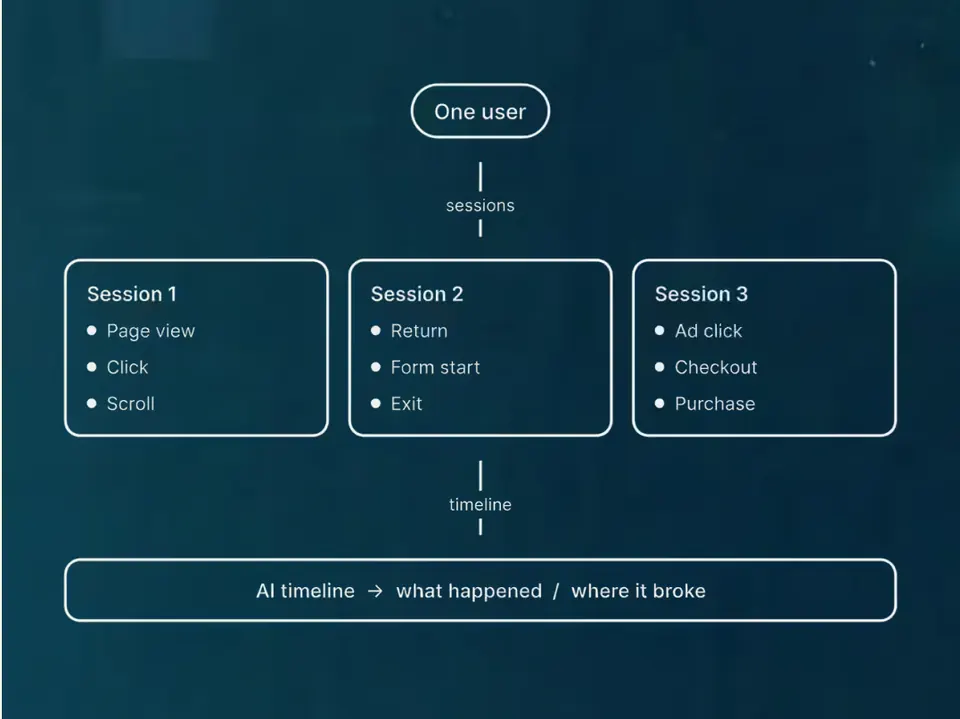










The setup behind our work.
This is the setup we actually use, not the one we wish we had. Here's a quick tour of the rules, connections and helpers we use every day, what they've changed for us, and where a person always makes the call.
- 1FormWebsite enquiry
- 2n8nRoute and tidy
- 3CRMDeal card made
- 4TaskCall booked




One set of rules for both our AI tools.
We write our rules once, and a small script turns them into the files Cursor and Claude Code each need. If the two ever drift apart, a check fails. Anything the tools or our bots produce goes past a person before it leaves the business.
Read the diagram as a list
- We write one set of rules.
- A small script turns them into the config files for Cursor and for Claude Code, and a check fails if the two drift apart. Why we did it
- Cursor and Claude Code read and draft through MCP connections to our analytics, ads, CRM, documents, email and our site’s CMS.
- They work alongside our helpers: bots that run on a schedule in our team chat (Brain, Meeting Intel, Site Watch, Ship Guard and PacingGitBot). The bots only write to our own chat, CRM and pull requests, never to clients.
- Whatever the tools and the bots produce goes to a person to check.
- It only ships if that person approves it.
The safeguards around it:
- A hook blocks Claude Code’s email, chat and publishing tools unless a person asks in that moment. Why we did it
- Cursor and Claude Code can draft emails and chat messages, but they don’t send anything unless a person asks in that moment.
- A check runs before each commit in our working copies and stops keys and passwords being saved. How it works
Helpers that each do one job.
Our cloud bots run on a schedule in our team chat. They only write to our own chat, CRM and pull requests, and they don't email or message clients. Cursor and Claude Code are also connected to our analytics, ads, CRM, documents, email, calendar and our site's CMS, so the AI can look up what it needs instead of someone pasting it in.
Brain
Answers questions our AI tools ask it, and keeps the shared playbook.
Meeting Intel
Turns meeting transcripts into logged activity and CRM tasks.
Site Watch
Watches live sites and files what it finds in the CRM.
Ship Guard
Watches our repos for silent pushes and failing checks, and files issues. It never writes to main.
PacingGitBot
Posts notes on keeping our git repos tidy.
Morning scan
An agent we run in Cursor. It goes through email, the calendar, meetings and automation errors, and turns them into a prioritised to-do list.
Tools you might recognise: n8n for automations, Twenty for our CRM, Fireflies for meeting notes and GitHub for code.
The safeguards.
AI builds it, another AI reviews it on bigger jobs, automatic checks run, and then a person decides whether it goes live.
- Why we did it
Hooks keep Claude Code in its lane.
A hook blocks Claude Code's email, chat and publishing tools unless a person asks in that moment.
No-send rules.
Cursor and Claude Code can draft emails and chat messages, but they don't send anything unless a person asks in that moment.
Bots stay in-house.
Our bots only write to our own team chat, CRM and pull requests. They don't email or message clients, and nothing leaves the business without a person.
- How it works
A check for keys and passwords.
Before any change is committed in our working copies, a check looks for keys and passwords and stops them being saved. A person can override it.
Our setup gets a lot of use.
Counted from our own workspace on 10 Oct 2026.
- 26rulesas of
- 31agentsas of
- 11skillsas of
- 19MCP serversas of
- 41reposas of
- 2,286commits, last 30 daysas of
- 408PRs merged, last 30 daysas of
How we count
- rules
- Written instructions our AI tools must follow, one file each, counted from the rules folder of our shared workspace.
- agents
- AI helpers with one job and a written playbook each, counted from the agents folder.
- skills
- Reusable step-by-step recipes an AI tool can pick up when the task needs them, counted from the skills folder.
- MCP servers
- Connections that let an AI tool read from, or act in, another system such as a calendar or an ad account, counted from our shared connection list.
- repos
- Code folders we keep a working copy of, counted by folder.
- commits, last 30 days
- Saved changes to code and documents across those repos in the 30 days before the date shown, counted from the git history.
- PRs merged, last 30 days
- Pull requests (a change proposed, checked, then merged) merged in our main repositories in the 30 days before the date shown.
These numbers show how busy the setup is, not how good the work is (a commit can be a typo fix). We show them so you can see it's really in use.
What you can check.
We count the setup.
The rules, helpers and repos above are counted from our own workspace, and dated.
- What we've changed
We date our changes.
Every change to our setup goes on our updates page, with the date.
- Our verdicts
We review our calls.
Every tool we pick or avoid shows when we last reviewed it, and the date turns amber, then red, as it gets older.
- See the builds
We build with it.
The tools we've made this way are listed below, and you can try them yourself.
Where AI helps, and where a person decides.
Research and first drafts
Always edited by a person.
Building faster
Websites, automations and our own tools.
Checking at scale
Tracking audits and page-by-page QA.
Reporting
Summaries of what changed, from data we can trace.
Setting your budget
We decide it with you, from your numbers.
Publishing unchecked work
A person reads everything before it goes live.
Using your data without telling you
We tell you which tools touch your data.
Messaging clients on its own
Emails and chat messages to clients only go out when a person asks in that moment.
We pick the model to suit the job.
The biggest model isn't always the best choice, so we match the model to the job. When we've got several agents running at once, a subscription keeps the cost under control, and the work carries on without losing context. Our picks change, and each one is dated on our verdicts page.
- Anthropic
Claude Opus
For the occasional hard call, like planning or architecture, where a mistake is expensive. We use it sparingly.
- Cursor
Cursor's own models
For clear-cut coding jobs and bulk jobs. If a test run comes back poor, the work moves to a stronger model.
Claude Sonnet and Haiku
For Claude Code's sub-agents: Sonnet at most, Haiku for simple runs.
Gemini
Inside the tools we host, like the TechStack Analyser and our journey analysers.


This site is built the same way.
Every block on this site has a permanent reference, several agents build pages at the same time, and a person decides what goes live.
- Built by us
Pacing CRM
Our own CRM: a form fill becomes a person, a deal and an instant alert.
See the build

 +2
+2 - Built by us
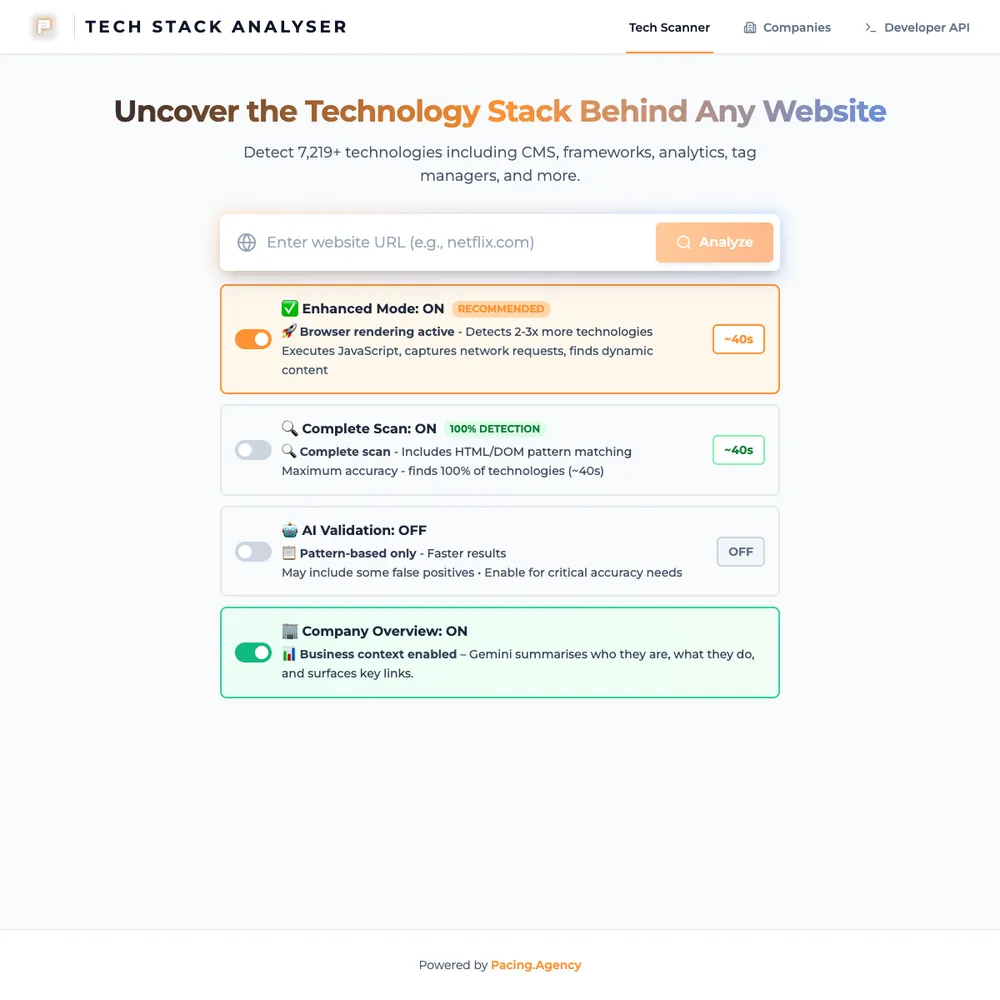
Pacing TechStack
Our in-house scanner lists the tools and tracking a website runs. A quick scan takes about 5 seconds.
See the build


- Built by us
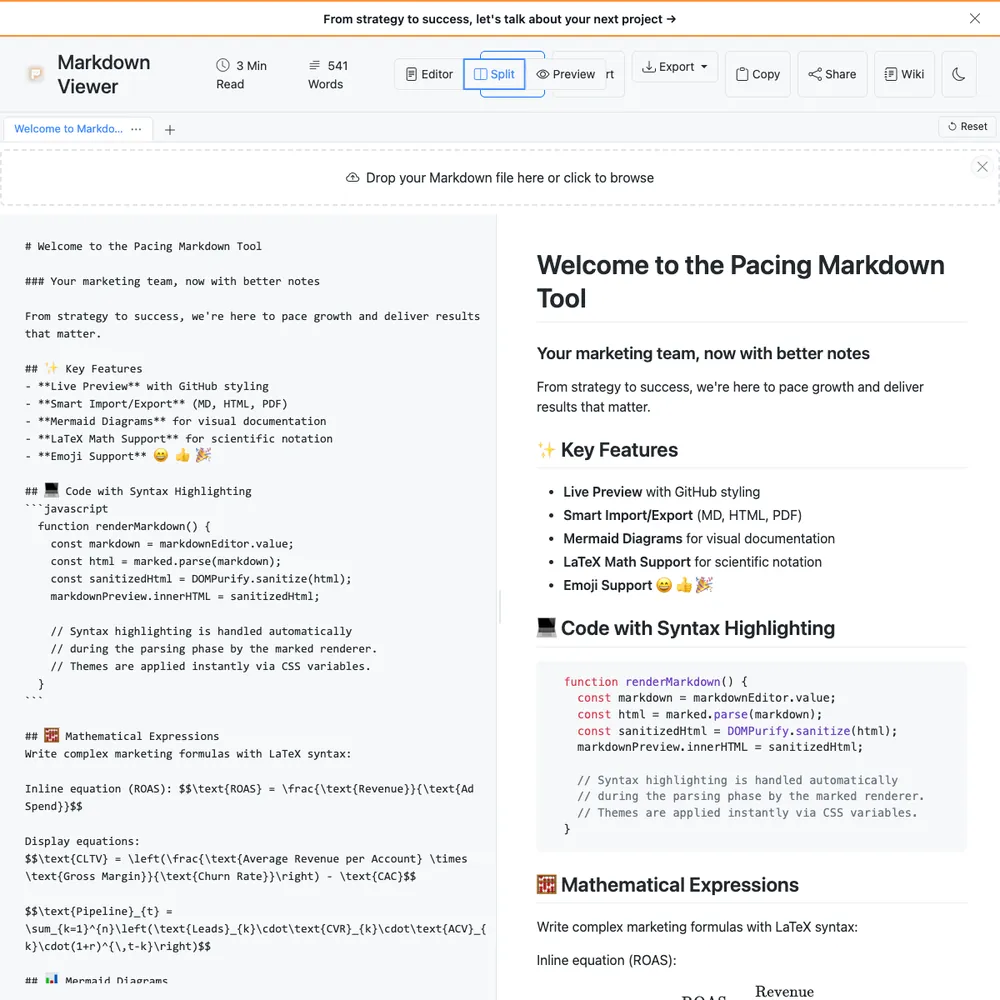
Pacing Viewer
We write client reports in Markdown. Viewer turns one into a link a client can open in a browser, with no account and no copy kept on our servers.
See the build
- Built by us
Pacing Compressor
Drop in JPEG, PNG, WebP or AVIF images, shrink them in your browser and download the result. Your files never leave your device.
See the build




Want this set up for your team?
Bring your numbers.
We'll tell you if the spend makes sense.
- A 15-minute callYour goals, your challenges, and whether we're the right fit.
- A 1-hour discovery callWe dig into your numbers. Worth a hundred emails.
- A concrete planAds, a custom build or both, as a one-off project or ongoing.