










Pacing Compressor
Shrinks JPEG, PNG, WebP and AVIF images in your browser. Free, no sign-up, nothing is uploaded.
compressor.pacing.agency
- hero.jpg2.4 MB310 KB-87%
- product.png1.8 MB240 KB-86%
- team.jpg3.1 MB420 KB-86%
- banner.png980 KB150 KB-85%
- logo.png210 KB38 KB-82%
Output format
- JPEG
- PNG
- WEBP
- AVIF
Quality 75
Resize
Heavy images are a common reason a page loads slowly. Fixing them is a boring, frequent job, and most online compressors do it by uploading your files to their servers. That isn't great when the files are client photos or an unreleased product shoot.
This one does the work in your browser at compressor.pacing.agency. You drop images in, they're converted on your own device, and nothing is sent anywhere.
What it does
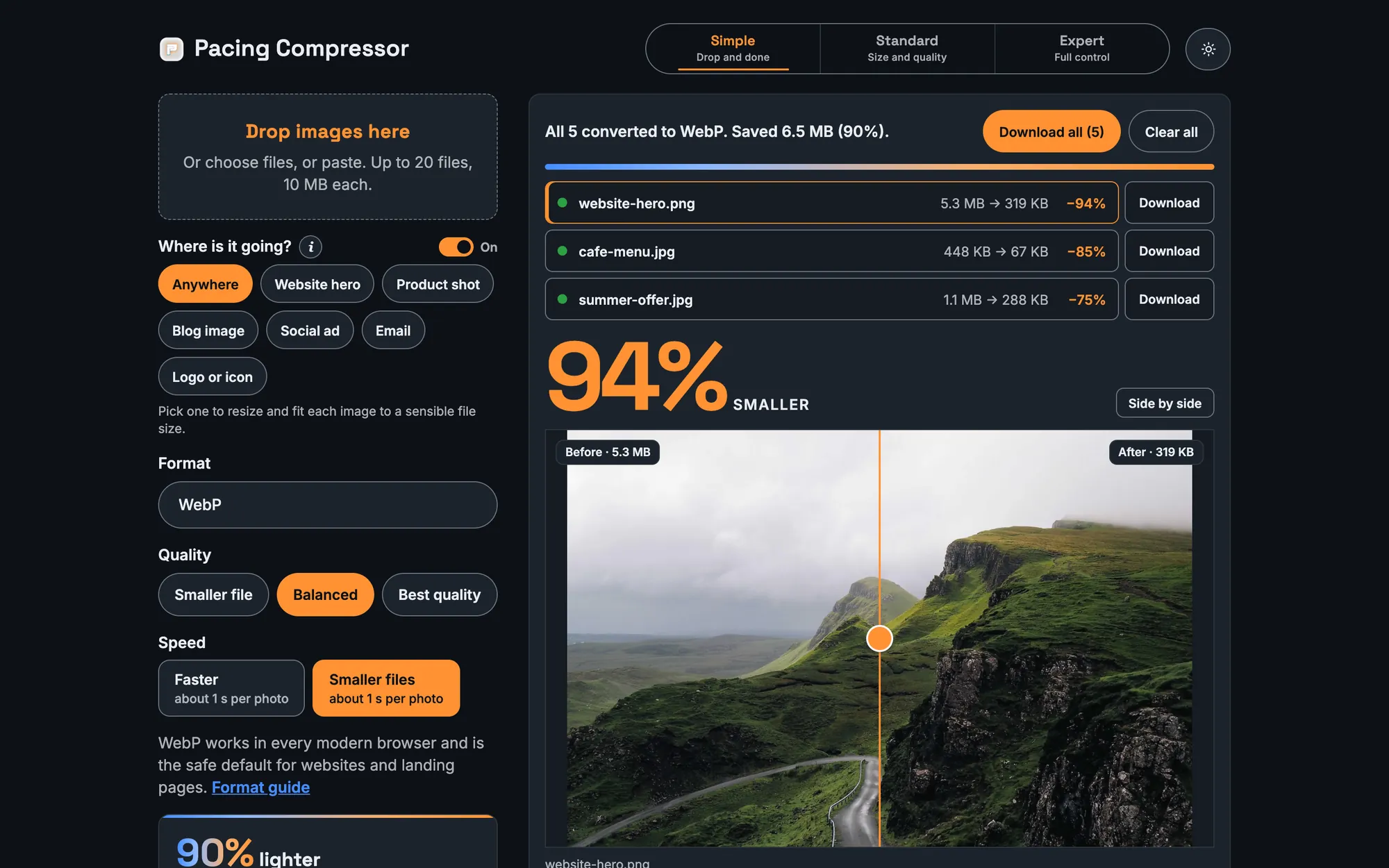
- Drop: drag in images or paste them.
- Choose: a format, plus Low, Medium or High.
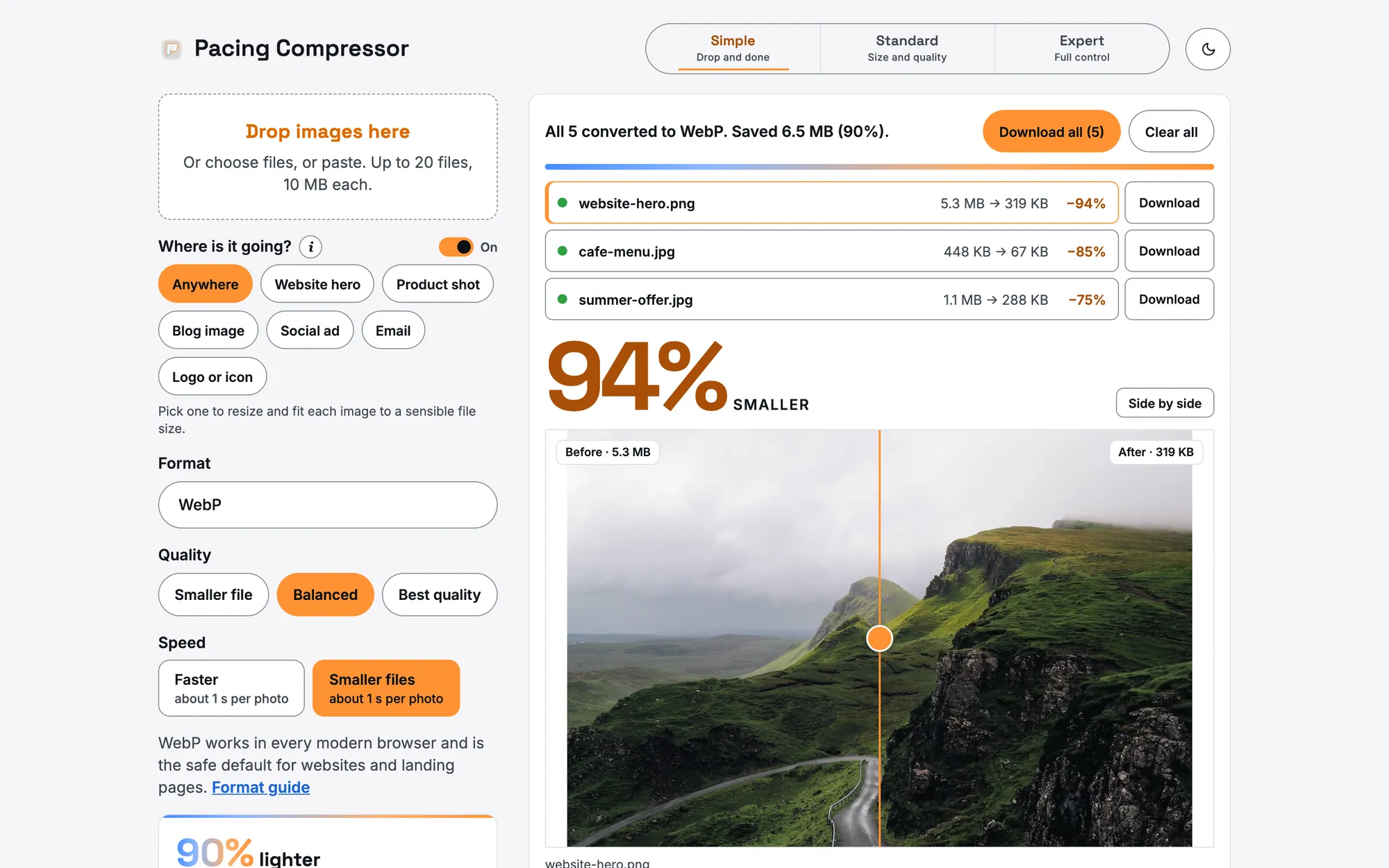
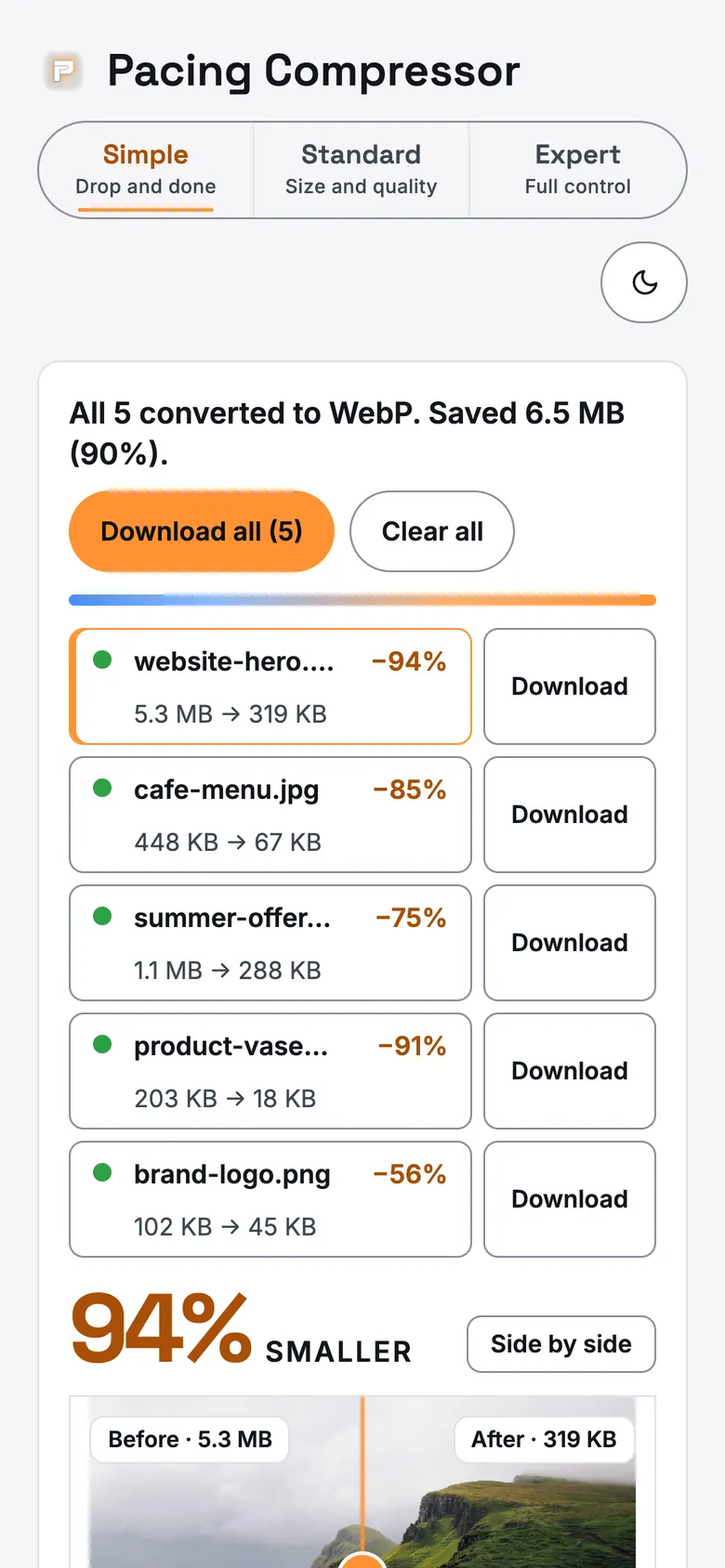
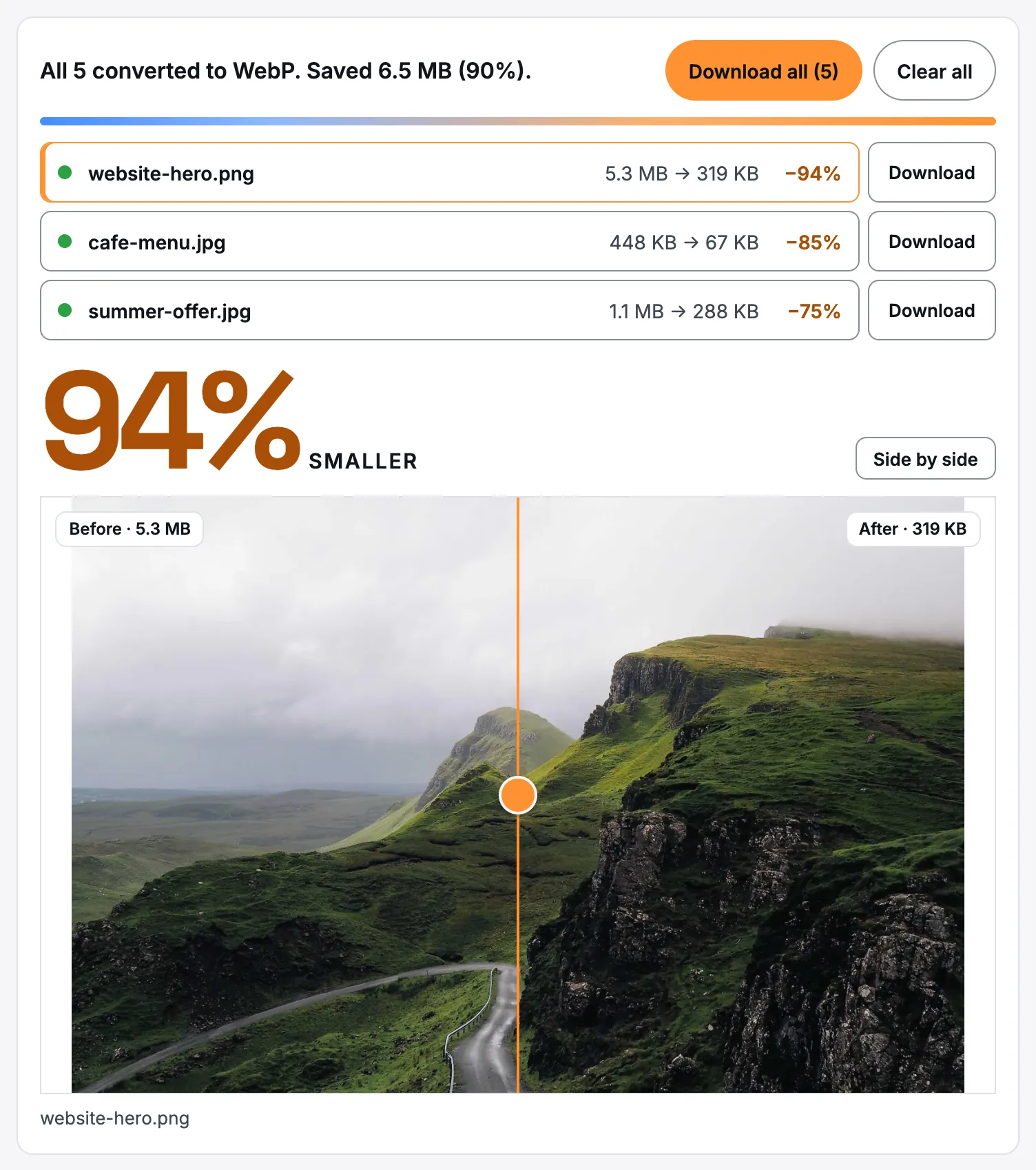
- Compare: see before and after side by side.
- Download: one file, or the batch as a zip.
- Formats: JPEG, PNG, WebP and AVIF in and out. WebP is the default, a safe choice for most websites and landing pages.
- Presets: Low, Medium and High set the quality at 30, 50 and 80. Standard mode adds resize and an "aim for under (KB)" target, and Expert mode adds grayscale, sharpening and responsive sizes.
- Destinations: Pick what the image is for (website hero, product shot, blog image, social ad, email or logo) and it sets a sensible width, format and size budget.
- Batches: Up to 20 images at a time, 10 MB each, downloaded as a zip.
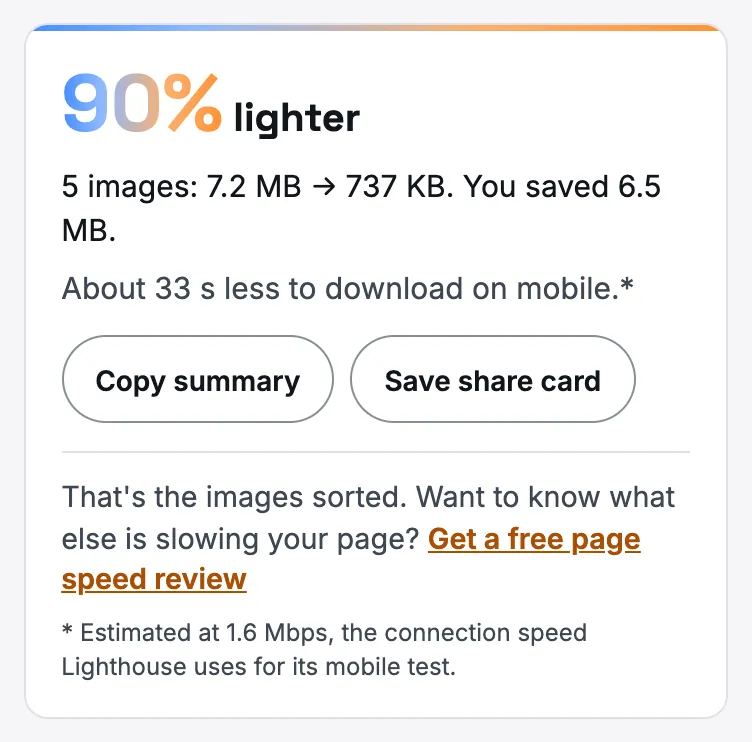
- Savings report: After a batch it shows how much you saved and roughly what that means for a visitor on a mobile connection.
Why your files stay private
The conversion runs in your browser, using an open-source image engine compiled to WebAssembly. There's no upload step and no server that converts your files, so there's nothing for us to store, and nothing for anyone else to see. There's no account and no credit balance either.
Limits
- Images above 50 megapixels are refused.
- Pacing staff use a separate version behind a login, with a 25 MB limit per file. The public one takes 10 MB.
Put it on your own site
There's also a compact version you can drop into a web page. It's meant for Pacing pages and approved partner sites. Get in touch if you'd like it on yours.
What it looks like
The real tool, run on six of our own files: phone photos and screenshots.
Other things we built
- Built by us
Pacing Journey
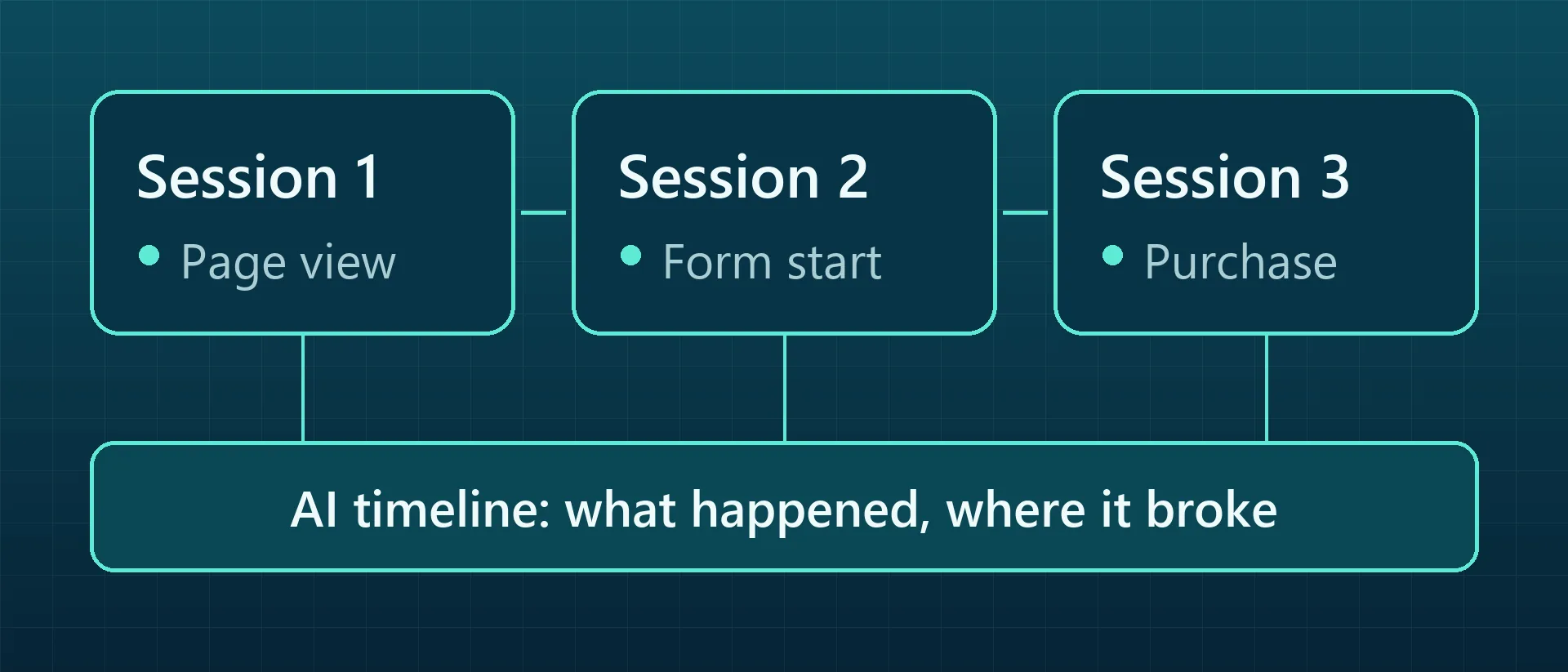
The stored visits and forms from one person on one timeline.
See the build


 +4
- Built by us
Pacing TechStack
Our in-house scanner lists the tools and tracking a website runs. A quick scan takes about 5 seconds.
See the build

- Built by us
Pacing CRM
Our own CRM: a form fill becomes a person, a deal and an instant alert.
See the build

 +2


Bring your numbers.
We'll tell you if the spend makes sense.
- A 15-minute callYour goals, your challenges, and whether we're the right fit.
- A 1-hour discovery callWe dig into your numbers. Worth a hundred emails.
- A concrete planAds, a custom build or both, as a one-off project or ongoing.