












Tech & Tracking
Tracking that ties every visit and lead back to where it came from, and follows it into your CRM, set up so your data and your customers' data stay safe.




One real number for each sale
Today every platform gives you a different count. We set up four things so there is one record per person.
Today: four tools, four answers
Example: a made-up enquiry- Meta52
- Google Ads38
- GA461
- Your CRM21
- The real number?
Nobody knows which one is right.
With our set-up: one record per person
JLJordan Lee
| 9:12 | Ad click | Google Ads |
|---|---|---|
| 9:13 | Page viewed | /pricing |
| 9:15 | Form sent | same person |
| Day 9 | Sale | same person |
Every event has a time and a source.
- Website trackingTag Manager, GA4 and server-side
- Leads into your CRMeach with its source
- Ads that learn from real salesGoogle, Meta and LinkedIn
- Consent and securitytags follow cookie choices
Where we've done this
- Built by us
Pacing Journey
The stored visits and forms from one person on one timeline.
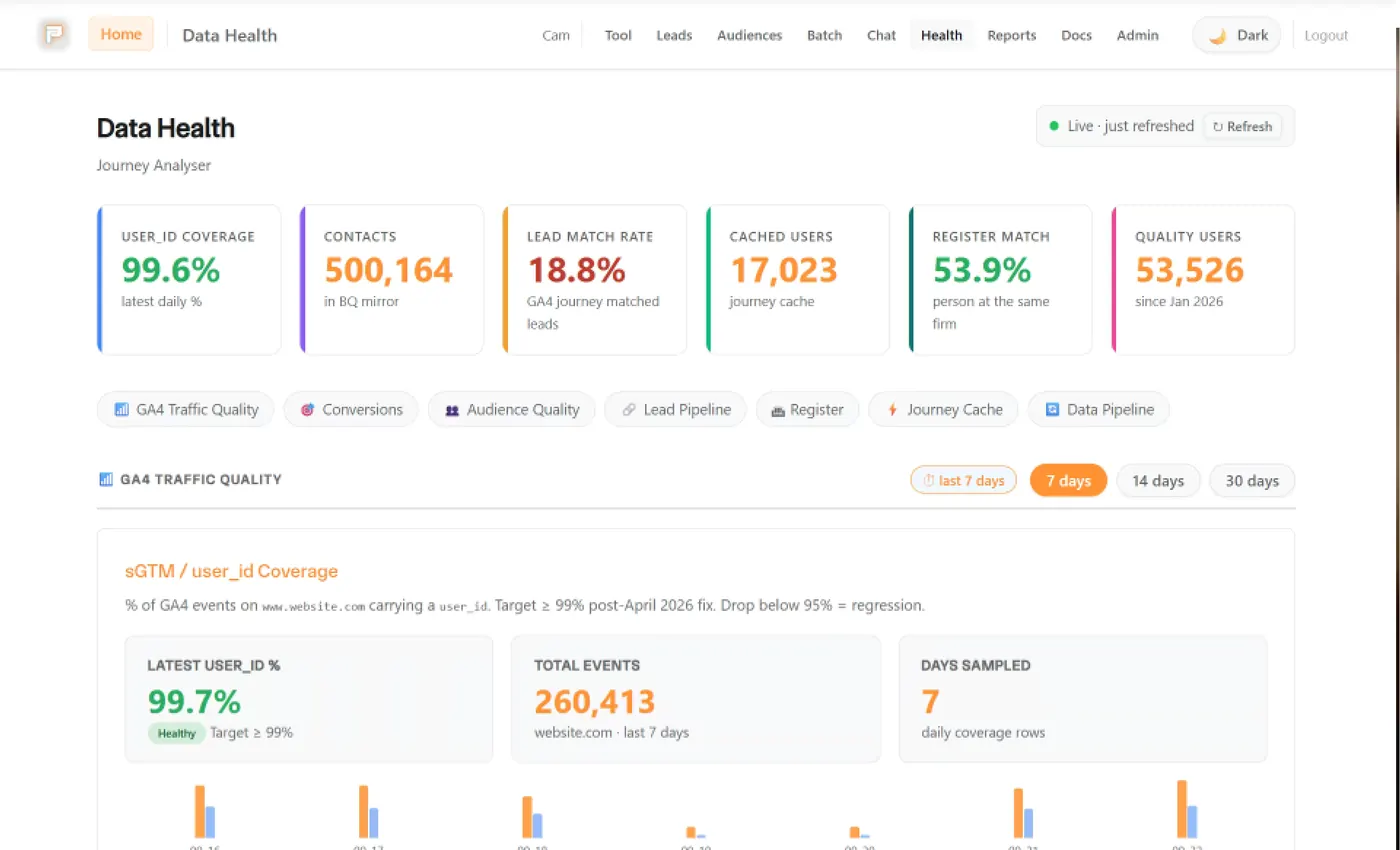
See the build
 +4
+4 - Client work
FE fundinfo
Paid media and measurement for Wealth Management, plus a custom journey analyser so the team can see real multi-touch journeys
Read the story - Client work
Hear Me London
Server-side tracking behind every booking, so the clinic sees where patients came from.
Read the story


Tracking sits between your website and your ads.
Without it, the ads can't tell which leads became customers, and you can't tell which pages bring enquiries.
What's a customer worth?
- 1
- 2
- 3
- 4
What you get when it's joined up
Spend goes where it works
You see which ads and pages bring customers, so you put more money there and less on the rest.
Reports you can act on
The numbers show which ad to turn up, which to stop and which page to fix.
Google and Meta find better leads
Your CRM tells them which leads became customers, so they look for more people like them.
Tools we use for this
- GA4Counts sessions and events. We check it against the raw data before we report from it.Reporting
- GTMHolds every tag, in the browser and on the server, so a change goes in once and gets tested before it goes live.Tech
- StapeStape runs the server side of our tracking. Tags load from the client's own domain, and the server passes each conversion on to GA4, Google Ads and Meta, so fewer get lost to ad blockers and Safari.Tech
- BigQueryKeeps the raw GA4 and CRM data, so we can join a visit to the lead it produced and check any report against the rows.Reporting
- Looker StudioWhere our client reports live: weekly and monthly dashboards the whole team can open, built on data we've checked.Reporting
- n8nAutomation that scales with you, not against you. We run n8n on our own server, so scaling is free and every run is visible, to people and to our agents.Tech
 HubSpotWe've worked in HubSpot at enterprise scale, and we set it up so a smaller business can run its leads, bookings and back office from one place.
 CloudflareSits in front of our sites and tools: DNS and caching, Workers, R2 storage, Access, Turnstile and Pages.Tech
Show 4 more
And the ones we built
- Built by us
Pacing Journey
The stored visits and forms from one person on one timeline.
See the build+4 - Built by us
Pacing CRM
Our own CRM: a form fill becomes a person, a deal and an instant alert.
See the build

 +2
+2 - Built by us
Pacing Numbers
Budget, break-even ROAS and cost per customer, worked out in your browser from your own revenue, margin and customer value. Free, with no email needed.
See the build
What's in it, and how we do it
Does your marketing feel disconnected from your business? Good tracking fixes that. You see every click and form fill, you know which ad or page it came from, and with your CRM connected you can follow it through to the sale. We set it up, check it, and explain it in plain English.
What we set up
- Website tracking: Google Tag Manager and GA4, plus, for sites that spend on ads, server-side tracking through Stape on a subdomain of your own site. We start from our own tested container, not a blank one.
- Lead flow into your CRM: forms that send every enquiry, with its source and click ID, to your CRM (HubSpot, Klaviyo or whatever you use). Nothing falls through the cracks.
- Ad platform conversions: conversions and audiences on Google Ads, Meta and LinkedIn, so the platforms learn from real leads and sales, not just clicks.
- Security and speed: Cloudflare for SSL, caching and protection against attacks. It's what we put in front of our own sites.
- Consent: we connect your cookie consent tool to your tags so they only fire when the visitor's choice allows it, and we test it. We don't give legal advice, so a qualified person signs off your policy.
Keeping data safe
Tracking doesn't need personal details. For clinics and therapists, we send only an ID and a click ID to the ad platforms, never a name, email, phone number or message.
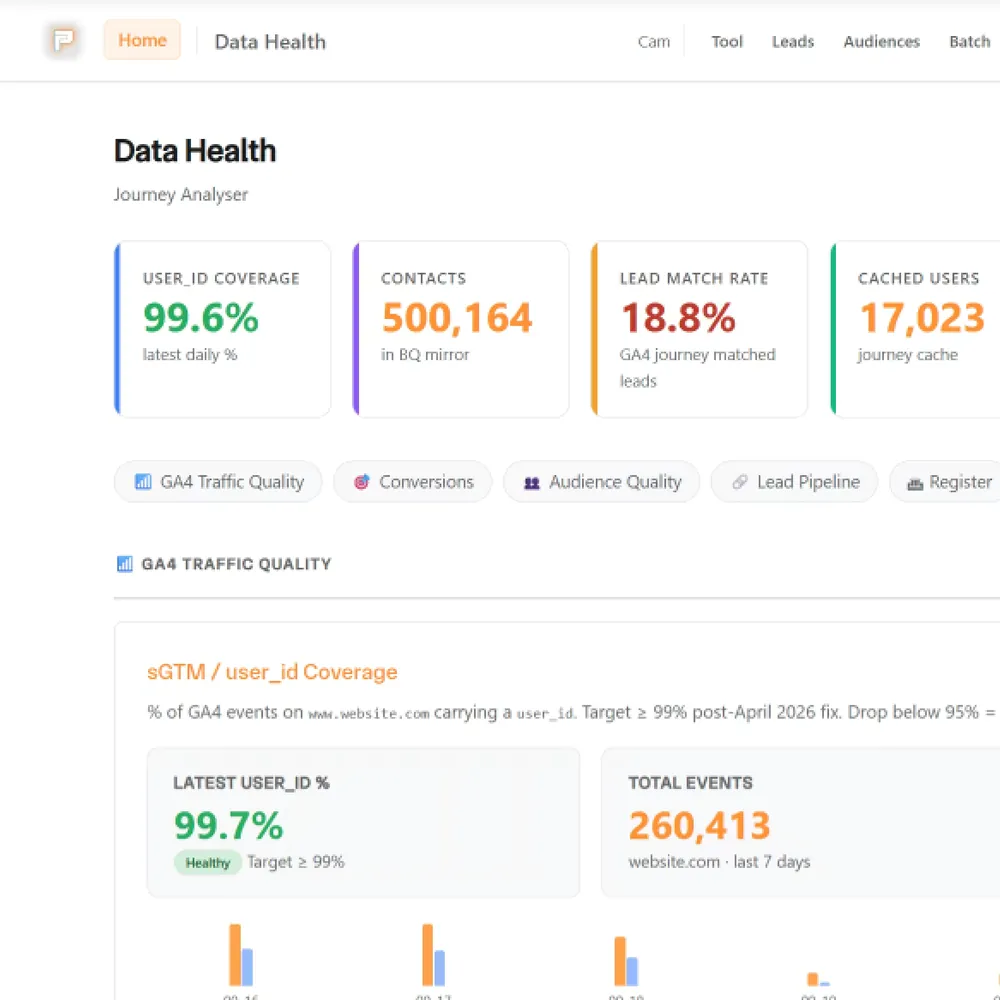
Pacing Journey: one person, every visit
GA4 gives you totals. Pacing Journey answers a smaller question: what did this one person do before they got in touch? Paste in a visitor ID and it puts their stored visits, their form fills and, where a shop or CRM is connected, the sale on one timeline, with a plain-English summary and the raw events behind it.
It matters because it shows whether the tracking holds together. If a form dropped the ID, the person can't be joined up, and Journey says so rather than guessing. The four parts above are set up together because they are what it reads.
What it looks like in practice
- For FE fundinfo, we followed leads from the first ad click into their CRM and built them a Journey tool. That reconciled 3x more leads to paid, and blended cost per lead fell 18%, comparing March to May with June to August 2026.
- On our own site, every form goes through one n8n flow that saves the enquiry, then creates the person and deal in our CRM with the campaign and click ID attached.
How we work
- Audit: we review your current setup and spot the gaps.
- Build: we set up the tags, containers, CRM links and consent.
- Check: we test the network requests and Tag Manager's Preview mode, then watch the live reports to make sure the data is arriving.
- Look after it: ongoing support to keep your data clean as your site and ad platforms change.
Frequently Asked Questions
Wondering about tracking, compliance, or integrations? Fire away.
Still have questions?
Talk to usWhat is technical and tracking infrastructure?
It's the set-up that counts what happens on your site and sends it where it needs to go: tracking tags, analytics, ad-platform conversions, your CRM connection and cookie consent, plus the hosting and security around your website.
How do you set up website analytics and tracking?
We agree with you what counts as a conversion, then set up Google Tag Manager and GA4, plus server-side tracking through Stape for sites that spend on ads. Before we hand over, we check the data is actually arriving.
How do you handle compliance management for my website?
We work with your cookie consent tool, or suggest one we've worked with, and connect it to your tags so they follow the visitor's choice. How that's wired depends on the project, so we test what your tags actually do. We don't write legal text or give legal advice, so your privacy policy needs sign-off from someone qualified.
How do you ensure data security and compliance?
We secure what we build and connect your cookie consent tool to your tags, then test it. Where your domain is on Cloudflare, we use it for SSL, caching and protection against attacks, and we add spam checks to forms that attract junk and logins in front of private pages such as staging. We don't give legal advice or promise compliance, so a qualified person needs to sign off your policy.
What is ad platform integration and why does it matter?
Ad platform integration means joining your website, tracking and CRM to the ad platforms, so they receive the leads and sales that came from their ads. Without it, bidding learns from clicks and form fills instead of customers.
What is CRM and lead flow management?
A CRM is where your contacts and deals live. Lead flow is how an enquiry gets there: the form, the tracking behind it and the follow-up. We connect them so each lead arrives with its source attached.
We've written about this
 The secret life of the user ID: what it is, why it matters, and when you can’t use itIf you're not using User IDs, do you really know what your website users are doing? Probably not.Read the note
 Your website data is probably lying to you (and it’s not your ads’ fault)Conversions not adding up? Event match score low? Blocked tags can leave gaps that inflate your CPA.Read the note
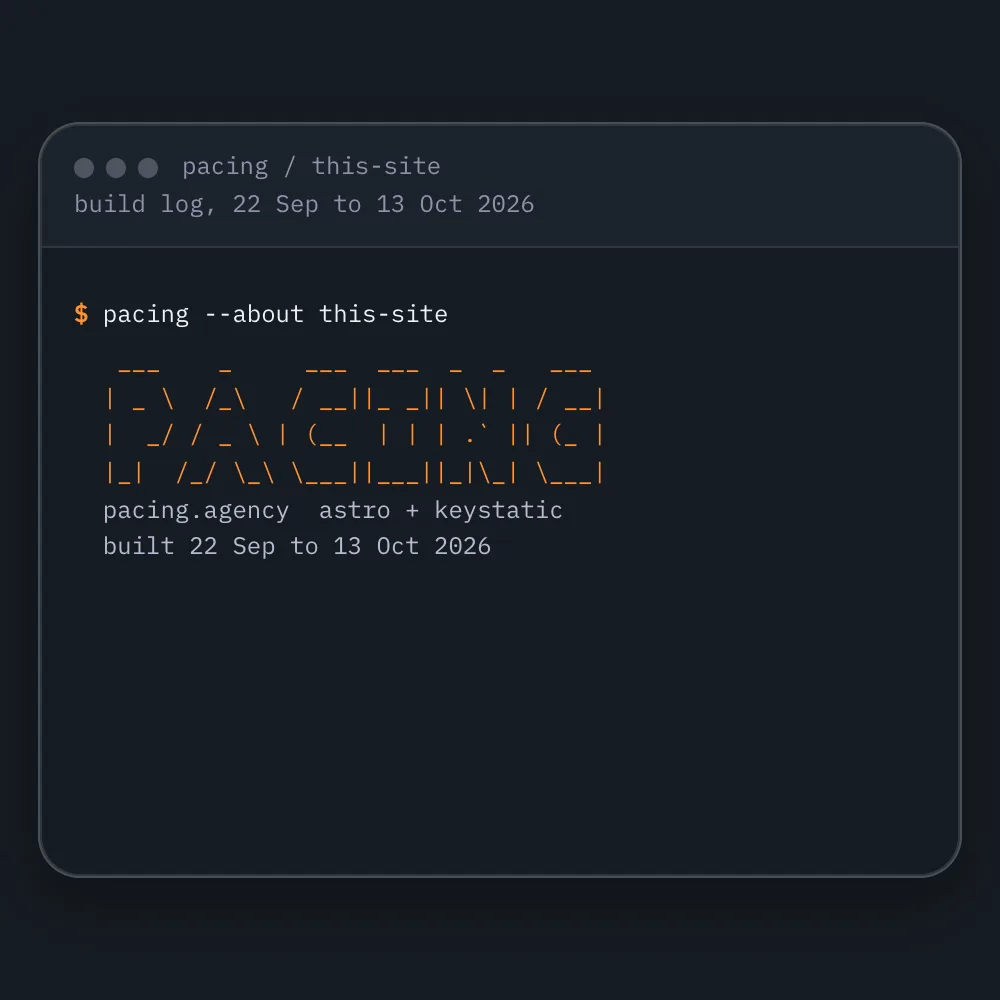 How to make a free websiteYou can make a free website and own it. Here's how we built our own, pacing.agency, with AI coding tools and hosting that can cost nothing, step by step, and the parts that still cost money.Read the note
What usually sits next to this
- Place in the loop: WebsiteWebsitesPages that turn visitors into enquiries.Related tools: Webflow, Astro and Keystatic, Shopify, FigmaSee the service
- Place in the loop: CRMCRM and emailEvery enquiry saved and followed up.Related tools: HubSpot, Klaviyo, Twenty CRM, NotifuseSee the service
- Place in the loop: AdsPaid mediaGoogle, Meta and LinkedIn ads, judged on customers.Related tools: Google Ads, Meta, LinkedIn, Google Tag Manager (GTM)See the service
- Place in the loop: AdsContent and SEOGet found by people already searching.Related tools: Google Search Console, Google Analytics 4 (GA4), Google, WebflowSee the service
- Place in the loop: Custom buildCustom buildsTools we build when nothing you can buy fits.See the service
- Place in the loop: AIAI setupCursor and Claude Code set up for you or your team.Related tools: Cursor, Claude Code, Anthropic, GitHubSee the service












Bring your numbers.
We'll tell you if the spend makes sense.
- A 15-minute callYour goals, your challenges, and whether we're the right fit.
- A 1-hour discovery callWe dig into your numbers. Worth a hundred emails.
- A concrete planAds, a custom build or both, as a one-off project or ongoing.