










Pacing TechStack
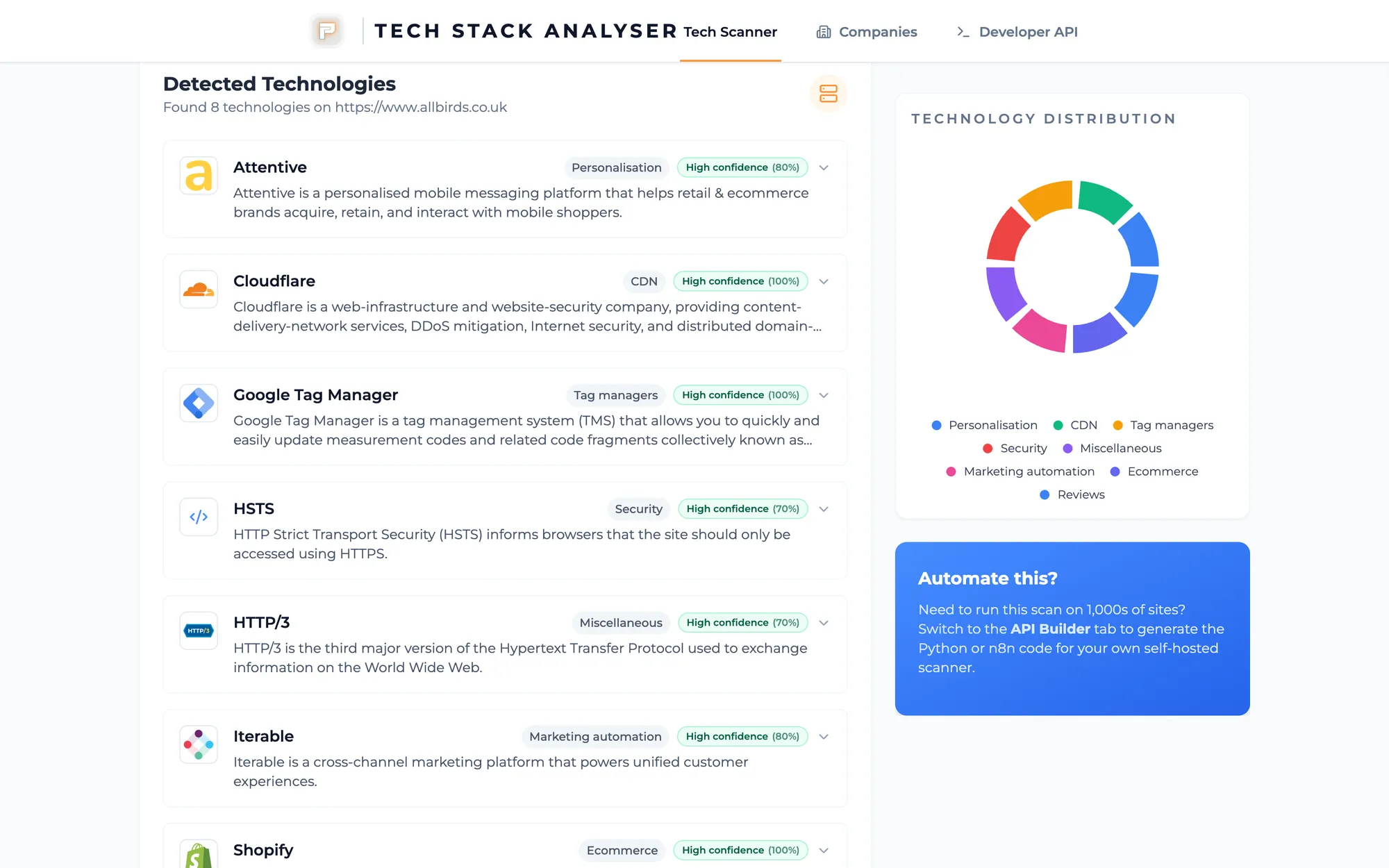
Type in a website address and it lists the tools and tracking running on it. A quick scan takes about 5 seconds, a complete one about 40.
- 42 technologies
- 9 categories
- 18s scan
- ShShopfront CMSEcommerceHigh 96%
- CfEdge networkCDNHigh 94%
- TmTag managerTag managersHigh 91%
- PxAd pixelAdvertisingMedium 64%
- HmHeatmap scriptAnalyticsLow 38%
This one is us: new business and audit. Before a pitch we need a straight answer to one question: what is on this site?
Guessing the CMS in a first meeting wastes the hour. A stack list isn't a plan either. We wanted the list out of the way, so the conversation can move on to tracking, consent and what we'd change.
What it does
Scan a URL against a maintained set of definitions. Show names, categories, versions where we can see them, and a confidence score. Save the company so we can search it later. Export JSON, CSV or PDF when a report needs to leave the tool.
Competitor URLs go through the same scan, and the same API is there for n8n when a new client lands.
- Detection: URL patterns, HTML, headers, scripts, and meta tags. Cookie detection isn't built yet.
- Companies database: every scan is saved, so we can look a domain up later instead of running it again.
- Live progress: you see each stage as it happens, not a spinner.
How it works
Definitions come from enthec/webappanalyzer, an open-source set that's still being maintained. When we last checked (September 2026) it held 7,219 technology definitions across 108 categories, with 6,541 icons for the UI.
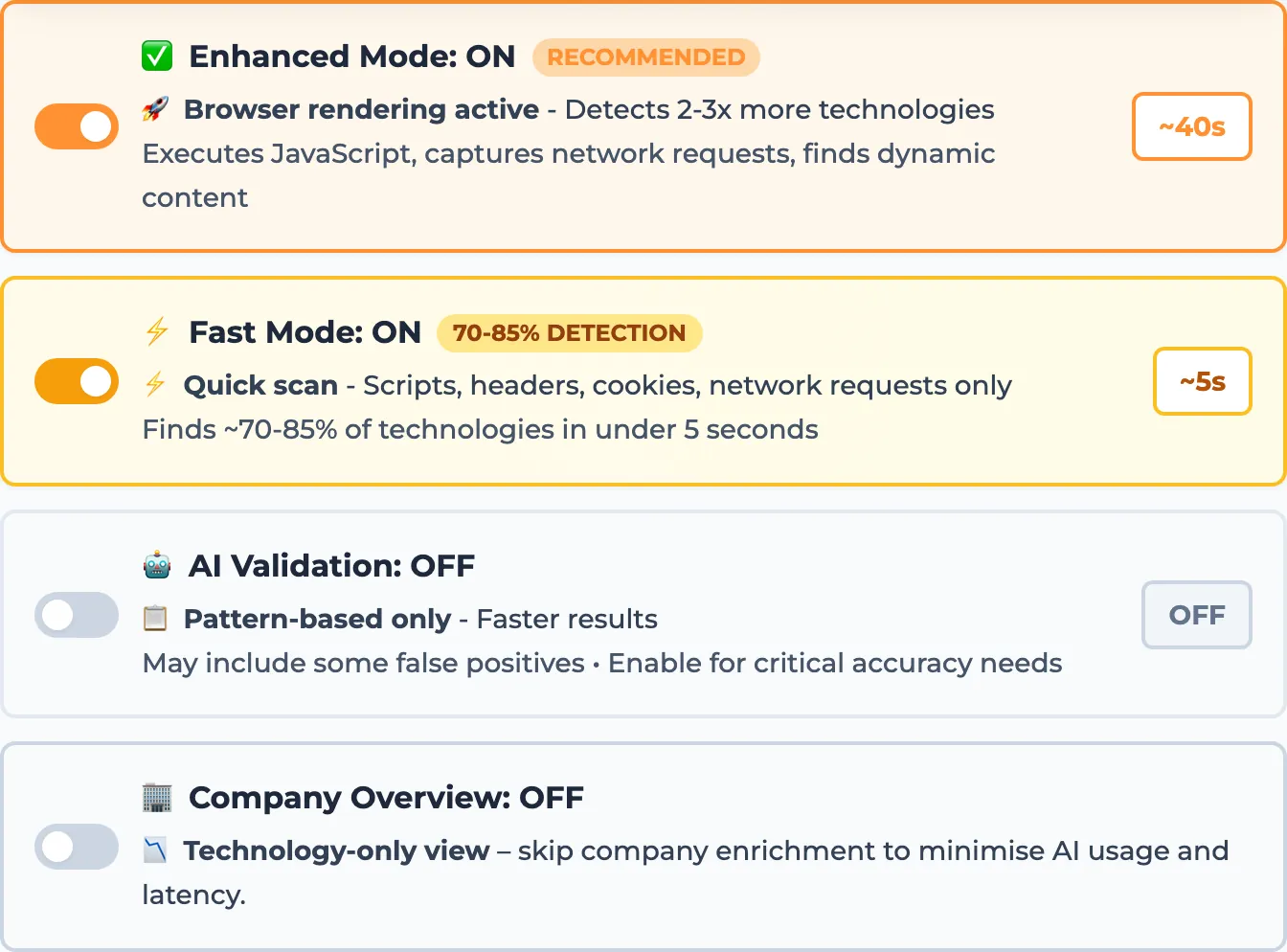
With browser mode switched on for a scan, Playwright runs Chromium so technologies that only appear after render still show up. Gemini 2.5 Flash is optional on top of that: it can double-check borderline detections and write a short company summary from the page.
1. Submit URL
FastAPI /api/v1/analyze
2. Fetch + match
HTML, headers, 7,219 patterns
3. Render on request
Playwright / Chromium
4. Optional AI
Gemini validate + summary
The app runs on Google Cloud Run at techstack.pacing.agency, behind Cloudflare Zero Trust, so you sign in with a Pacing account to use it. The team opens it in the browser, and the same API is set up for n8n with a service token.
| Mode | What it does | When we use it |
|---|---|---|
| Complete scan | Every one of the 7,219 definitions, no AI filter (about 40 seconds) | Audit, first look |
| Browser | Playwright renders JS-heavy sites | SPA / tag-heavy pages |
| Quick scan | Scripts, headers, cookies and network requests only: about 5 seconds, finds roughly 70 to 85% of technologies | When we need a fast first pass |
| AI validation | Gemini re-checks borderline detections (the slowest option) | When accuracy matters most |
| Company summary | Gemini pulls a logo, description and links from the page | Pitch prep |
| Export | JSON, CSV, or PDF | Handover and CRM |
What changed
- A pitch or audit starts with a stack list we can back up, not a guess.
- The API is set up so n8n can scan a new client's site without anyone opening the UI.
- Competitor sites get the same scan, so the comparison is like for like.
It won't write the plan for you. The list is the starting point, and the meeting still has to decide what to change.
Why it worked
We own the scan, the definitions are maintained, and the same API serves the browser and our automations.
- Maintained definitions: 7,219+ technologies and 108 categories from a repo that's still being updated.
- Render when the HTML isn't enough: Playwright covers sites that hide their stack until JavaScript runs.
- API for ops: automations can run the same job we run by hand, so it doesn't depend on someone remembering to open it.
What it looks like
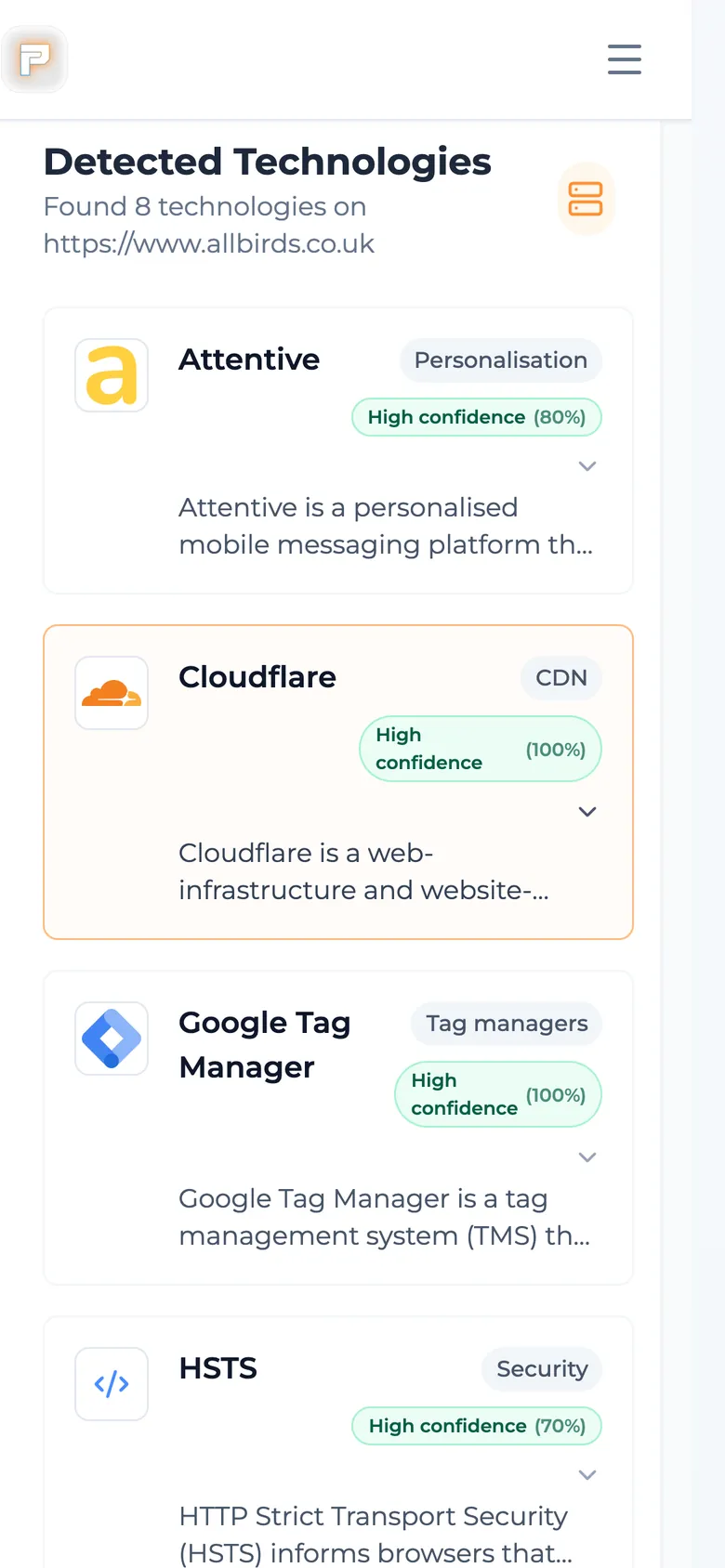
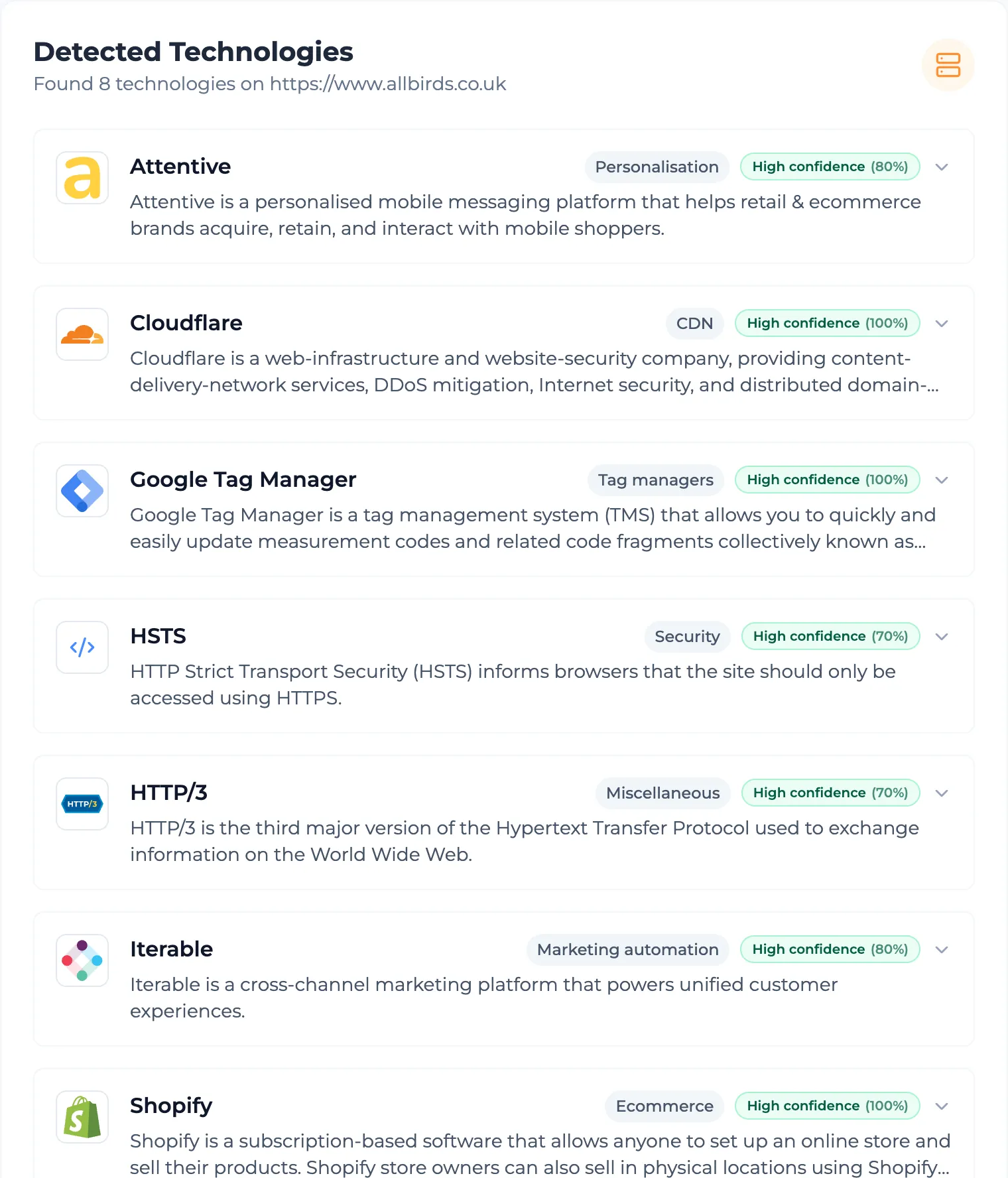
Real screens from the working product. Where a screen would show client data, it shows made-up examples instead.
Other things we built
- Built by us
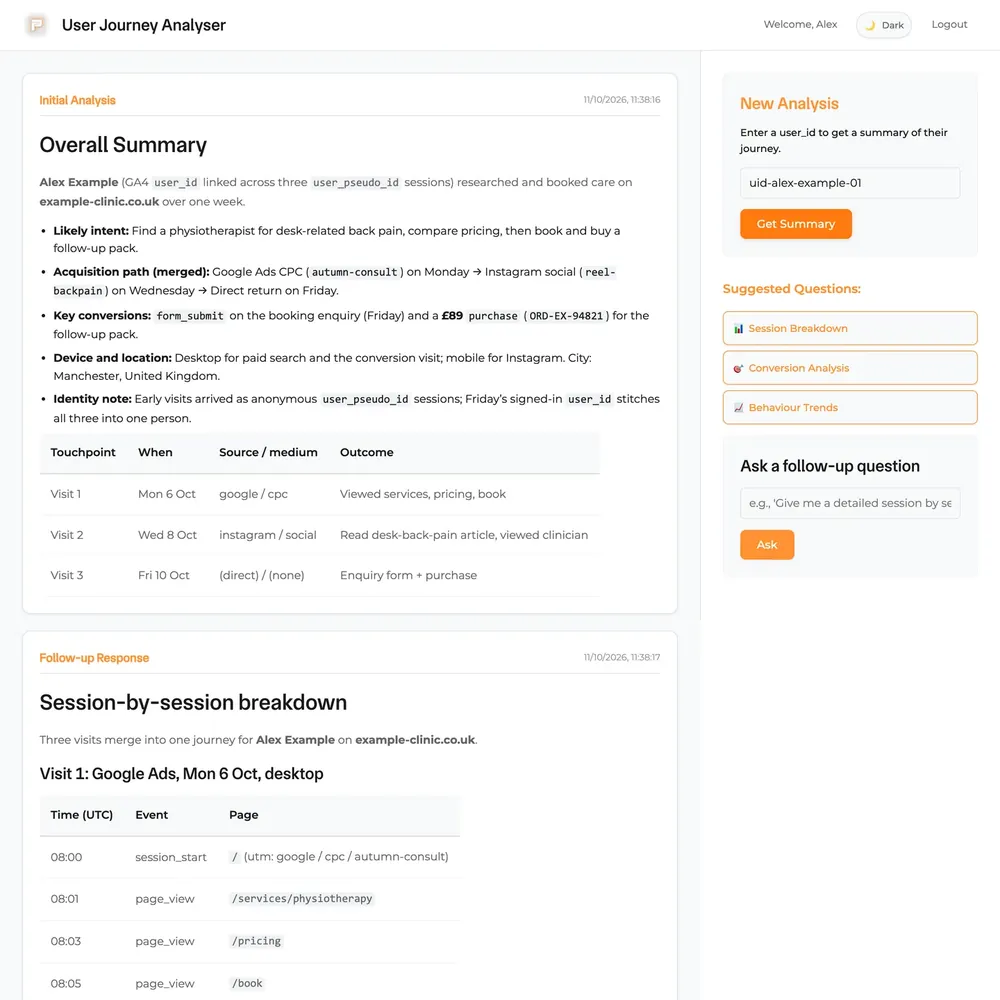
Pacing Journey
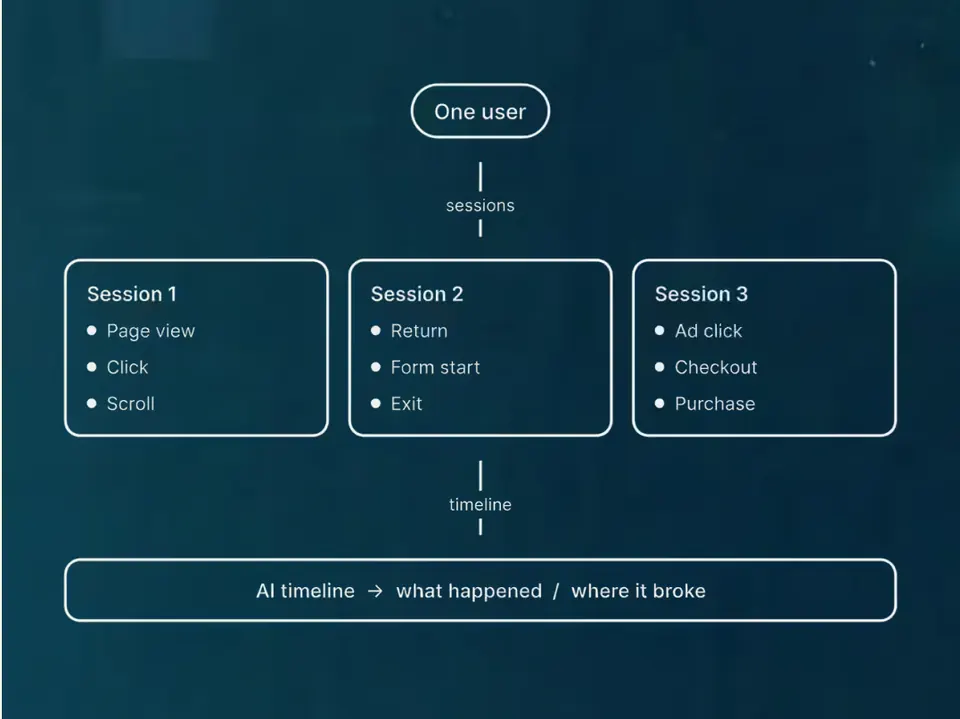
The stored visits and forms from one person on one timeline.
See the build

 +4
+4 - Built by us
Pacing CRM
Our own CRM: a form fill becomes a person, a deal and an instant alert.
See the build


 +2
+2 - Built by us
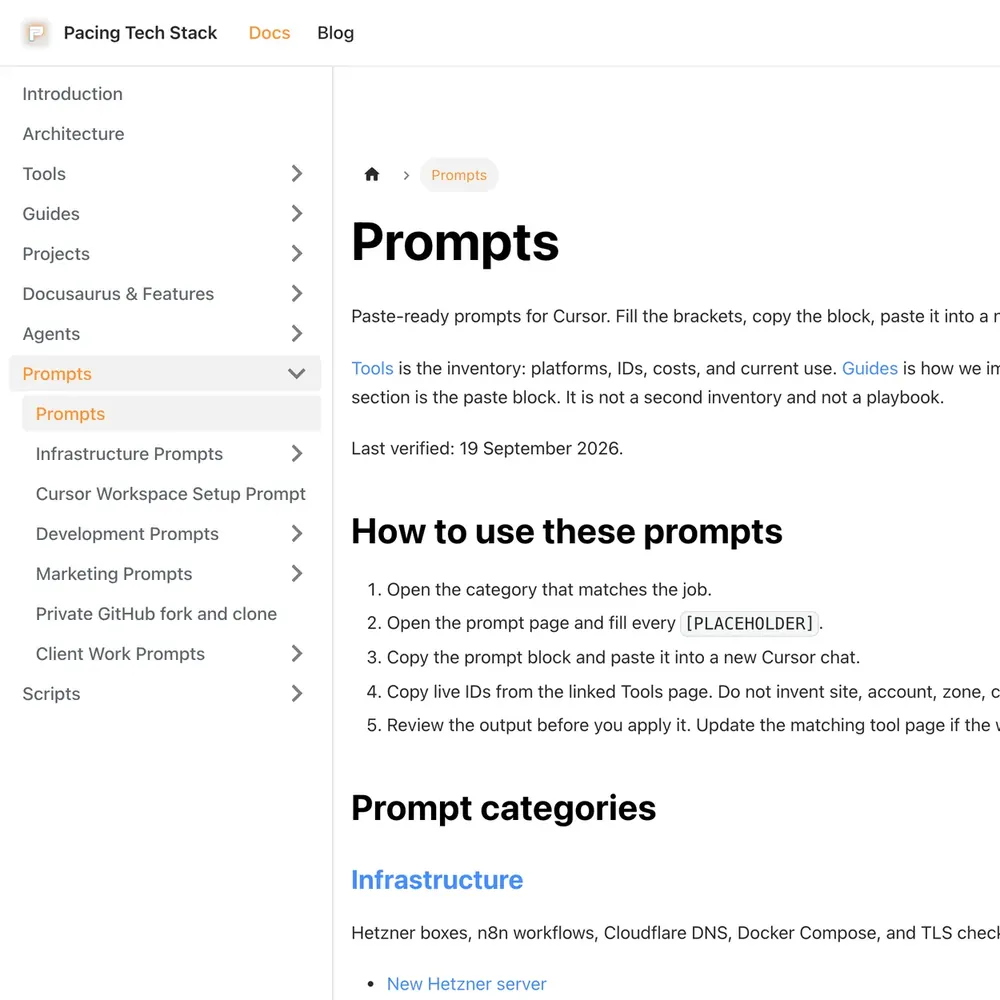
Pacing Docs
Our staff manual: how we set up tracking, CRMs and the tools we use.
See the build

Bring your numbers.
We'll tell you if the spend makes sense.
- A 15-minute callYour goals, your challenges, and whether we're the right fit.
- A 1-hour discovery callWe dig into your numbers. Worth a hundred emails.
- A concrete planAds, a custom build or both, as a one-off project or ongoing.