








HubSpot
- Enterprise experience
- Right-sized for smaller teams
- Your portal, your data
We've worked in HubSpot at enterprise scale, and we set it up so a smaller business can run its leads, bookings and back office from one place.
Why teams pay for it
One record for everything
Every form, email, call, meeting and deal sits on the contact. Marketing and sales look at the same person, not two spreadsheets.
Sequences for each rep
On Sales Hub Professional and Enterprise, reps send follow-up sequences from their own inbox and see who opened and replied.
Journeys without a developer
Workflows send the next email, set a field or assign an owner when something happens, without a developer writing code.
Room to grow
Enterprise adds custom objects, teams and permissions for each region, and a sandbox to test changes before they go live.
Dashboards the team will read
Reports and dashboards are built from your own fields. We set up a weekly view that opens with the funnel, so the first thing anyone sees is leads and sales.
It plugs into the rest
Gmail, Outlook, Salesforce and a big marketplace of other apps connect with ready-made integrations. Where there's no ready-made app, n8n fills the gap.
We've both worked in HubSpot at enterprise scale. Before Pacing, Ben and Cam used HubSpot throughout their careers, on complex accounts run across several countries and with many of the Enterprise features. The largest portal we've worked in has more than 2,000 automations. We run our own business on Twenty, but when a client has HubSpot or needs it, we build and look after their portal. The licence and the data stay theirs.
Large portals
In a big portal the job is keeping it under control: automations that clash or that nobody owns, properties nobody trusts, teams in different countries working the same records, and reports that don't match the sales numbers. We work out what's there, tidy what's in the way and write it down, and we make sure each lead keeps the ad it came from, so marketing is judged on pipeline. That's our tracking work joined to the CRM.
Smaller businesses
HubSpot also suits a smaller business that wants one system for its leads, its bookings and parts of the back office, without hiring an admin. We set up the parts you'll use, leave out the ones you won't, and hand over written notes so your team can run it.
What we set up
- Forms that keep the source, so every lead keeps the ad it came from (tracking).
- A pipeline that matches how you sell. Marketing and sales agree what counts as a new enquiry, a booked call and a won client, and the deal moves through those stages.
- Email journeys. The emails HubSpot sends on its own: after someone downloads a guide, takes a quiz, joins the newsletter or books a call. A rep can tick "pause" on a contact to stop them while they're talking to that person.
- Fields for how the business works, such as which partners send you work.
- Email from your own domain, set up so the rest of your email keeps arriving.
- A weekly dashboard that opens with leads and sales.
Then we check it against the sale
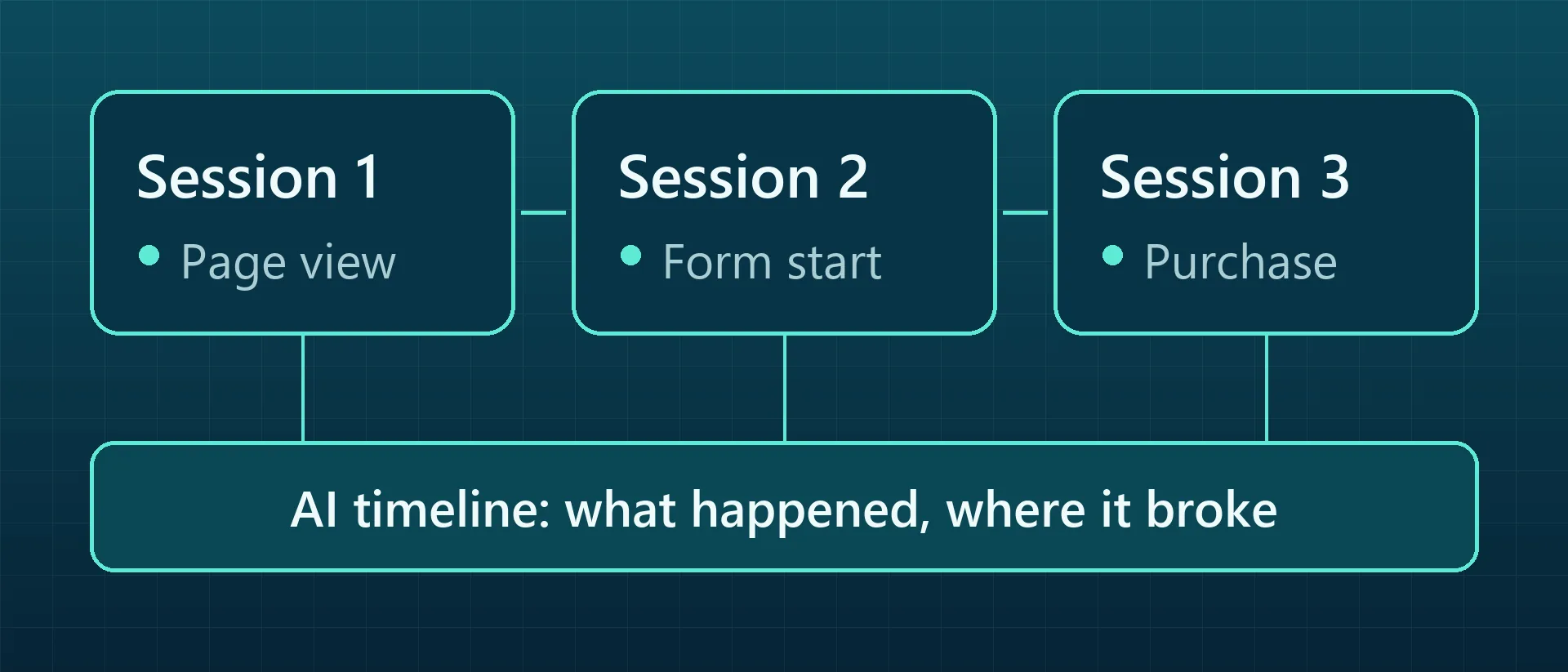
HubSpot can't tell you on its own which ad led to a sale. We join its records to the visits and to the sales, in Salesforce or wherever they're kept, so a report shows which ads led to pipeline, not just to a form. See our tracking work and the journey analyser.
Which CRM fits you?
HubSpot's the right call for a lot of businesses, but not all of them. Pick who'll use it and we'll tell you what we'd choose.
A sales team
| What matters |  HubSpotOur pick |  Twentyself-hosted |
|---|---|---|
| Email to leads | Marketing email, tracked one-to-one email and sequences, all on the contact | Sent from a separate email tool, joined up by n8n |
| Pipelines and forecasts | Deal pipelines, with forecasting on Sales Hub Professional | Pipelines and tasks. Forecasts are yours to build |
| Ready-made integrations | A big app marketplace, including Gmail, Outlook and Salesforce | An open API, so n8n can connect what you need |
| What you pay for | Paid Sales Hub plans are priced per seat | A server, with no per-user licence |
| Who looks after it | HubSpot does | You, or us |
Our pick: HubSpot. Once a few people sell for a living, sequences, pipelines and forecasts on one contact record are worth the seats. We set it up in your own portal.
A small team
| What matters | HubSpot | Twentyself-hostedOur pick |
|---|---|---|
| Getting started | Free for up to 2 users | Free software, on a server you run (or we run for you) |
| Adding people | Paid seats once you outgrow the free plan | No per-user licence |
| Email and calendar | Connects Gmail or Outlook | Syncs Gmail and Google Calendar into each record |
| Forms | HubSpot forms, or your own through its API | Your own forms, through n8n |
| Where your data lives | HubSpot's cloud | A database on your own server |
Our pick: Twenty, if you're a handful of people who need contacts, deals and tasks in one place. It's what we run ourselves, and adding a person costs nothing.
An online shop
| What matters | HubSpot |  KlaviyoOur pick |
|---|---|---|
| Shop data | Contacts and deals, through an integration | Browsing, baskets, orders and products, straight from Shopify |
| Ready-made flows | Workflows you build | Welcome, abandoned basket and post-purchase flows ready to switch on |
| Product emails | Templates you design | Product blocks and recommendations from your catalogue |
| Reporting | Opens, clicks and deals | Revenue for each email and flow |
| What you pay for | Seats, plus marketing contacts if you email shoppers from Marketing Hub | Active profiles, the people you can email |
Our pick: Klaviyo, if you sell online. It's built around what shoppers browse and buy, and that's where shop email makes its money. We set up Klaviyo too.
HubSpot's facts are from its Sales Hub pricing page, Klaviyo's from its pricing page, and Twenty's from the install we run, 10 October 2026. Prices change, so we've kept them out.
What we connect it to
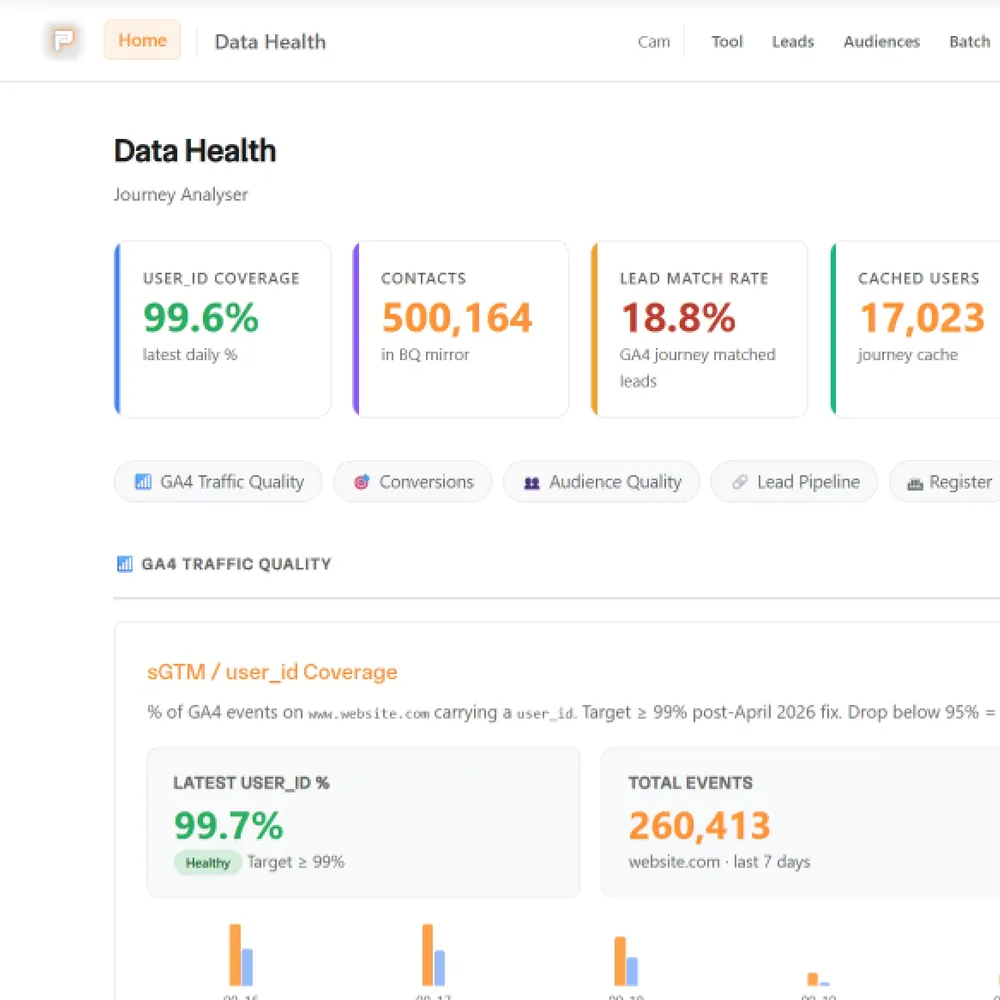
HubSpot holds the leads, but it doesn't know which ad brought them or what they were worth. We join its records to the visit and to the sale.
 SalesforcePasses leads and campaigns across, with the lead source kept intact.
 GTMPasses the click identifier into the form, so the lead keeps its source.
 Google AdsThe click ID and campaign from each ad end up on the contact.
 BigQueryContacts and deal stages sit next to the visits that produced them.
 n8nMoves form fills in and tasks out where HubSpot has no ready-made app.
 LinkedInCRM lists become LinkedIn audiences, and leads come back to HubSpot with the campaign they came from.
It's one part of the setup.
If another part is broken, this one wastes money.
What's a customer worth?
- 1
- 2
- 3
- 4
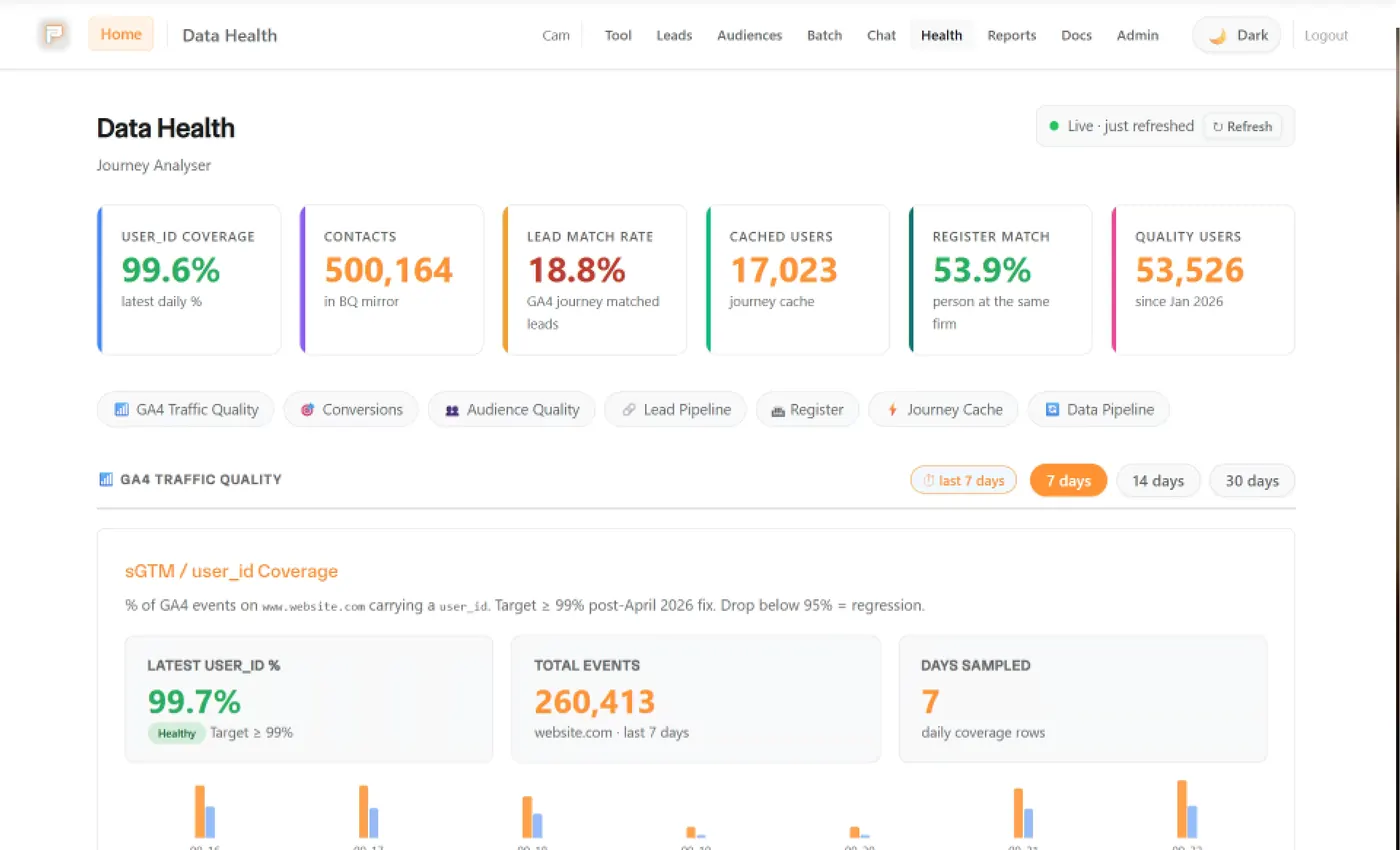
Where we've used HubSpot



Services that use it
We don't sell it on its own. Each of these services uses it alongside the rest of your setup.
What HubSpot is
HubSpot is a CRM with marketing, sales and service tools built on it. Marketing Hub sends email and runs workflows, Sales Hub adds pipelines, sequences and forecasts, and they all share one contact record.
There's a free plan for up to two users, and paid Sales Hub plans are priced per seat (HubSpot's pricing page, October 2026). Check HubSpot's pricing page for what each tier includes before you commit.
Questions about HubSpot
Straight answers on how we work, what it costs and what to expect. If yours isn't here, just ask.
Still have questions?
Talk to usWill setting up HubSpot email break our other email?
It shouldn't, as long as your SPF record is edited and not replaced. To send as you, HubSpot needs two DKIM records and its own line added to your SPF record. If someone swaps the whole SPF record for a HubSpot-only one, your other senders (Microsoft 365, Google Workspace, your booking or shop tools) start failing checks, and their email can land in junk or bounce.
We work out the finished SPF line, keeping what's already there, give it to whoever looks after your DNS with the two DKIM records, and check the live records once they're in.
When is HubSpot worth paying for?
When a few people sell for a living. That's when tracked emails, sequences, pipelines and forecasts on one contact record start paying for the seats, because the team stops working from spreadsheets and inboxes.
If you're a handful of people who mainly need contacts, deals and tasks in one place, HubSpot's free plan (up to two users; check HubSpot's pricing page) or a self-hosted CRM like Twenty is usually enough.
Can you work with our existing Salesforce?
Yes. We don't replace it or build orgs. We work with the data around it: the click ID and UTM tags are captured at the form and carried into the CRM that takes the lead, so reports can say which ads reached the pipeline.
Changes to Salesforce fields need your Salesforce admin. We've worked with a setup where HubSpot sits in front, passing the click ID and campaign across to Salesforce.
Why do my leads lose their source in Salesforce?
Usually because something overwrites it on the way in: a form that doesn't pass the campaign, a chatbot, an import, or a duplicate record. The ad then looks worse than it is.
It's a wiring job. We keep the click ID and campaign tags with the lead from the form to the CRM, so the source survives.
Start with your numbers.
We'll tell you which tools you need and which connections are missing.















Bring your numbers.
We'll tell you if the spend makes sense.
- A 15-minute callYour goals, your challenges, and whether we're the right fit.
- A 1-hour discovery callWe dig into your numbers. Worth a hundred emails.
- A concrete planAds, a custom build or both, as a one-off project or ongoing.