












Cloudflare
- DNS and CDN
- Workers and R2
- Access logins
- Turnstile
Sits in front of our sites and tools: DNS and caching, Workers, R2 storage, Access, Turnstile and Pages.

- 253images and files this site serves from R2
- 330+cities in Cloudflare's network
- 10builds on it
- 5services it belongs to
What Cloudflare does for us
DNS in one place
We keep DNS in Cloudflare, so records for the site, email and tracking sit together. Where we can, we ask for the Cloudflare account to be in the client's name, with us added as admin.
Cache cleared on publish
When a proxied Webflow site publishes, n8n clears its Cloudflare cache. Editors see their change straight away instead of waiting.
Logins at the edge
Access puts a Google or one-time PIN login in front of staging, our documentation and internal tools. The app behind it needs no login code of its own.
Images from R2
This site's images and files are served from R2, from our own assets hostname. Cloudflare doesn't charge for data leaving R2.
Small jobs at the edge
One Worker serves this whole site and handles the form endpoint. Others run our short links and a call-tracking job for PPC campaigns.
Spam checks without puzzles
Turnstile checks each form fill on the new site. There's no puzzle to solve, and the widget only shows if Cloudflare needs a click.
Cloudflare is lots of products, and we use six of them: DNS and caching, Workers, R2, Access, Turnstile and Pages. It sits in front of our own site and tools, and in front of client sites where the client's domain is on Cloudflare.
On our own site and tools
- Workers: one Worker serves this whole website, including the
/api/leadform endpoint. Small jobs like our short-link redirects run as Workers too. - R2: 253 images and files (15.7 MB) were copied from Webflow storage into an R2 bucket, and are served from our own assets hostname. Editor uploads go to the same bucket.
- Access: staging sits behind an Access login, and so do our internal tools. People sign in with Google or a one-time PIN.
- Turnstile: checks each fill of a form on the new site before it reaches
/api/lead. - Pages: hosts our internal documentation site.
On client sites
- DNS and security: Cloudflare is our default DNS home for a client domain. We prefer the Cloudflare account to be the client's own, with us added as admin, so they keep ownership.
- Cache: on Webflow sites behind the Cloudflare proxy, an n8n workflow clears the cache when the site publishes. A site without that workflow can serve old pages until someone clears the cache by hand.
- Tracking hostnames: the Stape records for a first-party tracking subdomain go in Cloudflare as DNS-only. Proxy them and tracking breaks.
- Spam: for a Webflow form getting phrase spam, we've used Webflow's Cloudflare Turnstile bot blocking.
What we connect it to
Fast, safe pages still need tracking and follow-up to bring in customers.
 WebflowCloudflare proxies and protects the site, and n8n clears its cache after each publish.
 StapeCloudflare holds the DNS records for the tracking subdomains.
 Astro + KeystaticThis website runs as a Cloudflare Worker, with uploads in R2.
 Google CloudAccess puts a login in front of the services we run on Cloud Run.
 n8nn8n clears a client site's Cloudflare cache after a publish.
 GitHubA merge to main on this site's repository deploys it to Cloudflare.
 ShopifyHolds the DNS for the store's domain.
Show 3 more
It's one part of the setup.
If another part is broken, this one wastes money.
What's a customer worth?
- 1
- 2
- 3
- 4
Where we've used Cloudflare
- Client work
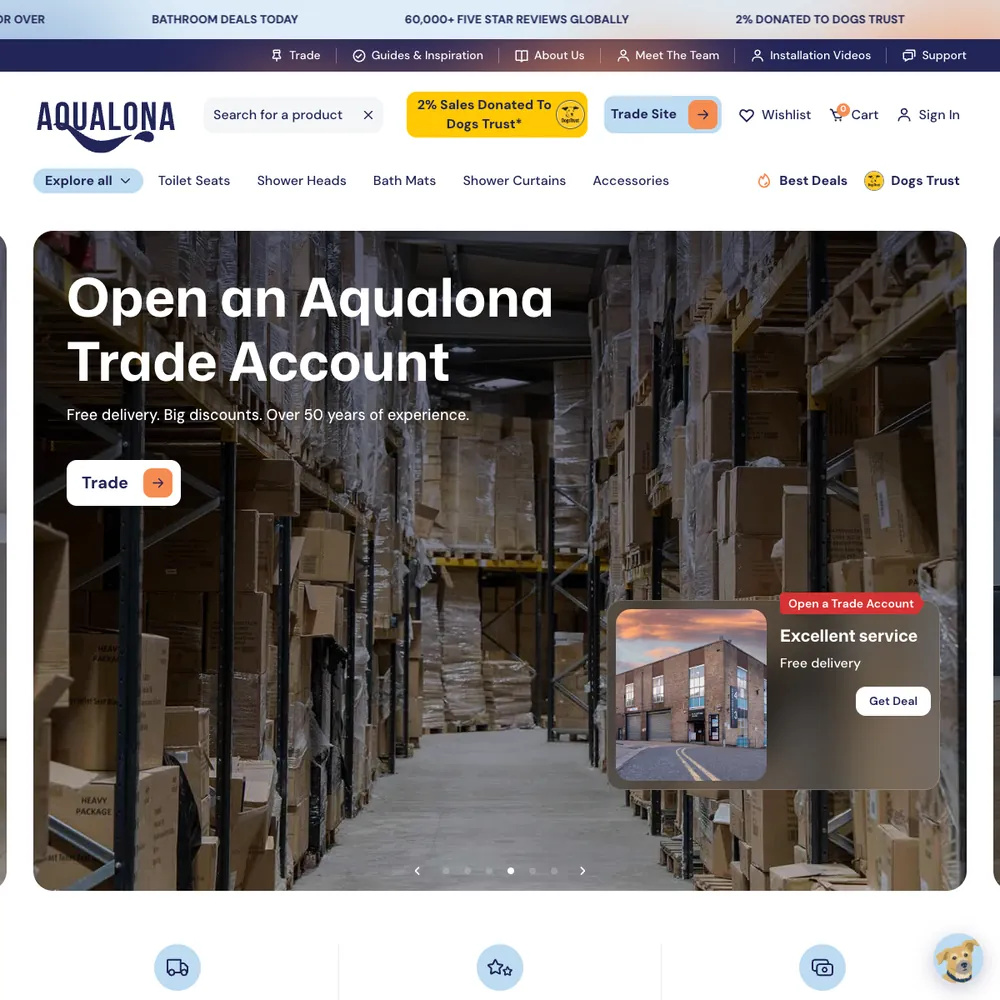
Aqualona
A headless Webflow and Shopify store that went from a handful of orders to 1000s tracked in its first months, each matched to the visit that started it
Read the story - Built by us
Pacing Journey
The stored visits and forms from one person on one timeline.
See the build

 +4
+4 - Client work
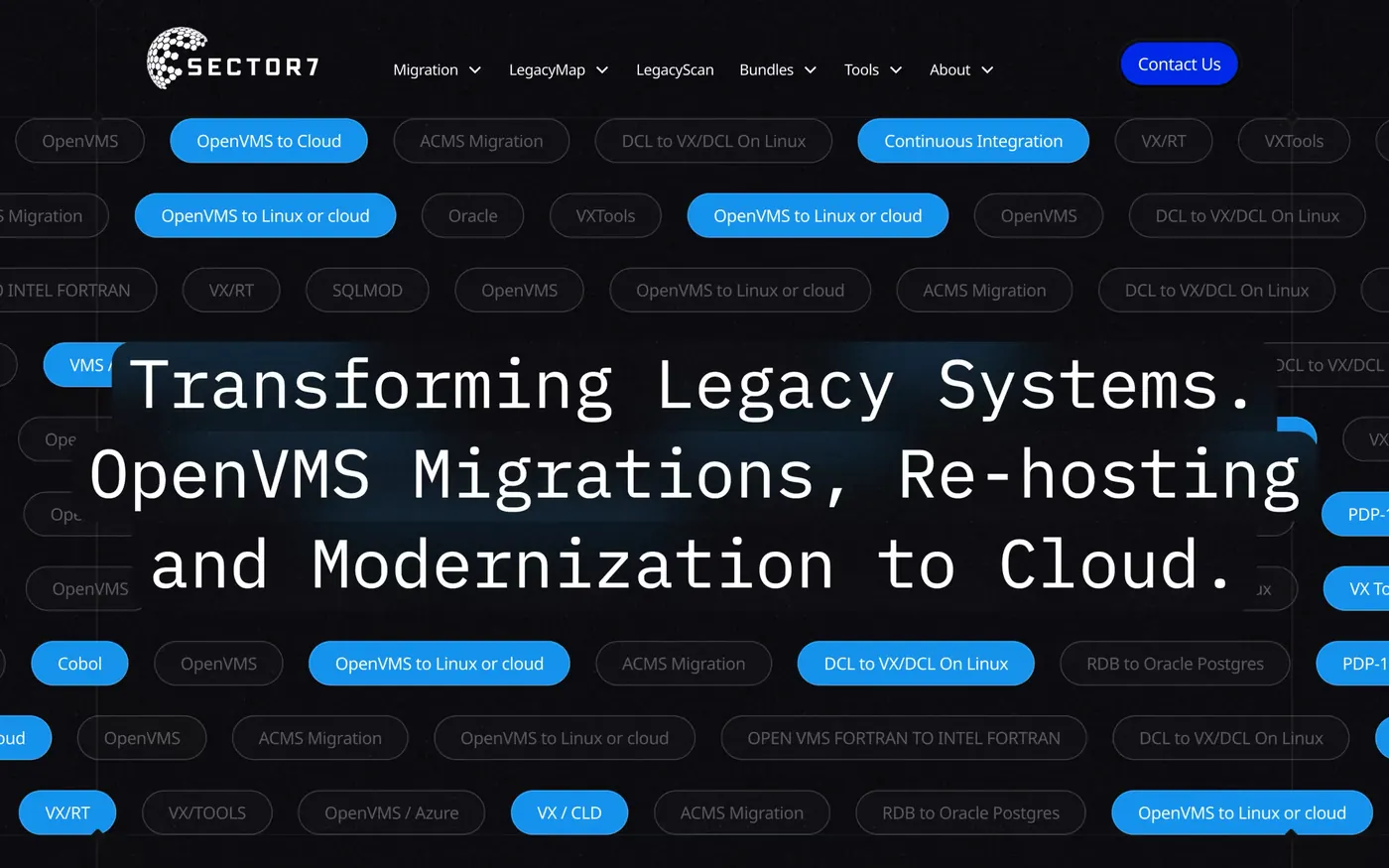
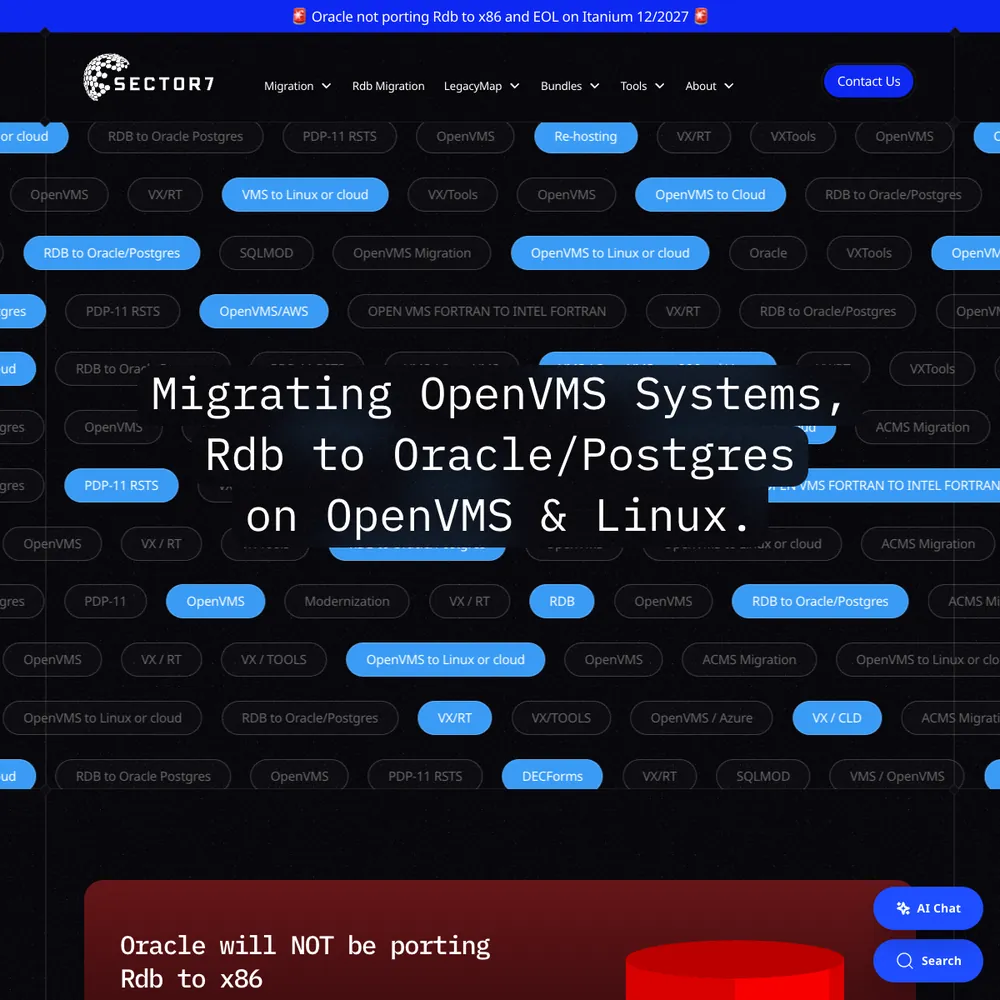
Sector7
An award-winning rebuild, 177% more new users in 2025 than 2024, and Jon calls it "executed flawlessly, on time and on budget".
Read the story - Built by us
Pacing Compressor
Drop in JPEG, PNG, WebP or AVIF images, shrink them in your browser and download the result. Your files never leave your device.
See the build - Built by us
Pacing Viewer
We write client reports in Markdown. Viewer turns one into a link a client can open in a browser, with no account and no copy kept on our servers.
See the build
- Built by us
Pacing Docs
Our staff manual: how we set up tracking, CRMs and the tools we use.
See the build - Built by us
Pacing Headshots
Turns a few selfies into studio-style headshots for staff and clients.
See the build

- Built by us
Pacing AI
The Cursor skills, connector notes and workspace setups we use on client work, on one site. Copy a folder, or ask us to set it up on your tools.
See the build - Built by us
Pacing Phone Line
We built our own phone line, and it tells us which ad made the phone ring. Callers choose a person, our AI assistant or a text with our website. Every call lands in our CRM, with the recording, the transcript and the ad behind it where there is one.
See the build

 +1
+1 - Built by us
Client spaces
A private page for each client at their own address, plus a staff hub to run them all. Built on Cloudflare, and staff-only for now.
See the build - Built by us
This website
How we rebuilt pacing.agency in Astro, with Keystatic as the editor and one Cloudflare Worker, in three weeks, with AI agents opening 95% of the pull requests.
See the build+4 - Built by us
biio.link
Your social bios send people to a page on your own website, not someone else's, and Google Analytics shows how many came. Free for Pacing clients.
See the build

Services that use it
We don't sell it on its own. Each of these services uses it alongside the rest of your setup.
- Place in the loop: TrackingTech & TrackingTracking that ties every visit and lead back to where it came from, and follows it into your CRM, set up so your data and your customers' data stay safe.Related tools: Google Analytics 4 (GA4), Stape, Looker Studio, Google Tag Manager (GTM)How it fits
- Management, Support & ReportingAfter launch, we check your ads, website and tracking every month, fix what slipped, and send you a report that ends with what to do next.Related tools: Looker Studio, Google Analytics 4 (GA4), BigQuery, Google AdsHow it fits
- Funnel ManagementDon't let leads fall through the gaps. We build the whole funnel, from the ad to the follow-up, then keep improving it.Related tools: Webflow, Google Tag Manager (GTM), Stape, CloudflareHow it fits
- Place in the loop: AdsContent & SEOContent and SEO that get you found on Google by people already looking for what you do.Related tools: Google Search Console, Google Analytics 4 (GA4), Google, WebflowHow it fits
- Place in the loop: WebsiteWebsite Design & DevelopmentWebsites that look the part, turn visitors into enquiries, and that your team can update without a developer.Related tools: Webflow, Astro and Keystatic, Shopify, FigmaHow it fits






What Cloudflare is
Cloudflare is a network of servers in 330+ cities that sits between your visitors and your site. It answers DNS lookups, keeps a cached copy of your pages close to the visitor, filters out bad traffic and can run small pieces of code at the edge.
It sells a lot of separate products. A free plan covers DNS, a CDN, unmetered DDoS protection, a basic set of firewall rules and an SSL certificate. Paid plans for a domain add more rules and support, and Workers, R2 and Access are priced on their own. Most small sites never need more than the free plan.
Questions about Cloudflare
Straight answers on how we work, what it costs and what to expect. If yours isn't here, just ask.
Still have questions?
Talk to usHow does Webflow handle website performance and loading speeds?
Webflow serves sites through a CDN with SSL included, minifies code when you publish, and creates responsive image sizes. It can lazy-load images too. How fast a page ends up depends mostly on what's on it, such as image sizes and third-party scripts, so those are the first things to check.
Can Cloudflare integrate with other marketing and analytics tools?
Cloudflare doesn't plug into your marketing tools directly, but it sits next to them. It holds the DNS for tracking subdomains such as the ones Stape uses, and an n8n workflow can call its API, for example to clear the cache when a Webflow site publishes.
How do you keep my website secure and up to date?
Webflow looks after the hosting and platform updates, so there are no plugins to patch. We look after the rest: DNS and Cloudflare settings, form spam checks, and testing that tracking and forms still work after a change.
How do you handle compliance management for my website?
We work with your cookie consent tool, or suggest one we've worked with, and connect it to your tags so they follow the visitor's choice. How that's wired depends on the project, so we test what your tags actually do. We don't write legal text or give legal advice, so your privacy policy needs sign-off from someone qualified.
What are the potential drawbacks or limitations of using Cloudflare?
A few real ones. It's another service to set up and keep an eye on. A wrong cache or firewall rule can show old pages or block real visitors. Your site depends on Cloudflare being up. And some DNS records, such as server-side tracking ones, have to stay un-proxied.
Why is Cloudflare essential for website security and performance?
It isn't essential for every site. Webflow already serves sites through its own CDN with SSL included. We use Cloudflare where it earns its place: DNS in one tidy account, a CDN and DDoS protection in front of a site, and logins in front of private pages.
How much does Cloudflare cost and what plans are available?
There's a free plan, and it's enough for many marketing sites. At the time of writing, Pro is $25 a month per domain ($20 on annual billing), Business is $250 ($200 annual) and the top tier, Contract, is quoted. Workers, R2 and Access are priced on their own terms, so check cloudflare.com for current prices.
How does Cloudflare help with SEO and search engine rankings?
Only indirectly, and it doesn't guarantee rankings. A CDN can make files load faster, HTTPS is a basic expectation, and a site that stays reachable is easier for Google to crawl. Content and links do most of the work in search, and a wrongly set rule in Cloudflare can get in Google's way.
Does server-side tracking with Stape make my site faster?
On our own site, moving GTM to a same-origin loader left load time unchanged, and speed isn't why we use Stape. Server-side tracking means the page doesn't have to load a separate script for every ad platform, but the GTM container still loads in the page, so don't expect a big jump. We don't promise a speed gain.
What types of cyber threats does Cloudflare protect against?
Mainly three things: DDoS attacks (floods of traffic), common web attacks such as SQL injection and cross-site scripting through its WAF rules, and automated bots through bot protection and Turnstile. How much of that you get depends on your plan. No setup stops everything.
Show 4 more questions
What is Cloudflare's Web Application Firewall and how does it work?
A web application firewall (WAF) checks each request to your site against a set of rules and blocks the ones that look like attacks. Every Cloudflare plan includes the Free Managed Ruleset. The fuller Cloudflare Managed and OWASP rulesets need a paid plan, from Pro upwards.
How does Cloudflare's CDN improve website loading speeds?
A CDN keeps copies of your files on servers in 330+ cities, so a visitor gets them from somewhere nearby instead of from one distant server. By default Cloudflare caches static files such as images, CSS and JavaScript, but not HTML pages. How fast the page feels still depends mostly on how heavy it is.
How do you handle website maintenance and updates?
On Webflow there's no server or plugin to update, so maintenance is mostly content changes, fixes and checks. Our ongoing management service covers content changes, DNS and Cloudflare settings, form spam checks, and testing that tracking and forms still work after a change.
How do you ensure data security and compliance?
We secure what we build and connect your cookie consent tool to your tags, then test it. Where your domain is on Cloudflare, we use it for SSL, caching and protection against attacks, and we add spam checks to forms that attract junk and logins in front of private pages such as staging. We don't give legal advice or promise compliance, so a qualified person needs to sign off your policy.
Start with your numbers.
We'll tell you which tools you need and which connections are missing.



















Bring your numbers.
We'll tell you if the spend makes sense.
- A 15-minute callYour goals, your challenges, and whether we're the right fit.
- A 1-hour discovery callWe dig into your numbers. Worth a hundred emails.
- A concrete planAds, a custom build or both, as a one-off project or ongoing.