










What are the most useful automations for a marketing agency?
The ones that move a lead along without anyone copying it. These are the ones we rely on, built in n8n: Form fill to CRM person, opportunity and team alert Real leads sent back to Google Ads as offline conversions Alerts when a workflow or a form fails A cache clear after a Webflow publish, where a site needs it Zapier can do some of these too.
1. Form fill to follow-up
A form comes in, a person and an opportunity are created in the CRM, and the team gets an alert. Nobody has to copy a row across. See the Pacing CRM.
2. Offline conversions
When a lead turns out to be real, the outcome goes back to Google Ads, so the platform learns from sales and not just form fills. Match rates vary and uploads can fail, so this one needs watching.
3. Failure alerts
A failed workflow, or a form that didn't reach the CRM, raises an alert that says what failed and at which step.
4. Publishing
When a Webflow site is published, a workflow clears the CDN cache so visitors see the new version. On one site we've seen, only item publishes reached the live URL (8 October 2026).
They're all small, and they're part of our ongoing management service. More on how we use n8n.
The tools in this answer

Where this came up in our work
- Client work
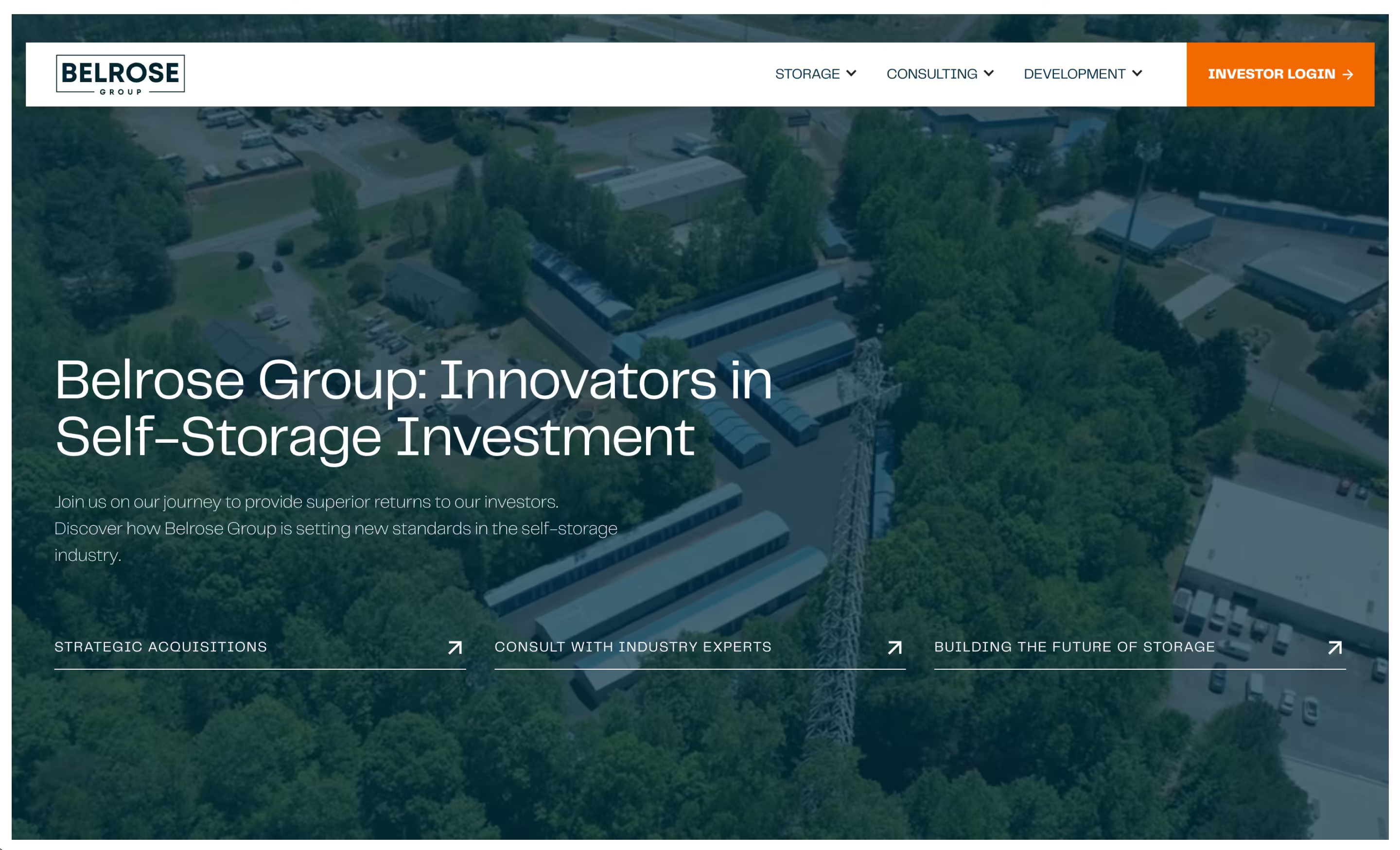
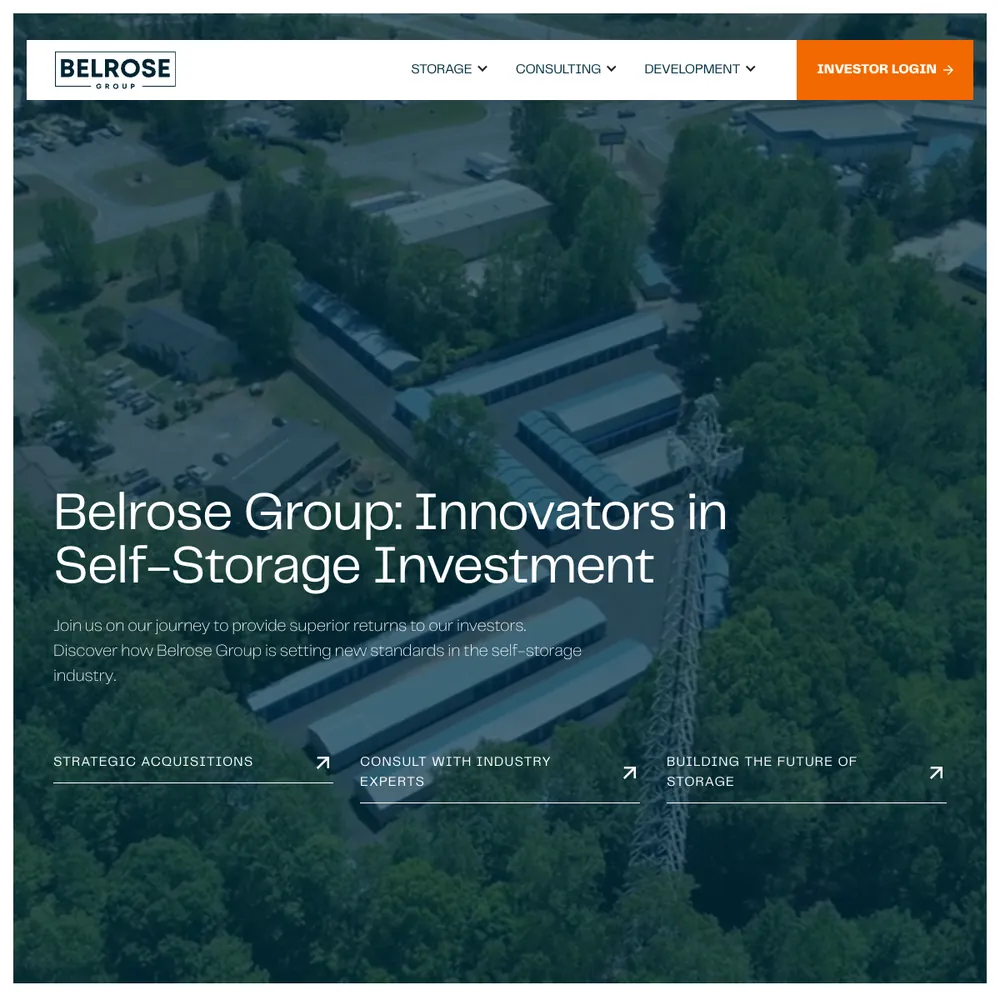
Belrose Group
A self-storage investment, development and consulting firm got a new Webflow site with a page for each of its three divisions, a lead funnel it trusted, and its investor portal moved to a new platform.
Read the story - Client work
Hear Me London
A London audiology clinic got local pages, an online hearing test that logs to a sheet and emails the clinic, and server-side tracking behind every booking: 378 online bookings in 15 months, over half from organic search.
Read the story - Client work
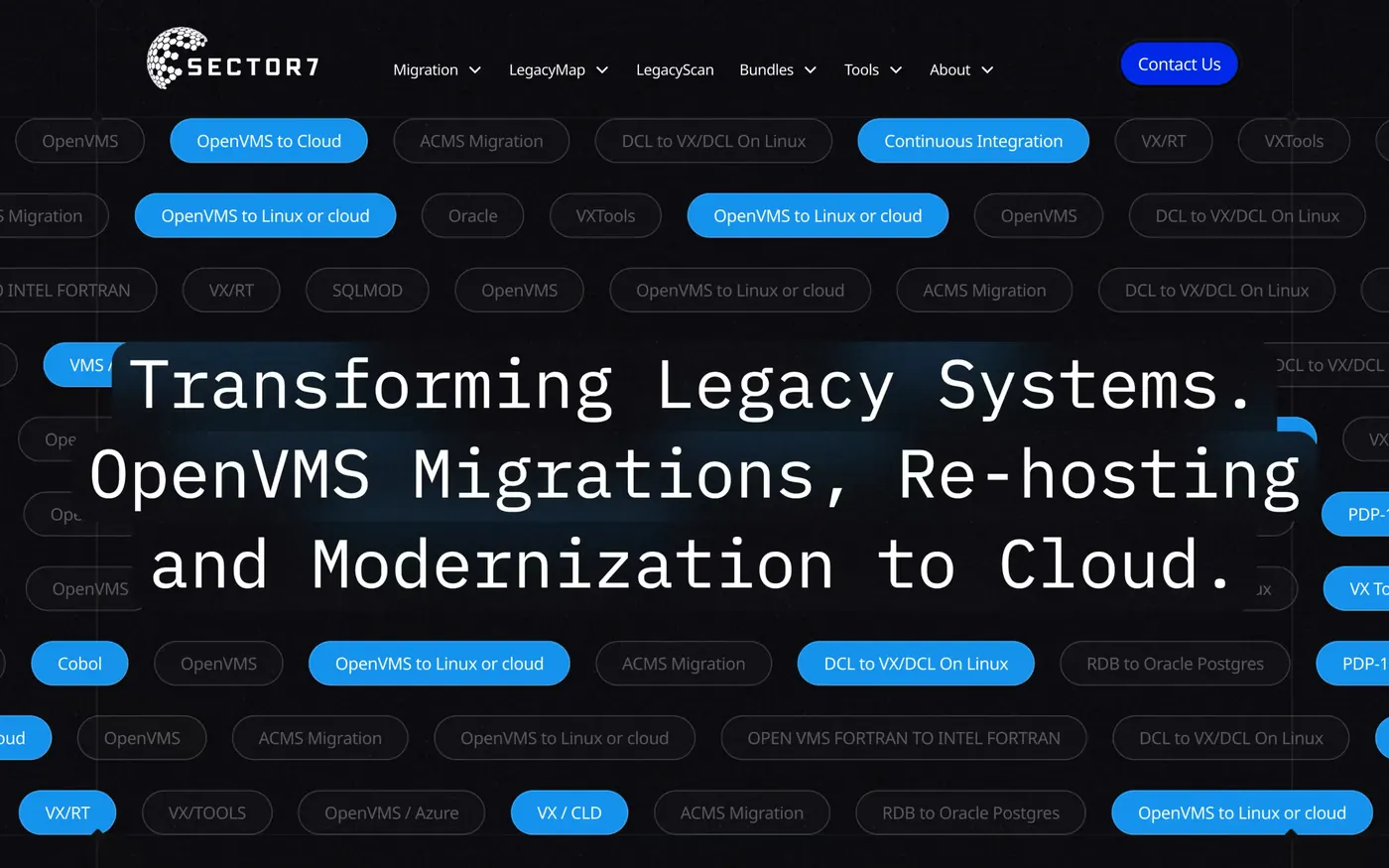
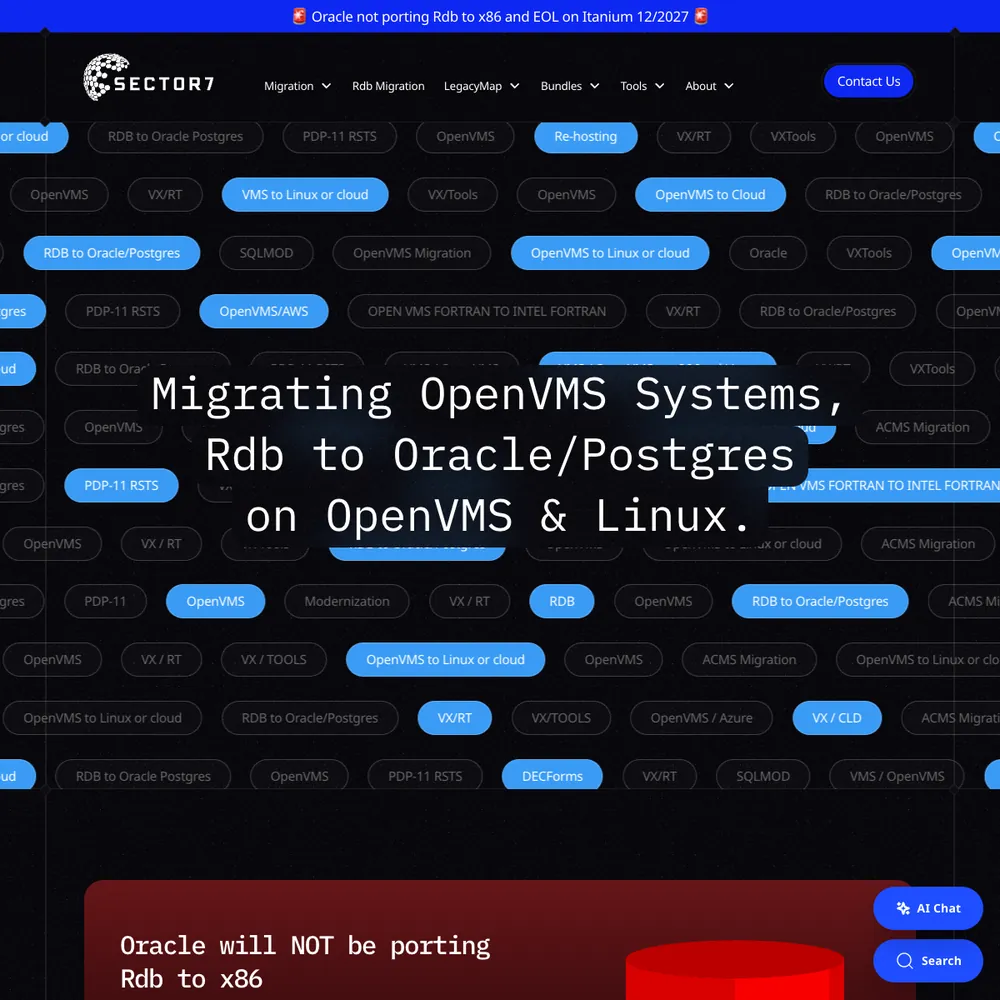
Sector7
An award-winning rebuild, 177% more new users in 2025 than 2024, and Jon calls it "executed flawlessly, on time and on budget".
Read the story


Also worth asking
Other answers about the same tools.
What’s included in your performance reporting?
Spend, leads or sales, and cost per result by channel, using data we've checked first. Reports sit in a Looker Studio dashboard you can open any time, and each one ends with what we'd push, fix or stop.
How do you use Cursor for building marketing automation tools?
Our marketing automation runs in n8n. Cursor is the editor we build in, so it's where we write and review the code around it: small scripts, integrations and tools that connect your forms, sheets and CRM. A person checks everything before it goes live.
How do you measure the return on an automation, whether it's n8n or Zapier?
Weigh what the automation replaces against what it costs to run. We don't have hours-saved or payback figures for ours, because we haven't measured them.
What we can see is in n8n's run history: how often a workflow ran, which runs failed, and what record it left in the CRM.
Can n8n handle complex multi-step marketing workflows, and how does it compare with Zapier?
Yes. We build multi-step workflows in n8n that branch on conditions, loop over lists, wait, run a bit of code and call any service with an API. Zapier can do multi-step work too, with paths, filters and delays, but it bills by task, so long workflows that run often get expensive. On an n8n server we run ourselves, you pay for the server, not the number of steps.
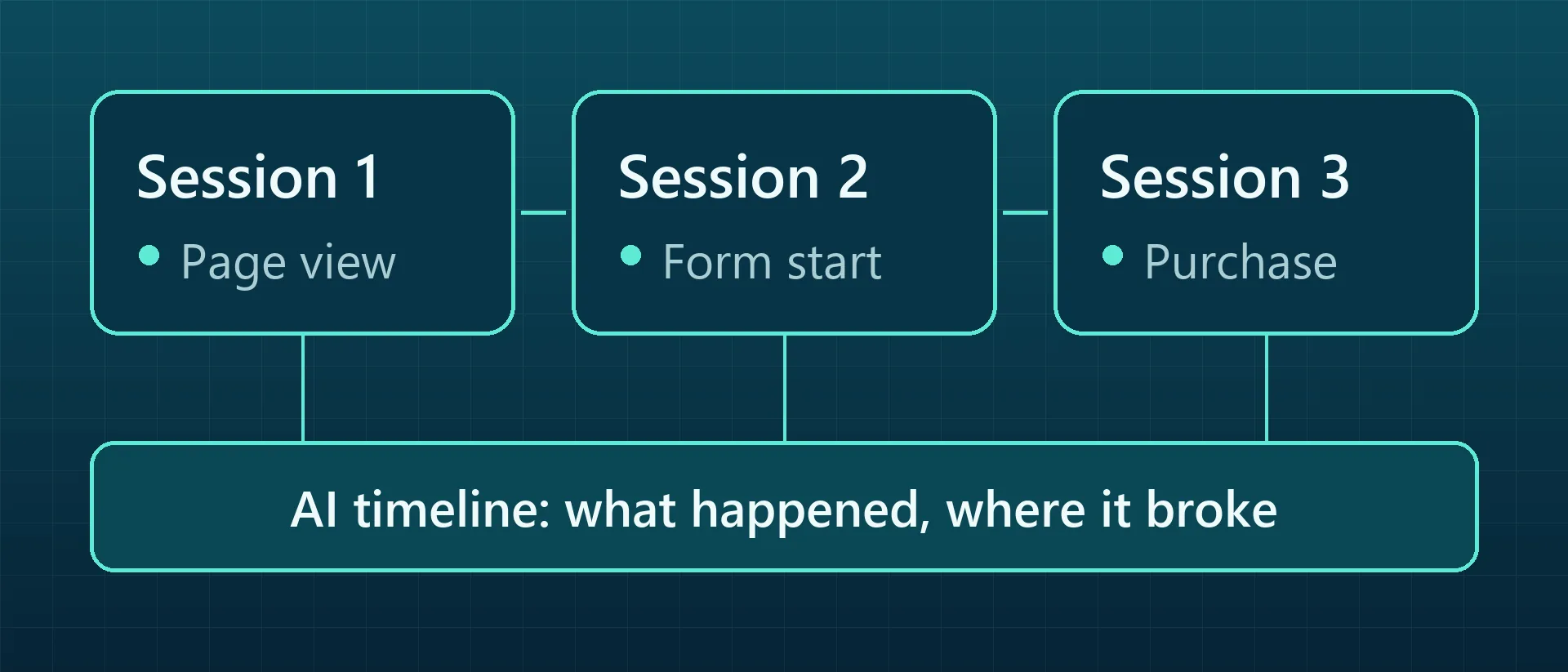
Here's one of ours: a form comes in on this site, the workflow checks it's valid and not a duplicate, a row goes into a sheet, a person, an opportunity and a form record are created in the CRM, the team gets alerts by chat and text, and a failure raises an alert too.
What happens when an automation breaks or fails?
Someone gets told. We set an error alert on our n8n workflows, so a failure reaches someone on the Pacing team. The usual causes are an expired login, a service changing its API, or data arriving in an unexpected format.
We fix the cause, then re-run the failed items.
Still have questions?Talk to us
Bring your numbers.
We'll tell you if the spend makes sense.
- A 15-minute callYour goals, your challenges, and whether we're the right fit.
- A 1-hour discovery callWe dig into your numbers. Worth a hundred emails.
- A concrete planAds, a custom build or both, as a one-off project or ongoing.