












Management, Support & Reporting
After launch, we check your ads, website and tracking every month, fix what slipped, and send you a report that ends with what to do next.





A report that ends with what to do
This is the shape of the Looker Studio report you'd get. Each page answers one question, and the last one is the decision.
- Enquiries64tracked from the form and calls
- Cost per enquiry£42down from £51
- Booked19matched to the ad that started each
What we spent
Share of the month’s ad spend, by channel.
What it brought in
- Search ads
- Display ads
- Pricing page form
!Wk 2: Form fills dropped, though the CRM still had leads. The tag had broken.
What to change next
What we didMoved budget over from display and raised the cap on the two best campaigns.
What we didRepaired the form tag and tested it with a real conversion.
What we didPaused the campaigns and put the budget into search.
Example only. Names and figures are made up to show the shape of the report.
Where we've done this
- Client work
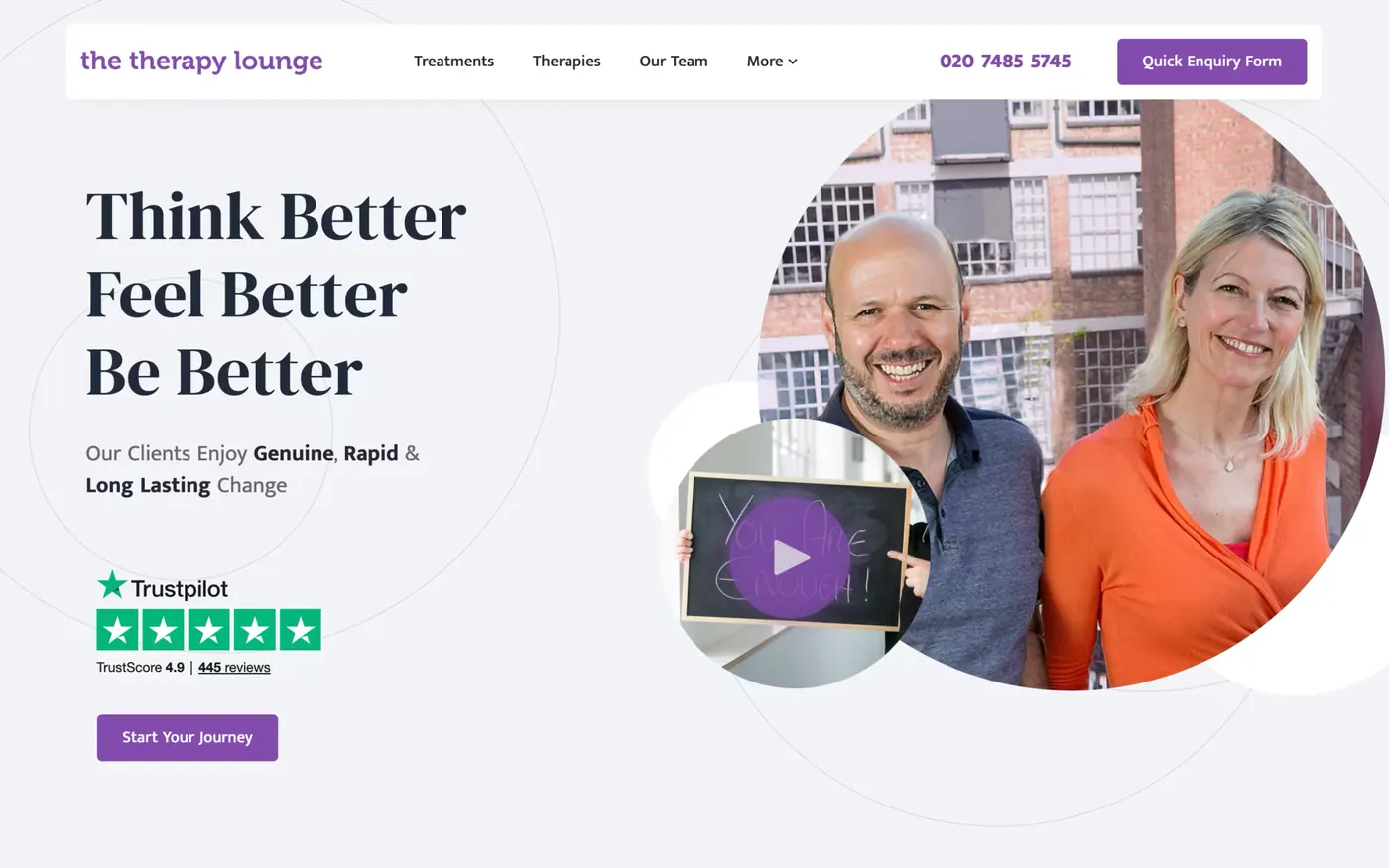
The Therapy Lounge
Every enquiry priced from click to booked client, April 2025 to October 2026.
Read the story - Client work
FE fundinfo
Cost per lead down 18%, Jun to Aug 2026 against Mar to May.
Read the story - Client work
Hear Me London
A bookings funnel that shows where patients come from.
Read the story


Is your ad spend working?
A report is only useful if the numbers behind it are right.
We check your website, tracking, CRM and ads together, so the report shows which ad brought which customer.
What's a customer worth?
- 1
- 2
- 3
- 4
Tools we use for this
- Looker StudioWhere our client reports live: weekly and monthly dashboards the whole team can open, built on data we've checked.Reporting
- GA4Counts sessions and events. We check it against the raw data before we report from it.Reporting
- BigQueryKeeps the raw GA4 and CRM data, so we can join a visit to the lead it produced and check any report against the rows.Reporting
- Google AdsSearch for leads, Shopping and Performance Max for online shops. Conversion goals match what the business actually counts, and real leads and sales go back to Google.PPC
 MetaReaching people who aren't searching yet, and following up the ones who left, once the website and tracking can take the visits. Conversions go in from the server.PPC
 GSCShows which searches bring people to a site and which pages Google has indexed. We check it after every launch, migration and batch of new pages.Reporting
- WebflowWe're a Webflow Certified Partner. Your team can edit the pages without a developer, and the tracking and forms are wired in before launch.Tech
- CloudflareSits in front of our sites and tools: DNS and caching, Workers, R2 storage, Access, Turnstile and Pages.Tech
Show 4 more
And the ones we built
- Built by us
Pacing Viewer
We write client reports in Markdown. Viewer turns one into a link a client can open in a browser, with no account and no copy kept on our servers.
See the build
- Built by us
Pacing Journey
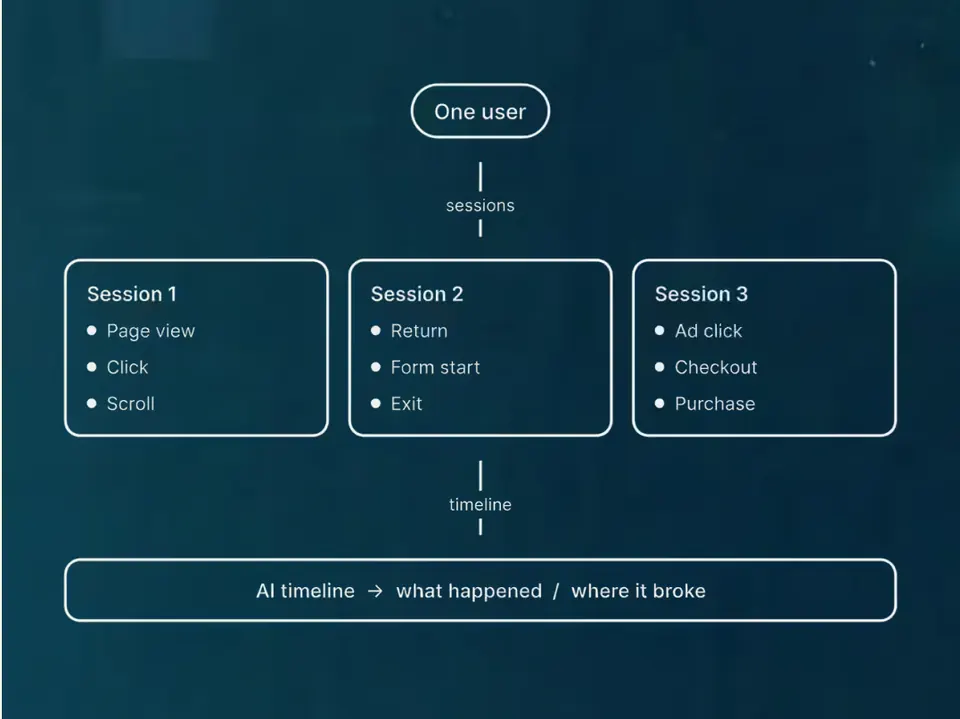
The stored visits and forms from one person on one timeline.
See the build
 +4
+4 - Built by us
Pacing Numbers
Budget, break-even ROAS and cost per customer, worked out in your browser from your own revenue, margin and customer value. Free, with no email needed.
See the build
How it runs
After launch, someone has to check the numbers, spot what slipped and fix it. That's the job here.
1. Onboard
You fill in a questionnaire about your business, your goals and what you already run. We review your marketing, website and analytics, then agree what to fix first. You end up with the biggest gaps in order, and a Looker Studio report on your own numbers.
2. Report
You get regular reports and scheduled calls, with a chat channel for anything urgent. Each report looks at your ads, website and CRM together and ends in push, fix or stop. The dashboard stays open to you, so nothing waits for a PDF.
3. Optimise
We make the fixes the numbers point to, biggest first: a test, a creative refresh, a landing page change or a tracking repair. We also look after the website itself: content changes, DNS and Cloudflare settings, form spam checks, and tests that tracking and forms still work after a change.
Frequently Asked Questions
Questions about fees, reports and website upkeep.
Still have questions?
Talk to usWhat is ongoing management, support, and reporting?
It means we don't launch your marketing and leave. We keep running and improving your ads, website and tracking on a retainer, and send reports that show what's working and what we'd change.
What’s included in your performance reporting?
Spend, leads or sales, and cost per result by channel, using data we've checked first. Reports sit in a Looker Studio dashboard you can open any time, and each one ends with what we'd push, fix or stop.
How do you structure your support retainers?
Usually a fixed monthly fee for an agreed scope, such as ads management and reporting, or website upkeep. Where it makes sense we can do a base fee plus a share of results. We agree the model and what's included before we start.
How do you ensure continuous optimisation of my marketing?
We look at your ads, website and CRM together, then make the biggest fix first. That might be a test, a creative refresh, a landing page change or a tracking repair.
How do you communicate updates and results to clients?
Through reports you can open yourself, calls where we walk through them, and a chat channel for anything urgent. How often depends on the work we've agreed, and we keep updates short so they don't eat into your day.
What happens during onboarding for ongoing support?
Onboarding has three steps: you fill in a questionnaire about your business, we review your current marketing, site and analytics, and we agree what to fix first. Then the regular reports, calls and improvements begin.
We've written about this
 Your website data is probably lying to you (and it’s not your ads’ fault)Conversions not adding up? Event match score low? Blocked tags can leave gaps that inflate your CPA.Read the note
 How to make a free websiteYou can make a free website and own it. Here's how we built our own, pacing.agency, with AI coding tools and hosting that can cost nothing, step by step, and the parts that still cost money.Read the note
 The secret life of the user ID: what it is, why it matters, and when you can’t use itIf you're not using User IDs, do you really know what your website users are doing? Probably not.Read the note
What usually sits next to this
- Place in the loop: WebsiteWebsitesPages that turn visitors into enquiries.Related tools: Webflow, Astro and Keystatic, Shopify, FigmaSee the service
- Place in the loop: TrackingTrackingSee which ads and pages bring customers.Related tools: Google Analytics 4 (GA4), Stape, Looker Studio, Google Tag Manager (GTM)See the service
- Place in the loop: CRMCRM and emailEvery enquiry saved and followed up.Related tools: HubSpot, Klaviyo, Twenty CRM, NotifuseSee the service
- Place in the loop: AdsPaid mediaGoogle, Meta and LinkedIn ads, judged on customers.Related tools: Google Ads, Meta, LinkedIn, Google Tag Manager (GTM)See the service
Show 3 more
- Place in the loop: AdsContent and SEOGet found by people already searching.Related tools: Google Search Console, Google Analytics 4 (GA4), Google, WebflowSee the service
- Place in the loop: Custom buildCustom buildsTools we build when nothing you can buy fits.See the service
- Place in the loop: AIAI setupCursor and Claude Code set up for you or your team.Related tools: Cursor, Claude Code, Anthropic, GitHubSee the service













Bring your numbers.
We'll tell you if the spend makes sense.
- A 15-minute callYour goals, your challenges, and whether we're the right fit.
- A 1-hour discovery callWe dig into your numbers. Worth a hundred emails.
- A concrete planAds, a custom build or both, as a one-off project or ongoing.