









Webflow
- Webflow Certified Partner
- Hosting included
- Client-First builds
- Webflow MCP
We're a Webflow Certified Partner. Your team can edit the pages without a developer, and the tracking and forms are wired in before launch.

- 5+client sites we've built or supported in Webflow
- 240+FAQ answers moved off our own Webflow CMS into this site
- 5+client stories
- 6services it belongs to
Why we build in Webflow
Edit without a developer
Your team changes text, images and CMS content in the Editor. Nobody has to raise a ticket to fix a typo.
Hosting included
Hosting and the CMS are in one place. With WordPress, hosting and the admin you edit in are usually managed separately.
No plugins to update
Pages don't depend on a stack of plugins from different developers, so there's less to break and less code to load.
A staging site first
Changes can be checked on Webflow's staging address before they go live, which makes QA simpler.
A CMS you shape
Collections with your own fields, so a case study, a service or a clinician page each has the layout it needs.
AI can work in it
Webflow's MCP server lets Claude and Cursor read and edit the site through its API. We use it for builds and bulk CMS jobs.
We use Webflow when your team wants to edit the site themselves. We're a Webflow Certified Partner (listed since July 2025), and a site we rebuilt in Webflow won a Web Excellence Award in 2025. We design the pages, set up the CMS so your team can edit them, and wire in the tracking and forms before launch.
What we build in it
- Brand sites with a CMS. Rebuilds that move a business off an outdated WordPress site, with a CMS guide so the team can edit the new site themselves.
- Landing pages for paid traffic. A CMS collection for pay-per-click pages, built from briefs, with a guarded publish step before anything goes live.
- A storefront on Shopify. A Webflow front end on a headless Shopify back end, joined by Smootify, which syncs the products and collections.
How we build
- Client-First. A class-naming system for Webflow. We've built both a shop and a brand site on it, so the next person who opens the project can find their way around.
- Design signed off first. The Webflow build starts only after the Figma file is approved.
- Webflow's MCP, with guards. We connect Claude and Cursor to client sites through Webflow's MCP server. Before any change we check which client and which site ID we're on, and publishing is a gated step, not something the AI does on its own.
What goes in before launch
- A Google Tag Manager container, so the first visitor is already counted.
- Forms that post to an n8n flow, which logs the enquiry and follows it up.
- DNS on Cloudflare. Behind Cloudflare's proxy, publishing in Webflow can trigger an n8n flow that clears Cloudflare's cache, so changes show straight away.
Moving off WordPress
We don't build or maintain WordPress sites. If you're on WordPress, we'll move you to Webflow or Astro, whichever suits the site, and if you'd rather stay, we can point you to agencies that do it well. Our post on why we move people has the full case.
This site is the exception: we've rebuilt it in Astro, because it needs things Webflow makes awkward.
Is Webflow the right fit?
Webflow isn't the answer to every site. Pick where you're starting from and we'll tell you what we'd set up.
You're on WordPress now
| What matters | WebflowOur pick | WordPress |
|---|---|---|
| Hosting | Included, with the CMS | Separate, usually with a host of your choosing |
| Plugins | Not needed for most pages | Added for most features, each from a different developer |
| Staging | A staging site is part of Webflow | Depends on your host and setup |
| Editing | The Editor, on the live page | The WordPress dashboard |
| Moving later | Your site lives in Webflow, so leaving is a rebuild | Open source, so you can move host |
| What you pay for | A Webflow site plan per site | Hosting, plus any paid themes and plugins |
Our pick: Webflow, and we'll do the move. We don't work with WordPress, so we won't build on it or maintain it. WordPress is open source and runs a huge share of the web, and that's fair. But WordPress sites often need hosting, plugins and updates managed separately, and that upkeep is what Webflow takes off your plate.
You need custom code
| What matters | Webflow |  AI website stackOur pick |
|---|---|---|
| Who edits | Your team, visually, in the Editor | Fields and blocks in Keystatic; a new kind of section needs a developer |
| Custom logic | Possible, but it's added around the site | Written into the project itself |
| Content history | Webflow's own version history | Every edit is a Git commit |
| Hosting | Included | You host it (ours runs on Cloudflare) |
| What you pay for | A Webflow site plan per site | Hosting, plus developer time for changes |
Our pick: Our AI website stack, built on Astro. If the site needs pages built from data, forms that go straight to your own systems, or content kept in Git with checks before it ships, we'd build it in Astro. It's why we're moving this site. If your team edits pages weekly and the site does what you need, stay in Webflow.
You sell online
| What matters | Webflow |  ShopifyOur pick |
|---|---|---|
| Best at | Designing the pages and the content around the products | Products, stock, checkout and payments |
| Webflow's own shop | Ecommerce plans: Standard has a 500-item limit and a 2% transaction fee; Plus has 5,000 items and no fee | Plans built around selling |
| Together | The storefront pages, built in Webflow | The cart and checkout, synced in by Smootify |
| Upkeep | Two platforms to look after | One platform |
Our pick: Shopify for the shop. It's built for carts, stock and checkout, and we're a Shopify Partner. If you want a storefront designed to your brand, we can put a Webflow front end on top.
Webflow facts are from webflow.com/pricing and our public profile at webflow.com/@pacing-agency, October 2026 (USD, per site, billed yearly). WordPress facts are from wordpress.org/about and our own post on why we move clients off WordPress. The client site count is from our client records, October 2026, and includes sites we've supported rather than built. The FAQ count is from our own site audit of 29 September 2026.
What we connect it to
A good-looking site can't tell you which visits became customers. That needs tracking, and forms that go somewhere useful.
 CloudflareHandles DNS for the site. On some client sites, n8n clears its cache when the site publishes.
 GTMCarries the tag container and the form events.
 n8nReceives every form post and follows the enquiry up.
- ShopifyRuns the cart and checkout behind a Webflow storefront.
- AI website stackWhere we build instead when a site needs custom code.
 Google GeminiImages made with Gemini go onto Webflow CMS pages as drafts.
 CursorWe read and edit content through MCP, and always read first.
 FigmaWhere the site suits it, layouts agreed in Figma are built in Webflow.
Show 4 more
It's one part of the setup.
If another part is broken, this one wastes money.
What's a customer worth?
- 1
- 2
- 3
- 4
Where we've used Webflow
- Client work
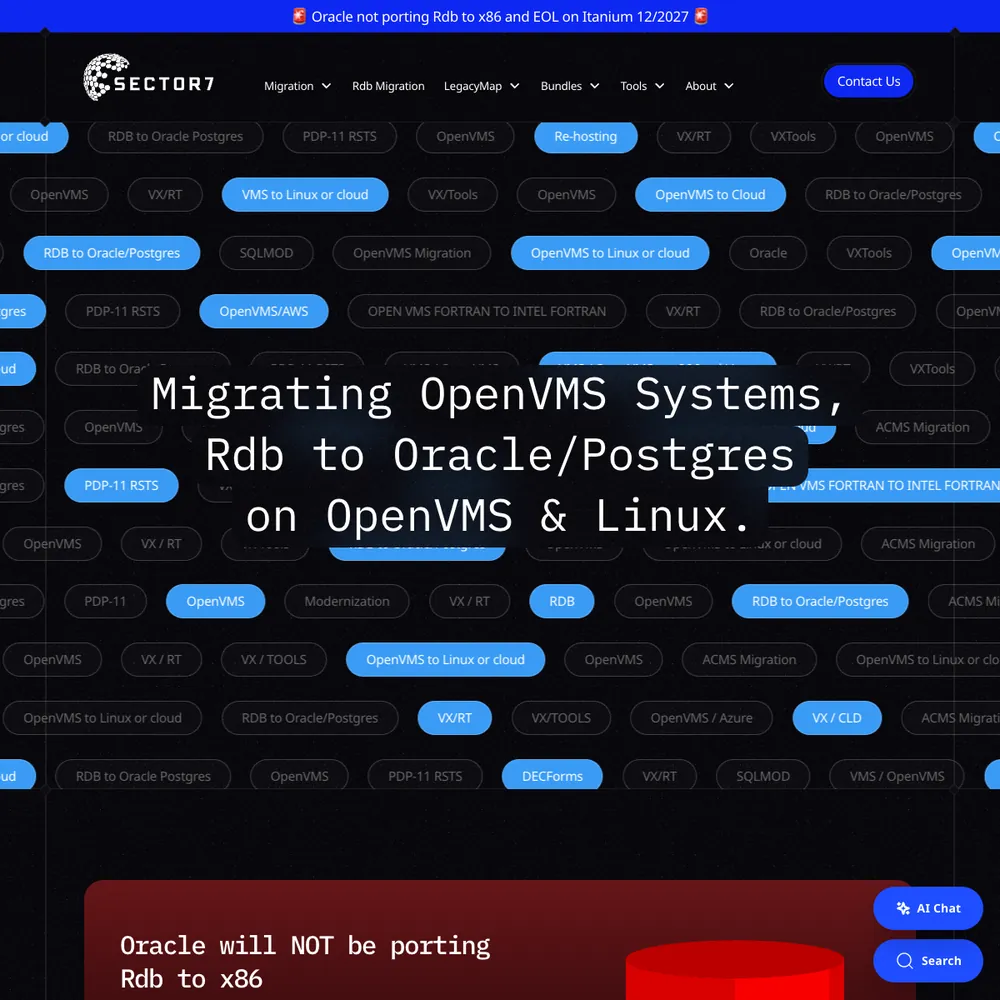
Sector7
An award-winning rebuild, 177% more new users in 2025 than 2024, and Jon calls it "executed flawlessly, on time and on budget".
Read the story - Built by us
Pacing Journey
The stored visits and forms from one person on one timeline.
See the build

 +4
- Client work
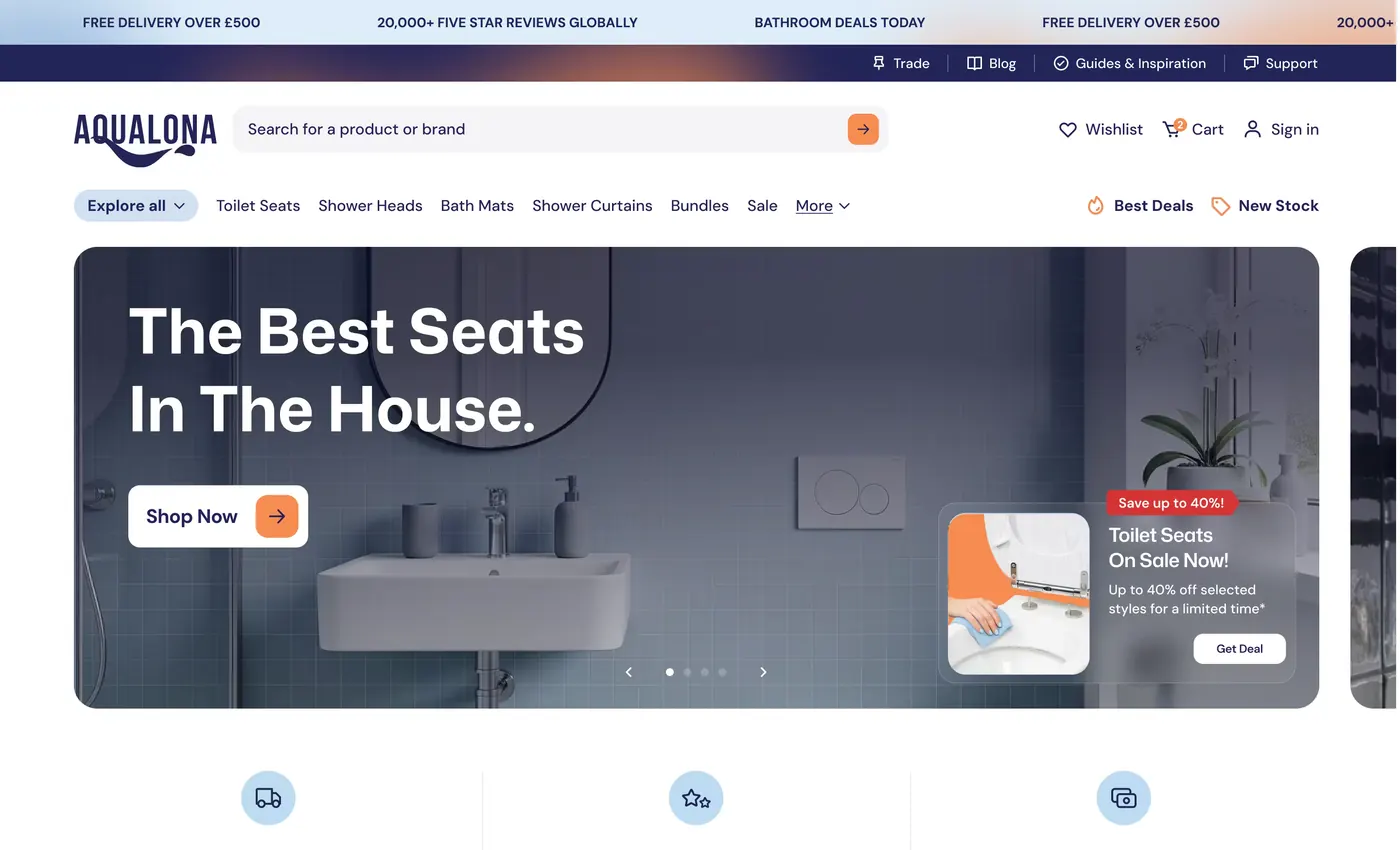
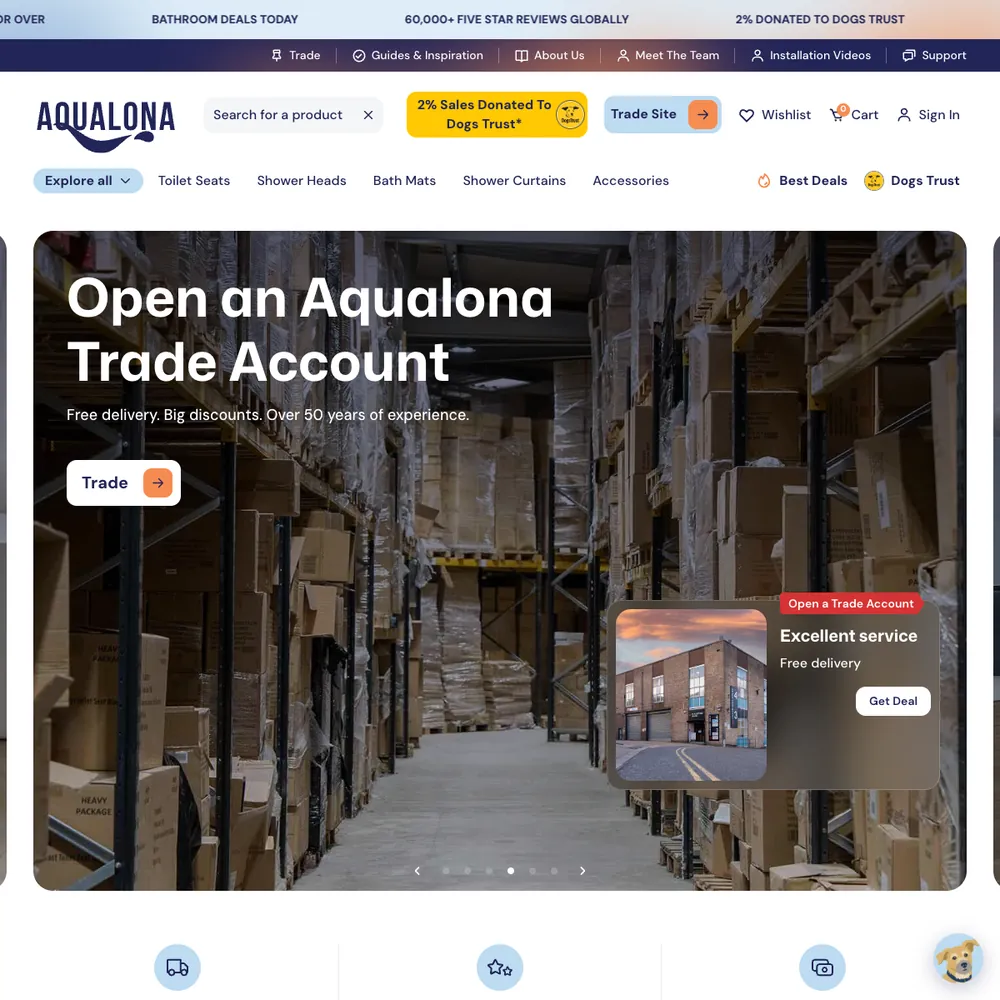
Aqualona
A headless Webflow and Shopify store that went from a handful of orders to 1000s tracked in its first months, each matched to the visit that started it
Read the story - Built by us
biio.link
Your social bios send people to a page on your own website, not someone else's, and Google Analytics shows how many came. Free for Pacing clients.
See the build - Client work
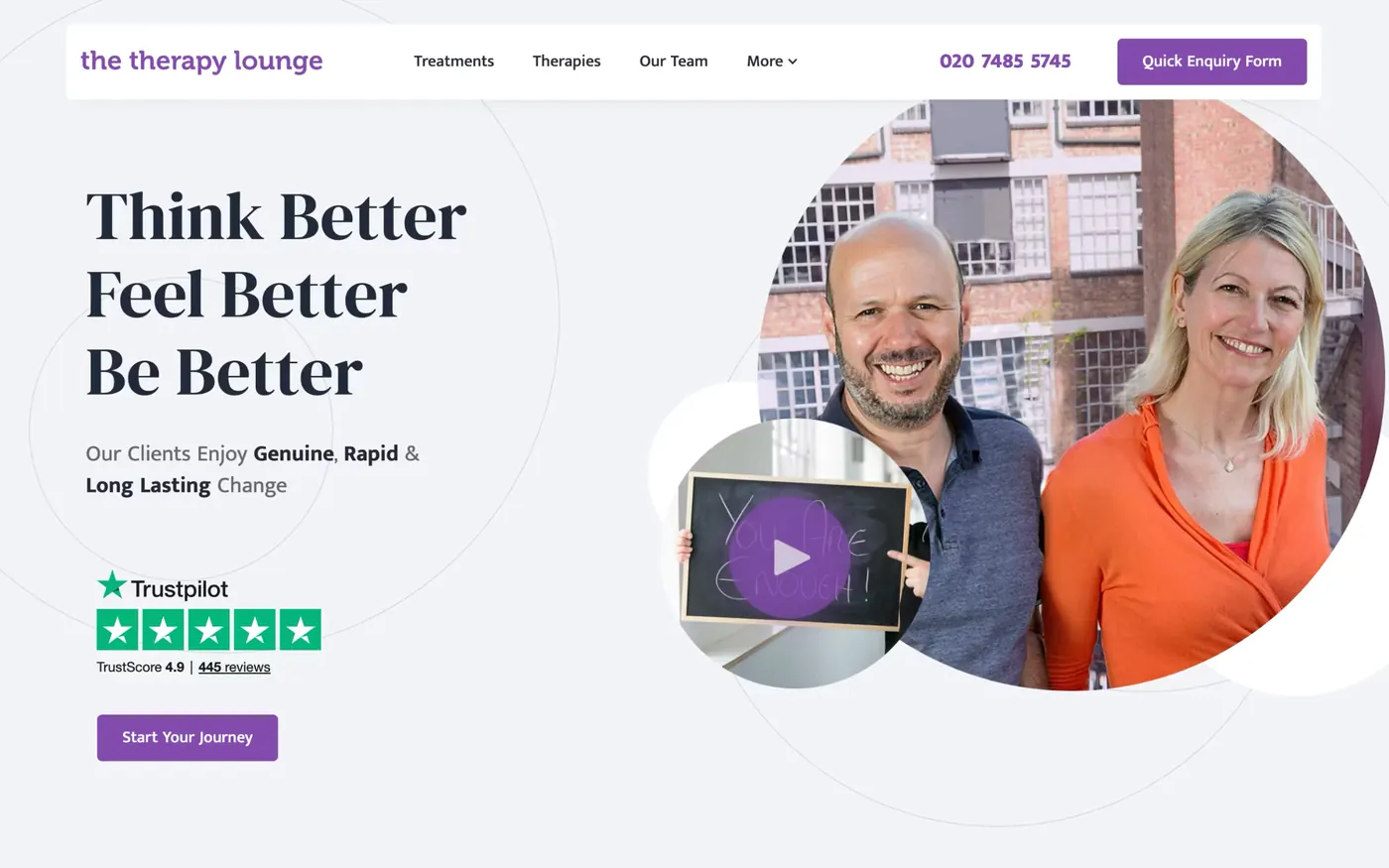
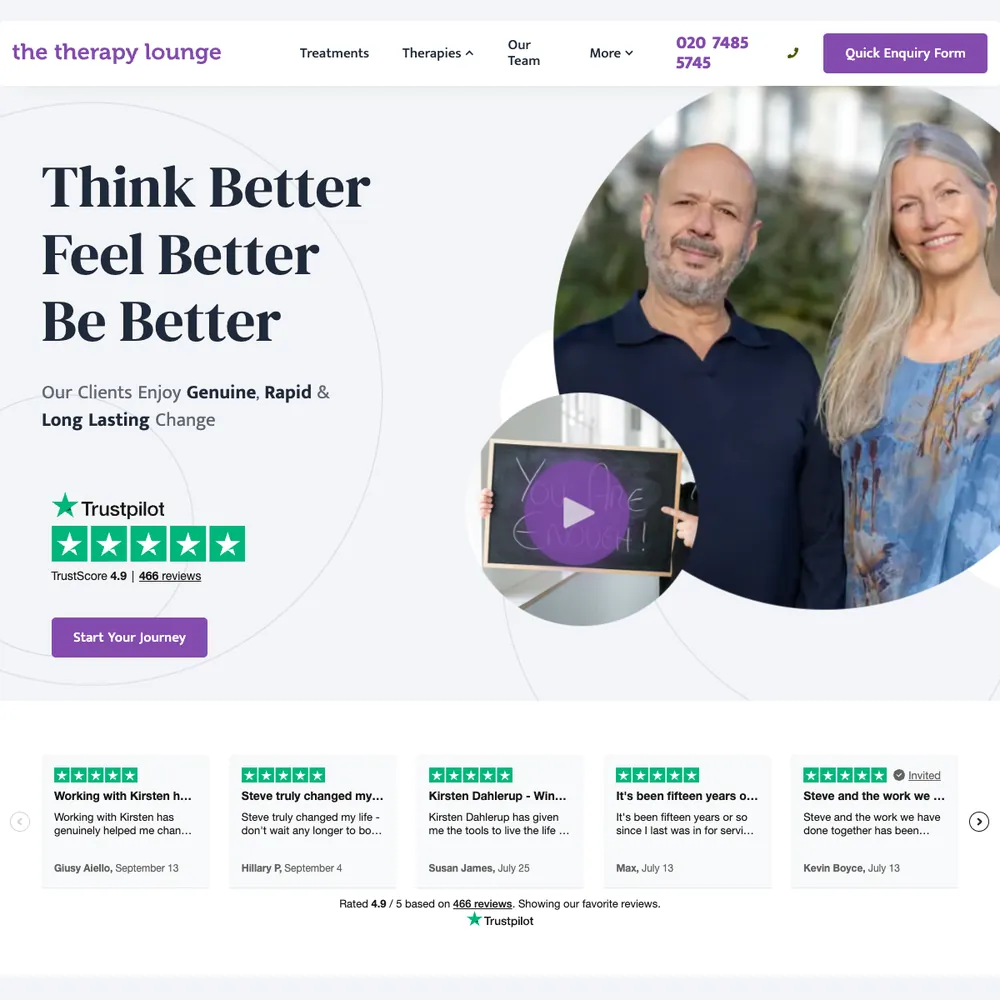
The Therapy Lounge
70% more enquiries, 6.6x return on ad spend in October 2025, and 316 enquiries tracked from April 2025 to October 2026.
Read the story - Client work
Hear Me London
A London audiology clinic got local pages, an online hearing test that logs to a sheet and emails the clinic, and server-side tracking behind every booking: 378 online bookings in 15 months, over half from organic search.
Read the story - Client work
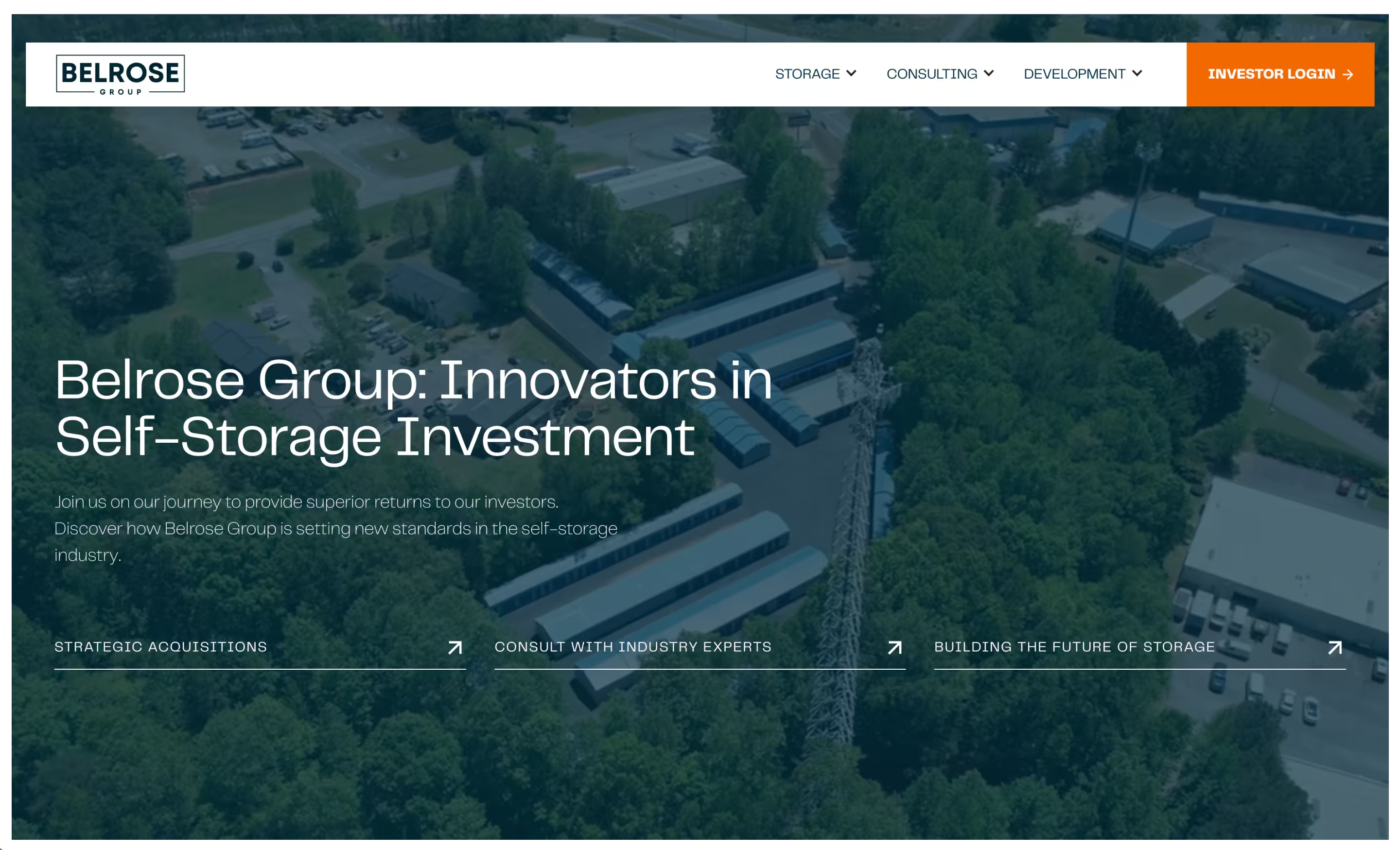
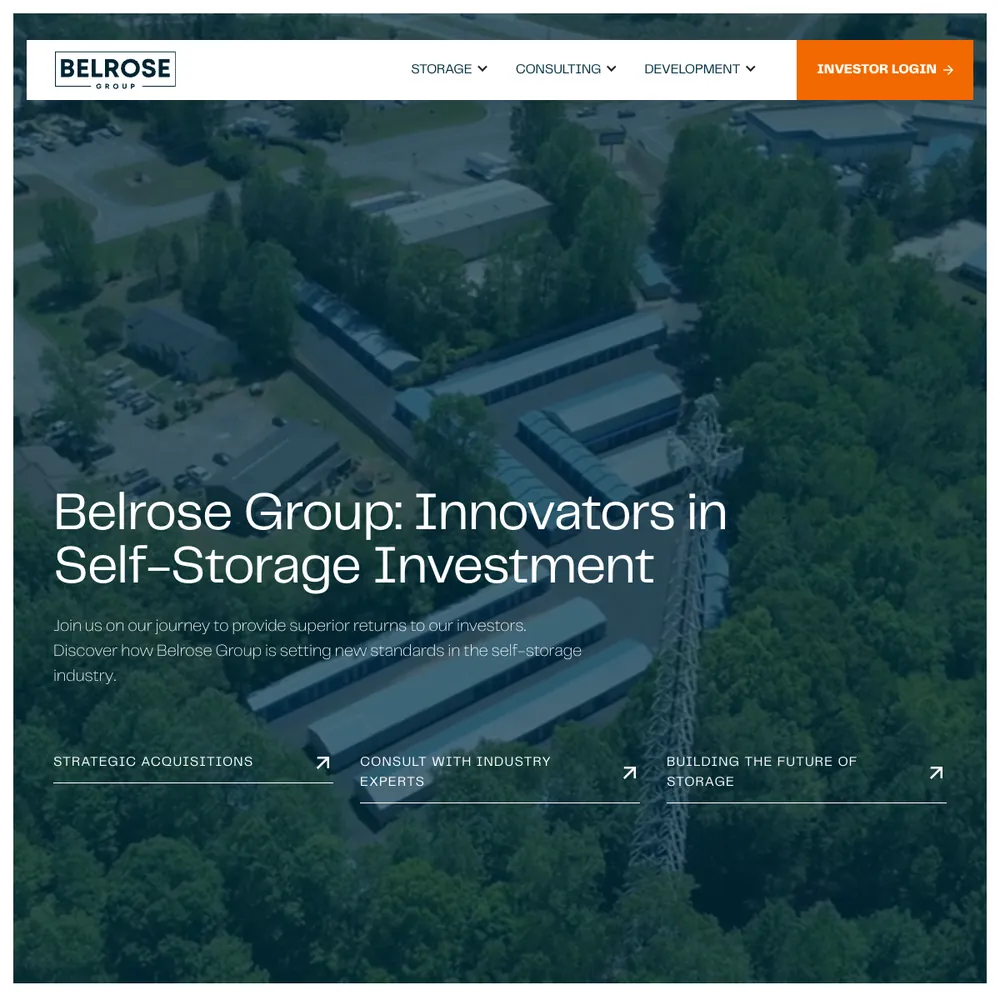
Belrose Group
A self-storage investment, development and consulting firm got a new Webflow site with a page for each of its three divisions, a lead funnel it trusted, and its investor portal moved to a new platform.
Read the story


Services that use it
We don't sell it on its own. Each of these services uses it alongside the rest of your setup.
- Place in the loop: WebsiteWebsite Design & DevelopmentWebsites that look the part, turn visitors into enquiries, and that your team can update without a developer.Related tools: Webflow, AI website stack, Shopify, FigmaHow it fits
- Place in the loop: AdsContent & SEOContent and SEO that get you found on Google by people already looking for what you do.Related tools: Google Search Console, Google Analytics 4 (GA4), Google, WebflowHow it fits
- Funnel ManagementDon't let leads fall through the gaps. We build the whole funnel, from the ad to the follow-up, then keep improving it.Related tools: Webflow, Google Tag Manager (GTM), Stape, CloudflareHow it fits
- Custom BuildsWe build the one tool your current software can't give you, and connect it to your website, tracking and CRM. You get the working tool, the connections and a plain write-up of how it runs.How it fits
- Place in the loop: CRMCRM Management & EmailWe set up your CRM and your emails so every enquiry is saved with where it came from and followed up, and you can see which ones turn into customers.Related tools: HubSpot, Klaviyo, Twenty CRM, NotifuseHow it fits
- Management, Support & ReportingAfter launch, we check your ads, website and tracking every month, fix what slipped, and send you a report that ends with what to do next.Related tools: Looker Studio, Google Analytics 4 (GA4), BigQuery, Google AdsHow it fits









What Webflow is
Webflow is a website builder that works like a design tool. You lay out pages visually, and it writes the HTML and CSS underneath. It has a built-in CMS for things like blog posts, case studies and team pages, and it hosts the site too, so there's no separate hosting account to manage.
Your team can change text, images and CMS content in its Editor without touching the design. Webflow also publishes an MCP server, which lets AI tools like Claude and Cursor read and edit a site through its API. Plans are priced per site: Basic is for sites that don't need a CMS, and Premium adds the CMS.
Questions about Webflow
Straight answers on how we work, what it costs and what to expect. If yours isn't here, just ask.
Still have questions?
Talk to usHow do you ensure my website ranks well on Google?
Nobody can promise a ranking, and we don't. We build in the basics Google reads: clear titles, descriptions and headings, a sitemap, redirects when addresses change, and content that answers what people search for.
After launch, Search Console shows what Google has indexed and which searches show your pages. On our own site we submit the sitemap there too.
How does Webflow help with SEO and search engine optimisation?
Webflow gives you editable titles, descriptions and alt text, an automatic sitemap, 301 redirects and clean markup. It doesn't decide your content or structure. That's our job, and we check the result in Search Console.
Why choose Webflow over WordPress or other website builders?
Because your team can edit it and there's less to look after. Hosting and the CMS are in one place, pages don't depend on a stack of plugins, and there's a staging site to check changes before they go live.
It's also one of our two picks for anyone on WordPress: we don't build or maintain WordPress, so we'll move you to Webflow or Astro, whichever suits the site. Our website design and development service covers the move.
What is website design and development?
It's planning, designing, building and launching a website. Design covers how it's laid out and how it looks. Development is building it so it works and is easy for you to edit.
We draw the layout in Figma, agree it with you, then build it on the platform that suits the site, and set up tracking and forms before launch.
How do you maintain and update a Webflow website effectively?
Webflow includes the hosting, so there's no server or plugin updating to do. What's left is keeping content current, checking that forms and tracking still work, and making improvements as the business changes.
Our ongoing management service covers that.
How do you integrate Webflow with marketing tools and analytics?
We add a Google Tag Manager container to the Webflow site before launch, so analytics, ad pixels and the cookie banner all run through one place. Forms post to an n8n flow that logs the enquiry and passes it on to your CRM or sheet.
What tools and platforms do you use for funnel management?
Webflow for sites where it suits, Google Ads and Meta for paid, Google Tag Manager, Stape and GA4 for tracking, Looker Studio for reports, and a CRM or email tool that fits your business, including our own CRM built on Twenty. n8n joins them up. The mix depends on what you sell.
What’s the difference between an essential, advanced, and enterprise funnel?
An essential funnel covers the basics: a foundational website, essential tracking and one way to capture leads. Advanced adds multi-platform ads, automated nurturing and deeper analytics. Enterprise adds segmentation, a customer data warehouse and deep CRM integration.
How do you build and launch a marketing funnel?
We map your customer journey first, then build each stage: the ads, landing pages, forms, tracking and follow-up emails. We check that tracking and forms work before launch, then keep adjusting once it's live.
What are the benefits of Webflow's CMS for marketing teams?
Your team can change text, images and CMS content in Webflow's Editor without raising a ticket. You also get collections with your own fields, so a case study, a service or a team member each has the layout it needs.
We set up the CMS and show your team how to use it as part of our website development service.
Show 12 more questions
What is a marketing funnel and why does it matter?
A marketing funnel is the route someone takes from first seeing you to becoming a customer: an ad, a landing page, an enquiry, a follow-up, a sale. It matters because you can only fix where people drop out if you can see each step.
What are the key stages of a successful marketing funnel?
A funnel runs from someone first hearing about you, to them getting in touch, to them becoming a customer. We map each step, find where people can drop out, and build the ads, landing pages, tracking and follow-up as one route, so spend goes where it pays back.
What are the limitations of Webflow and when should you consider alternatives?
Webflow isn't right for everything. Bespoke designs need Designer access, which has a cost and a learning curve, the CMS has limits on fields and items, there are fewer add-ons than WordPress has, and leaving later means a migration, not a copy.
If a site needs custom logic or pages built from data, we'd use our AI website stack, built on Astro. For a shop, we'd use Shopify.
What does Webflow cost and which plan should you choose?
Webflow charges per site. At the time of writing (21 October 2026), a Basic plan is $15 a month for a site without a CMS and Premium is $25 a month once you want one, both billed yearly in US dollars. Online shops have their own Ecommerce plans, and there's a free Starter plan for trying things out.
Not sure which plan your site needs? Talk to us about website design and development.
How does Webflow handle website performance and loading speeds?
Webflow serves sites through a CDN with SSL included, minifies code when you publish, and creates responsive image sizes. It can lazy-load images too. How fast a page ends up depends mostly on what's on it, such as image sizes and third-party scripts, so those are the first things to check.
How do you handle website maintenance and updates?
On Webflow there's no server or plugin to update, so maintenance is mostly content changes, fixes and checks. Our ongoing management service covers content changes, DNS and Cloudflare settings, form spam checks, and testing that tracking and forms still work after a change.
How do you ensure my website is mobile-friendly and accessible?
On our own site, checking pages at phone width is a written rule with a check script behind it: text size, tap targets and layout. Phone checks before launch are part of how we build.
Accessibility is a separate job. We don't issue an accessibility certificate, and a formal audit against WCAG isn't something we provide.
What platforms do you use for website development?
We pick the platform for the site, not the other way round. Webflow suits a site your team edits itself, Astro with Keystatic suits a site that needs custom code (our own site runs on it), and for shops we use Shopify (we've built a custom Webflow storefront on Shopify).
We don't build or maintain WordPress. If you're on it, we'll move you to Webflow or Astro, whichever suits the site.
How do you keep my website secure and up to date?
Webflow looks after the hosting and platform updates, so there are no plugins to patch. We look after the rest: DNS and Cloudflare settings, form spam checks, and testing that tracking and forms still work after a change.
How do you optimise a funnel for better results?
We find the stage losing the most people and fix that first. It might be the ad, the landing page, the form or the follow-up emails, and we test one change at a time so we know what worked.
How do I know if my business needs funnel management?
If enquiries come in but too few turn into customers, or you can't say where people drop out, funnel management is worth a look. We look at the whole path, from the ad to the follow-up, and fix the weakest step first.
Should I move my Webflow site to Astro?
Probably not, if your team edits pages in Webflow every week and the site does what you need. Webflow's visual editor is hard to beat for that.
It's worth it when the site needs things Webflow makes awkward: custom logic, pages built from data, forms that go straight into your own systems, or content kept in Git with checks before anything ships. That's why we moved our own site.
We've written about this
 Why move your website from WordPress to Webflow or Astro?Migrations might be a pain, but longer term they're worth it.Read the note
- How to write emails with AI that still sound like youWe compared 189 of my emails from before ChatGPT with the ones our agents draft for me. AI detectors were the wrong test. Measuring my style, giving the AI real examples and checking for leaks and promises worked.Read the note
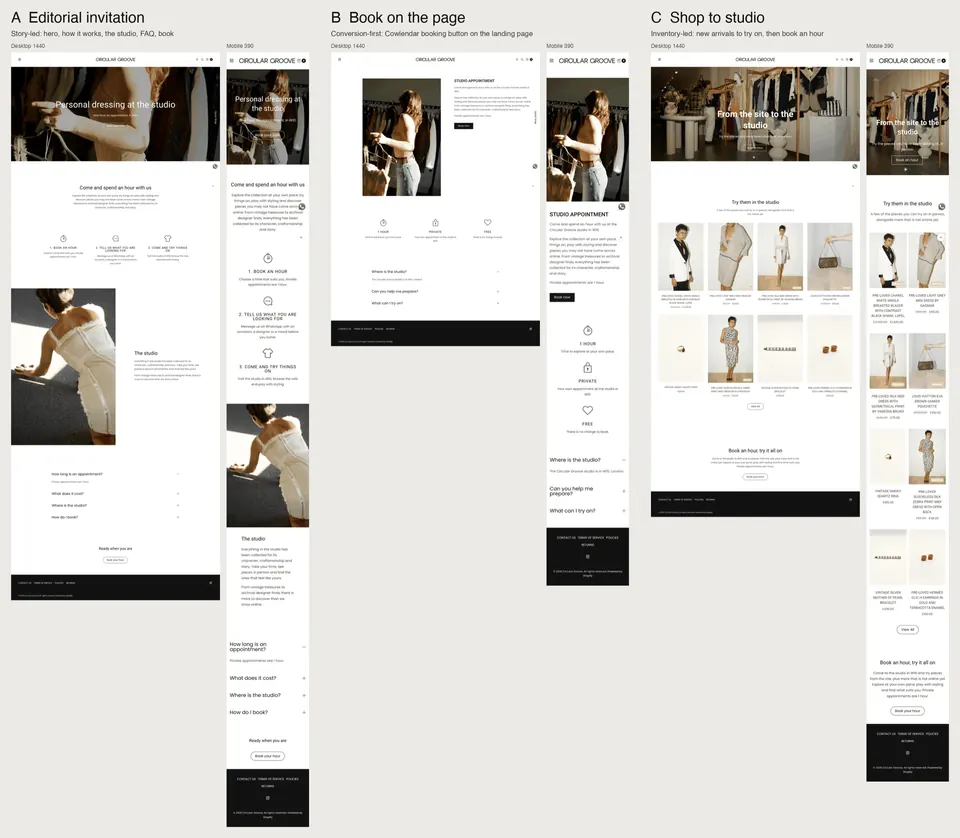 How I built a booking page with AI tools, round by roundA studio booking page for a London vintage store, mocked up with Claude Code in 1 hour 42 minutes and then changed with the owner's own words. What the AI showed me each round, what I said back, and where it went wrong.Read the note
Start with your numbers.
We'll tell you which tools you need and which connections are missing.















Bring your numbers.
We'll tell you if the spend makes sense.
- A 15-minute callYour goals, your challenges, and whether we're the right fit.
- A 1-hour discovery callWe dig into your numbers. Worth a hundred emails.
- A concrete planAds, a custom build or both, as a one-off project or ongoing.