










Pacing AI
The agent skills, connector notes and workspace setups we use on client work, on one site. Copy a skill folder into Cursor, or ask us to set it up.
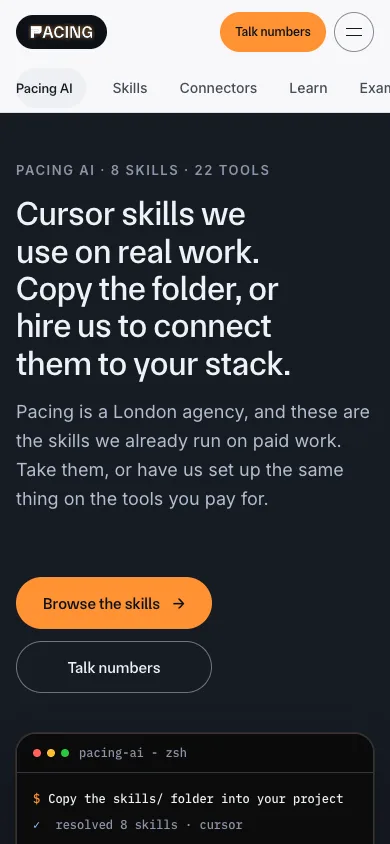
We write the same instructions for AI agents again and again: how to write a tracking plan, how to audit a paid-search account, how to keep a freelancer out of the company inbox. So we wrote them down once, as skills an agent can read, and put them on one site with the connector notes and workspace advice that go with them.
Pacing AI is that site. It is built with Cursor in mind: you copy a skill folder into a Cursor project and ask for the job. For now it sits behind a Pacing login, and there is no public install command.
What's on it
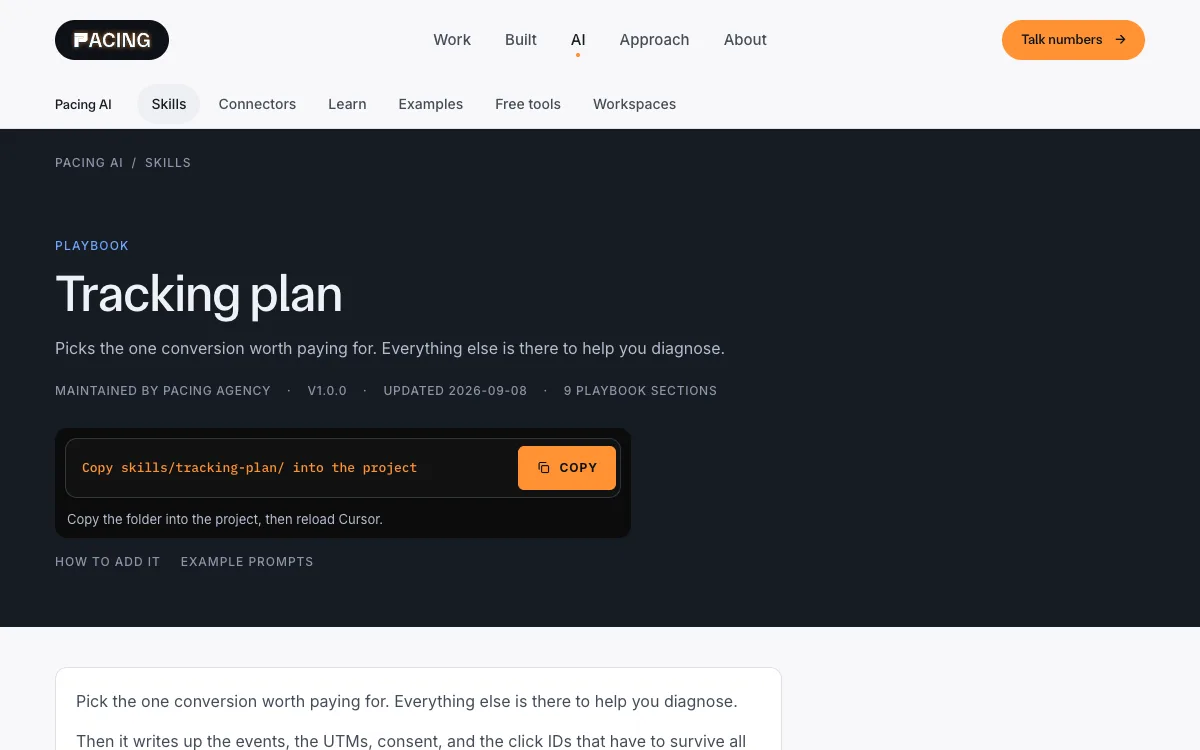
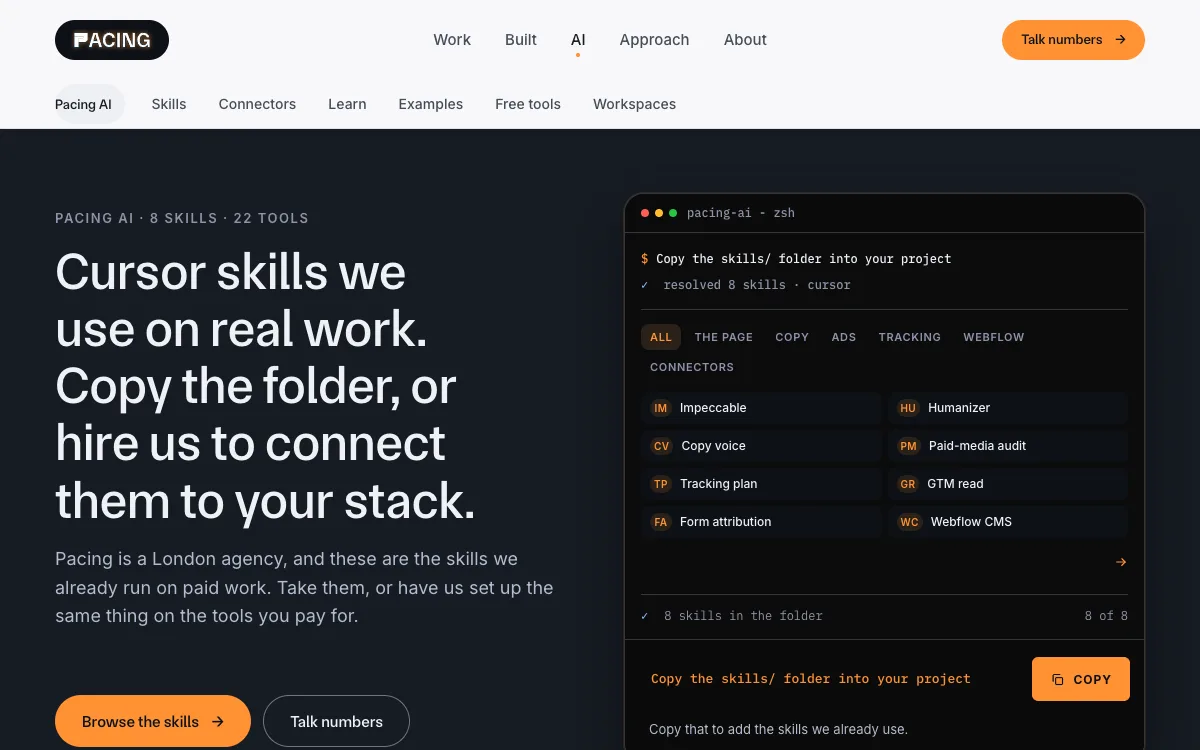
- Eight skills. Impeccable (design), Humanizer and Copy voice (writing), Paid-media audit, Tracking plan, GTM read, Form attribution and Webflow CMS. Two of them name a tool (Google Tag Manager and Webflow). The other six work on any stack.
- 22 connector pages. What it means to connect Gmail, Google Ads, Webflow, a CRM and others to an agent, with example prompts. Some are scripts we run rather than a public install, and the pages say which.
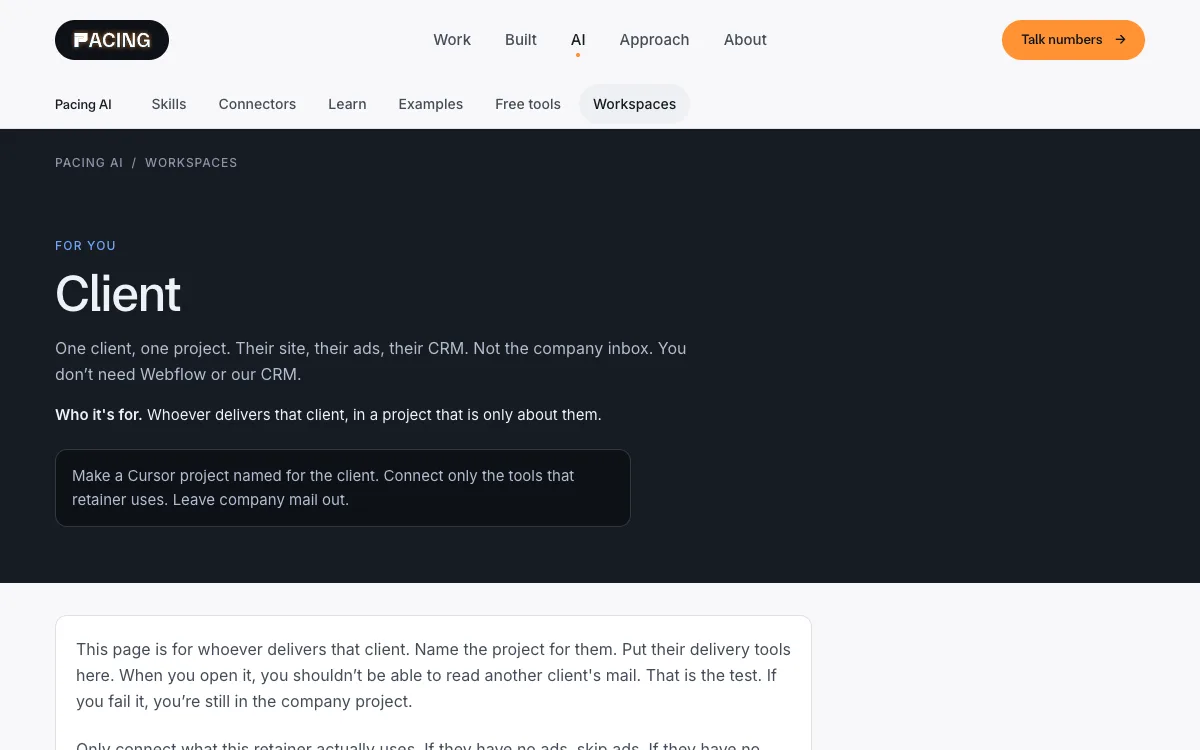
- Three workspace setups. A company project, one client's project, and a limited handoff for a freelancer who must not see the company inbox.
- Guides, example prompts and free tools. Including an llms.txt generator that runs in the browser.
How it's built
The skills are plain markdown folders in a private repo. The site is Astro, built as static pages and served from Cloudflare Workers. It reads the skills and the connector notes straight from the repo, so a change to a skill shows up on the site at the next build. Public copy is kept free of tokens, account IDs and client names.
The honest bit
A skill is a playbook, not a guarantee. You still read the draft and decide whether it goes out. Copying a skill folder does not send mail, publish a site or change ad spend: those wait until you ask in that message.
What it looks like
Real screens from the working product. Where a screen would show client data, it shows made-up examples instead.
Scroll the full page
The whole page, top to bottom. It scrolls by itself while you read this. Hover or drag to take over.
Other things we built
- Built by us
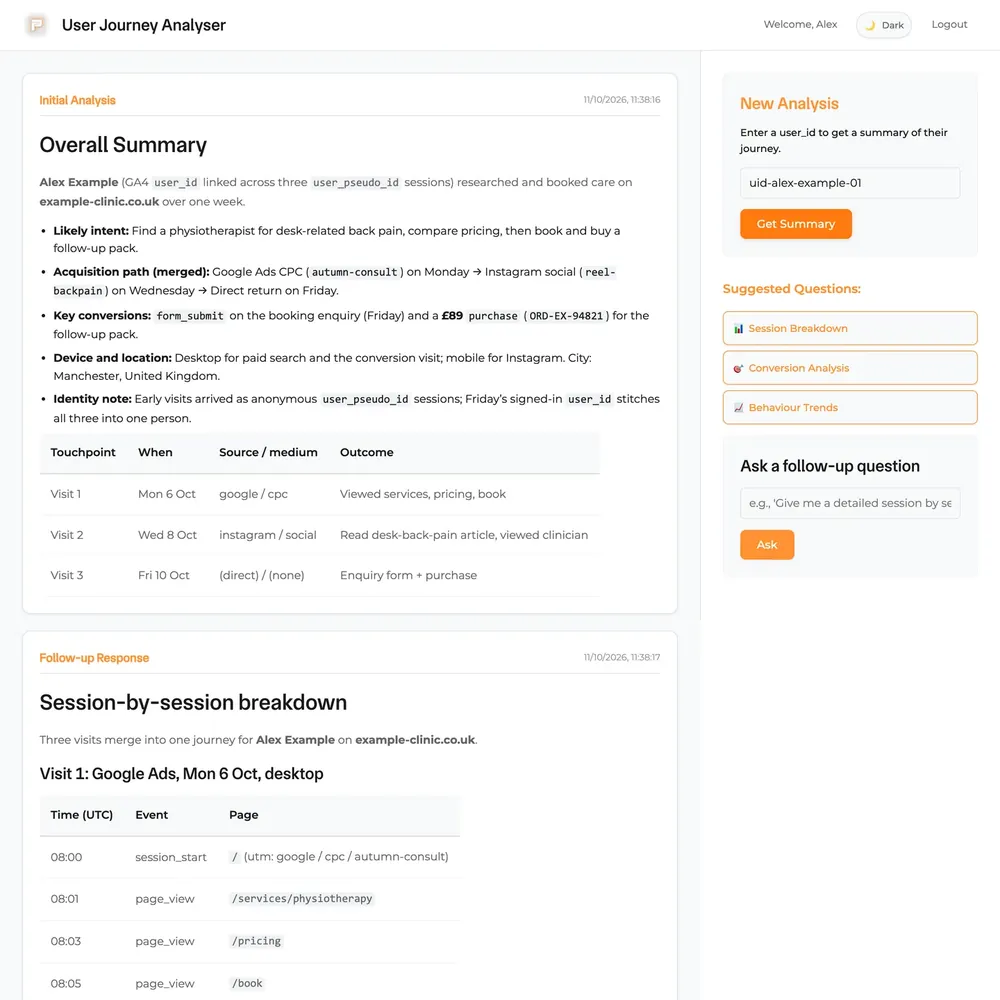
Pacing Journey
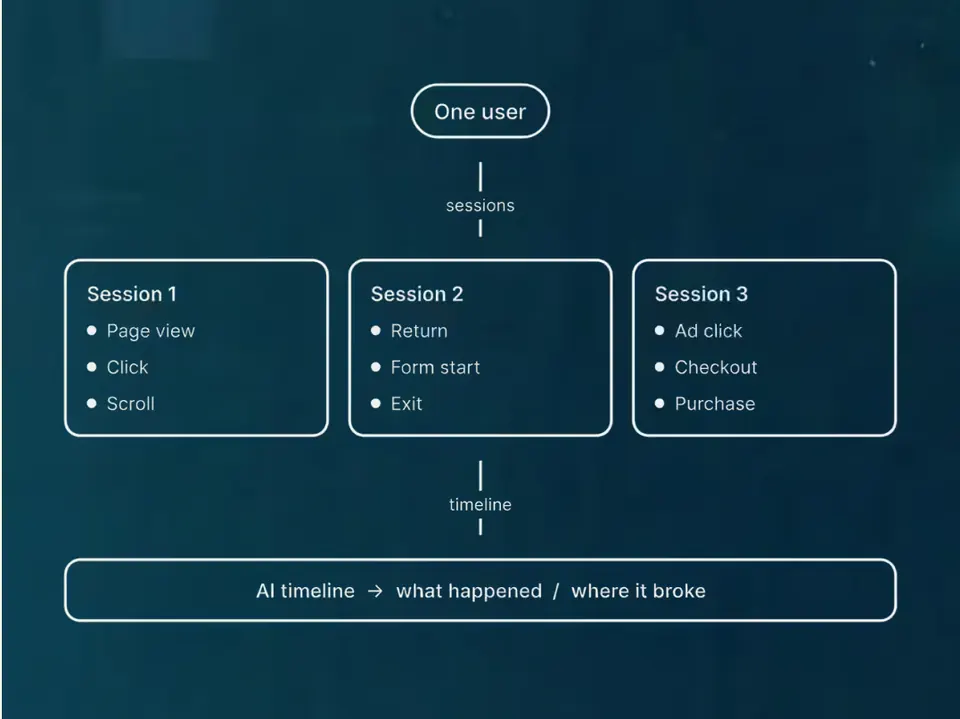
The stored visits and forms from one person on one timeline.
See the build


 +4
+4 - Built by us
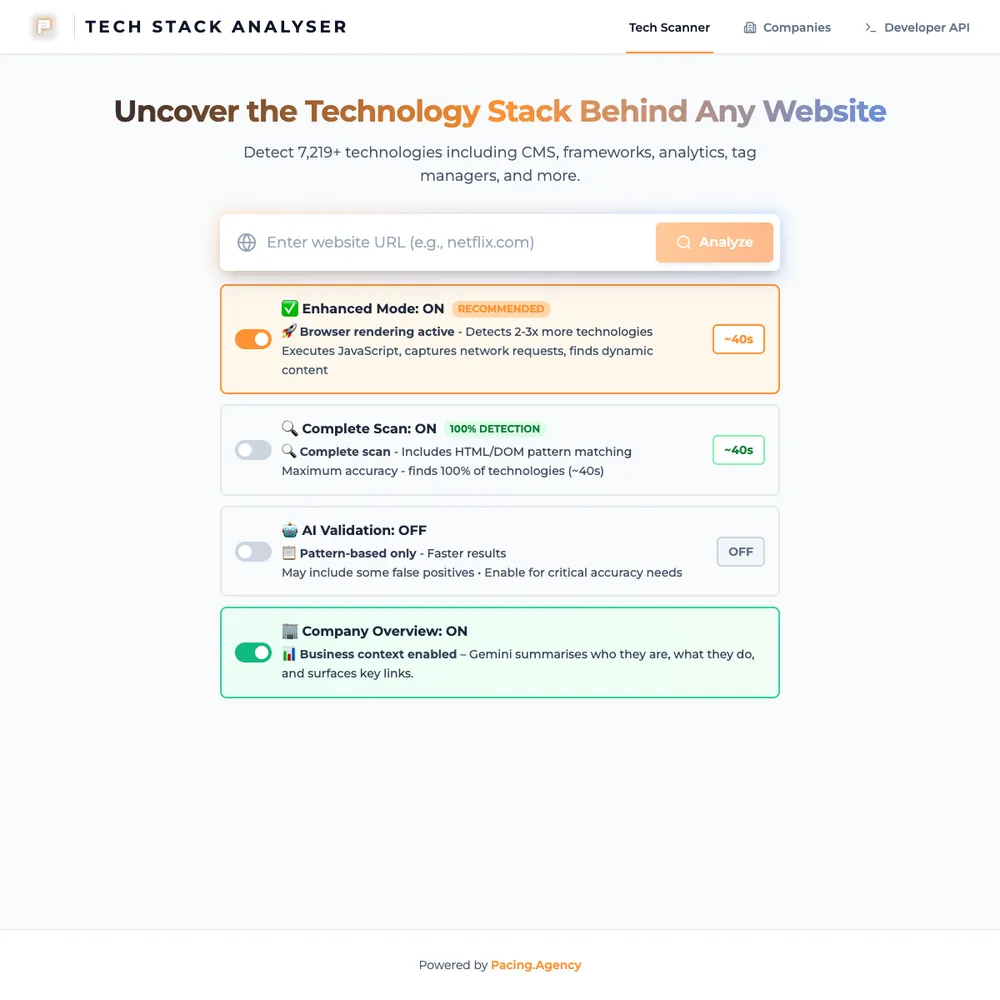
Pacing TechStack
Our in-house scanner lists the tools and tracking a website runs. A quick scan takes about 5 seconds.
See the build

- Built by us
Pacing CRM
Our own CRM: a form fill becomes a person, a deal and an instant alert.
See the build

 +2
+2


Bring your numbers.
We'll tell you if the spend makes sense.
- A 15-minute callYour goals, your challenges, and whether we're the right fit.
- A 1-hour discovery callWe dig into your numbers. Worth a hundred emails.
- A concrete planAds, a custom build or both, as a one-off project or ongoing.