









How do you handle website maintenance and updates?
On Webflow there's no server or plugin to update, so maintenance is mostly content changes, fixes and checks. Our ongoing management service covers content changes, DNS and Cloudflare settings, form spam checks, and testing that tracking and forms still work after a change.
What maintenance means on Webflow
Webflow runs the hosting and the platform. So the usual list of plugin updates, server patches and PHP versions doesn't exist. What's left is work on the site itself.
What we do
- Content changes: new pages, edits, new case studies and blog posts.
- Fixes: broken layouts, links and forms, usually spotted by our checks or by you.
- Checks after changes: forms still deliver and tracking still fires.
- DNS and caching: for sites on Cloudflare, we keep the records and settings in order. On some sites an n8n workflow clears the cache when content is published. It doesn't cover every kind of publish, so a change can still need a manual clear.
How it's arranged
This sits in our ongoing management, support and reporting service. We'll agree what's included before we start.
The tools in this answer


Where this came up in our work
- Client work
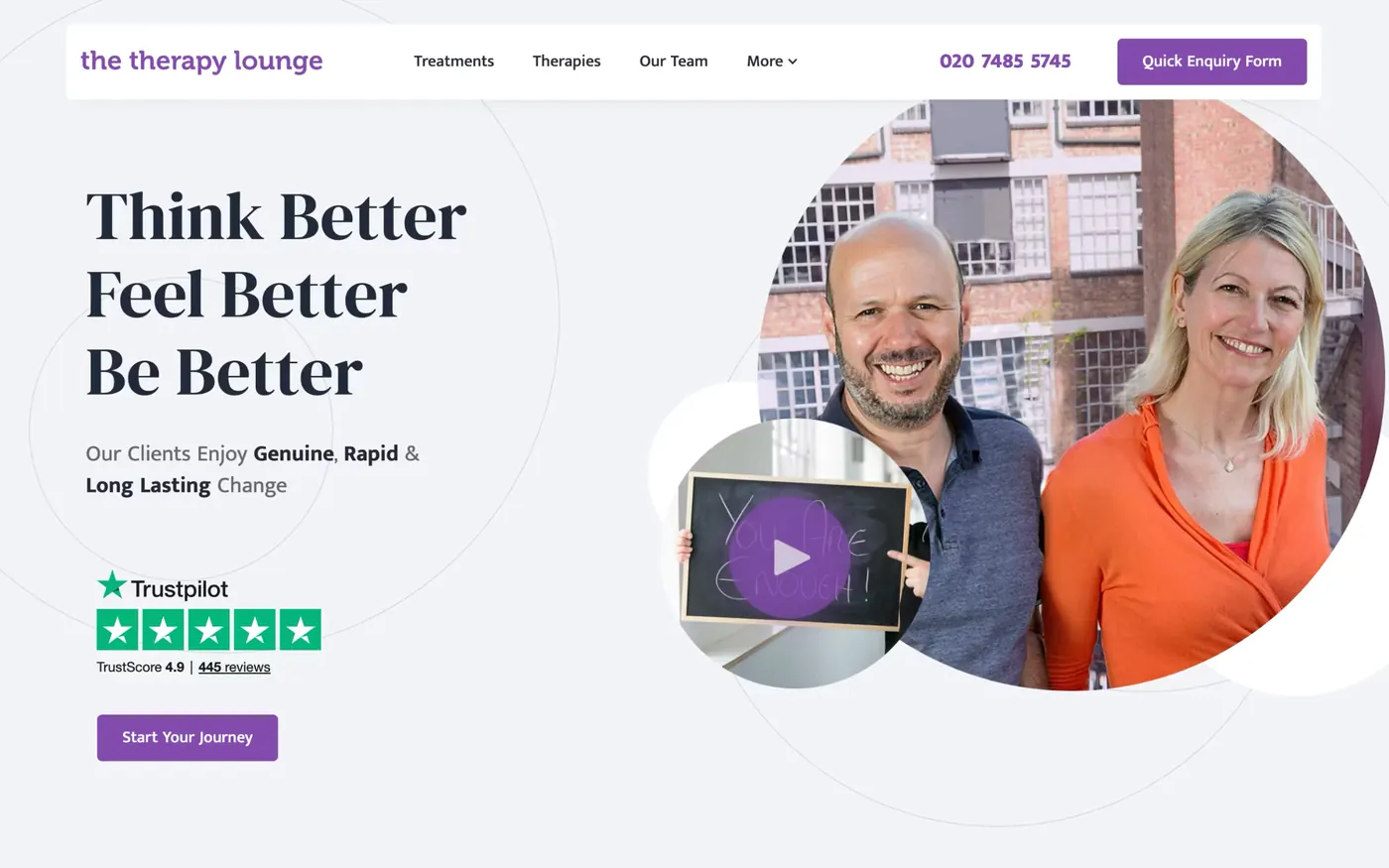
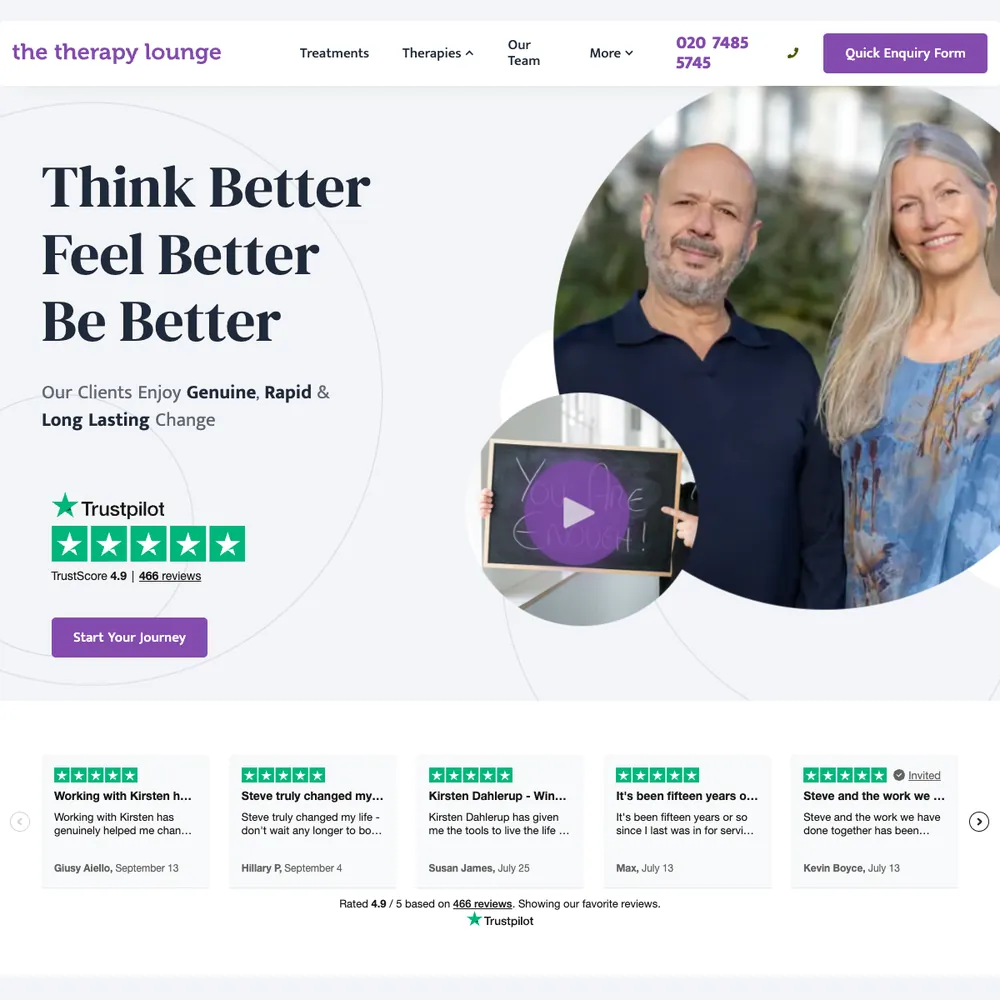
The Therapy Lounge
70% more enquiries, 6.6x return on ad spend in October 2025, and 316 enquiries tracked from April 2025 to October 2026.
Read the story - Client work
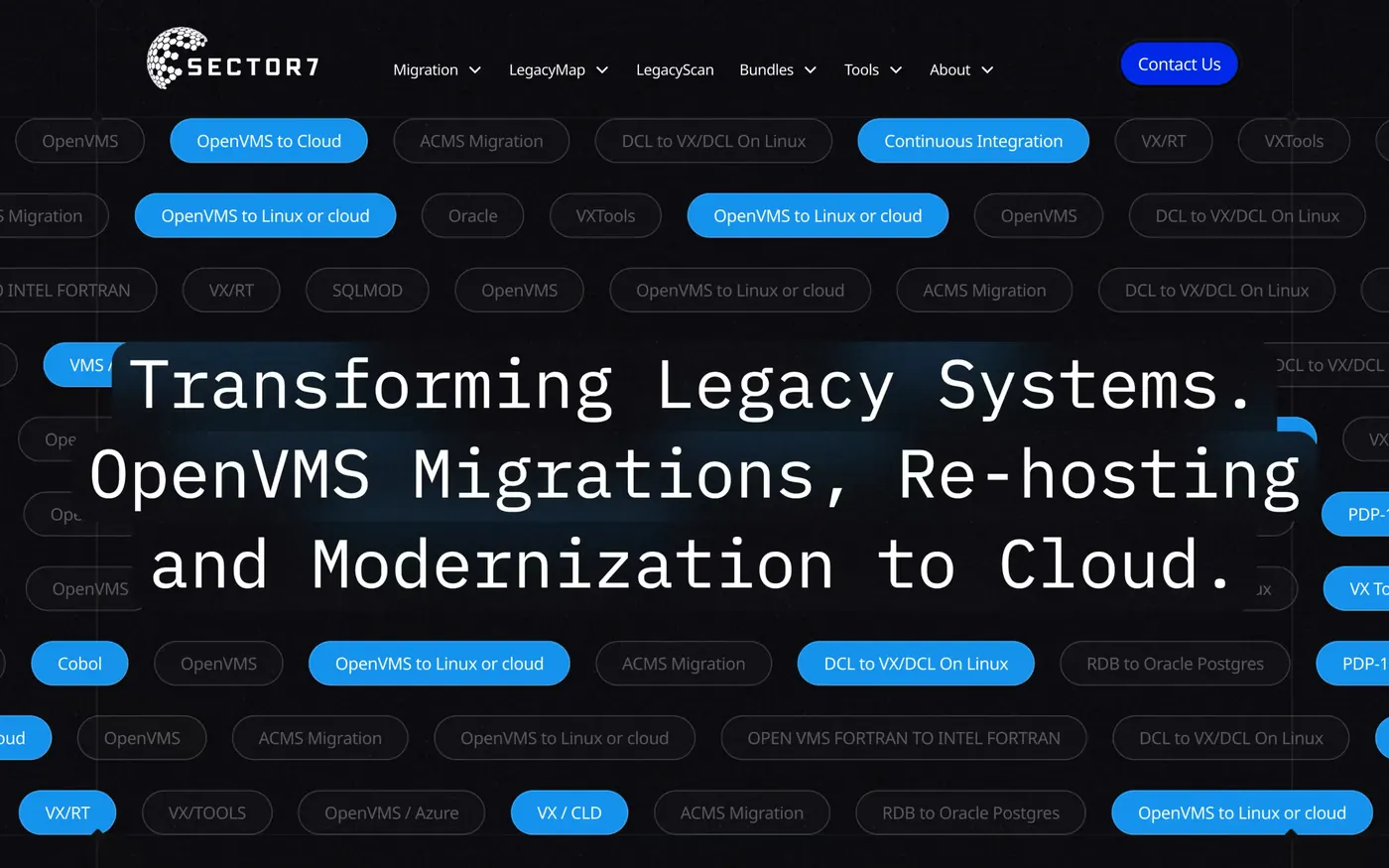
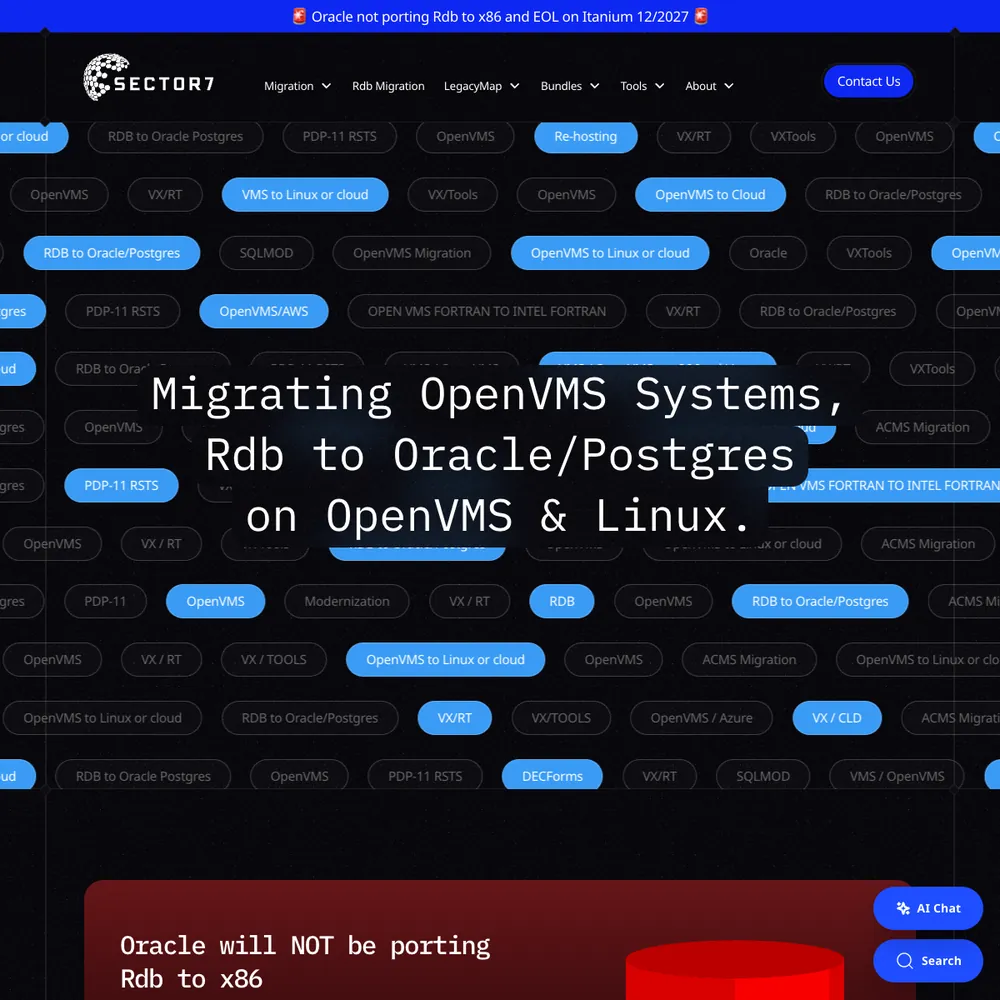
Sector7
An award-winning rebuild, 177% more new users in 2025 than 2024, and Jon calls it "executed flawlessly, on time and on budget".
Read the story
Also worth asking
Other answers about the same tools.
How do you handle compliance management for my website?
We work with your cookie consent tool, or suggest one we've worked with, and connect it to your tags so they follow the visitor's choice. How that's wired depends on the project, so we test what your tags actually do. We don't write legal text or give legal advice, so your privacy policy needs sign-off from someone qualified.
Does server-side tracking with Stape make my site faster?
On our own site, moving GTM to a same-origin loader left load time unchanged, and speed isn't why we use Stape. Server-side tracking means the page doesn't have to load a separate script for every ad platform, but the GTM container still loads in the page, so don't expect a big jump. We don't promise a speed gain.
What is a marketing funnel and why does it matter?
A marketing funnel is the route someone takes from first seeing you to becoming a customer: an ad, a landing page, an enquiry, a follow-up, a sale. It matters because you can only fix where people drop out if you can see each step.
What are the key stages of a successful marketing funnel?
A funnel runs from someone first hearing about you, to them getting in touch, to them becoming a customer. We map each step, find where people can drop out, and build the ads, landing pages, tracking and follow-up as one route, so spend goes where it pays back.
What’s the difference between an essential, advanced, and enterprise funnel?
An essential funnel covers the basics: a foundational website, essential tracking and one way to capture leads. Advanced adds multi-platform ads, automated nurturing and deeper analytics. Enterprise adds segmentation, a customer data warehouse and deep CRM integration.
Still have questions?Talk to us
Bring your numbers.
We'll tell you if the spend makes sense.
- A 15-minute callYour goals, your challenges, and whether we're the right fit.
- A 1-hour discovery callWe dig into your numbers. Worth a hundred emails.
- A concrete planAds, a custom build or both, as a one-off project or ongoing.