












Stape
- Server-side GTM
- Your own domain
- EU server zones
- Meta Conversions API
Stape runs the server side of our tracking. Tags load from the client's own domain, and the server passes each conversion on to GA4, Google Ads and Meta, so fewer get lost to ad blockers and Safari.

- 5+sites we've set up on Stape, ours included
- 10Krequests a month on Stape's free plan
- 5services it belongs to
- 7tools it connects to
What server-side tracking fixes
Tags from your own domain
Stape's custom loader serves Google Tag Manager from your own domain, and events go to your domain too. Fewer blockers recognise them, and the cookies are first-party.
One stream, every platform
The browser sends each event once. The server container passes it on to GA4, Google Ads, Meta and BigQuery, instead of the page loading a script for each.
Meta from the server
Conversions go to Meta's Conversions API with the same event ID as the pixel, so Meta counts each one once instead of twice.
Cookies that last
Safari limits how long scripts can keep cookies. Stape's Cookie Keeper power-up (Pro plan and up) sets them from the server instead, so a returning visitor is still recognised.
No server to run
Stape hosts the container, keeps the tagging server up to date and lets you pick an EU zone. Nobody has to look after a Cloud Run service.
Usage you can see
Plans run from a free 10,000 requests a month up to 20 million, set per container. Going over the limit can pause tracking, so we watch the busy ones and upgrade before it does.
Stape hosts the server half of our Google Tag Manager setups. We use it on our own site and for clients who spend on ads, where every lost conversion means Google and Meta are bidding on less data.
How a conversion travels
- The page loads GTM from the client's own domain, through Stape's custom loader.
- The browser sends each event to the server container on Stape, through a second subdomain or, on some builds, a path on the main domain.
- The server passes it on to GA4, Google Ads and Meta, and to BigQuery when we want the raw events.
Rules we follow every time
- A custom domain, always. Stape's default address is for testing: cookies set there aren't first-party.
- One event ID everywhere. The same ID goes to every platform, so Meta can match the pixel and the server event and count it once.
- Click IDs checked in the data. Set up wrong, the Click ID Restorer power-up writes the word "stape" where Google's click ID should be, and GTM Preview still looks fine. So we check the next day's BigQuery export, not just Preview.
- Nothing personal for health clients. For clinics, the server gets an ID and a click ID, never a name, email or phone number.
Watching the limit
Stape bills each container by requests a month, and a container over its limit can stop tracking. So we watch the busy ones and upgrade them before they hit it.
Two ways to set it up
Most installs use two subdomains. They're DNS records, usually in the client's Cloudflare, pointed at Stape. On a headless build, we've used a path on the main domain instead. Either way, the rest happens in GTM and Stape.
Which tracking setup fits you?
Server-side tracking isn't worth it for every site. Pick what you need tracking for and we'll tell you what we'd use.
Paid ads that need every conversion
| What matters | StapeOur pick | Browser-only trackingGTM and pixels in the page |
|---|---|---|
| Where the tags run | One stream of events to your own subdomain, and the server sends them on | A script from each platform, running in the visitor's browser |
| Ad blockers and Safari | Scripts and cookies come from your domain, so fewer get blocked or cut short | Requests to Google and Meta are easy to block, and Safari caps how long script-set cookies last |
| Meta | Conversions API from the server, matched to the pixel by event ID | The pixel only |
| Page weight | Fewer ad-platform scripts in the page, though Tag Manager still loads | A script for each platform |
| Setup | Two containers, two subdomains and testing | One container |
| What you pay for | A Stape plan, priced by requests a month | Nothing extra |
Our pick: Stape. If Google Ads or Meta set your bids from conversions, sending them from the server means fewer go missing.
A small site with no ad spend
| What matters | Stape | Browser-only trackingGTM and GA4 in the pageOur pick |
|---|---|---|
| Good for | Feeding ad platforms full conversion data | Page views and the standard GA4 reports |
| Gaps in the data | Fewer, because blockers catch less of it | Some, which rarely changes a content decision |
| Upkeep | A server container, request limits and power-ups to watch | One container |
| What you pay for | A Stape plan by requests a month | Nothing extra |
Our pick: Browser-only, and we'll happily stop there. If you're not buying ads, no ad platform is waiting on server events, so a well-built GTM and GA4 setup with proper consent does the job. Add the server container the day you start spending.
Running it yourself
| What matters | StapeOur pick |  Google CloudCloud Run Google CloudCloud Run |
|---|---|---|
| Setup | Create a container, pick a zone, add your subdomain | Deploy a tagging server and a preview server on Cloud Run |
| Always on | Stape runs it | Google recommends at least two instances running all the time, and you pay for them |
| Updates | Stape keeps the tagging server up to date | You deploy a new revision when Tag Manager says there's a new version |
| Extras | Custom loader, Cookie Keeper, Click ID Restorer and other power-ups | You build or configure them yourself |
| Where the data goes | Stape's servers, in the zone you pick (EU zones included) | Your own Google Cloud project |
| What you pay for | A plan priced by requests a month | Cloud Run time for each instance |
Our pick: Stape, for most sites. Google's own guide recommends at least two instances running all the time, and you deploy the updates. Cloud Run makes sense if your team already works in Google Cloud and wants the data in its own project.
Stape and Google Cloud facts are from their own pricing pages and docs, October 2026, including Google's Cloud Run setup guide for server-side tagging. Prices change, so we've kept their numbers out. The count of sites (ours included) is from our client records, October 2026. Stape's plan limits and features are from stape.io/price, October 2026.
What we connect it to
Server-side tracking doesn't fix a conversion that was set up badly. If the event's wrong in the browser, the server just passes the mistake on.
 GTMHosts the server-side container.
 GA4Keeps events arriving when the browser drops them.
 Google AdsSends conversions from the server.
 MetaSends Conversions API events from the server.
 BigQueryGets the raw events from the server container.
 CloudflareHolds the DNS records for the tracking subdomains.
 ShopifyStape hosts the server container that sends Shopify purchases to the ad platforms.
Show 3 more
It's one part of the setup.
If another part is broken, this one wastes money.
What's a customer worth?
- 1
- 2
- 3
- 4
Where we've used Stape
- Client work
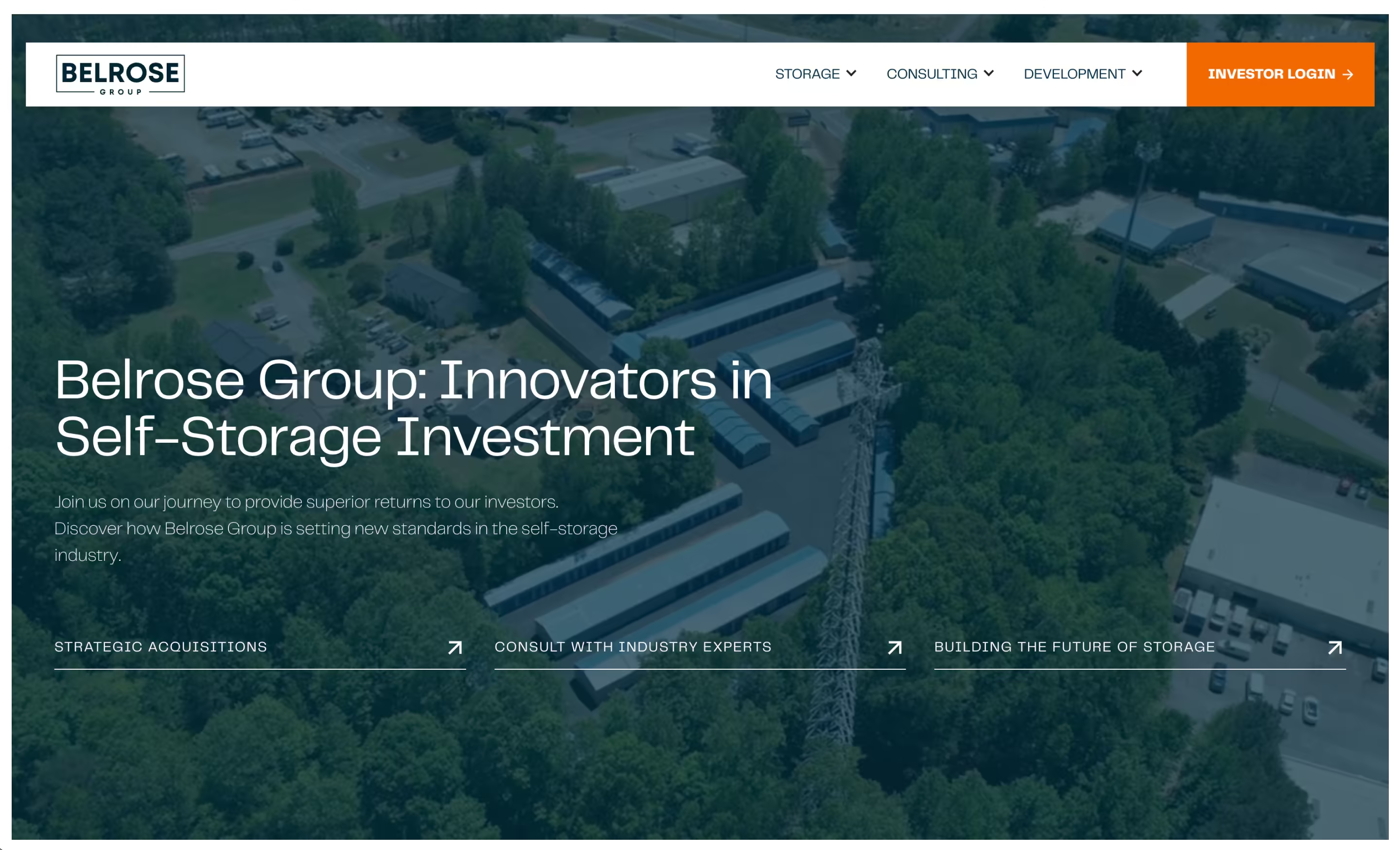
Belrose Group
A self-storage investment, development and consulting firm got a new Webflow site with a page for each of its three divisions, a lead funnel it trusted, and its investor portal moved to a new platform.
Read the story - Built by us
This website
How we rebuilt pacing.agency in Astro, with Keystatic as the editor and one Cloudflare Worker, in three weeks, with AI agents opening 95% of the pull requests.
See the build

 +4
+4 - Client work
Hear Me London
A London audiology clinic got local pages, an online hearing test that logs to a sheet and emails the clinic, and server-side tracking behind every booking: 378 online bookings in 15 months, over half from organic search.
Read the story - Client work
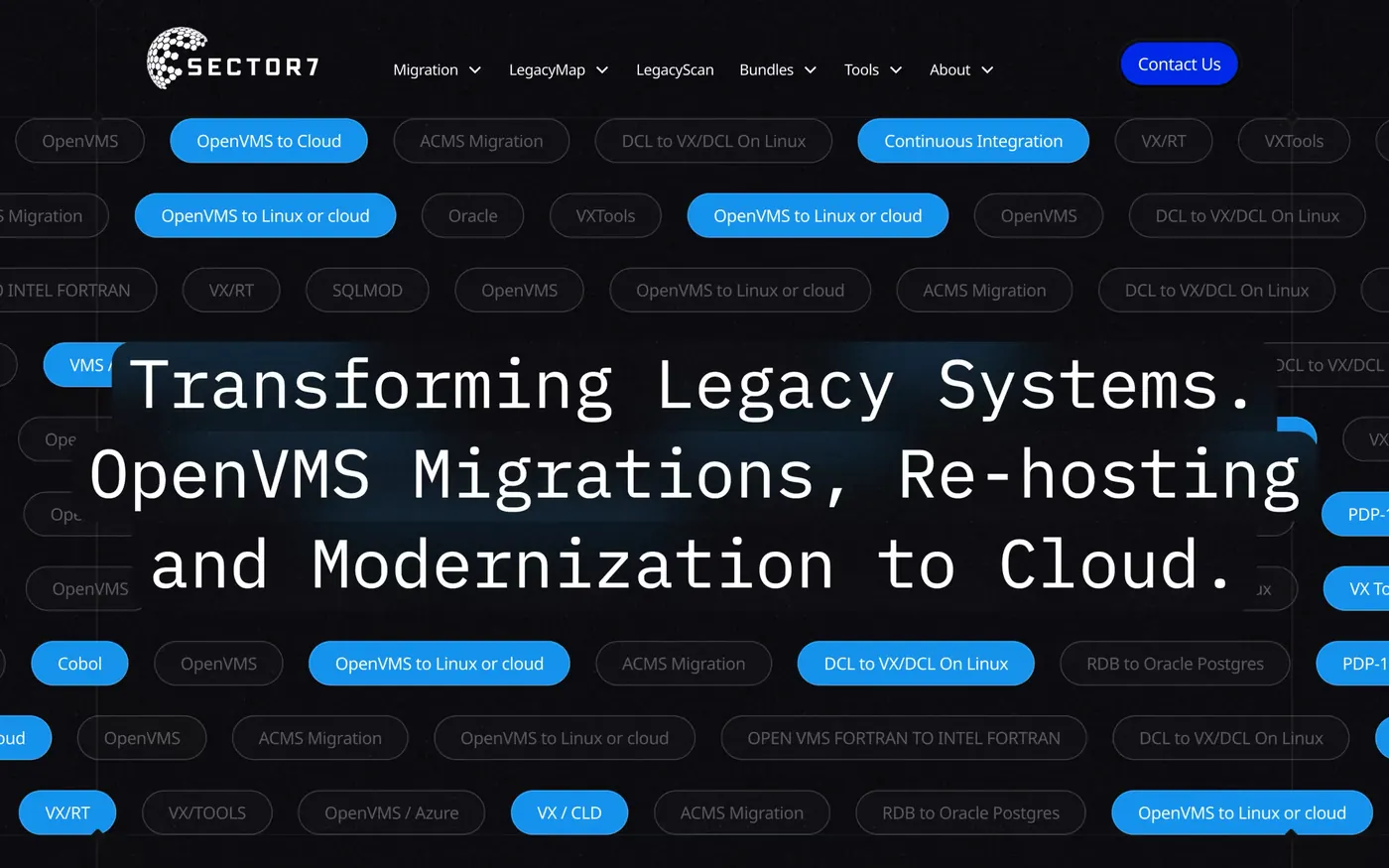
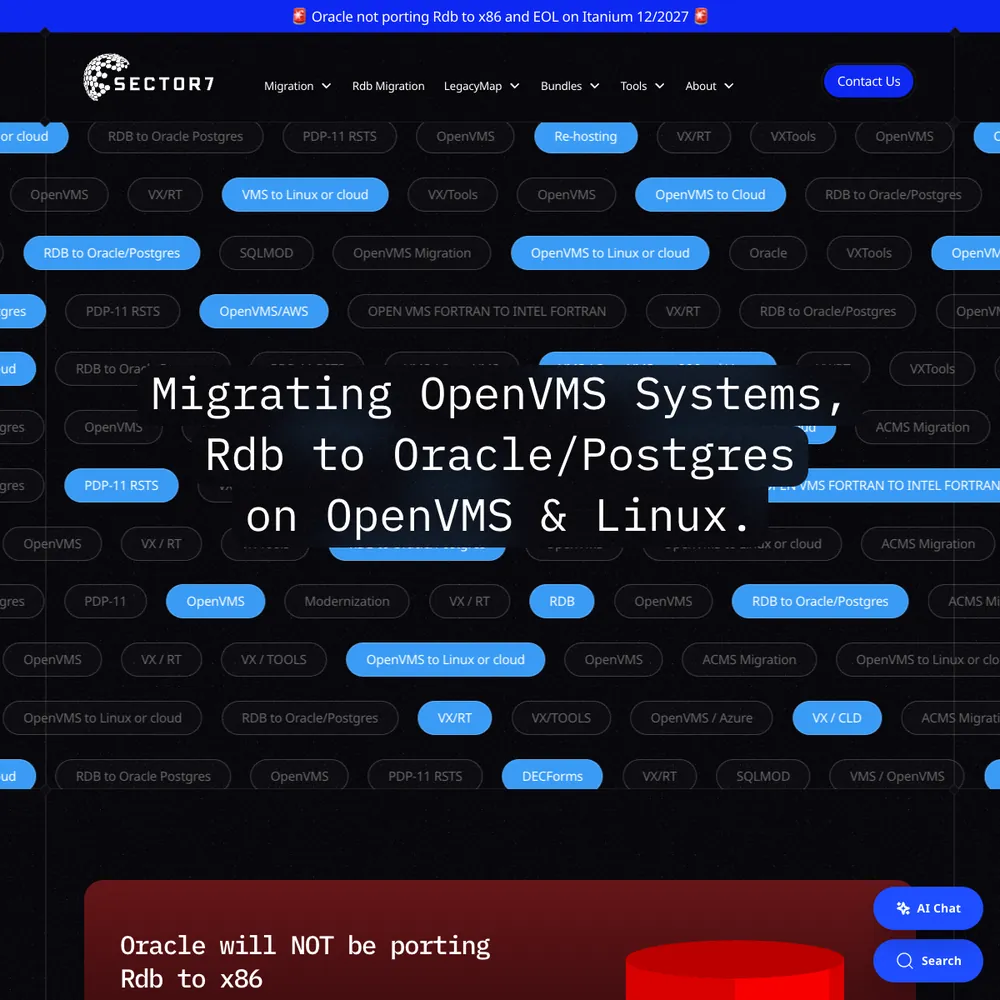
Sector7
An award-winning rebuild, 177% more new users in 2025 than 2024, and Jon calls it "executed flawlessly, on time and on budget".
Read the story - Client work
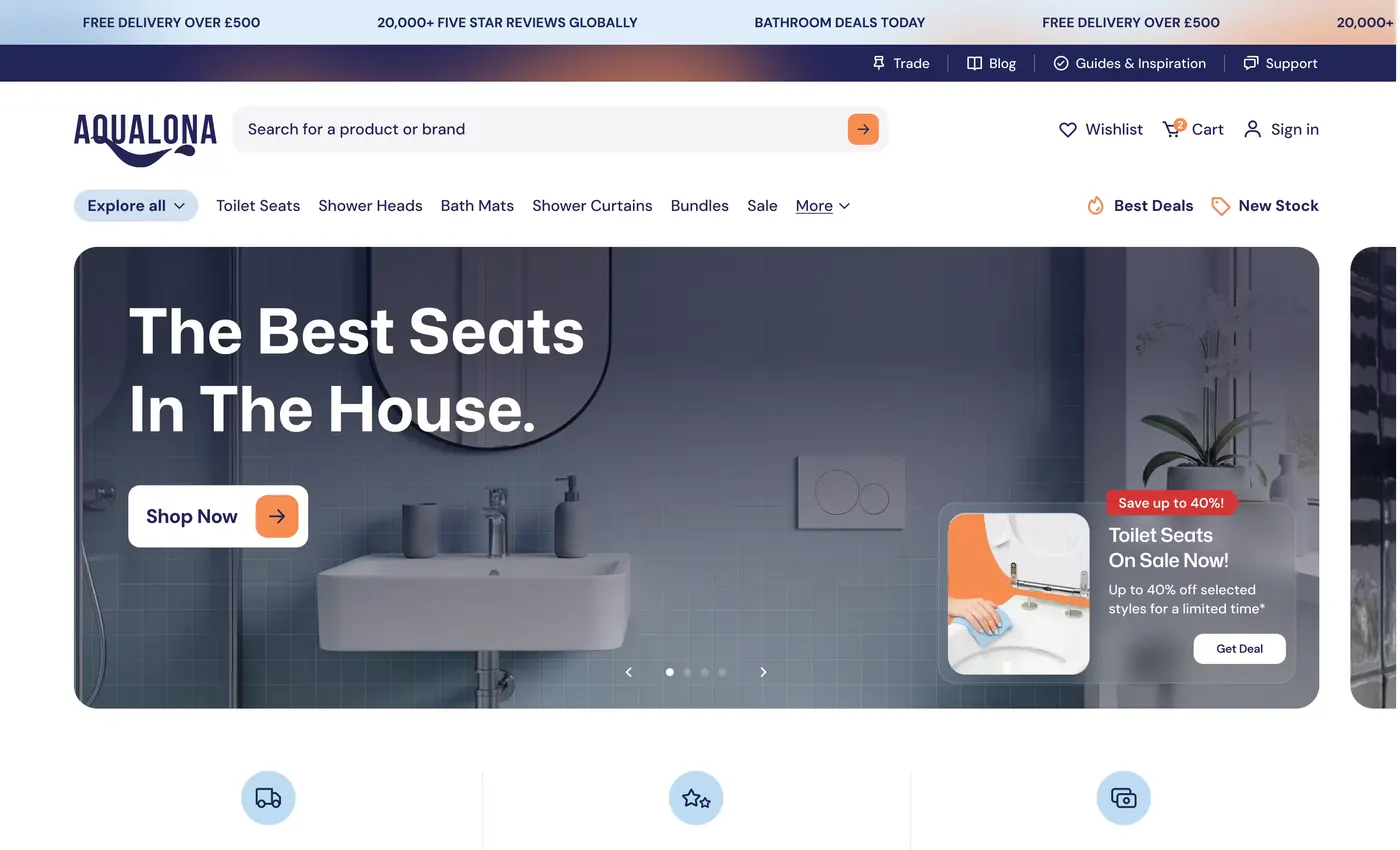
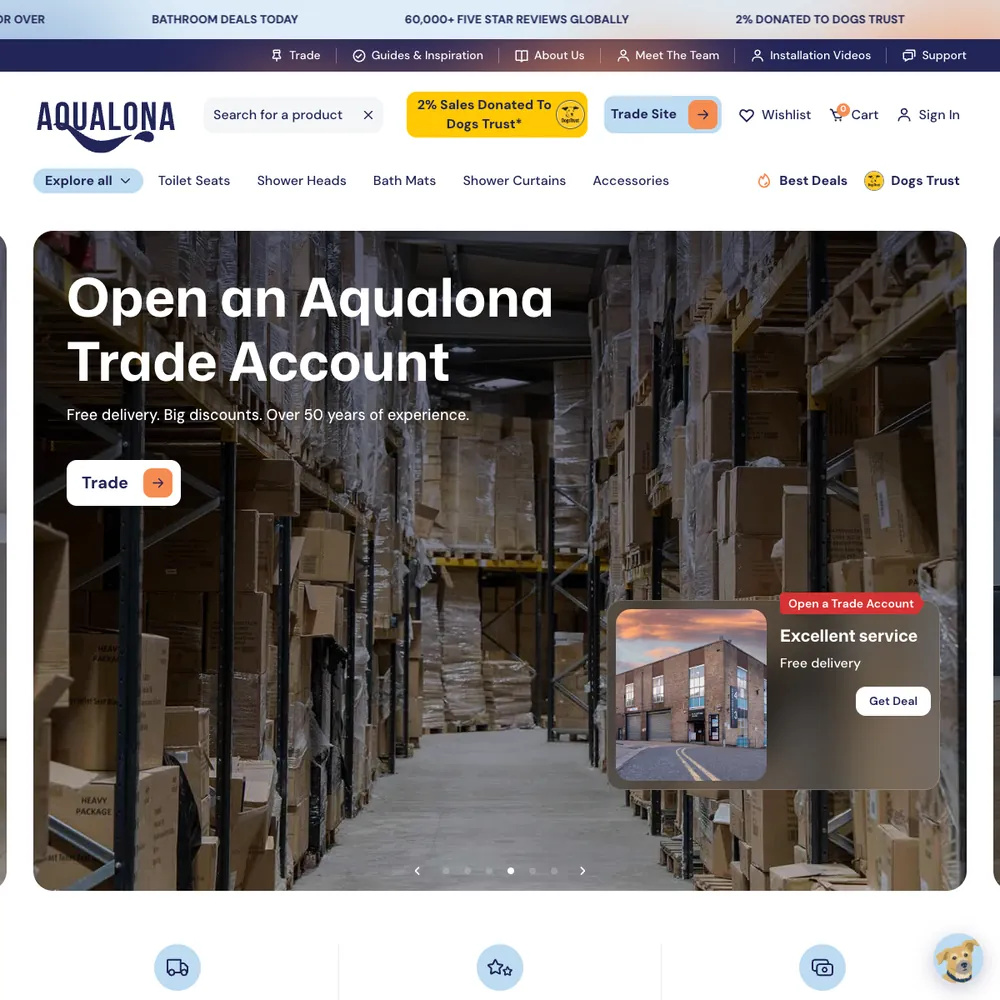
Aqualona
A headless Webflow and Shopify store that went from a handful of orders to 1000s tracked in its first months, each matched to the visit that started it
Read the story



Services that use it
We don't sell it on its own. Each of these services uses it alongside the rest of your setup.
- Place in the loop: TrackingTech & TrackingTracking that ties every visit and lead back to where it came from, and follows it into your CRM, set up so your data and your customers' data stay safe.Related tools: Google Analytics 4 (GA4), Stape, Looker Studio, Google Tag Manager (GTM)How it fits
- Management, Support & ReportingAfter launch, we check your ads, website and tracking every month, fix what slipped, and send you a report that ends with what to do next.Related tools: Looker Studio, Google Analytics 4 (GA4), BigQuery, Google AdsHow it fits
- Funnel ManagementDon't let leads fall through the gaps. We build the whole funnel, from the ad to the follow-up, then keep improving it.Related tools: Webflow, Google Tag Manager (GTM), Stape, CloudflareHow it fits
- Place in the loop: AdsPaid MarketingGoogle, Meta and LinkedIn ads, run end to end and judged on the customers they bring in, not the clicks.Related tools: Google Ads, Meta, LinkedIn, Google Tag Manager (GTM)How it fits
- Place in the loop: WebsiteWebsite Design & DevelopmentWebsites that look the part, turn visitors into enquiries, and that your team can update without a developer.Related tools: Webflow, Astro and Keystatic, Shopify, FigmaHow it fits




What Stape is
Stape is a hosting service for server-side Google Tag Manager. You create a server container in GTM, and Stape runs it for you on a subdomain of your own site, in a region you choose. EU zones are on offer.
On top of hosting, Stape adds power-ups: a custom loader that serves GTM from your domain, Cookie Keeper for longer-lasting cookies, Click ID Restorer, bot detection and more. It also publishes its own GTM tag templates, including one for Meta's Conversions API. Plans are priced by how many requests your container gets each month, and there's a free plan for testing, up to 10,000 requests a month.
Questions about Stape
Straight answers on how we work, what it costs and what to expect. If yours isn't here, just ask.
Still have questions?
Talk to usDoes server-side tracking with Stape make my site faster?
On our own site, moving GTM to a same-origin loader left load time unchanged, and speed isn't why we use Stape. Server-side tracking means the page doesn't have to load a separate script for every ad platform, but the GTM container still loads in the page, so don't expect a big jump. We don't promise a speed gain.
Why is tracking important for my marketing?
Without it you're guessing which ads, pages and emails bring customers. Ad platforms also bid on what you tell them, so missing or wrong conversions mean they find the wrong people.
How do you set up Stape for your website?
We create a server container in Google Tag Manager, host it on Stape, and connect it to your site on your own domain. Depending on the build, that's one or two DNS records on your side (often in Cloudflare), or a path on your main domain with no new records. The rest happens in GTM and Stape.
- Create the server container and the Stape container, in an EU zone if you want one.
- Point your domain at Stape, with DNS records or a path on your main domain.
- Serve GTM from your domain through Stape's custom loader.
- Send each event to GA4, Google Ads and Meta from the server, with one shared event ID.
- Test in GTM Preview, then check the data the next day.
Our technical tracking service covers it all.
How do you troubleshoot Stape server-side tracking?
We check the data, not just the setup. GTM Preview can look fine while something is wrong, so we look at the real events the next day. The usual suspects:
- Click IDs: the Click ID Restorer power-up can write the word "stape" where Google's click ID should be. We've seen it on live sites. Preview won't show it, BigQuery will.
- Request limits: a container over its plan limit can pause tracking.
- Double counting: Meta needs the same event ID from the pixel and the server.
- Wrong events: the server passes on whatever the browser sends.
Our ongoing management service includes these checks.
What does Stape cost and how does pricing work?
Stape charges by how many requests your server container gets each month, with a separate plan for each container. There's a free plan for testing (up to 10,000 requests a month), then paid plans up to 500,000, 5 million and 20 million. Check stape.io/price for current prices, because they change.
If a container goes over its limit, tracking can pause, so we watch usage on the busy ones and upgrade before it happens.
What is server-side tracking, and why do we use Stape?
Server-side tracking means your site sends each event once, to a server container, and that server passes it on to GA4, Google Ads and Meta, instead of every platform running its own script in the visitor's browser. We use Stape to host that container so you don't have to run a server. It reduces lost conversions. It doesn't get them all back, and it doesn't get round consent.
How do you handle compliance management for my website?
We work with your cookie consent tool, or suggest one we've worked with, and connect it to your tags so they follow the visitor's choice. How that's wired depends on the project, so we test what your tags actually do. We don't write legal text or give legal advice, so your privacy policy needs sign-off from someone qualified.
What does Stape connect to?
Anything that has a Google Tag Manager server tag, and Stape publishes templates for many of them. What we send through it is GA4, Google Ads and Meta's Conversions API, plus BigQuery when we want the raw events. On our own site it also carries LinkedIn and Reddit conversions.
What is technical and tracking infrastructure?
It's the set-up that counts what happens on your site and sends it where it needs to go: tracking tags, analytics, ad-platform conversions, your CRM connection and cookie consent, plus the hosting and security around your website.
How do you ensure data security and compliance?
We secure what we build and connect your cookie consent tool to your tags, then test it. Where your domain is on Cloudflare, we use it for SSL, caching and protection against attacks, and we add spam checks to forms that attract junk and logins in front of private pages such as staging. We don't give legal advice or promise compliance, so a qualified person needs to sign off your policy.
Show 4 more questions
How do you set up website analytics and tracking?
We agree with you what counts as a conversion, then set up Google Tag Manager and GA4, plus server-side tracking through Stape for sites that spend on ads. Before we hand over, we check the data is actually arriving.
What is ad platform integration and why does it matter?
Ad platform integration means joining your website, tracking and CRM to the ad platforms, so they receive the leads and sales that came from their ads. Without it, bidding learns from clicks and form fills instead of customers.
Does server-side tracking with Stape make us GDPR compliant?
No, not on its own. Your consent tool still decides what gets sent, and consent is built per project, so we agree with you how the server container follows it. What the server does give you is control over what leaves your site: you choose what each platform receives, and you can host in an EU zone.
On health sites, the lead event carries only an ID and a click ID, never a name, email or phone number.
How does Stape improve data accuracy compared to client-side tracking?
It cuts the conversions lost to ad blockers and browser limits, but it doesn't remove the loss, and we don't promise a percentage. With server-side tracking, events go to a server container that sends them on to GA4, Google Ads and Meta, and each conversion carries one event ID so the platforms count it once. On our own site we load the tags from our own domain through Stape's Custom Loader, and the gain is resilience to ad blockers.
We've written about this
 Your website data is probably lying to you (and it’s not your ads’ fault)Conversions not adding up? Event match score low? Blocked tags can leave gaps that inflate your CPA.Read the note
 How to make a free websiteYou can make a free website and own it. Here's how we built our own, pacing.agency, with AI coding tools and hosting that can cost nothing, step by step, and the parts that still cost money.Read the note
 The secret life of the user ID: what it is, why it matters, and when you can’t use itIf you're not using User IDs, do you really know what your website users are doing? Probably not.Read the note
Start with your numbers.
We'll tell you which tools you need and which connections are missing.



















Bring your numbers.
We'll tell you if the spend makes sense.
- A 15-minute callYour goals, your challenges, and whether we're the right fit.
- A 1-hour discovery callWe dig into your numbers. Worth a hundred emails.
- A concrete planAds, a custom build or both, as a one-off project or ongoing.