The notes on how our stack works were already written as Markdown files in a repo. That's fine for the person who wrote them. It's no use when someone asks mid-call where the tracking setup is documented, or which tool does what. A folder of files isn't something you can search.
The docs live at docs.pacing.agency, and they're internal: you need a Pacing Google login to open them. That's deliberate, because the notes cover how our systems fit together.
What it does
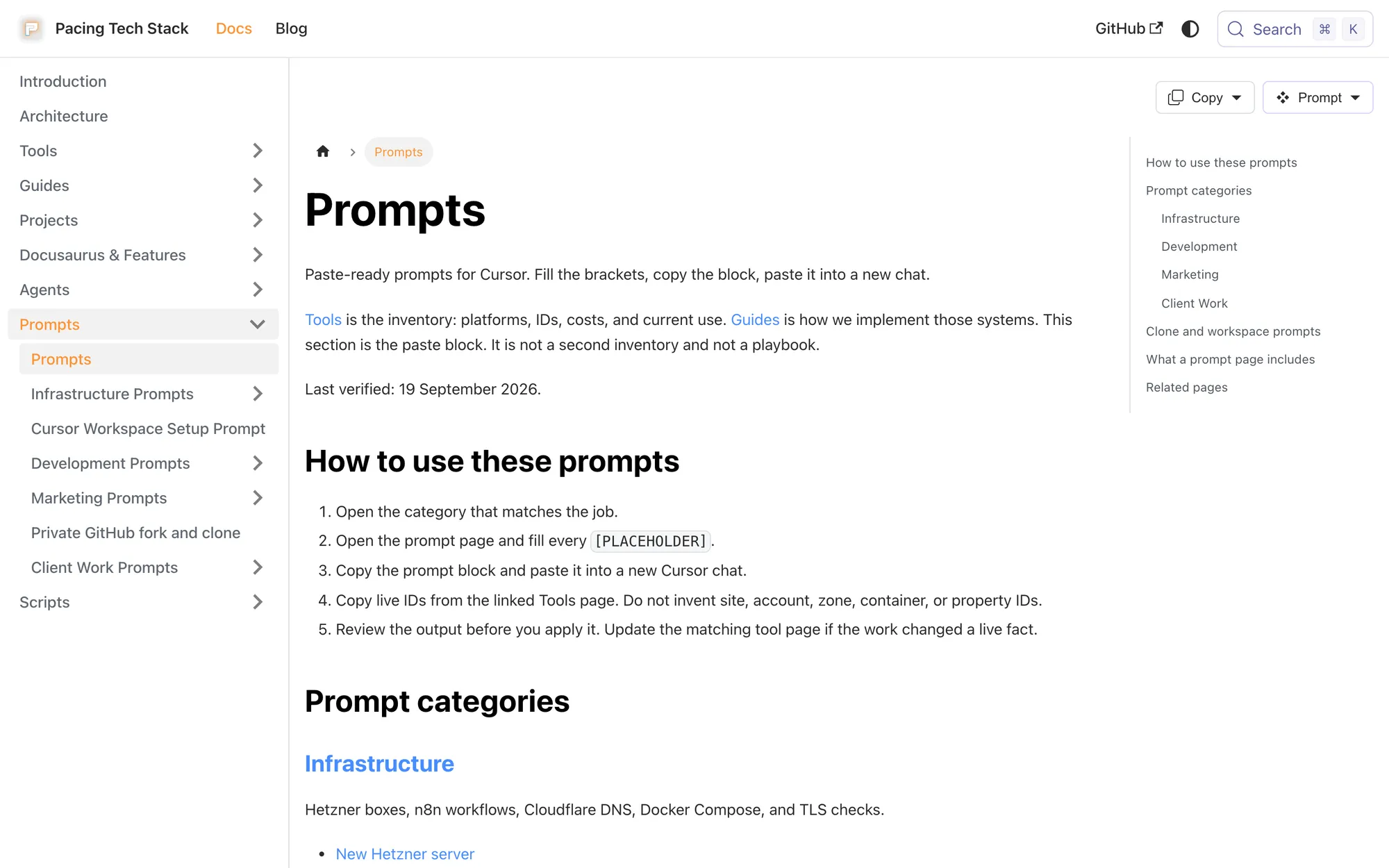
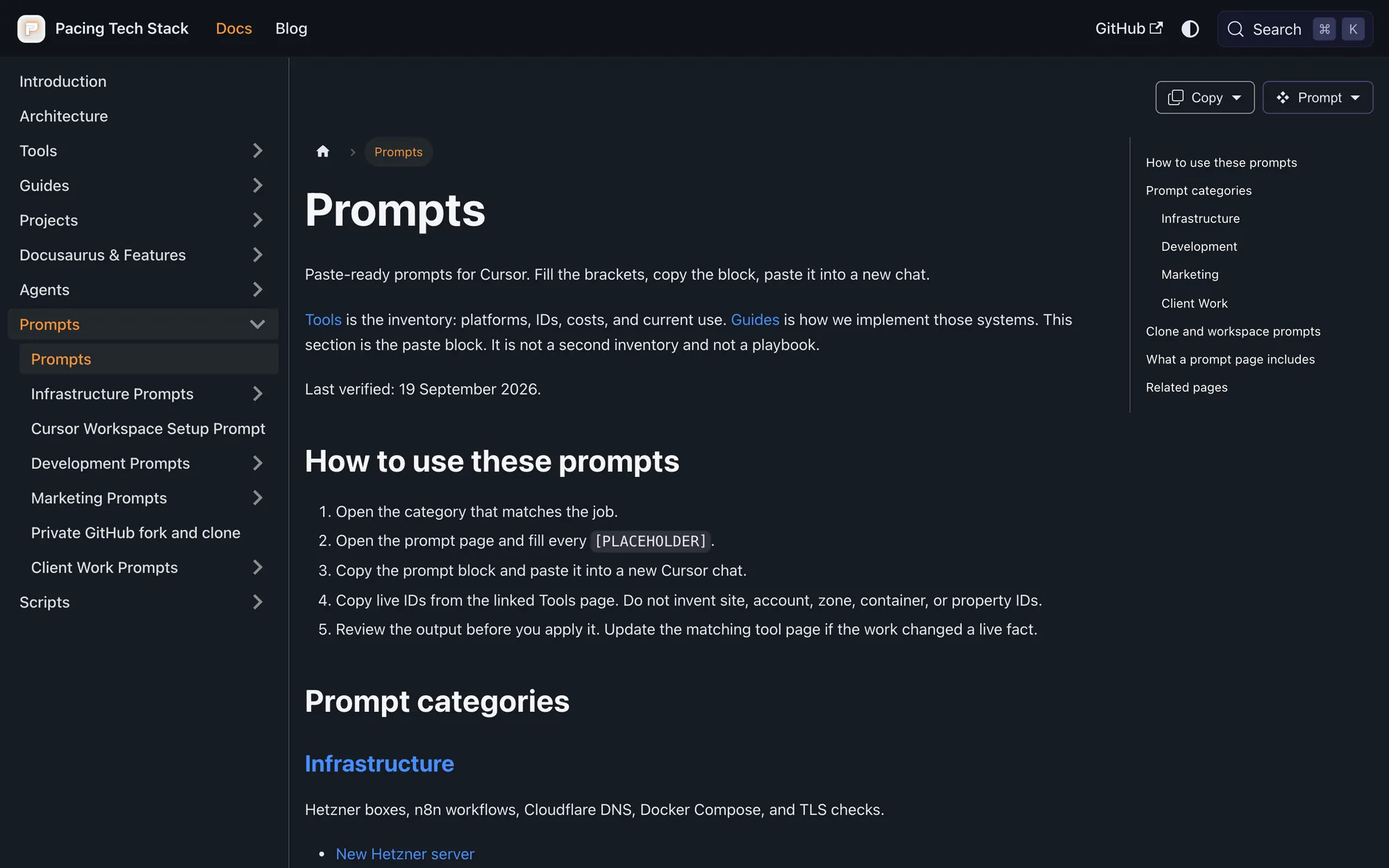
A browsable site built straight from the Markdown we already keep. Docusaurus generates it, Cloudflare Pages hosts it, and Algolia makes it searchable. The theme uses Pacing's logo and styling rather than the default Docusaurus look.
- 73 tool notes: one page per tool in the stack, synced from the
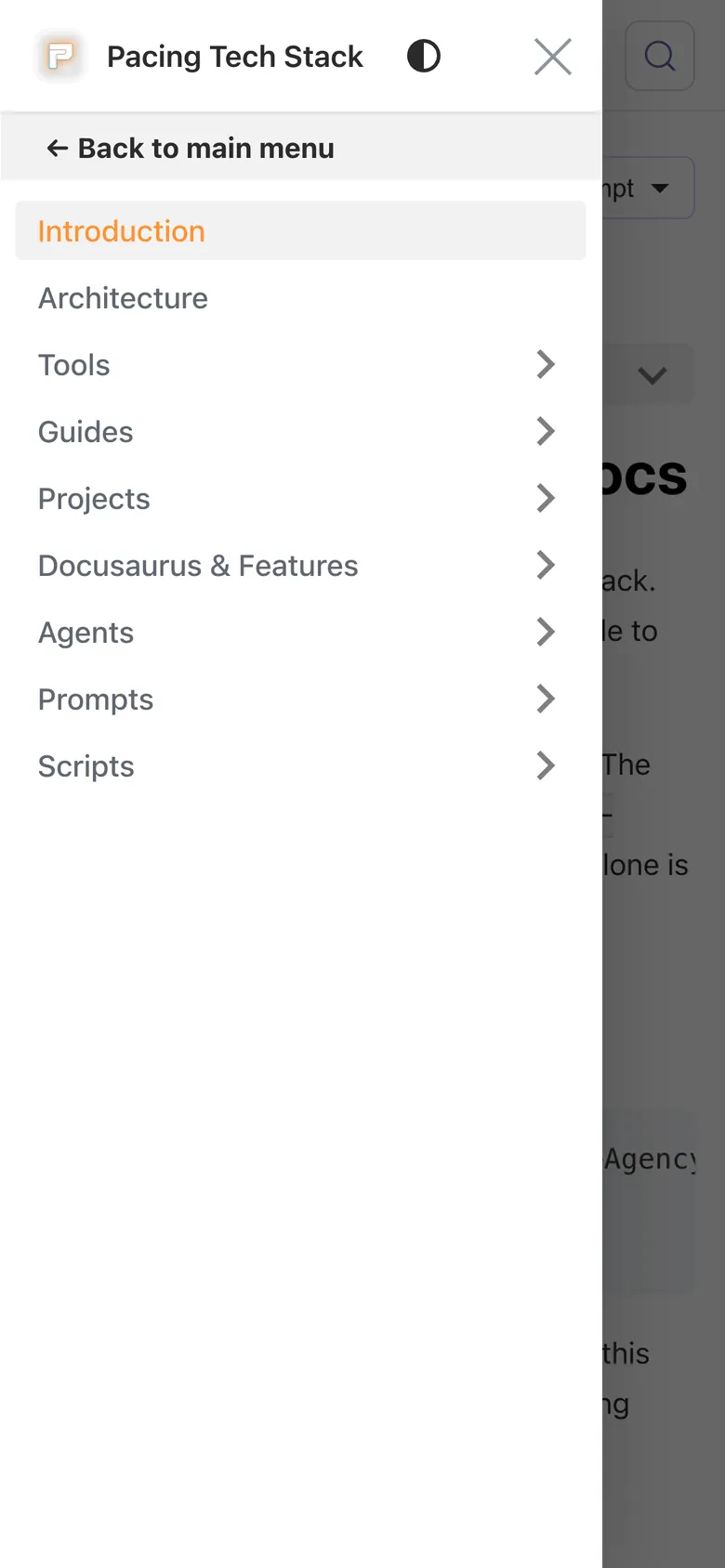
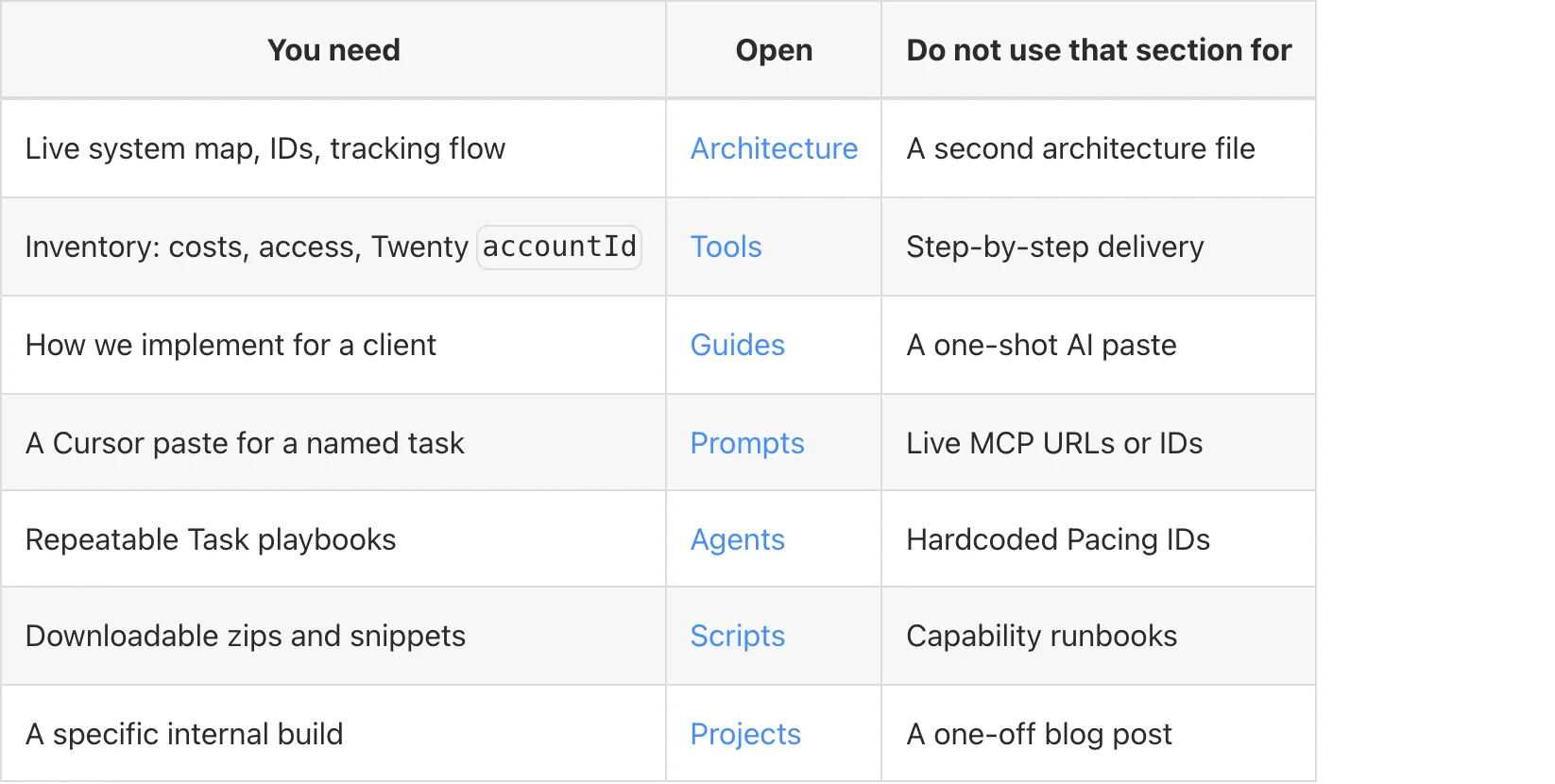
tools/ folder. - Guides: server-side tracking, Webflow form capture, MCP setup, how to add a client, OAuth hygiene and more.
- Architecture: hosts, workflows and tracking in one map, so every system has a home.
- Agents and prompts: the playbooks and prompts we use day to day.
- 8 script packs: each documented pack gets a Scripts page, and some are zipped for download. The build aborts if a zip would contain live credentials.
- Blog: six posts, including how we wrote 136 FAQs with Cursor and the Webflow MCP.
How it works
Before every build, scripts read the tool notes and script packs, write them in as pages, and check the MDX. They escape emails, turn file links into code, and flag secret-looking strings. Then Docusaurus builds, and Cloudflare Pages deploys when a change merges to main.
The Markdown is the source of truth. The generated tool and script pages are never edited by hand.
- Write: Markdown in the techstackdocs repo.
- Sync: prebuild scripts run on every build.
- Build: Docusaurus makes the static site.
- Host: Cloudflare Pages, with Access in front.
| Layer | What it does |
|---|
| Source | Markdown in the repo: tool notes, guides, prompts, agent playbooks, script packs |
| Sync | Prebuild scripts turn the tool notes and script packs into pages |
| Site | Docusaurus, with Pacing branding and an MDX check before every build |
| Search | Algolia keyword search (Cmd+K) and an Ask AI index with one record per page |
| Access | Cloudflare Access with Google sign-in, Pacing staff only |
| Deploy | Merge to main and Cloudflare Pages builds it, no separate publish step |
Search
Press Cmd+K (or Ctrl+K) on the site to search. There are two Algolia indexes: a keyword index split by heading, and an Ask AI index with a record per page, so answers draw on whole pages.
Our Cursor setup queries the same keyword index, so the notes are searchable from the editor too. The build also generates an llms.txt for AI tools.
What changed
- The stack has one home that people can open, instead of "check the repo".
- Tool notes stay in Markdown. The site is a view of them, not a second CMS.
- One search box covers the notes, guides and prompts we already write for ops.
What we learned
We already had the writing habit. We were missing a host and a search box, and Docusaurus on Cloudflare Pages was enough.
- One source: the Markdown is the file, and the site is a build of it.
- Staff only: Cloudflare Access keeps internal notes behind Google sign-in.
- No second copy: we never rebuilt the docs in Webflow, so nothing can drift.