












BigQuery
- GA4 export
- Raw event data
- CRM joined to visits
- Free tier to start
Keeps the raw GA4 and CRM data, so we can join a visit to the lead it produced and check any report against the rows.

- 5ways our journey analyser matches a lead to a visit
- 1MGA4 events a day on the free export (standard properties)
- 3xmore leads reconciled to paid, once visits were joined to the CRM
- 8tools it connects to
What a warehouse gives you
Every GA4 event, kept
The export writes each event to BigQuery as its own row, in a new table every day. It's the raw record, not the summary the GA4 reports show.
Same-day data, with a catch
Streaming export fills a same-day table within minutes, for an extra charge per GB. Google says that table is best-effort and can have gaps, so we report from the daily one.
A copy you own
GA4 keeps the data behind Explorations and funnel reports for 2 or 14 months on a standard property. The export sits in your own Google Cloud project, so you decide how long it stays.
Visits joined to leads
With CRM contacts loaded next to GA4 events, we match leads to visits on click IDs and conversion times, so you can see what each lead did before it filled in a form.
Plain-English questions
In our journey analyser, an AI assistant answers questions by running queries on the data and drawing diagrams of a journey. SQL stays underneath, so every answer can be checked.
Costs you can cap
The first 1 TiB of queries and 10 GiB of storage are free each month. Queries are billed by data scanned, so choosing columns and capping a query's cost keeps the bill small.
BigQuery is where we keep the raw copy. GA4 shows you a summary. The export gives us every event behind it, and we join those events to the leads and sales they produced.
What goes in
- GA4 events. The daily export, one row per event.
- CRM data. A copy of HubSpot contacts, and lead exports from Salesforce.
- Server events. Stape can send the raw event stream from the server container straight in.
- Search Console. Its bulk export goes in too, where we've set it up.
Every row needs a key
Data you can't join can't answer anything. So each visitor gets a first-party ID in the browser, before they fill in a form, and it's copied into the form. Our Pacing Journey build reads one ID's rows back out of BigQuery with a small Cloud Run app, for about £4 a month.
Our journey analyser
The biggest thing we've built on BigQuery. It reads the GA4 export and a copy of over 300,000 HubSpot contacts and ties each lead back to the visit that produced it. It tries five matches in turn:
- Google click ID
- Microsoft click ID
- LinkedIn click ID
- the form's conversion time, within 30 minutes
- the Salesforce date, within a day
Once our first-party ID went in, it was on more than 99% of events. Before that, GA4's own ID covered about half. One lesson: when a GA4 property streams several sites, every query filters to the marketing site's hostname.
Checking the tracking
Tag Manager's Preview can look fine while the data is wrong. Set up wrong, Stape's Click ID Restorer writes the word "stape" where Google's click ID should be, and Preview won't show it. So we check the next day's export, not just Preview.
Before you rely on it
- Free sandbox tables expire after 60 days by default. For lead history, set up billing and turn that off.
- Queries are billed by the data they scan, so we select only the columns we need.
Do you need a warehouse?
Not every site does. Pick what you need from your data and we'll tell you what we'd set up.
Joining visits to leads and sales
| What matters | BigQueryOur pick | GA4 reports on their own |
|---|---|---|
| Where the data comes from | GA4's export, plus your CRM and other sources, in one place | Only what the site sends to GA4 |
| Detail | Every event, as a row | Summarised reports |
| How long you keep it | As long as you choose | Explorations and funnel reports use event data kept for 2 or 14 months on a standard property |
| Questions you can ask | Anything you can write in SQL | The reports and explorations GA4 offers |
| What you pay for | Storage and queries, with a free monthly allowance | Nothing extra |
Our pick: BigQuery. GA4 only knows what your site sends it. To see which visit became which lead, and what the lead did first, you need the raw events next to the CRM.
A small site checking traffic
| What matters | BigQuery | GA4 reports on their ownOur pick |
|---|---|---|
| Good for | Joining visits to leads and keeping the raw history | Traffic, pages and channels |
| Setup | Link GA4, pick a region, set up billing and access | Nothing beyond GA4 |
| Upkeep | Costs and table expiry to watch | None |
| What you pay for | Storage and queries, with a free monthly allowance | Nothing extra |
Our pick: GA4's reports on their own, and we'll happily stop there. If you're checking which pages and channels bring visitors, they do the job. Add BigQuery the day you want to join visits to leads or keep the raw history.
BigQuery and GA4 facts are from Google's BigQuery pricing page and GA4 help pages (BigQuery export, data retention: it limits Explorations and funnel reports, not standard reports), October 2026. Prices change, so we've kept them out. The 300,000-plus contacts, the five matching methods and the ID coverage are from our journey analyser's own documentation. Counts and coverage as at October 2026.
What we connect it to
Stored data can't answer a question unless every row has an ID that links it to the rest. A warehouse full of unlinked events is just a bigger spreadsheet.
 GA4Exports every raw event to BigQuery, one row each.
 StapeSends the raw event stream from the server container.
 HubSpotContacts and lifecycle stages sit next to the visit that produced them.
 SalesforceExports pipeline stages to join to the visit.
 Google AdsCost and click data can be loaded in too, through Google's own transfer, separate from the GA4 export.
 Looker StudioReads the joined data for reports.
 Google CloudBigQuery runs inside a Google Cloud project, which also hosts the apps that read it.
 Google GeminiHolds the events a journey analyser sends to Gemini to summarise.
Show 4 more
It's one part of the setup.
If another part is broken, this one wastes money.
What's a customer worth?
- 1
- 2
- 3
- 4
Where we've used BigQuery
- Client work
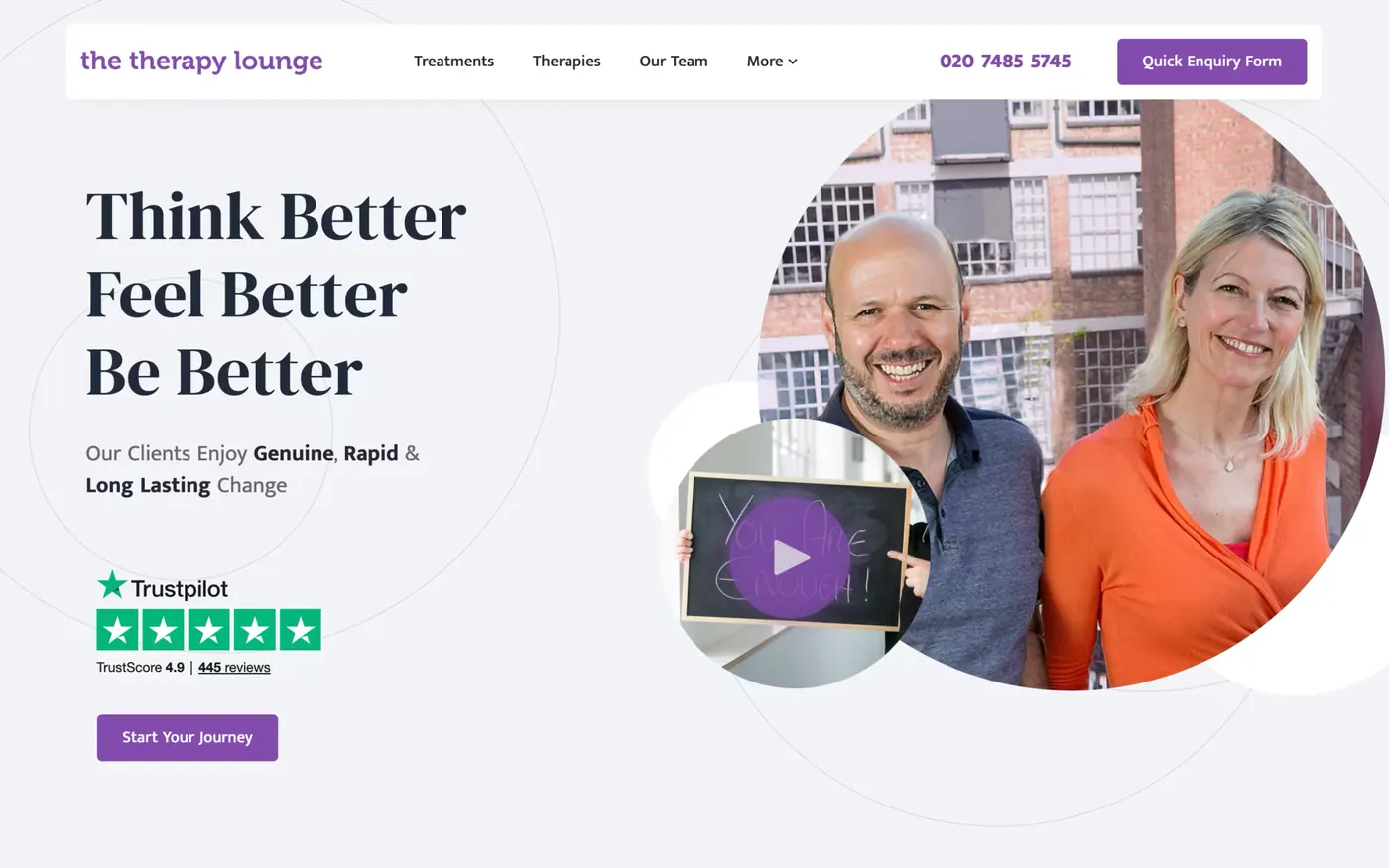
The Therapy Lounge
70% more enquiries, 6.6x return on ad spend in October 2025, and 316 enquiries tracked from April 2025 to October 2026.
Read the story - Built by us
Pacing Journey
The stored visits and forms from one person on one timeline.
See the build+4 - Client work
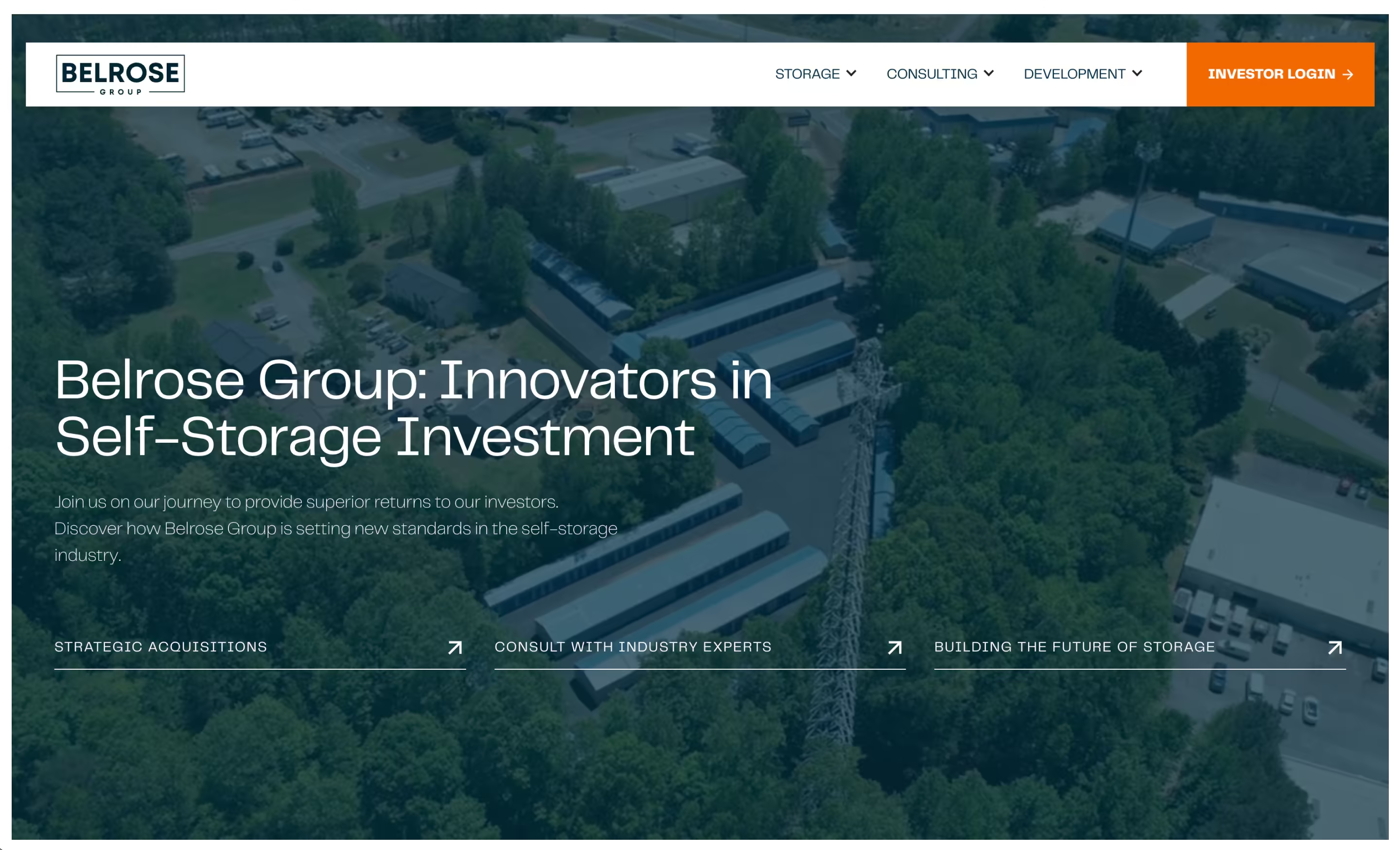
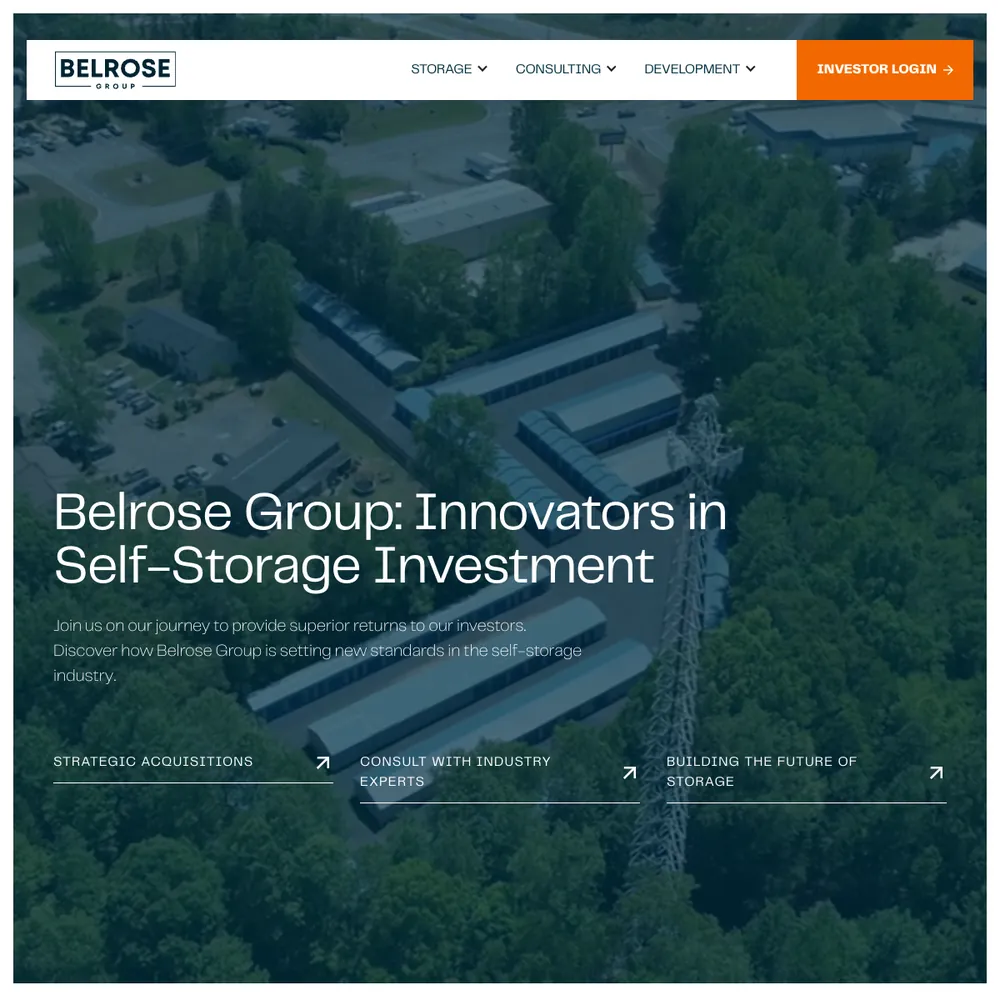
Belrose Group
A self-storage investment, development and consulting firm got a new Webflow site with a page for each of its three divisions, a lead funnel it trusted, and its investor portal moved to a new platform.
Read the story

Services that use it
We don't sell it on its own. Each of these services uses it alongside the rest of your setup.
- Management, Support & ReportingAfter launch, we check your ads, website and tracking every month, fix what slipped, and send you a report that ends with what to do next.Related tools: Looker Studio, Google Analytics 4 (GA4), BigQuery, Google AdsHow it fits
- Place in the loop: TrackingTech & TrackingTracking that ties every visit and lead back to where it came from, and follows it into your CRM, set up so your data and your customers' data stay safe.Related tools: Google Analytics 4 (GA4), Stape, Looker Studio, Google Tag Manager (GTM)How it fits
- Funnel ManagementDon't let leads fall through the gaps. We build the whole funnel, from the ad to the follow-up, then keep improving it.Related tools: Webflow, Google Tag Manager (GTM), Stape, CloudflareHow it fits



What BigQuery is
BigQuery is Google's data warehouse. You load data into tables and ask questions of it in SQL. It's serverless, so there's no database to run, and Google bills for the data you store and the data each query scans.
For marketing it matters because of the GA4 export. Switch it on and GA4 writes every event to BigQuery as its own row, in a new table each day. That's the raw record, not the summarised view the GA4 reports show you. A standard GA4 property can export up to 1 million events a day for free, and there's a streaming option that fills a same-day table within minutes for an extra charge per GB.
The first 1 TiB of queries and 10 GiB of storage are free each month. Past that you pay for what you store and what you scan.
Questions about BigQuery
Straight answers on how we work, what it costs and what to expect. If yours isn't here, just ask.
Still have questions?
Talk to usHow can BigQuery transform marketing data analysis for businesses?
It keeps the raw data. GA4's reports show a summary, but BigQuery holds every event behind it, so you can check a number, join a visit to the lead it produced, and ask questions the standard reports can't answer.
We put the joined data in front of you through Looker Studio. Our technical tracking service sets it up.
How does BigQuery pricing work and what should you budget?
Google bills for two things: the data you store, and the data each query scans. The first 1 TiB of queries and 10 GiB of storage are free every month, which covers many small sites.
Costs grow with how much you scan, so we select only the columns we need and can cap what a single query is allowed to cost. Prices change and vary by region, so check Google's pricing page for the current numbers.
What are the main challenges when implementing BigQuery for marketing?
Getting the data in is easy. Joining it is the hard part. Every row needs an ID that links a visit to a form and the CRM record, and if the form drops that ID, the join is lost.
Matching is rarely perfect, so we check match rates and say how many leads we couldn't link. The other trap is table expiry: free sandbox tables expire after 60 days by default. Our technical tracking service deals with both.
What types of marketing data can you analyse with BigQuery?
GA4 events first, through its built-in export, and Search Console where we've turned its bulk export on. We've also loaded HubSpot contacts and Salesforce lead stages, and Stape can send server-side events in. Anything with a clear ID and a timestamp can go in.
The value comes from putting them side by side. Then you can follow one person from the first click to the sale.
How does BigQuery compare to other analytics platforms for marketing?
GA4's reports give you a ready-made summary, which is all many sites need. BigQuery gives you the rows behind it, and you ask your own questions in SQL.
If you only want to see traffic and channels, stay in GA4. If you want to join visits to leads, or keep the raw events in your own project for as long as you choose, add BigQuery.
What’s the difference between an essential, advanced, and enterprise funnel?
An essential funnel covers the basics: a foundational website, essential tracking and one way to capture leads. Advanced adds multi-platform ads, automated nurturing and deeper analytics. Enterprise adds segmentation, a customer data warehouse and deep CRM integration.
How do you ensure data privacy and compliance when using BigQuery?
The controls are the region the data is stored in, who has access to each dataset, and how long data is kept. We keep personal data out of GA4, so only a visitor ID and a click ID go in, and we're stricter again on health sites.
We also turn off the default expiry on raw event data, so what you collect stays until you choose to delete it. Our technical tracking service sets up the access and retention with you.
How do you integrate GA4 with other marketing tools and platforms?
GA4 links to Google Ads and BigQuery from its Admin screen, and Tag Manager sends it the events. On sites that spend on ads a server container feeds it, and the raw events go to BigQuery, where we can join them to your CRM. Looker Studio reads it for the reports.
It's part of our technical tracking service.
What machine learning capabilities does BigQuery offer for marketing?
BigQuery ML lets you build models, such as churn or lead scoring, using SQL. We haven't built one for a client. What we've put on top of BigQuery is AI that reads clean, joined data.
We've built a tool in which Gemini reads a lead's journey from BigQuery, writes it up in plain English and answers follow-up questions on the same data.
Can BigQuery integrate with existing marketing tools and platforms?
Yes. GA4 has a built-in export to BigQuery, and Search Console has a bulk export too. For a CRM, we've loaded a copy of HubSpot contacts and Salesforce lead stages into the same project.
Once they sit side by side, you can ask which visit produced which lead. We build the loading and the matching as part of our technical tracking service.
Start with your numbers.
We'll tell you which tools you need and which connections are missing.



















Bring your numbers.
We'll tell you if the spend makes sense.
- A 15-minute callYour goals, your challenges, and whether we're the right fit.
- A 1-hour discovery callWe dig into your numbers. Worth a hundred emails.
- A concrete planAds, a custom build or both, as a one-off project or ongoing.