












How do you ensure my website is mobile-friendly and accessible?
On our own site, checking pages at phone width is a written rule with a check script behind it: text size, tap targets and layout. Phone checks before launch are part of how we build. Accessibility is a separate job. We don't issue an accessibility certificate, and a formal audit against WCAG isn't something we provide.
Phones first, then wider
Many visitors will see your site on a phone at some point, so we check the phone version as carefully as the desktop one. Layouts are drawn in Figma and agreed with you, then built in Webflow (or in code if the site needs it) so they adapt to different screen sizes.
On our own site this is written down: checks at 390 px wide, tap-target sizes, a minimum text size, and nothing that only works on hover, with a check script behind it. Before launch we look at pages at phone width and at desktop width, and fix anything cramped, cut off or hard to tap.
What to look for on a phone
- Text is a readable size without zooming.
- Buttons and links are big enough to tap.
- The menu is easy to use with a thumb.
- Images are sized and compressed so pages don't load slowly on mobile data.
- Forms are short and work with a phone keyboard.
Accessibility
Accessibility means people with poor sight, limited movement or other needs can use your site. The common basics are:
- Text that stands out clearly against its background.
- Descriptions (alt text) on images that carry meaning.
- Headings in a sensible order, so a screen reader can find its way around.
- Form fields with clear labels.
- Links and buttons you can reach and use with a keyboard.
Our phone checks overlap with some of these, but they aren't an accessibility audit, and we don't issue an accessibility certificate. A formal audit against WCAG isn't something we provide.
This is part of our Website Design and Development service.
The tools in this answer

Where this came up in our work
- Client work
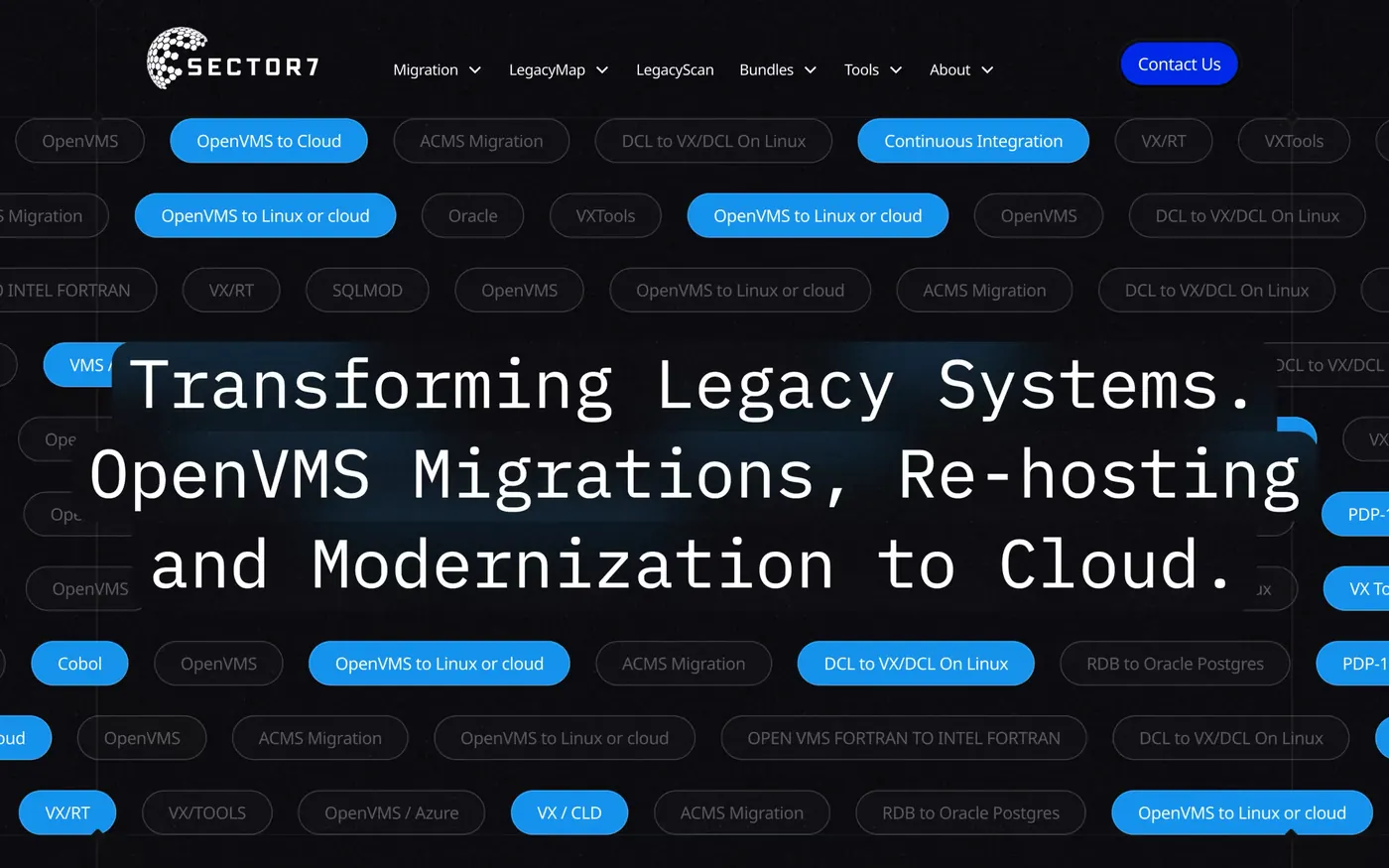
Sector7
An award-winning rebuild, 177% more new users in 2025 than 2024, and Jon calls it "executed flawlessly, on time and on budget".
Read the story - Client work
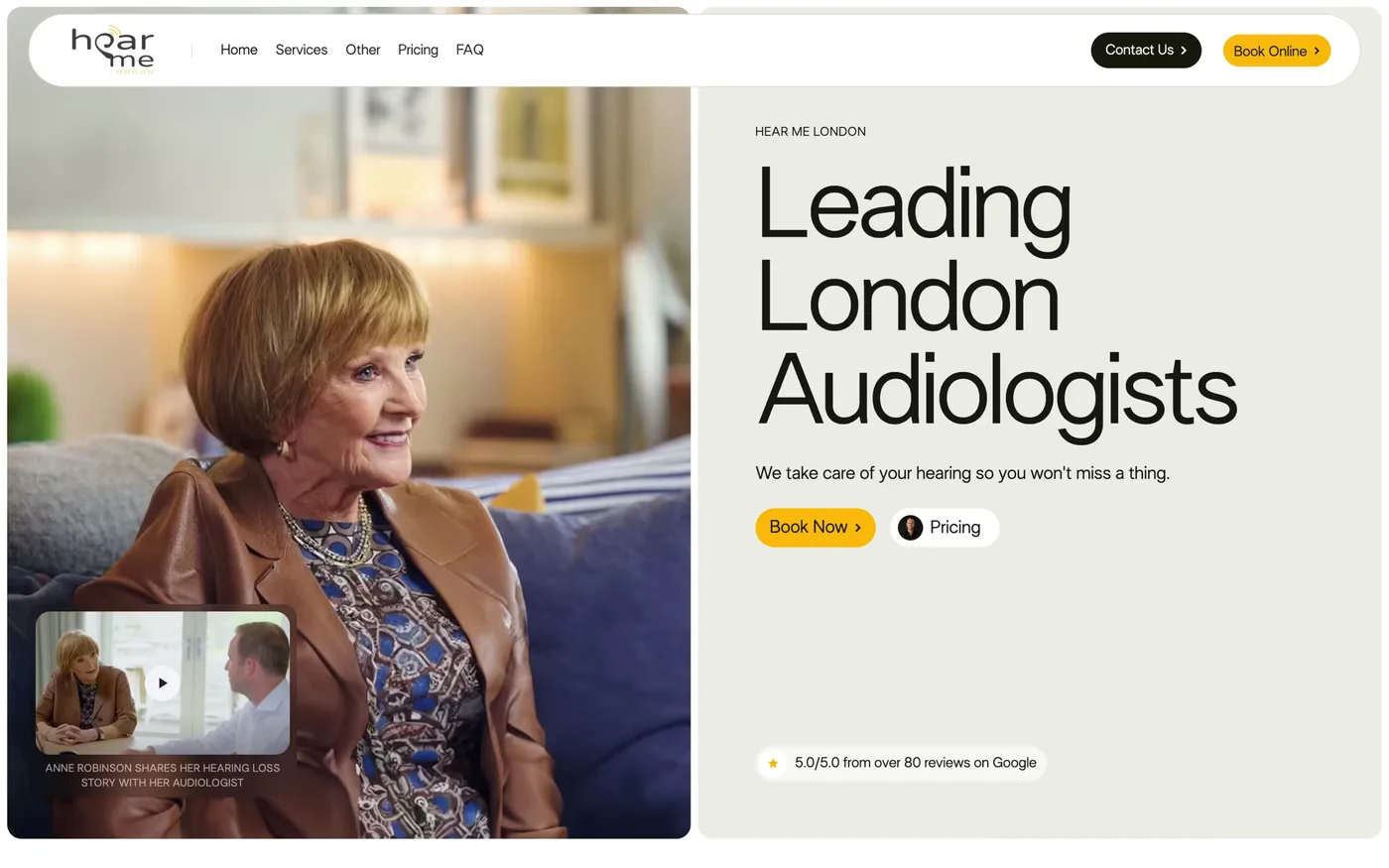
Hear Me London
A London audiology clinic got local pages, an online hearing test that logs to a sheet and emails the clinic, and server-side tracking behind every booking: 378 online bookings in 15 months, over half from organic search.
Read the story

Also worth asking
Other answers about the same tools.
How do you integrate Adobe Photoshop into modern marketing workflows?
Photoshop is where an image gets prepared. We design the page or ad layout in Figma, then export the image at the size the layout needs and compress it before it goes on a page or into an ad.
For one shop we built a Photoshop template for its product photos, with fixed export names and a three-stage compression pipeline.
How does Adobe Photoshop compare to Figma for design work?
They do different jobs. Figma is for layouts: pages, ads, components and feedback from your team. Photoshop is for the image itself: retouching, cut-outs and compositing.
Our design work happens in Figma, and we've used Photoshop for the picture itself, in the product image template we built for a shop.
How do you integrate Figma with other marketing and development tools?
Figma sits at the start of a build. We agree the layout in the file with you, then it's built on the platform that suits the site: Webflow, or code when a site needs it.
Figma also has an MCP server that lets an AI coding tool read a file's layout, components and variables. We can connect it to our coding tools.
How do you use FigJam for marketing strategy and brainstorming sessions?
FigJam is Figma's online whiteboard. It's handy for mapping a customer journey or sketching a campaign with a group, because everyone can add notes to the same board at once.
Our own design work happens in Figma files rather than FigJam boards, so we don't run FigJam as a service. Tell us if your team already uses it and we'll work with your boards.
What does Figma cost and which plan should you choose?
Figma has a free Starter plan, then paid Professional, Organization and Enterprise plans billed per seat. Seats come in three kinds: Full (design), Dev and Collab. At the time of writing (21 October 2026), a Full seat is $16 a month on Professional and $55 on Organization. Figma's page didn't state Professional's billing period, so check figma.com/pricing.
When we design for you, we work in our own workspace and add you to the file to comment on it. If your team keeps editing afterwards, the seat you need depends on what each person does.
Still have questions?Talk to us
Bring your numbers.
We'll tell you if the spend makes sense.
- A 15-minute callYour goals, your challenges, and whether we're the right fit.
- A 1-hour discovery callWe dig into your numbers. Worth a hundred emails.
- A concrete planAds, a custom build or both, as a one-off project or ongoing.