












Google Search Console
- Free from Google
- Google's own query data
- Indexing checks
- Daily BigQuery export
Shows which searches bring people to a site and which pages Google has indexed. We check it after every launch, migration and batch of new pages.

- 215+redirect rules mapped and checked on a Webflow move we ran
- 10+sites we've worked on in Search Console
What it tells us
Straight from Google
Search Console reports what Google saw, not an estimate. Which queries showed your pages, how many clicked, and where you sat.
Missing pages, explained
URL inspection and the Pages report say whether Google found a page, crawled it and chose to keep it, and give a reason when it didn't.
Redirects, watched
After a site move, we watch Search Console for old URLs being processed and new ones being crawled again. A Webflow move we ran had 215+ rules.
Near-misses spotted
Pages sitting at positions 4 to 20 with few clicks are the quickest wins. Often it's a title that needs rewriting.
Competing pages found
In the Performance report, broken down by query and page, you can see two pages sharing one search. We choose which should win.
Your data, your copy
A daily export to BigQuery keeps the performance data in a project the client owns, ready to join to leads.
Search Console is where we check what Google actually did with a site. At the start of an SEO job we ask for access, and we ask for the client to own the property, not us.
On a site move
A site move to Webflow we ran came with a map of 215+ redirect rules for old pages, PDFs and profile pages. A www property and a domain property can show different index counts and make the main page look missing, so we use a domain property. Search Console shows the redirects being processed and pages crawled again, and when Google flags pages as crawled but not indexed, we fix them and submit them for validation.
On new pages
When new service pages go live, we check the new URLs turn up in Search Console, then request indexing for any that don't. The same checks can show older URLs stuck at "crawled, currently not indexed", so we fix the new template first and clean up the old ones after.
What we look for
- Pages stuck at positions 4 to 20 with plenty of impressions and few clicks. Usually a title or description rewrite.
- Two pages splitting one search. We pick the one that should win.
- Pages about to be removed. No impressions doesn't mean a page is unused: ad clicks don't show in search. We check the ad accounts first.
Keeping a copy of the data
Search Console can send a daily export of your performance data to BigQuery. We've set it up for clients so the data is theirs to query and join to lead data.
What we connect it to
It shows search visits only, and not every query. It can't tell you which visits became customers. That takes GA4 conversion events and your lead data.



It's one part of the setup.
If another part is broken, this one wastes money.
What's a customer worth?
- 1
- 2
- 3
- 4
Where we've used Google Search Console
- Client work
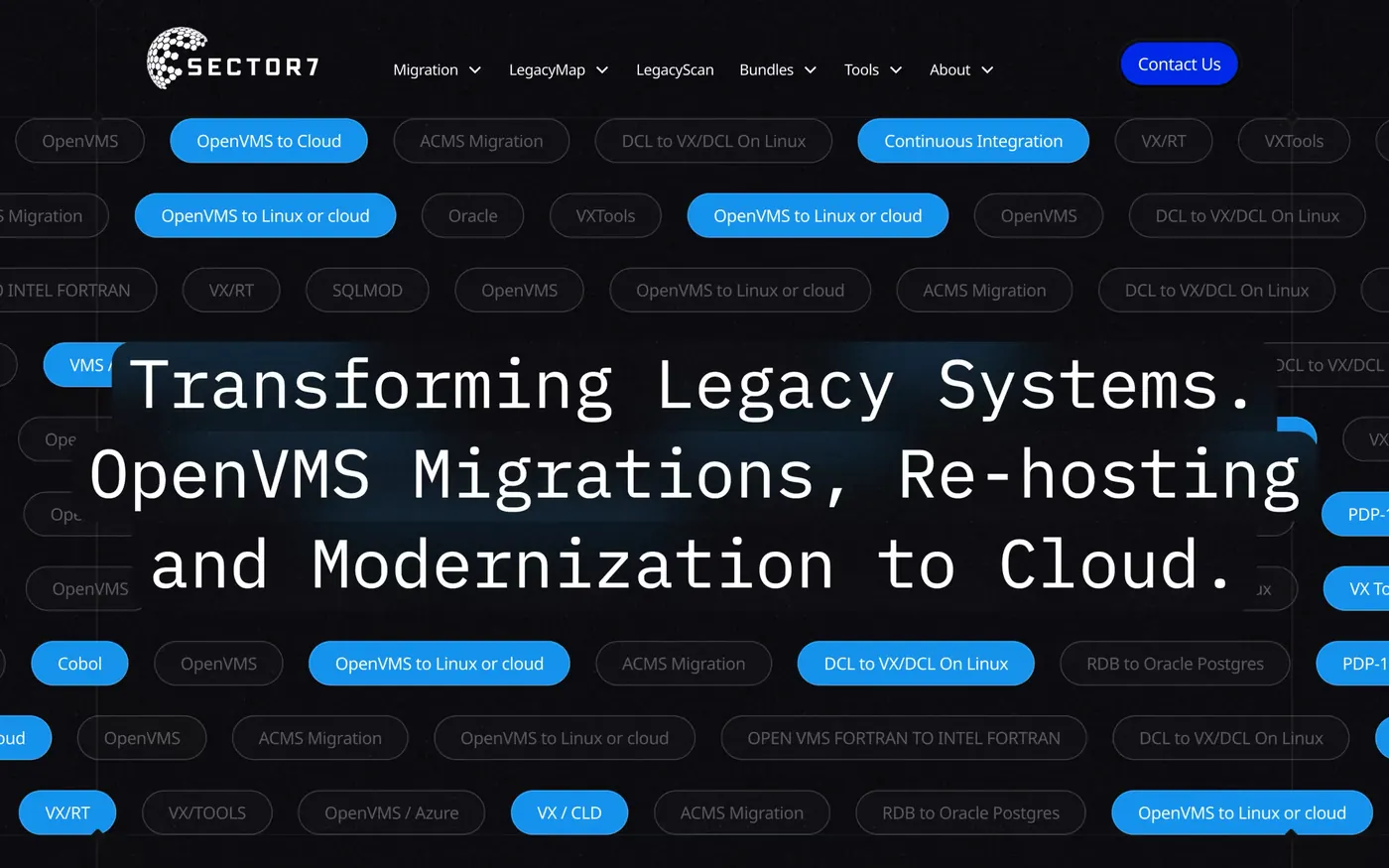
Sector7
An award-winning rebuild, 177% more new users in 2025 than 2024, and Jon calls it "executed flawlessly, on time and on budget".
Read the story - Client work
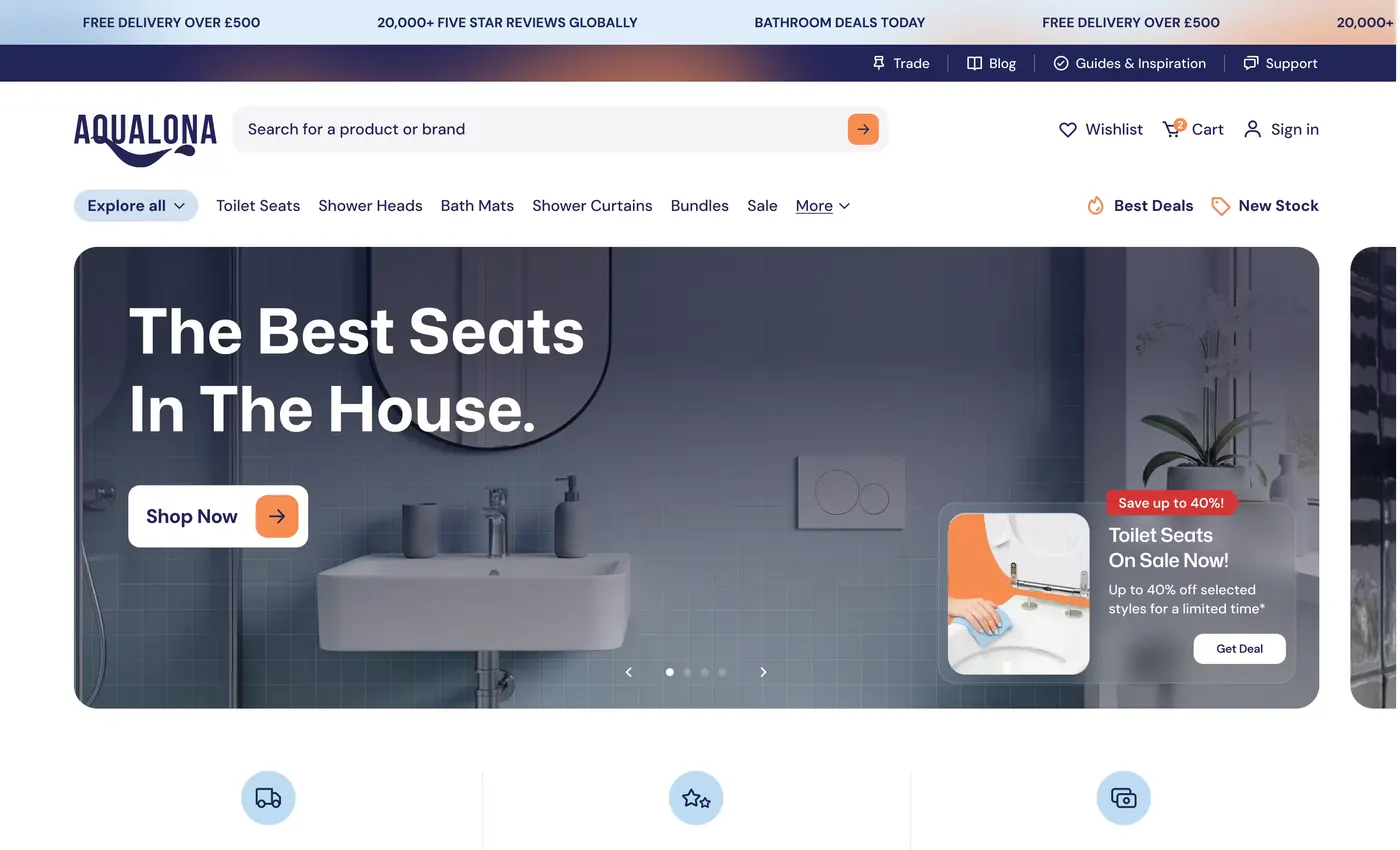
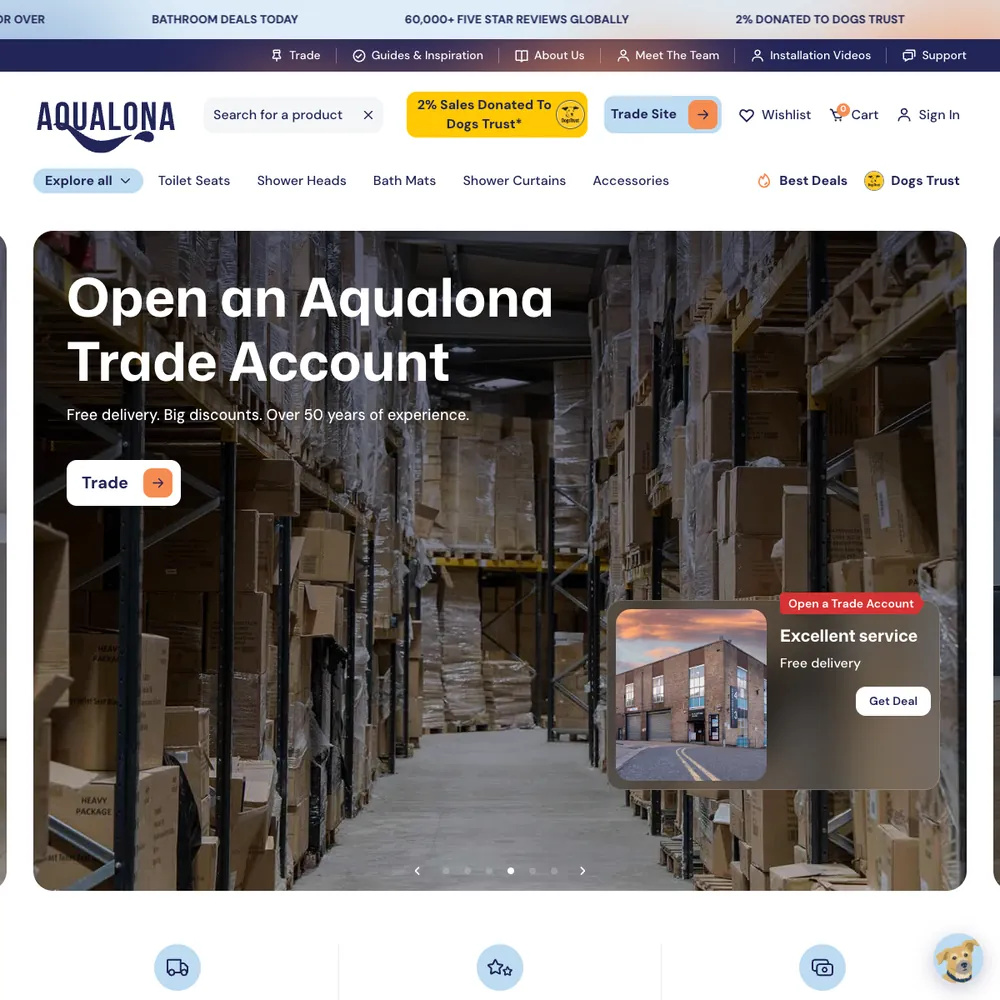
Aqualona
A headless Webflow and Shopify store that went from a handful of orders to 1000s tracked in its first months, each matched to the visit that started it
Read the story

Services that use it
We don't sell it on its own. Each of these services uses it alongside the rest of your setup.
- Place in the loop: AdsContent & SEOContent and SEO that get you found on Google by people already looking for what you do.Related tools: Google Search Console, Google Analytics 4 (GA4), Google, WebflowHow it fits
- Place in the loop: TrackingTech & TrackingTracking that ties every visit and lead back to where it came from, and follows it into your CRM, set up so your data and your customers' data stay safe.Related tools: Google Analytics 4 (GA4), Stape, Looker Studio, Google Tag Manager (GTM)How it fits



What Google Search Console is
Search Console is a free service from Google. It shows which searches your pages appeared for, how many people clicked, which pages Google has indexed, and any problems it ran into: crawl errors, pages it chose not to index, security issues and manual actions.
It's Google's own data about your site, so it's the one place to check why a page isn't showing up. It won't show every query, though. Google leaves out rare ones for privacy, and each table stops at 1,000 rows.
Questions about Google Search Console
Straight answers on how we work, what it costs and what to expect. If yours isn't here, just ask.
Still have questions?
Talk to usCan Google Search Console help with local SEO optimisation?
Partly. Search Console shows the searches that included a town or "near me", and you can filter by country and page. It doesn't cover your Google Business Profile or break results down by city.
How do you optimise content for search engines?
We make each page answer the search as fully as it can, and link to the expert where we aren't one. Then we get the basics right (keywords, titles, headings, internal links) and check in Search Console what the page actually appears for. Underneath it all, we write for the reader.
How do you fix indexing issues found in Search Console?
Open the Pages report, read the reason given for each page Google hasn't indexed, and fix that cause: a redirect, a server error, a duplicate or a thin page. Then request indexing, or start validation for a group of pages.
What is the difference between impressions, clicks, and CTR in Search Console?
Impressions are the times your page appeared in results. Clicks are the visits from them. CTR is clicks divided by impressions, not a conversion rate. Average position is where your page appeared, with 1 at the top.
How often should you check Google Search Console data?
As a rule of thumb: a quick look weekly for errors and drops, the Performance report monthly, and a proper check after any launch, redesign or site move. Search Console also emails the property owners about serious issues, but don't rely on that alone.
How do you ensure my website ranks well on Google?
Nobody can promise a ranking, and we don't. We build in the basics Google reads: clear titles, descriptions and headings, a sitemap, redirects when addresses change, and content that answers what people search for.
After launch, Search Console shows what Google has indexed and which searches show your pages. On our own site we submit the sitemap there too.
What should you do if your website receives a manual action in Search Console?
Read the Manual actions report, fix the cause on the pages named, keep a record, then submit a reconsideration request saying what you changed. A manual action means someone at Google decided your site breaks their spam policies.
Does server-side tracking with Stape make my site faster?
On our own site, moving GTM to a same-origin loader left load time unchanged, and speed isn't why we use Stape. Server-side tracking means the page doesn't have to load a separate script for every ad platform, but the GTM container still loads in the page, so don't expect a big jump. We don't promise a speed gain.
What’s the difference between on-page and off-page SEO?
On-page SEO is everything on your own site: content, titles, headings, internal links and speed. Off-page SEO is what happens outside it, mainly links from other sites and earned mentions. Start with on-page, because there's nothing to link to otherwise.
How do Google's marketing tools work together for better results?
They share data once someone links them: Google Ads and GA4, Search Console and GA4, Tag Manager for the tags, Looker Studio for the reports. We use them together by sending the same definition of a customer to GA4 and Google Ads, and by building reports from GA4, Google Ads and BigQuery.
Show 10 more questions
What is content and SEO, and why does it matter?
Content is everything your audience reads, watches or listens to. SEO makes it easy to find when someone searches, on Google and other search engines. Together they bring in people who are already looking for what you do.
How do you develop a content strategy for my business?
We start with who you need to reach and which searches matter, using your Search Console data first. Then we line up the content you already have against the customer's journey, mark the gaps and put the pieces that matter most into a content calendar. After that it's writing and checking what earns clicks and enquiries.
How often should I publish new content for SEO?
There's no number that suits everyone. Publish as often as you can keep up with at a standard you're happy with, because one good page a month beats four thin ones. Updating an older page counts too.
What makes Pacing.Agency’s approach to content and SEO different?
We start with who you're trying to reach, using what Search Console and GA4 already show about your visitors, plus what you know about your market. We write for the reader first, then check Search Console and GA4 to see what's working.
How does Webflow handle website performance and loading speeds?
Webflow serves sites through a CDN with SSL included, minifies code when you publish, and creates responsive image sizes. It can lazy-load images too. How fast a page ends up depends mostly on what's on it, such as image sizes and third-party scripts, so those are the first things to check.
How does Webflow help with SEO and search engine optimisation?
Webflow gives you editable titles, descriptions and alt text, an automatic sitemap, 301 redirects and clean markup. It doesn't decide your content or structure. That's our job, and we check the result in Search Console.
How do you submit a sitemap to Google Search Console?
Find your sitemap address (Webflow generates one at /sitemap.xml), open Sitemaps in Search Console, enter it and submit. Then check the status says it was read.
What are the most important reports to monitor in Search Console?
Performance (searches, clicks, impressions), Pages (what Google has and hasn't indexed, and why), Sitemaps, Core Web Vitals, and the Security issues and Manual actions reports. Check Pages after any launch or site move.
How does Google Search Console help improve SEO performance?
It shows what Google saw on your site: the searches and clicks in the Performance report, and whether each page was indexed in the Pages report. We use it to find pages that need a better title. It doesn't show every query.
How do you measure the success of content and SEO campaigns?
We track organic traffic, where your pages show for the searches that matter, engagement, and the leads and conversions that started with a search. You get regular reports on what's working, and we focus on real business results, not vanity numbers.
Start with your numbers.
We'll tell you which tools you need and which connections are missing.



















Bring your numbers.
We'll tell you if the spend makes sense.
- A 15-minute callYour goals, your challenges, and whether we're the right fit.
- A 1-hour discovery callWe dig into your numbers. Worth a hundred emails.
- A concrete planAds, a custom build or both, as a one-off project or ongoing.