












How do you measure ROI across all Google marketing channels?
We measure it against the leads and sales in your own records, not the numbers each Google tool reports. Google Ads, GA4 and the rest each count conversions their own way, so we set them up around one definition of a customer and check them against your CRM or shop orders.
How we measure it
Google Ads, GA4 and your CRM will each give you a different conversion count for the same month, and the platforms' own counts overlap, so adding them together overstates what you got. We never add them up. Your CRM or shop orders are the scoreboard, and everything else is checked against it.
What each tool tells us
- Google Ads: spend, clicks and the conversions it counts.
- GA4: what visitors did on the site and where they came from.
- Search Console: the searches that show your pages in Google, free of charge.
What we set up
- A single definition of a customer. We mark as key events in GA4 only what your business counts as a customer, and the same definition goes to Google Ads, so both are measuring the same thing.
- A first-party visitor ID and the ad's click ID written into the form, so a lead in your CRM can be matched back to its visits and the ad behind it.
- Where you close sales outside the website, leads from your CRM sent back to Google Ads as offline conversions. We set these up, and match rates vary, so we keep an eye on the uploads.
How we check the numbers
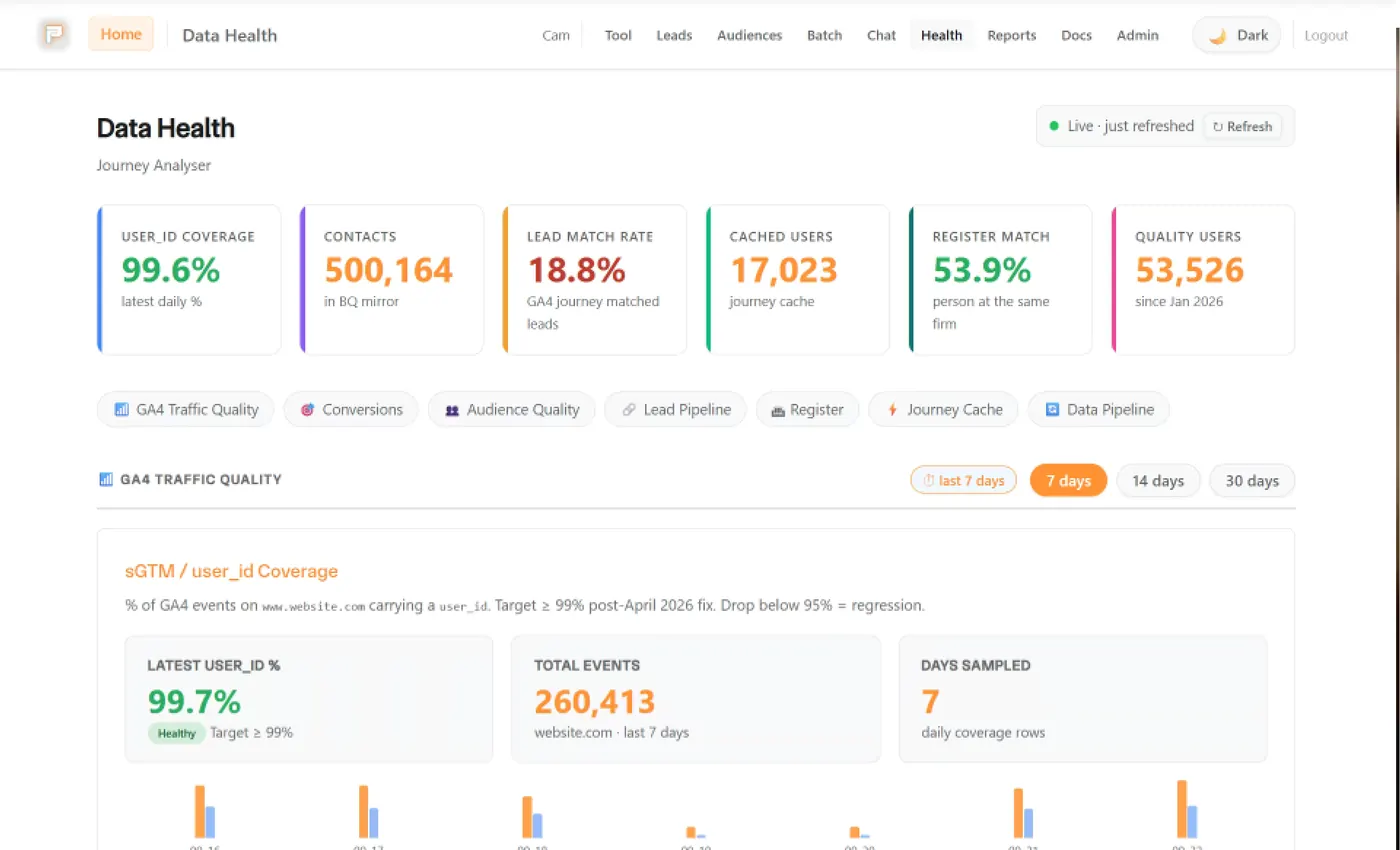
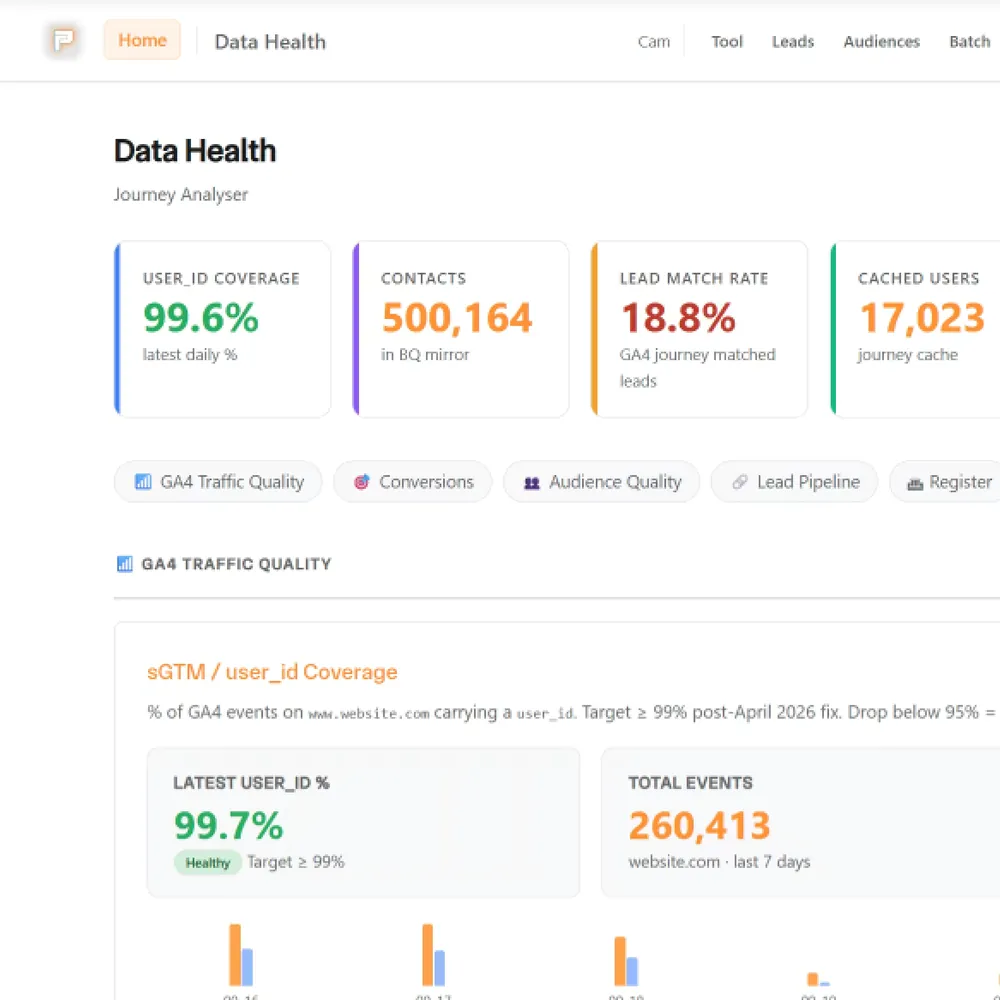
We turn on the GA4 export to BigQuery and check a report against the raw events before we report from it. GA4 only keeps event-level data for 2 or 14 months, so the export also gives you a copy that lasts. To see one person's path from first visit to lead or order, Pacing Journey reads their whole history from your GA4 export. Reports go into Looker Studio, so you can open them yourself.
What none of it can see
A sale only counts toward an ad if it's recorded with something we can match back to the original enquiry: a click ID, a visitor ID or an email. A walk-in sale with no record can't be traced, and we'll say so rather than guess. GA4's modelled numbers are estimates, and we don't report them as fact.
Reporting is part of our ongoing management service.
The tools in this answer


Also worth asking
Other answers about the same tools.
What is technical and tracking infrastructure?
It's the set-up that counts what happens on your site and sends it where it needs to go: tracking tags, analytics, ad-platform conversions, your CRM connection and cookie consent, plus the hosting and security around your website.
How do you set up website analytics and tracking?
We agree with you what counts as a conversion, then set up Google Tag Manager and GA4, plus server-side tracking through Stape for sites that spend on ads. Before we hand over, we check the data is actually arriving.
What is paid marketing and how does it work?
Paid marketing means paying to put your business in front of people, usually through ads on Google, Meta or LinkedIn. You set a budget and an audience, and you pay per click or per thousand views. The hard part is knowing which ads bring customers.
What platforms do you use for paid marketing campaigns?
Google Ads and Meta (Facebook and Instagram), plus LinkedIn for B2B work. We use Microsoft Ads where a campaign needs it. Which ones we use depends on whether people search for what you sell.
How much should I budget for paid marketing?
Start from what a customer is worth to you and what a lead costs in your market. The budget then needs to be big enough to get meaningful conversions in a month, and small enough that you can afford to find out it isn't working.
Want a quick starting figure from your revenue and a growth goal? Try the budget planner.
Still have questions?Talk to us
Bring your numbers.
We'll tell you if the spend makes sense.
- A 15-minute callYour goals, your challenges, and whether we're the right fit.
- A 1-hour discovery callWe dig into your numbers. Worth a hundred emails.
- A concrete planAds, a custom build or both, as a one-off project or ongoing.