












Google Analytics 4 (GA4)
- Free to use
- Server-side fed
- BigQuery export
- First-party user ID
Counts sessions and events. We check it against the raw data before we report from it.

- 10+client GA4 accounts we've worked in
- 5+daily BigQuery exports we've set up, ours included
- 5+client stories
- 8tools it connects to
What we get from GA4
Events, named plainly
GA4 counts the events we send it. We name them in plain words, so a booked call or a paid order is easy to find in any report.
Fed from the server
On our own site there's no GA4 snippet in the page. Events go to a server container on our own subdomain, and that container sends them to GA4.
A raw copy in BigQuery
The BigQuery link writes every event to a daily table. Where it's linked, we check reports against it, and keep history past GA4's 14-month limit.
Our own visitor ID
We set a first-party ID and send it with the lead, so a visit can be tied to the form that followed. GA4 alone can show one person as several users.
Read-only by design
Since September 2026 our assistants read GA4 through Google's official read-only connection, so pulling a report can't change a property.
Silent failures caught
A stopped BigQuery export doesn't raise an error. We check the date of the newest table before we trust a recent report.
GA4 is the stream of sessions and events, and we're careful about what it can claim. We set the events up first, name them plainly, and check a sample against the raw export before anyone reports from it.
How the data gets in
- On our own site the page loads Google Tag Manager through Stape's first-party loader. There's no GA4 snippet pasted in the page.
- The browser sends events to a server container on our own subdomain, and the GA4 measurement ID lives in that container.
- Consent decides what fires. The browser container listens to the consent tool before it sends anything.
- Client builds follow the same shape where we set up the tagging.
Rules we follow
- Conversions are what the business counts as a customer, not what's easy to tag. The same definitions go to the ad platforms, so every tool argues about the same thing.
- One first-party join ID. A cookie named
_c_plus the client's code is set before the form and goes in with the lead. It's the join key, not a name or an email. - Nothing personal for clinics. The ID and a click ID go in. Names, emails, phone numbers and messages stay out of GA4.
- One site per question. When a property streams more than one site, we filter reports by hostname.
Checking the numbers
- Where we've switched on the BigQuery export, we compare a report with the raw events before we sign it off.
- Before trusting a recent window, we check the date of the newest
events_table, because an export can stop without raising an error. - Reports for the team are built in Looker Studio on the same data we check against, often BigQuery.
What we've built on top
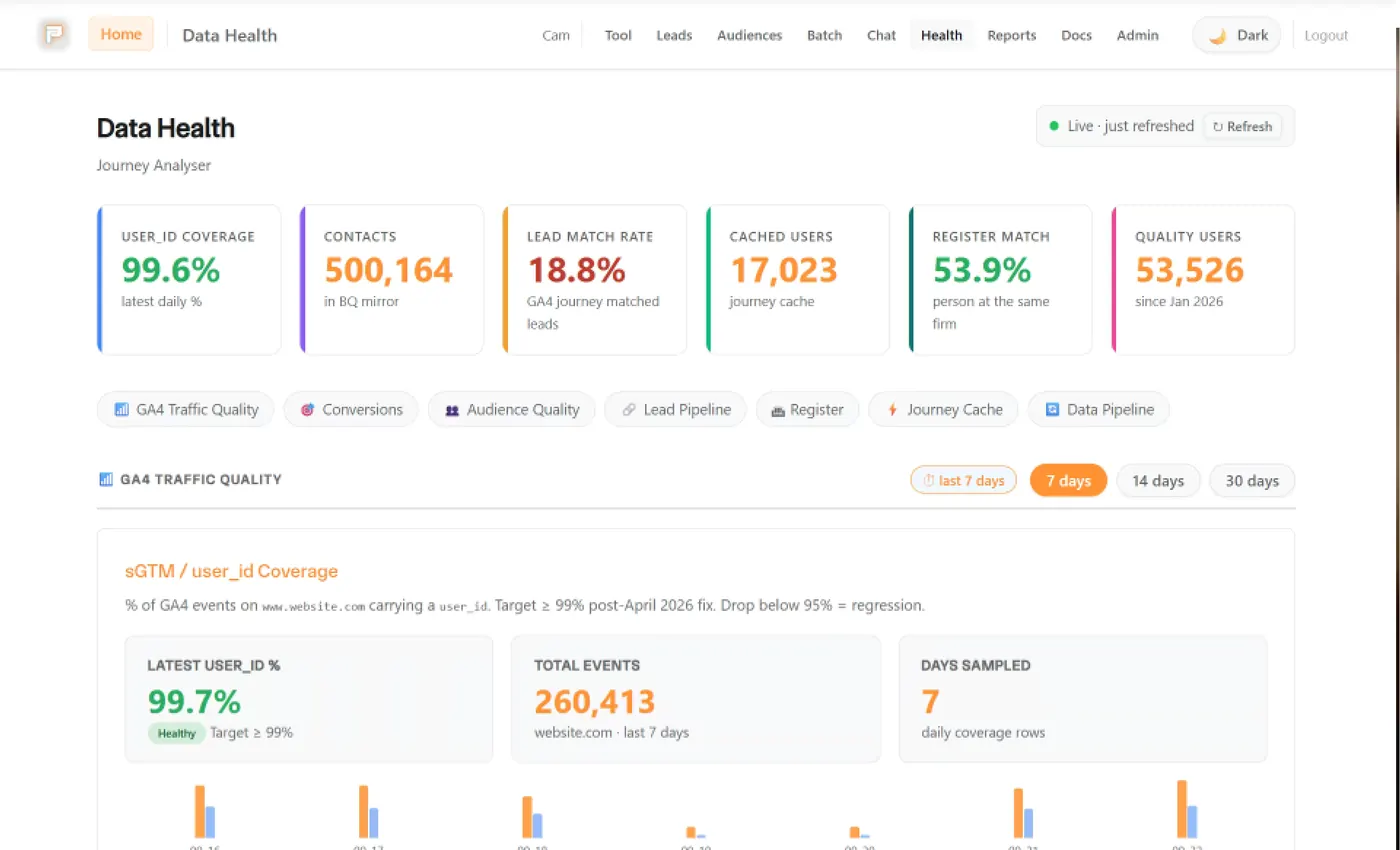
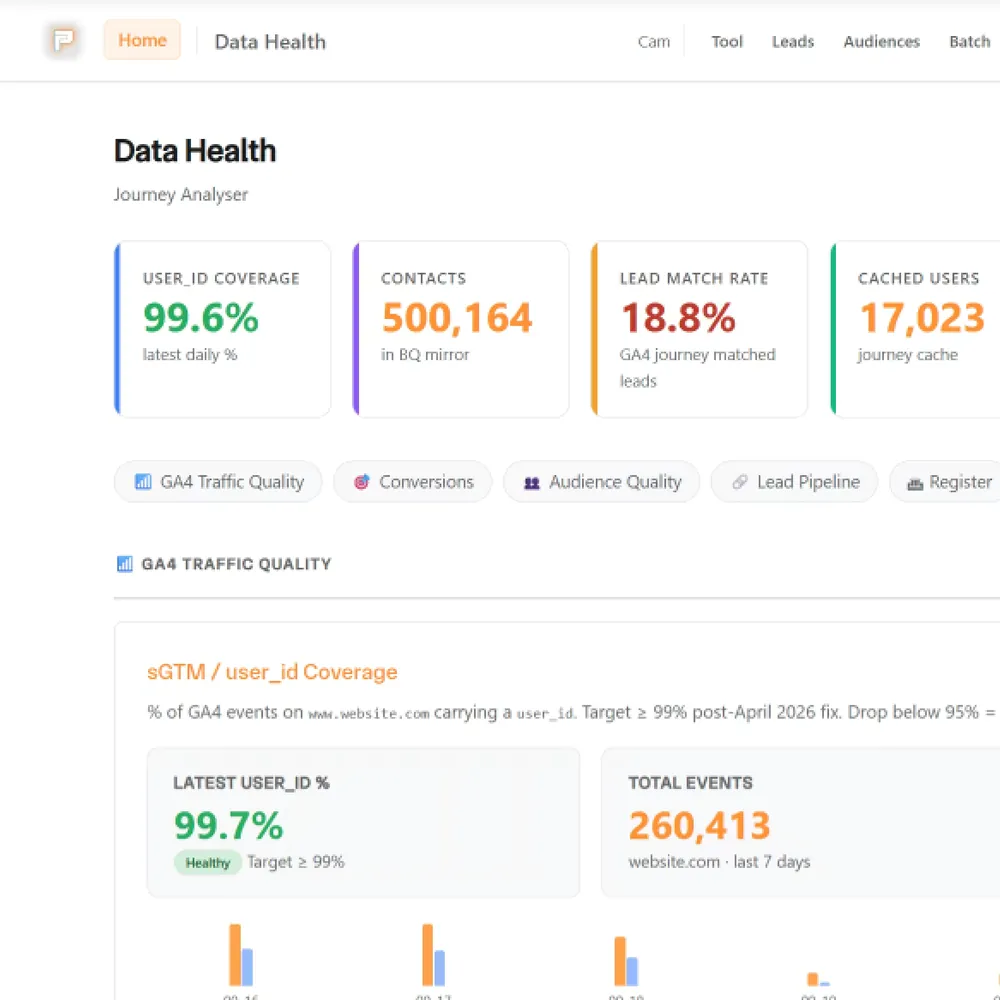
GA4 can split one person into several users, so we built lookups that read the BigQuery export by first-party ID:
- Pacing Journey: one ID in, every stored event out.
- Journey analysers that stitch GA4 sessions into a readable path, built for lead-generation and ecommerce sites.
Is that return high enough?
GA4 reports or BigQuery: which do you need?
GA4's own screens are enough for plenty of sites. They stop being enough when you need to tie a visit to a lead and a sale.
Traffic and conversions
| What matters | GA4Our pick |  BigQuery BigQuery |
|---|---|---|
| Who can read it | Anyone with access to the property, no SQL | Someone who writes SQL, or a report built on top |
| How far back | 2 or 14 months of event-level data on a standard property | As long as you keep the tables |
| Counts | Can include modelled data when visitors refuse cookies | Raw events only, no modelling |
| Cost | Free for standard GA4 | Free within BigQuery's sandbox limits, then charged |
Our pick: GA4's own reports. For a site that wants to know where visitors come from and what they do, the reports do the job, and nobody needs to write a query. We still link BigQuery so we can check them.
A visit tied to a lead and a sale
| What matters | GA4 | BigQueryOur pick |
|---|---|---|
| Joining your CRM | Not possible, GA4 holds no CRM data | Join on the first-party ID |
| One person across visits | Can show one person as several users | A lookup by first-party ID returns the stored trail |
| Checking a report | You can't see the rows behind a number | Compare the report with the raw events |
| Volume | Reports show what GA4 collected | A standard property's daily export is capped at 1 million events a day |
Our pick: BigQuery next to GA4. GA4 can't see your CRM or your ad cost. The raw events can be joined to both on a first-party ID, so you see which visit became which lead.
GA4 and BigQuery facts are from Google's help pages on BigQuery Export, data retention and consent mode, October 2026. Limits and prices change, so check Google's pages. The account and export counts are from our client tool records and a September 2026 check of the daily tables.
What we connect it to
GA4 can't see your CRM, and consent choices, ad blockers and modelled data leave gaps in what it counts. We join it to the CRM in BigQuery and say where the gaps are in the reports.
 GTMTag Manager sends the events GA4 counts.
 StapeStape hosts the server container that sends events to GA4.
- BigQueryGets a daily export of GA4's raw events, so reports can be checked against them.
 Looker StudioReads GA4, or BigQuery, depending on the report.
 CursorWe pull reports into the editor through MCP.
 GSCThe link brings Search Console's search data into GA4. Conversions on organic landing pages come from the events set up in GA4.
 KlaviyoWe compare Klaviyo's revenue with GA4 using UTM tags.
 GoogleShares conversion definitions with Ads and Tag Manager.
Show 4 more
It's one part of the setup.
If another part is broken, this one wastes money.
What's a customer worth?
- 1
- 2
- 3
- 4
Where we've used Google Analytics 4 (GA4)
- Client work
FE fundinfo
Paid media and measurement for Wealth Management, plus a custom journey analyser so the team can see real multi-touch journeys
Read the story - Built by us
Pacing Journey
The stored visits and forms from one person on one timeline.
See the build
 +4
+4 - Client work
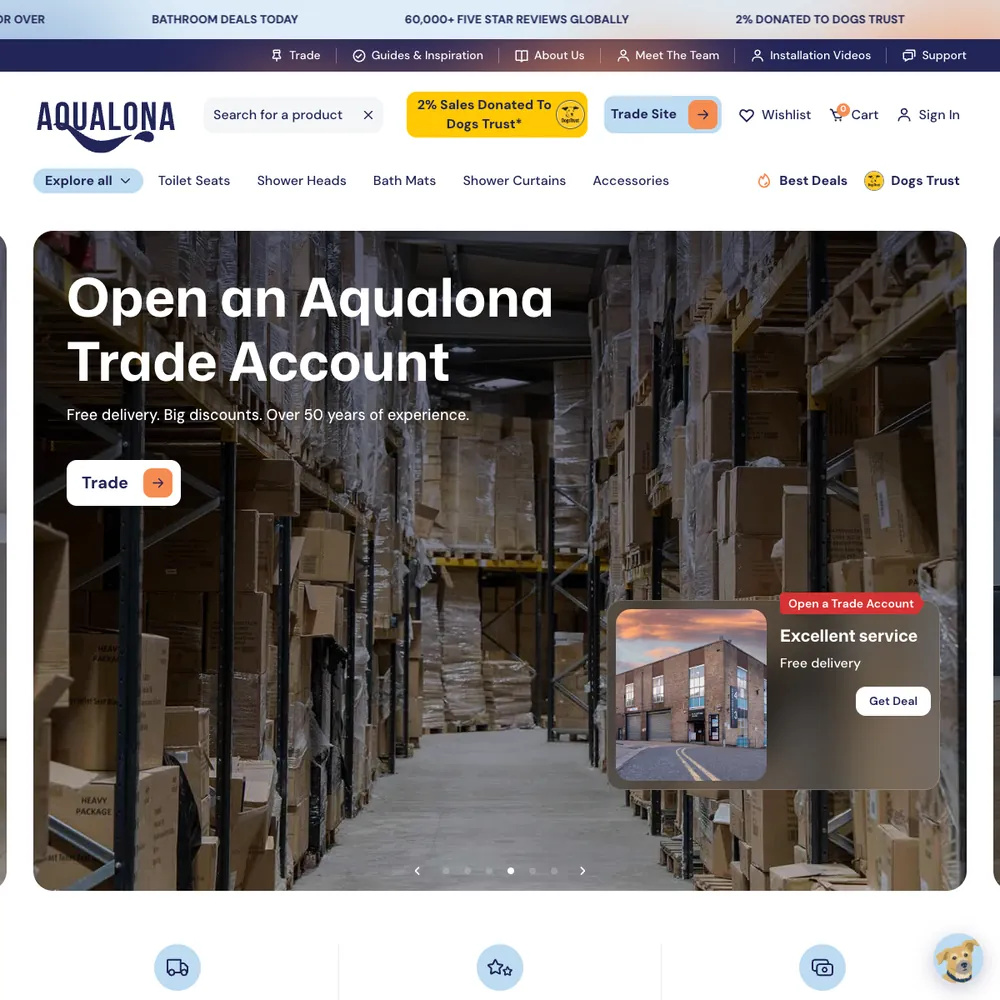
Aqualona
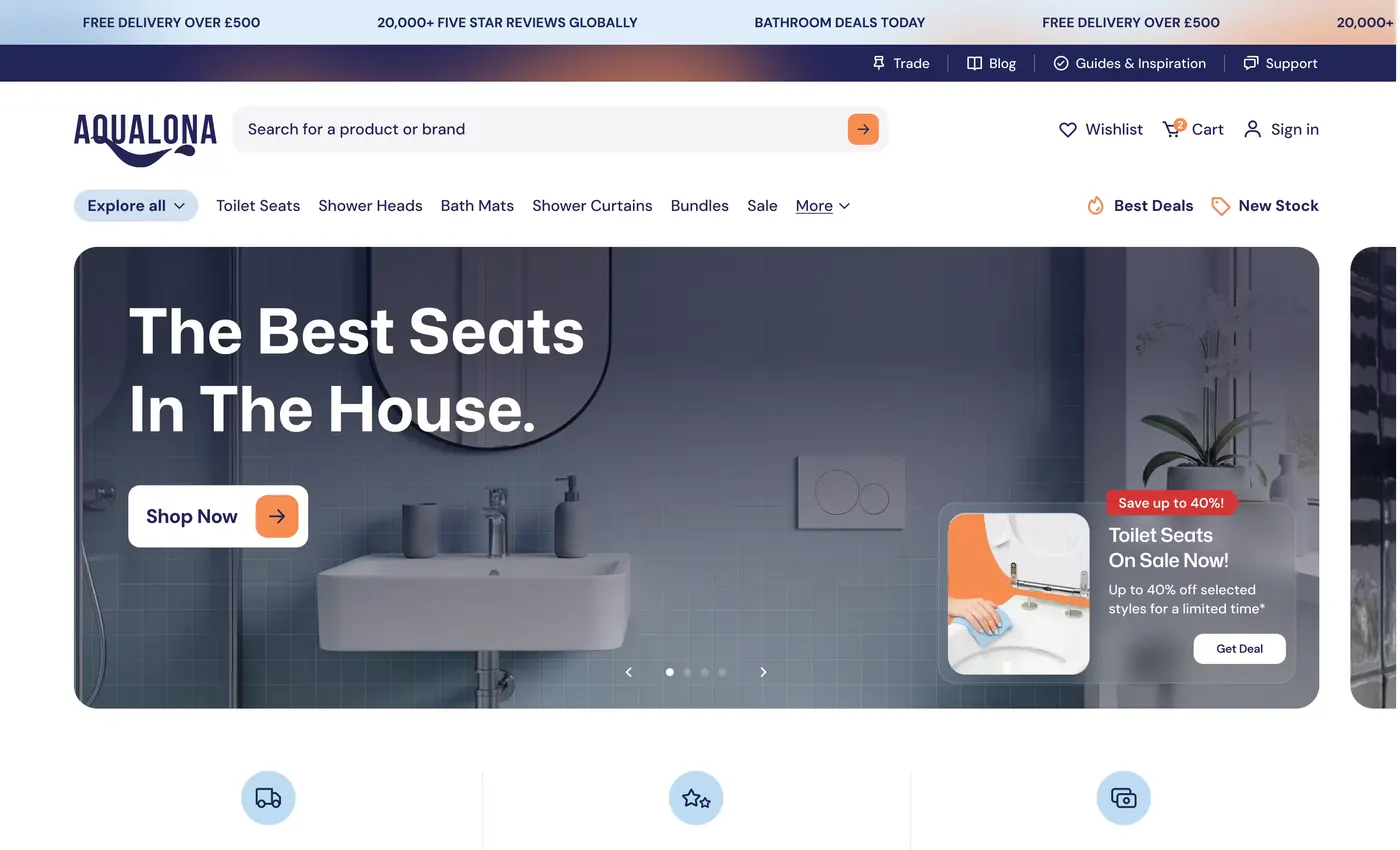
A headless Webflow and Shopify store that went from a handful of orders to 1000s tracked in its first months, each matched to the visit that started it
Read the story - Built by us
biio.link
Your social bios send people to a page on your own website, not someone else's, and Google Analytics shows how many came. Free for Pacing clients.
See the build


- Client work
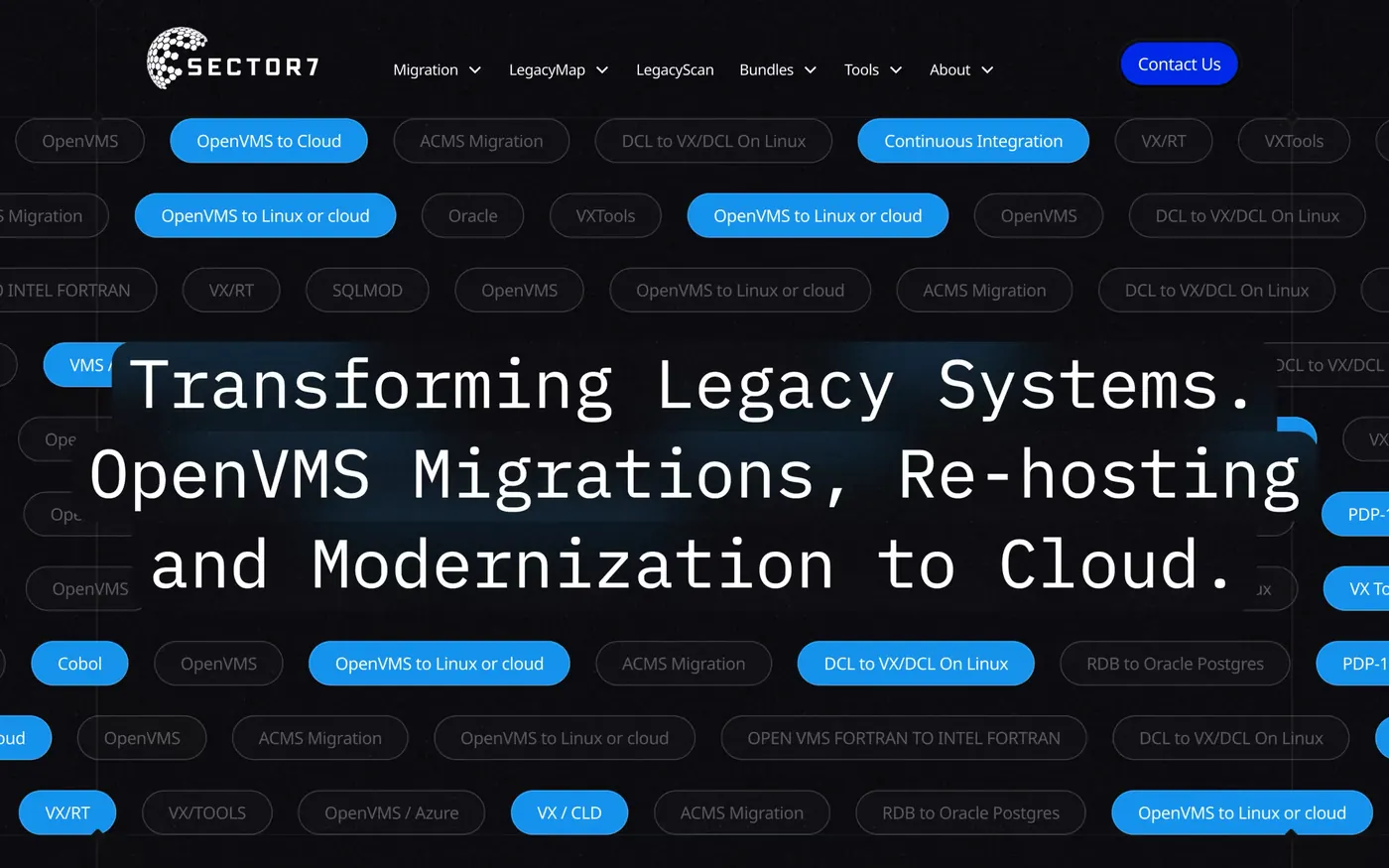
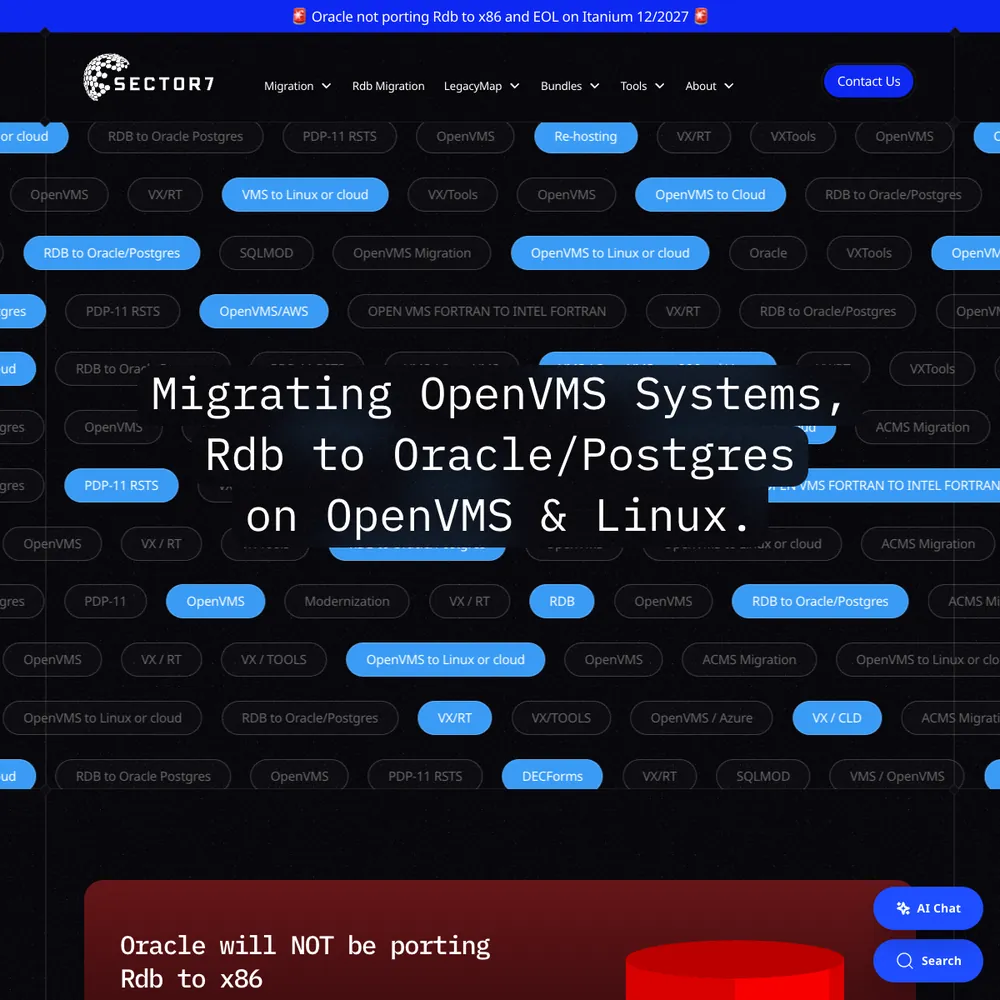
Sector7
An award-winning rebuild, 177% more new users in 2025 than 2024, and Jon calls it "executed flawlessly, on time and on budget".
Read the story - Client work
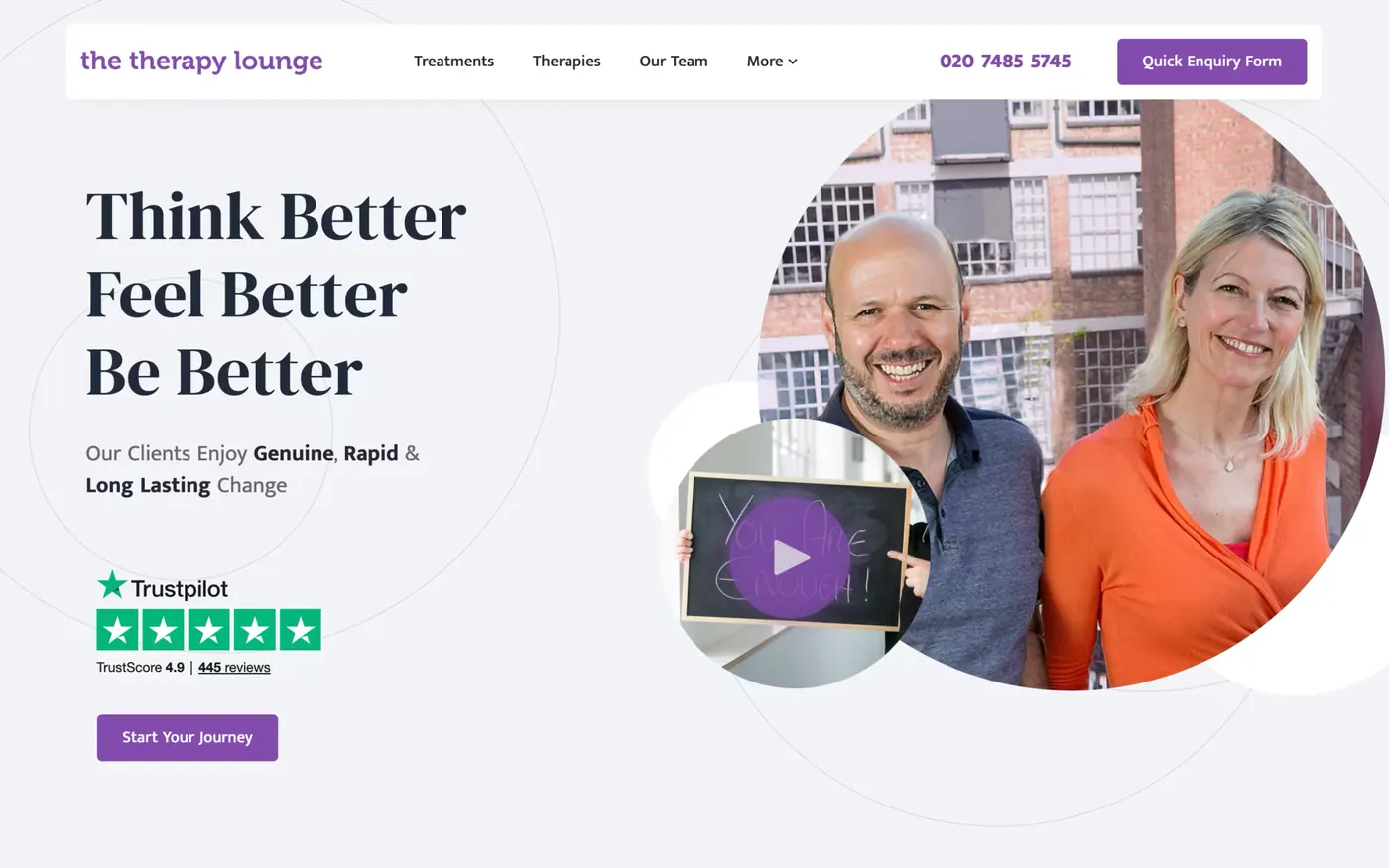
The Therapy Lounge
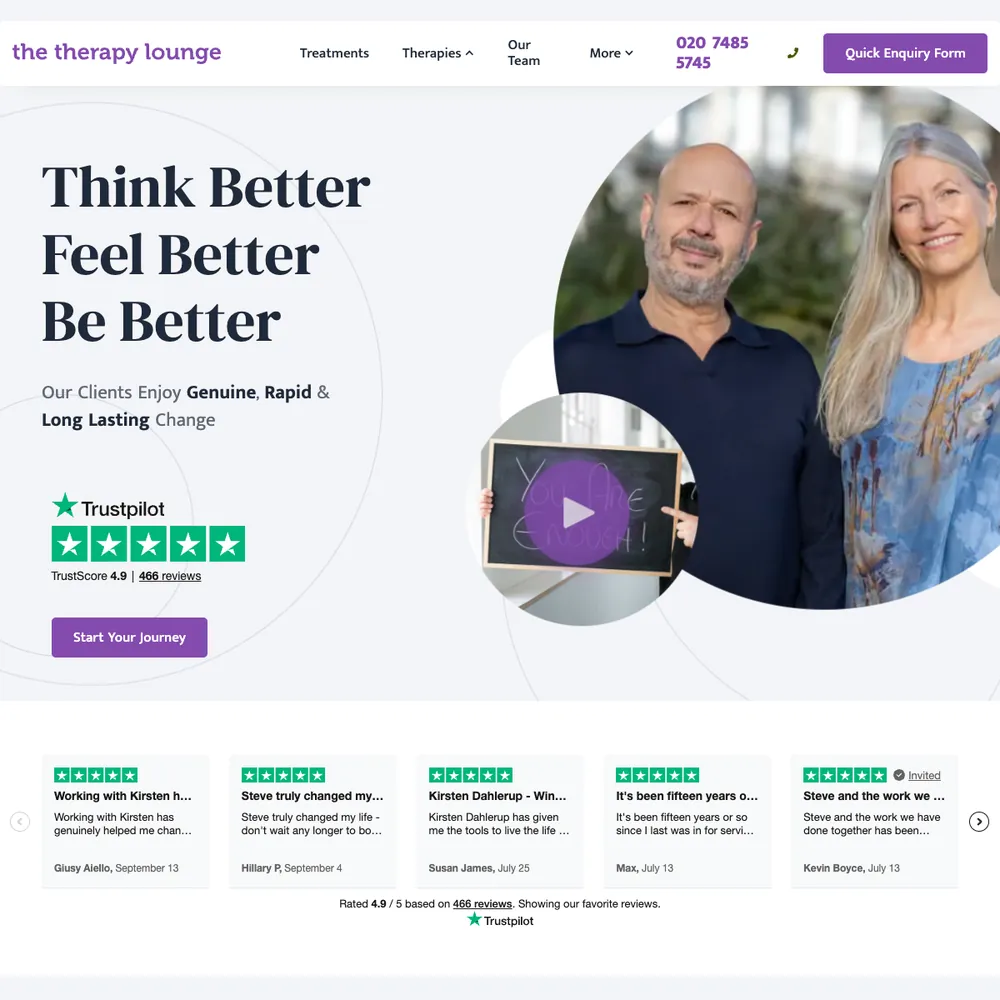
70% more enquiries, 6.6x return on ad spend in October 2025, and 316 enquiries tracked from April 2025 to October 2026.
Read the story - Client work
Hear Me London
A London audiology clinic got local pages, an online hearing test that logs to a sheet and emails the clinic, and server-side tracking behind every booking: 378 online bookings in 15 months, over half from organic search.
Read the story - Client work
Belrose Group
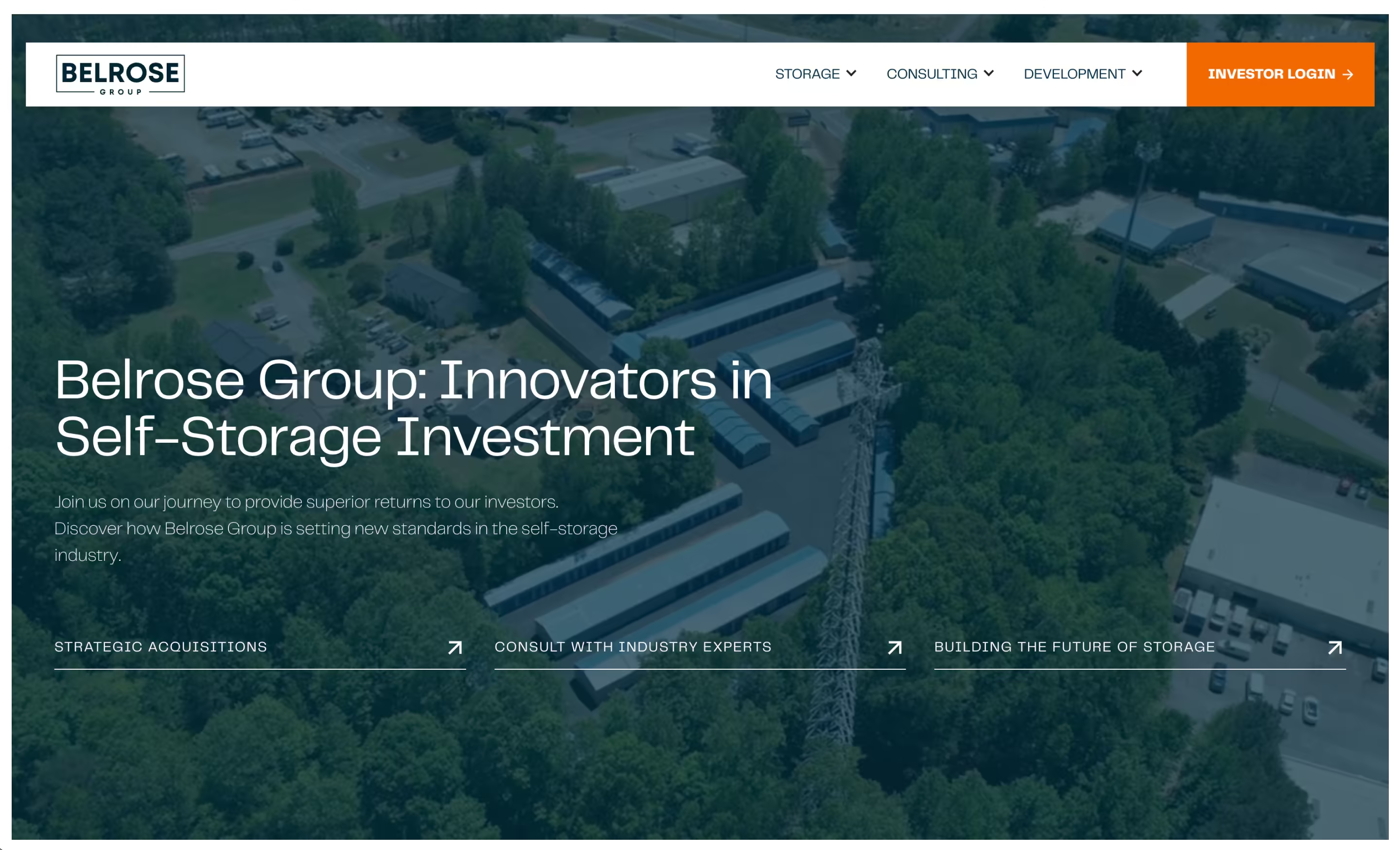
A self-storage investment, development and consulting firm got a new Webflow site with a page for each of its three divisions, a lead funnel it trusted, and its investor portal moved to a new platform.
Read the story



Services that use it
We don't sell it on its own. Each of these services uses it alongside the rest of your setup.
- Place in the loop: TrackingTech & TrackingTracking that ties every visit and lead back to where it came from, and follows it into your CRM, set up so your data and your customers' data stay safe.Related tools: Google Analytics 4 (GA4), Stape, Looker Studio, Google Tag Manager (GTM)How it fits
- Management, Support & ReportingAfter launch, we check your ads, website and tracking every month, fix what slipped, and send you a report that ends with what to do next.Related tools: Looker Studio, Google Analytics 4 (GA4), BigQuery, Google AdsHow it fits
- Place in the loop: AdsContent & SEOContent and SEO that get you found on Google by people already looking for what you do.Related tools: Google Search Console, Google Analytics 4 (GA4), Google, WebflowHow it fits

What Google Analytics 4 (GA4) is
Google Analytics 4 is Google's analytics platform. It records the events your site sends it (a page view, a form submit, a purchase), then groups them into sessions, sources and conversions. Standard GA4 is free.
Questions about Google Analytics 4 (GA4)
Straight answers on how we work, what it costs and what to expect. If yours isn't here, just ask.
Still have questions?
Talk to usHow do you measure ROI across all Google marketing channels?
We measure it against the leads and sales in your own records, not the numbers each Google tool reports. Google Ads, GA4 and the rest each count conversions their own way, so we set them up around one definition of a customer and check them against your CRM or shop orders.
What’s included in your performance reporting?
Spend, leads or sales, and cost per result by channel, using data we've checked first. Reports sit in a Looker Studio dashboard you can open any time, and each one ends with what we'd push, fix or stop.
What happens during onboarding for ongoing support?
Onboarding has three steps: you fill in a questionnaire about your business, we review your current marketing, site and analytics, and we agree what to fix first. Then the regular reports, calls and improvements begin.
How do you report on funnel performance and ROI?
Reports follow the funnel: spend, traffic, leads and conversions, and revenue wherever we can tie it to your CRM or sales data. They live in a Looker Studio dashboard, and each one ends with a decision: push, fix or stop.
Want to check your own ROAS against break-even? Try the break-even ROAS calculator.
What’s your approach to optimising paid campaigns for better results?
We fix the measurement first, then the searches or audiences you're paying for, then budgets and creative. We check platform numbers against your CRM before moving budget.
Want a quick read on whether current spend clears break-even? Try the spend check.
What are the most important GA4 reports for marketing teams?
Start with acquisition, which shows where visitors and conversions come from, then engagement for pages and events, and monetisation if you sell online. For lead-gen sites, the report that matters most is key events by source and campaign.
GA4's reports can't see your CRM. When the question is which visit became which sale, we go to the raw events in BigQuery.
How do you measure the success of a marketing strategy?
We start from what your business counts as a customer, such as leads, revenue or cost per customer, and set conversions up to match. Then we report against that, checking the numbers against your own data rather than trusting ad-platform figures alone.
Want to know the ROAS your margin needs to break even? Work it out with the break-even ROAS calculator.
What is technical and tracking infrastructure?
It's the set-up that counts what happens on your site and sends it where it needs to go: tracking tags, analytics, ad-platform conversions, your CRM connection and cookie consent, plus the hosting and security around your website.
How do you create effective GA4 custom reports and dashboards?
We build them in Looker Studio, starting with the question the business asked: what did we spend, what did it bring in, what should we change. The report reads the same data we check against, which can include the raw BigQuery export, and we leave out charts that answer nothing.
Our ongoing management service includes these reports.
What is ongoing management, support, and reporting?
It means we don't launch your marketing and leave. We keep running and improving your ads, website and tracking on a retainer, and send reports that show what's working and what we'd change.
Show 24 more questions
How do you set up website analytics and tracking?
We agree with you what counts as a conversion, then set up Google Tag Manager and GA4, plus server-side tracking through Stape for sites that spend on ads. Before we hand over, we check the data is actually arriving.
Why is tracking important for my marketing?
Without it you're guessing which ads, pages and emails bring customers. Ad platforms also bid on what you tell them, so missing or wrong conversions mean they find the wrong people.
How do you ensure continuous optimisation of my marketing?
We look at your ads, website and CRM together, then make the biggest fix first. That might be a test, a creative refresh, a landing page change or a tracking repair.
What’s the difference between fixed-fee and performance-based retainers?
A fixed-fee retainer is the same monthly cost for an agreed scope. A performance-based one adds a share of results to a base fee. Fixed is the usual starting point, and we agree the fee model before we start.
How does Stape improve data accuracy compared to client-side tracking?
It cuts the conversions lost to ad blockers and browser limits, but it doesn't remove the loss, and we don't promise a percentage. With server-side tracking, events go to a server container that sends them on to GA4, Google Ads and Meta, and each conversion carries one event ID so the platforms count it once. On our own site we load the tags from our own domain through Stape's Custom Loader, and the gain is resilience to ad blockers.
What is a marketing funnel and why does it matter?
A marketing funnel is the route someone takes from first seeing you to becoming a customer: an ad, a landing page, an enquiry, a follow-up, a sale. It matters because you can only fix where people drop out if you can see each step.
What’s the difference between an essential, advanced, and enterprise funnel?
An essential funnel covers the basics: a foundational website, essential tracking and one way to capture leads. Advanced adds multi-platform ads, automated nurturing and deeper analytics. Enterprise adds segmentation, a customer data warehouse and deep CRM integration.
How do you set up conversion tracking with Google Tag Manager?
We start from the action that counts, usually a form, a booking or a purchase. Your site pushes a named event to the data layer when it happens, a trigger in Tag Manager listens for that event, and the tags it fires send the conversion to GA4, Google Ads and Meta with the same event ID. We test it in a set order, and we don't treat Preview alone as proof.
How do you integrate GA4 with other marketing tools and platforms?
GA4 links to Google Ads and BigQuery from its Admin screen, and Tag Manager sends it the events. On sites that spend on ads a server container feeds it, and the raw events go to BigQuery, where we can join them to your CRM. Looker Studio reads it for the reports.
It's part of our technical tracking service.
What are the common GA4 implementation mistakes to avoid?
Mistakes we check for:
- Conversions that don't match the business. Tag what counts as a customer, not what's easy to tag.
- A click ID overwritten. A misconfigured server-side power-up can write the word "stape" where Google's click ID should be. Preview still looks fine, so we check the next day's data.
- One property, several sites. Filter reports by hostname, or the numbers blend.
- No ID on the form. Without a first-party ID in the form, a lead can't be tied to its visit.
- An export that quietly stopped. BigQuery gives no error, so we check the newest table's date.
- Personal data in GA4. Where data is sensitive, only an ID goes in, never names, emails or phone numbers.
How do you use GA4's machine learning insights for marketing optimisation?
We treat predicted and modelled figures as estimates, and check the report against the raw BigQuery export, which has no modelling. GA4's predictive metrics only switch on when a property has enough data (purchase and churn predictions each need at least 1,000 returning users who triggered the condition and 1,000 who didn't), so many small sites never get there.
GA4 also fills some gaps with modelled data when visitors refuse cookies, and that has its own thresholds.
What are GA4's privacy features and how do they affect marketing data?
GA4 supports Google's Consent Mode, so what it collects can follow the visitor's cookie choice. When someone refuses, GA4 can model some of what it missed if the property has enough traffic, but modelled numbers are estimates and refused consent still means less data.
We connect your consent tool to your tags and test it, and where data is sensitive only an ID and a click ID go into GA4, never names, emails or phone numbers. GA4 doesn't make a site compliant by itself.
How do you set up proper conversion tracking in GA4?
We start with what the business counts as a customer: a booked call, a paid order, a qualified lead. Then we build that as an event in Tag Manager, name it plainly, test it in preview and mark it as a key event in GA4 (Google's current name for a conversion).
The next day we check the data against the raw BigQuery export, and send the same definition to the ad platforms. It's part of our technical tracking service.
How does GA4 differ from Universal Analytics and why should you upgrade?
Universal Analytics counted sessions and page views. GA4 counts events, so a form submit or a purchase is recorded the same way as a page view. Standard Universal Analytics properties stopped processing data on 1 July 2023, and Google removed access to its data in July 2024, so there's nothing to upgrade from now: you need GA4 in place.
Event-level data in a standard GA4 property is kept for 2 or 14 months, so we turn on the BigQuery export to keep a raw copy. It's part of our technical tracking service.
How do Google's marketing tools work together for better results?
They share data once someone links them: Google Ads and GA4, Search Console and GA4, Tag Manager for the tags, Looker Studio for the reports. We use them together by sending the same definition of a customer to GA4 and Google Ads, and by building reports from GA4, Google Ads and BigQuery.
How often should I update my marketing strategy?
Review it every quarter, and rewrite it properly once a year or when something big changes in your business or market. A review is a short check against your goals, not a new plan.
How do you support ongoing optimisation and maintenance?
Once your ads, tracking, website and reports are live, we look after them: we check the numbers against the raw data, fix what slips, and pick the biggest improvement to make next. Each report ends with a decision to push, fix or stop.
How do you measure the success of content and SEO campaigns?
We track organic traffic, where your pages show for the searches that matter, engagement, and the leads and conversions that started with a search. You get regular reports on what's working, and we focus on real business results, not vanity numbers.
How do you measure the success of CRM and email management?
We track how quickly leads get a reply, how many move from one stage to the next, and email opens and clicks. We also carry the ad or page each lead came from into the CRM, so you can see which sources bring customers.
What tools and platforms do you use for funnel management?
Webflow for sites where it suits, Google Ads and Meta for paid, Google Tag Manager, Stape and GA4 for tracking, Looker Studio for reports, and a CRM or email tool that fits your business, including our own CRM built on Twenty. n8n joins them up. The mix depends on what you sell.
How do you optimise a funnel for better results?
We find the stage losing the most people and fix that first. It might be the ad, the landing page, the form or the follow-up emails, and we test one change at a time so we know what worked.
How do you build and launch a marketing funnel?
We map your customer journey first, then build each stage: the ads, landing pages, forms, tracking and follow-up emails. We check that tracking and forms work before launch, then keep adjusting once it's live.
How do I know if my business needs funnel management?
If enquiries come in but too few turn into customers, or you can't say where people drop out, funnel management is worth a look. We look at the whole path, from the ad to the follow-up, and fix the weakest step first.
How do you measure the success of a paid marketing campaign?
We measure against leads and sales in your own records, not just what the ad platform reports. Cost per lead, cost per customer and return on ad spend come from there.
Want to run your own ROAS or cost per customer against a margin? Try the spend check.
We've written about this
 Your website data is probably lying to you (and it’s not your ads’ fault)Conversions not adding up? Event match score low? Blocked tags can leave gaps that inflate your CPA.Read the note
 The secret life of the user ID: what it is, why it matters, and when you can’t use itIf you're not using User IDs, do you really know what your website users are doing? Probably not.Read the note
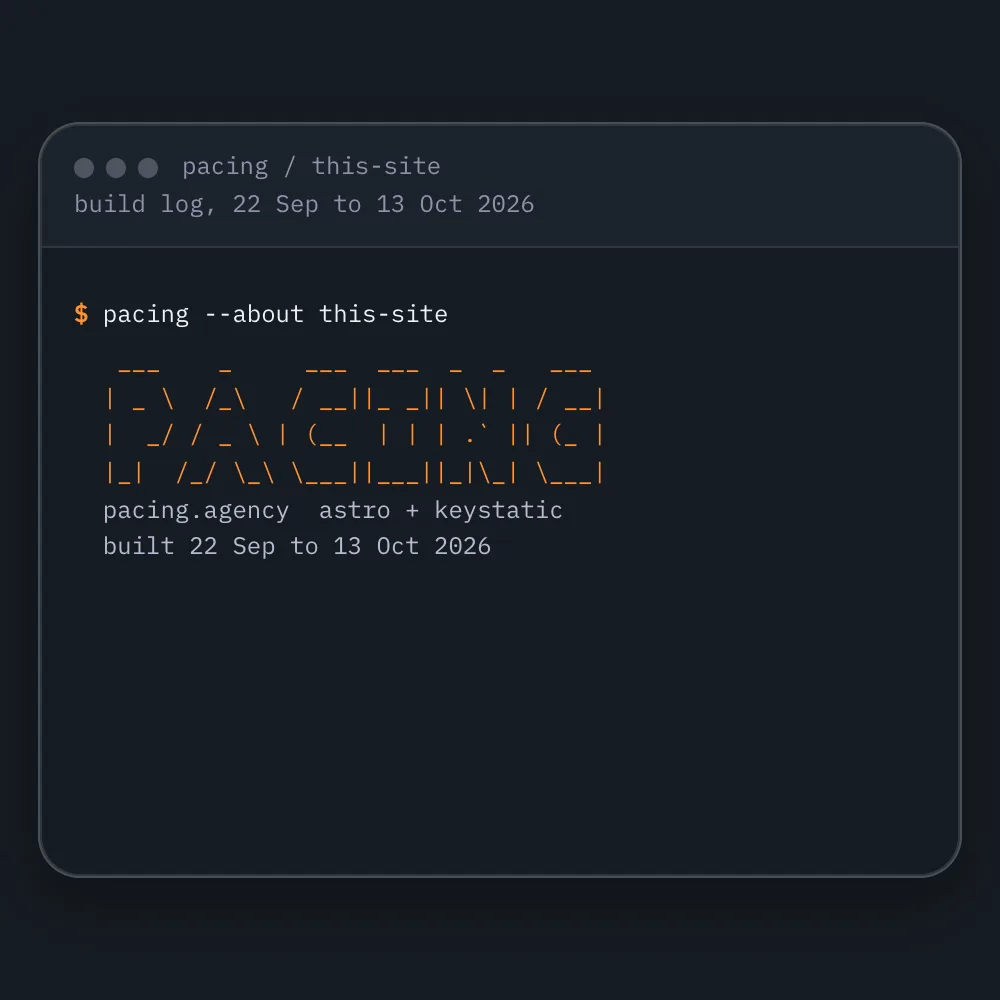 How to make a free websiteYou can make a free website and own it. Here's how we built our own, pacing.agency, with AI coding tools and hosting that can cost nothing, step by step, and the parts that still cost money.Read the note
Start with your numbers.
We'll tell you which tools you need and which connections are missing.



















Bring your numbers.
We'll tell you if the spend makes sense.
- A 15-minute callYour goals, your challenges, and whether we're the right fit.
- A 1-hour discovery callWe dig into your numbers. Worth a hundred emails.
- A concrete planAds, a custom build or both, as a one-off project or ongoing.