












Looker Studio
- Free from Google
- Now called Data Studio
- Reports your team can open
- Built on checked data
Where our client reports live: weekly and monthly dashboards the whole team can open, built on data we've checked.

- Freeno licence cost to build or share a report
- 6tools it connects to
Why we report in it
No licence to pay
Google describes it as a no-cost tool. A client gets a dashboard without another subscription to approve.
Shared like a Google Doc
Send a link and people with a Google account and access open the shared report. Nobody waits for a PDF.
Reads our whole stack
GA4, Google Ads, BigQuery and Google Sheets all connect, so one report can hold traffic, cost, joined leads and sales.
Filters the team can use
Viewers pick their own date range or campaign, so a question doesn't turn into a request for a new report.
Sheets when there's no feed
Offline leads and closed revenue often live in a spreadsheet. A sheet becomes a data source, so they sit next to the ad spend.
Paid tier for bigger teams
Google sells a Pro tier with enterprise collaboration and admin features, for larger teams that need them.
Looker Studio is where our client reports live. We build each one on data we've already checked, so every number can be traced to a source and the team opens the report instead of waiting for a PDF.
What we've built
- A monthly all-channel report with spend, conversions and cost per conversion by channel, later extended with the monthly history and ROAS and ROI columns for a longer view.
- A weekly paid-search report with a summary page and a campaign-performance page, with Microsoft Ads next to Google. We keep a version of it as a template.
- An attribution report built from spreadsheet data, to show where leads came from and how the months compare.
Where the numbers come from
- GA4 for sessions and events.
- Google Ads, read directly, for cost, clicks and conversions.
- BigQuery for the joined tables: visit, lead and CRM stage together.
- Google Sheets for what no feed gives us, such as the monthly lead sheet a client sends or closed revenue.
How we build them
- One question per page. What did we spend, what did it bring in, what should we change next. We leave out charts that answer nothing.
- One source per number. The page says where a figure comes from, because two pages of one report fed from different places can disagree.
- Data is current, not instant. Reports read a cached copy that refreshes on a schedule, so they suit weekly and monthly reviews, not minute-by-minute checks.
- Joins happen in BigQuery, not in the report, so the dashboard stays quick and the logic can be checked.
When we build something else
When a client needs more than a dashboard can show, such as the path one lead took across sessions, we build a custom tool instead. The user journey analyser is one.
What we connect it to
A report only shows what it is fed. If the data underneath is wrong, Looker Studio draws it just as neatly. We check the sources first.
 GA4Looker Studio reads the GA4 sessions and events.
 BigQueryLooker Studio reads the joined tables: visits, ad cost and CRM stages.
 Google AdsLooker Studio reads cost, clicks and conversions directly.
 Google SheetsLooker Studio reads sheets of offline leads and revenue.
 GSCSearch data can feed Looker Studio reports.
 GoogleReports built on the same data.
It's one part of the setup.
If another part is broken, this one wastes money.
What's a customer worth?
- 1
- 2
- 3
- 4
Where we've used Looker Studio
- Client work
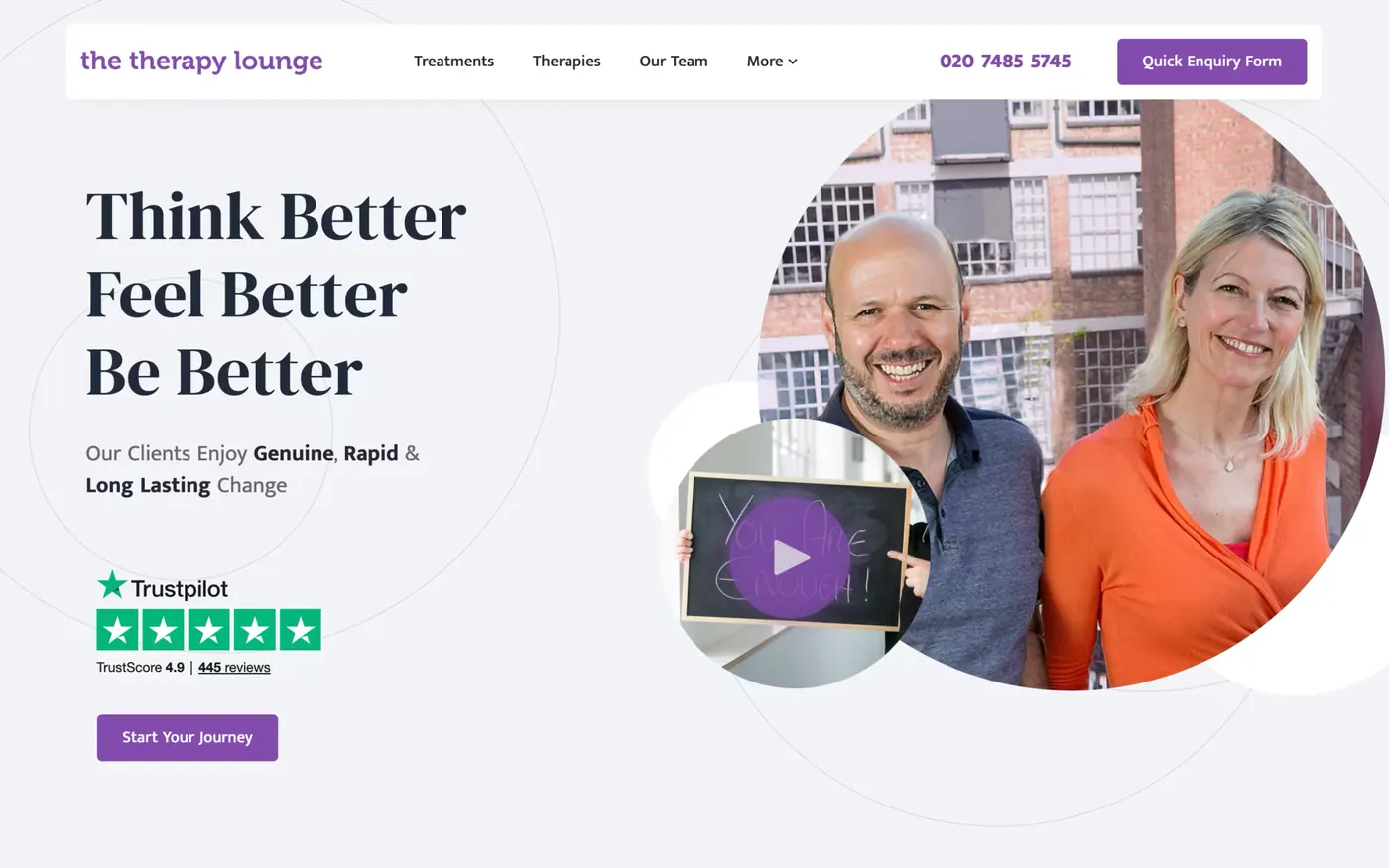
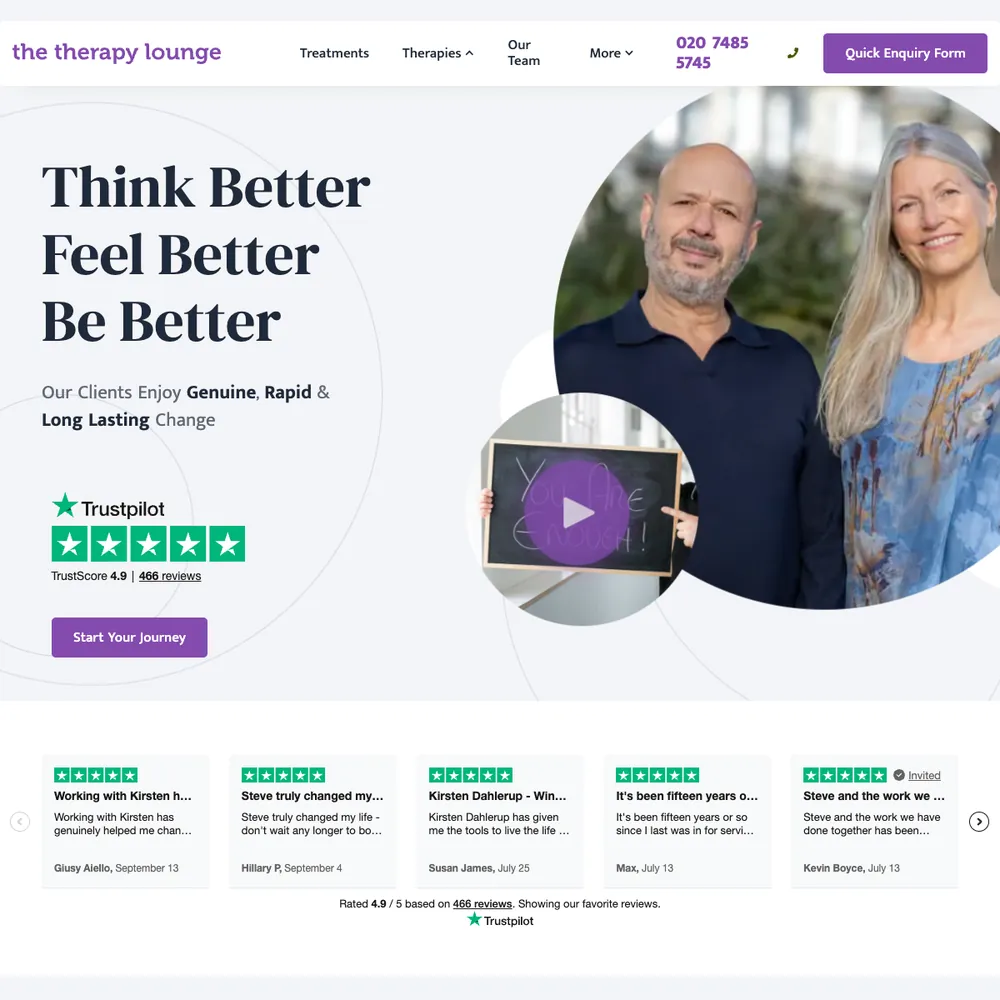
The Therapy Lounge
70% more enquiries, 6.6x return on ad spend in October 2025, and 316 enquiries tracked from April 2025 to October 2026.
Read the story - Client work
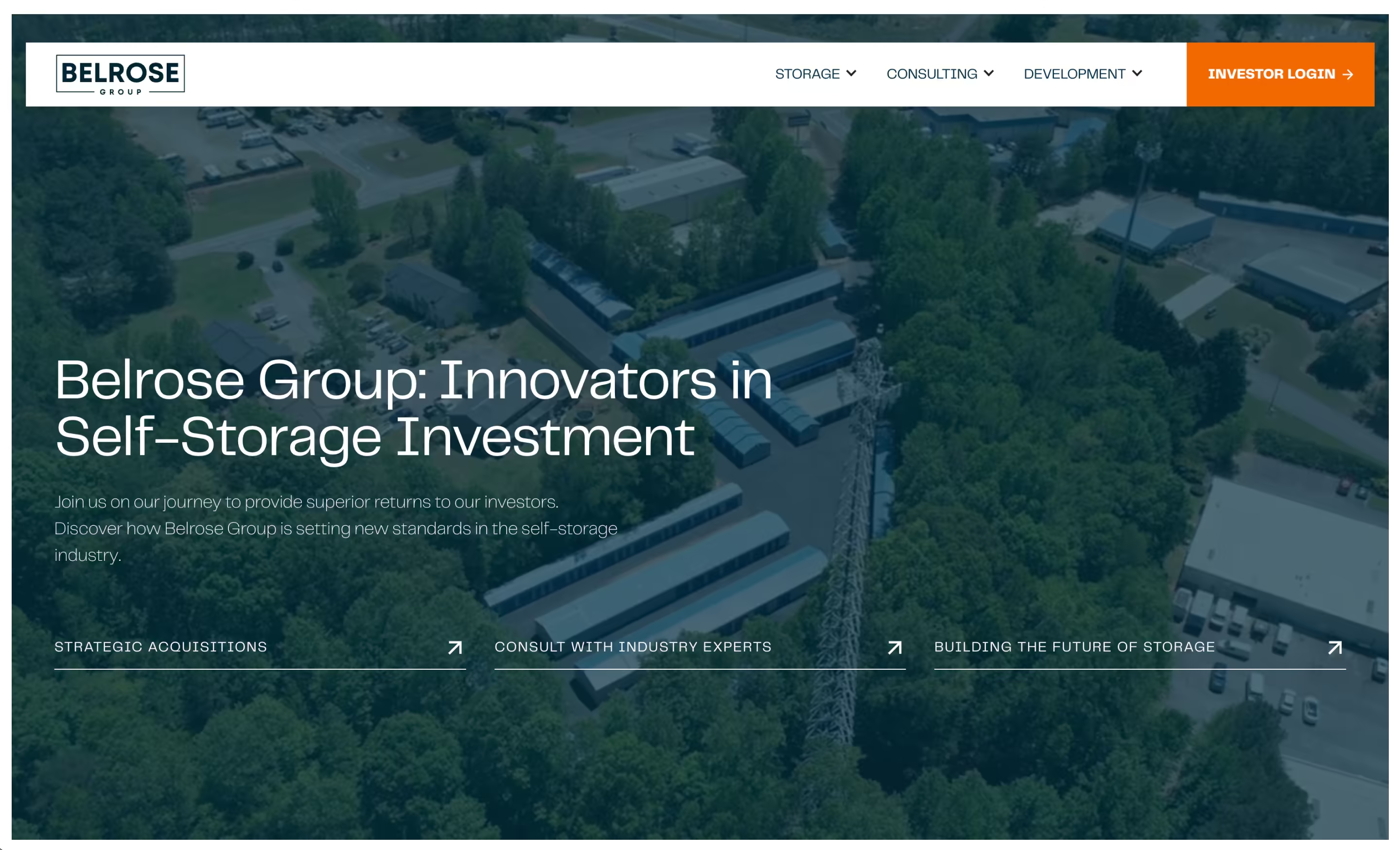
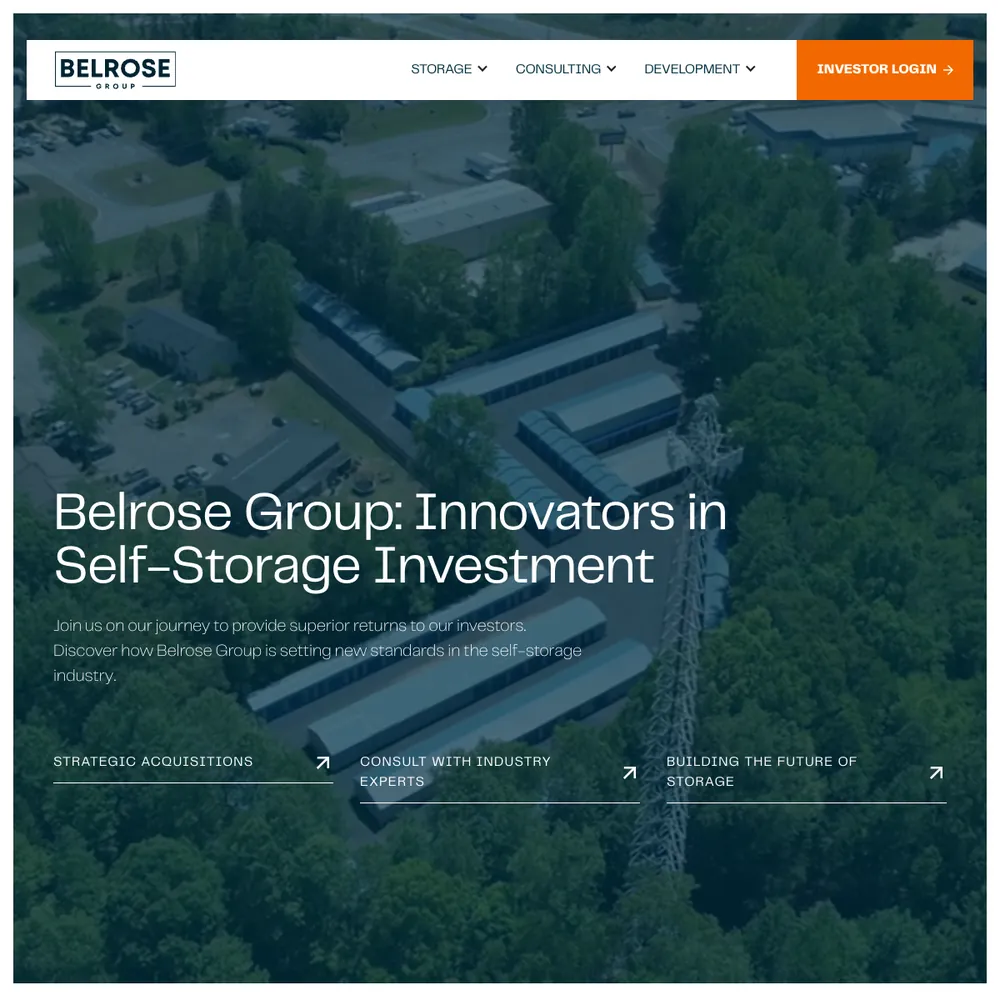
Belrose Group
A self-storage investment, development and consulting firm got a new Webflow site with a page for each of its three divisions, a lead funnel it trusted, and its investor portal moved to a new platform.
Read the story
Services that use it
We don't sell it on its own. Each of these services uses it alongside the rest of your setup.
- Funnel ManagementDon't let leads fall through the gaps. We build the whole funnel, from the ad to the follow-up, then keep improving it.Related tools: Webflow, Google Tag Manager (GTM), Stape, CloudflareHow it fits
- Management, Support & ReportingAfter launch, we check your ads, website and tracking every month, fix what slipped, and send you a report that ends with what to do next.Related tools: Looker Studio, Google Analytics 4 (GA4), BigQuery, Google AdsHow it fits
- Place in the loop: AdsPaid MarketingGoogle, Meta and LinkedIn ads, run end to end and judged on the customers they bring in, not the clicks.Related tools: Google Ads, Meta, LinkedIn, Google Tag Manager (GTM)How it fits
- Place in the loop: TrackingTech & TrackingTracking that ties every visit and lead back to where it came from, and follows it into your CRM, set up so your data and your customers' data stay safe.Related tools: Google Analytics 4 (GA4), Stape, Looker Studio, Google Tag Manager (GTM)How it fits






What Looker Studio is
What it is. Looker Studio is Google's free tool for building dashboards and reports. You connect a data source, drag charts onto a page, add filters, and share the report by link like a Google Doc. In April 2026 Google renamed it Data Studio; existing reports carried on as they were, and you will still hear it called Looker Studio.
Why it matters. The data is cached and refreshes on a schedule, so it is current rather than instant. A report people can open themselves beats a PDF that's out of date the day it lands. Looker Studio reads straight from GA4, Google Ads, BigQuery and Google Sheets, so it costs no licence and needs no extra tool in between. What it shows is only as good as the data under it, which is where most of our work goes.
Questions about Looker Studio
Straight answers on how we work, what it costs and what to expect. If yours isn't here, just ask.
Still have questions?
Talk to usHow do you share and collaborate on Looker Studio reports?
Sharing works like a Google Doc. You give people viewer or editor access, or send a link, and they open the shared report. Looker Studio can also email a report on a schedule and download it as a PDF.
How can BigQuery transform marketing data analysis for businesses?
It keeps the raw data. GA4's reports show a summary, but BigQuery holds every event behind it, so you can check a number, join a visit to the lead it produced, and ask questions the standard reports can't answer.
We put the joined data in front of you through Looker Studio. Our technical tracking service sets it up.
How do you create effective marketing dashboards in Looker Studio?
We start with the questions the business asks, such as what we spent, what it brought in and what to change next, and give each page one of them. Then we build on data we've already checked and leave out any chart that doesn't answer something.
How much does Looker Studio cost, and what are its limits?
Looker Studio is free to build and share reports in. Google also sells a paid Pro tier with extra collaboration and admin features, and some connectors made by other companies charge their own fees. Check Google's site for current Pro pricing.
What data sources can Looker Studio connect to?
Google's own sources connect directly: GA4, Google Ads, Search Console, BigQuery and Google Sheets. Other platforms connect through a connector or by loading their data into BigQuery or a sheet first. We use GA4, Google Ads, BigQuery and Sheets.
How do you measure the success of a paid marketing campaign?
We measure against leads and sales in your own records, not just what the ad platform reports. Cost per lead, cost per customer and return on ad spend come from there.
Want to run your own ROAS or cost per customer against a margin? Try the spend check.
How do you measure the return on an automation, whether it's n8n or Zapier?
Weigh what the automation replaces against what it costs to run. We don't have hours-saved or payback figures for ours, because we haven't measured them.
What we can see is in n8n's run history: how often a workflow ran, which runs failed, and what record it left in the CRM.
What are the most important GTM tags for digital marketing?
It depends on where you advertise, but sites that run ads need this core set:
- GA4, for what visitors do and which events count as conversions.
- Google Ads conversion tracking and the Conversion Linker, if you run Google Ads.
- The Meta Pixel, if you run Meta ads, ideally with the Conversions API alongside.
- Tags for any other platform you actually advertise on, such as LinkedIn, and only those.
- Your cookie banner, so the rest can follow the visitor's choice.
Custom HTML tags are a last resort. Our technical tracking service covers the Tag Manager set-up.
How does Looker Studio help create better marketing reports?
It gives the team a report they can open and filter themselves, instead of a PDF that's out of date on arrival. We build it on data we've checked, so the numbers trace back to a source.
Our ongoing reporting service includes building and maintaining these reports.
What is ongoing management, support, and reporting?
It means we don't launch your marketing and leave. We keep running and improving your ads, website and tracking on a retainer, and send reports that show what's working and what we'd change.
Show 16 more questions
What’s included in your performance reporting?
Spend, leads or sales, and cost per result by channel, using data we've checked first. Reports sit in a Looker Studio dashboard you can open any time, and each one ends with what we'd push, fix or stop.
How do you ensure continuous optimisation of my marketing?
We look at your ads, website and CRM together, then make the biggest fix first. That might be a test, a creative refresh, a landing page change or a tracking repair.
How do you communicate updates and results to clients?
Through reports you can open yourself, calls where we walk through them, and a chat channel for anything urgent. How often depends on the work we've agreed, and we keep updates short so they don't eat into your day.
What happens during onboarding for ongoing support?
Onboarding has three steps: you fill in a questionnaire about your business, we review your current marketing, site and analytics, and we agree what to fix first. Then the regular reports, calls and improvements begin.
What’s the difference between fixed-fee and performance-based retainers?
A fixed-fee retainer is the same monthly cost for an agreed scope. A performance-based one adds a share of results to a base fee. Fixed is the usual starting point, and we agree the fee model before we start.
Why do you build client reports in Looker Studio?
It's free, it reads our stack directly (GA4, Google Ads, BigQuery and Google Sheets) and it shares like a Google Doc, so clients can open a report themselves. That's why it's our default. When a client needs more than a dashboard can show, we build a custom tool on the same data.
How do you keep a Looker Studio report fast?
Do the heavy work before the report. We join and total the data in BigQuery, so the dashboard reads a small, tidy table. Then we keep date ranges short and use fewer charts and data sources on each page.
Can Looker Studio handle real-time marketing data?
Close to live, but not instant. Looker Studio keeps a cached copy of each data source and refreshes it on a freshness setting, which you choose per data source. How short you can set it depends on the connector. Refreshing the report may not bypass the cache. For weekly and monthly reports that's plenty.
How often should I update my marketing strategy?
Review it every quarter, and rewrite it properly once a year or when something big changes in your business or market. A review is a short check against your goals, not a new plan.
How do you measure the success of a marketing strategy?
We start from what your business counts as a customer, such as leads, revenue or cost per customer, and set conversions up to match. Then we report against that, checking the numbers against your own data rather than trusting ad-platform figures alone.
Want to know the ROAS your margin needs to break even? Work it out with the break-even ROAS calculator.
How do you develop a marketing strategy for my business?
We start with a 15-minute call about your goals and numbers, then an hour of discovery on where you're losing enquiries and what's already working. The plan that follows says what we'd do first, what it'll cost and what to leave until later. Strategy is part of the work, not a separate product, so it carries on while we build and run things.
How do you support ongoing optimisation and maintenance?
Once your ads, tracking, website and reports are live, we look after them: we check the numbers against the raw data, fix what slips, and pick the biggest improvement to make next. Each report ends with a decision to push, fix or stop.
How do you measure the success of CRM and email management?
We track how quickly leads get a reply, how many move from one stage to the next, and email opens and clicks. We also carry the ad or page each lead came from into the CRM, so you can see which sources bring customers.
How do you report on funnel performance and ROI?
Reports follow the funnel: spend, traffic, leads and conversions, and revenue wherever we can tie it to your CRM or sales data. They live in a Looker Studio dashboard, and each one ends with a decision: push, fix or stop.
Want to check your own ROAS against break-even? Try the break-even ROAS calculator.
What’s your approach to optimising paid campaigns for better results?
We fix the measurement first, then the searches or audiences you're paying for, then budgets and creative. We check platform numbers against your CRM before moving budget.
Want a quick read on whether current spend clears break-even? Try the spend check.
How do you plan and track client work?
We split each job into tasks with an owner on the task board in our CRM (Twenty). Code changes are GitHub pull requests that get reviewed before they're merged, and plans, notes and reports live in Google Docs and Sheets.
You don't need to log in to any of it. We walk through the plan and the reports with you in meetings.
Start with your numbers.
We'll tell you which tools you need and which connections are missing.



















Bring your numbers.
We'll tell you if the spend makes sense.
- A 15-minute callYour goals, your challenges, and whether we're the right fit.
- A 1-hour discovery callWe dig into your numbers. Worth a hundred emails.
- A concrete planAds, a custom build or both, as a one-off project or ongoing.