












How we built 136 FAQs in minutes: the power of Cursor + Webflow MCP
How Cursor and Webflow's MCP server helped us create 136 FAQs for our website in minutes, and what we did first to make it work.
We created 136 FAQs for our website in minutes. Not by hiring writers, not by outsourcing to agencies, but by having a conversation with an AI that had read our site and knew our services and our tone.
If you've ever stared at an empty CMS wondering how you'll ever fill it with quality content, or if you've spent weeks creating pages only to realise half of them don't actually serve your audience, this might change how you think about content creation.
The content problem
Here's what usually happens when you decide to create comprehensive content for your website: You start with good intentions. Maybe you want FAQ pages for all your services, or detailed guides for your products. You outline everything, write a few pieces, and then reality hits.
Writing quality content takes ages. Keeping it consistent across dozens of pages is hard. Making sure everything links together properly is a chore. And by the time you're halfway done, you've lost steam and the project dies a slow death in your drafts folder.
We've all been there. The graveyard of unfinished content projects is real.
What if your website could teach the AI?
Here's where things get interesting. Most AI content creation fails because the AI doesn't understand your business, your customers, or your voice. It produces generic copy that sounds like it was written by a robot (because it was).
But what if the AI could read your existing website, understand your services, learn your tone of voice, and grasp how your content ecosystem works together? What if it knew which pages should link to which services, understood your customer's journey, and could maintain consistency across hundreds of pieces?
That's exactly what happened with our FAQ project. The AI didn't just create content. It created content that made sense for our business and our audience.
Why context matters
AI writes faster, but the bigger gain is that it writes better when it has context. When it wrote FAQs about Google Analytics, it linked to our technical tracking service. When it wrote about email marketing, it linked to our CRM and email service.
That isn't random cross-linking or keyword stuffing. The links make sense because the AI was told what the services are and who the content is for.
The key is giving the AI the right foundation. We start with a detailed brief that covers:
"We're working on [WEBSITE], a [LOCATION] based [BUSINESS TYPE]. Here's our tone of voice, our services, our target audience, and how we want content to connect together. Now help us create content that actually serves our customers."
Why Webflow suits this
This approach is particularly powerful if you have a Webflow website. Webflow's structured CMS means the AI can understand your content architecture, see how collections relate to each other, and create content that fits your existing structure.
Don't have a Webflow site yet? Our website design and development service can build you a Webflow site with a structured CMS, which is a good foundation for this kind of work.
For other platforms, the process is more manual, but the principles remain the same: give the AI context about your business, and it can create content that actually serves your audience.
Strategy still matters
This isn't a magic button. Quality output needs quality input.
Before creating a single piece of content, we spent time on:
- Content strategy: What do our customers actually need to know?
- Voice and tone: How do we want to sound?
- Information architecture: How should content connect together?
- Business goals: What actions do we want people to take?
The AI did the writing, but the strategy came from us.
How we ran it
We didn't just fire off one massive request and hope for the best. Instead, we used an iterative approach:
- Start small: Create a few examples to test tone and quality
- Refine the approach: Adjust the brief based on what works
- Scale up gradually: Use task lists to track progress and maintain quality
- Review and iterate: Make adjustments as you go
The AI does the drafting and formatting. You do the strategy and the checking, and every answer still needs a human read before it goes live.
What it gets you
When you can produce this much content quickly, you can:
- Answer customer questions before they ask them
- Build out a resource library for your services
- Add internal links between related pages
- Test content ideas quickly and iterate based on performance
You can spend your time on what people do best (understanding customers, strategy, relationships) while AI handles the first draft.
Getting started: the brief
If you want to try this, everything starts with a good brief. Here's the template that worked for us:
We are creating content for [YOUR WEBSITE],
a [LOCATION] based [BUSINESS TYPE].

Business Details:
- Business Name: [YOUR BUSINESS NAME]
- Website: [YOUR WEBSITE URL]
- Core Services: [LIST YOUR MAIN SERVICES]
- Target Audience: [WHO YOU SERVE]
- Brand Voice: [HOW YOU WANT TO SOUND]
- Content Goals: [WHAT YOU WANT TO ACHIEVE]

Please analyse our existing content, understand our tone of voice,
and help us create content that serves our audience and
supports our business goals.
The more context you give, the better the results.
Where this leaves you
Technology amplifies strategy, it doesn't replace it. The best content will come from teams that combine AI's speed with real knowledge of their customers.
If you want to try this on your own site, we can help. Our content and SEO service covers the strategy and the build.
Want to see what this could do for your content? Get in touch.
Tools referenced
 CursorThe editor we build in and the best place we've found to run Claude Code. Its own agents take the clear-cut coding jobs, on models that come with the plan.Tech
 WebflowWe're a Webflow Certified Partner. Your team can edit the pages without a developer, and the tracking and forms are wired in before launch.Tech
More from the Content Hub
 How to make a free websiteYou can make a free website and own it. Here's how we built our own, pacing.agency, with AI coding tools and hosting that can cost nothing, step by step, and the parts that still cost money.Read the note
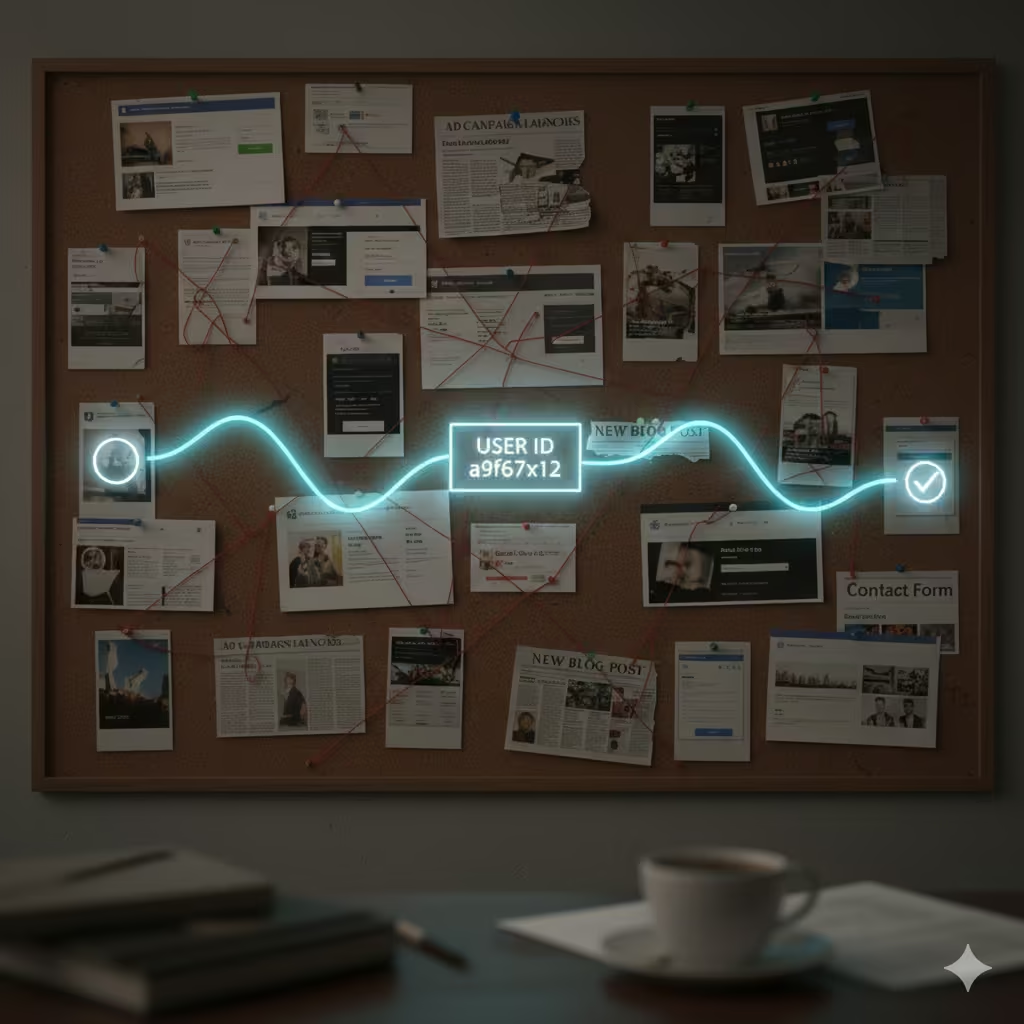 The secret life of the user ID: what it is, why it matters, and when you can’t use itIf you're not using User IDs, do you really know what your website users are doing? Probably not.Read the note
.png) Why move your website from WordPress to Webflow or Astro?Migrations might be a pain, but longer term they're worth it.Read the note
Why move your website from WordPress to Webflow or Astro?Migrations might be a pain, but longer term they're worth it.Read the note
Get the next one in your inbox.
Occasional emails, only when there's something worth reading. You can unsubscribe from any of them.
Ready to get started?
Book in a free video call, a meeting in and around London, or even a running or climbing session.
- A 15-minute callYour goals, your challenges, and whether we're the right fit.
- A 1-hour discovery callWe dig into your numbers. Worth a hundred emails.
- A concrete planAds, a custom build or both, as a one-off project or ongoing.